All Scenarios

1517

Passed Scenarios

1256

Failed Scenarios

44

Skipped Scenarios

217

Execution Time: 413m 21s 163ms

Expand All | Collapse All

In order to use the product
I want to be sure to use a sane environment

Then "server" should have a FQDN 378ms

And reverse resolution should work for "server" 622ms

And the clock from "server" should be exact 690ms

And service "apache2" is enabled on "server" 627ms

And service "apache2" is active on "server" 624ms

And service "cobblerd" is enabled on "server" 618ms

And service "cobblerd" is active on "server" 649ms

And service "rhn-search" is enabled on "server" 626ms

And service "rhn-search" is active on "server" 642ms

And service "salt-api" is enabled on "server" 634ms

And service "salt-api" is active on "server" 623ms

And service "salt-master" is enabled on "server" 618ms

And service "salt-master" is active on "server" 693ms

And service "taskomatic" is enabled on "server" 675ms

And service "taskomatic" is active on "server" 643ms

And socket "tftp" is enabled on "server" 671ms

And socket "tftp" is active on "server" 621ms

And service "tomcat" is enabled on "server" 635ms

And service "tomcat" is active on "server" 627ms

Then "proxy" should have a FQDN 2s 997ms

And reverse resolution should work for "proxy" 320ms

And "proxy" should communicate with the server using public interface 954ms

And the clock from "proxy" should be exact 282ms

Then "sle_minion" should have a FQDN 4s 487ms

And reverse resolution should work for "sle_minion" 416ms

And "sle_minion" should communicate with the server using public interface 1s 82ms

And the clock from "sle_minion" should be exact 434ms

Then "build_host" should have a FQDN 2s 454ms

And reverse resolution should work for "build_host" 230ms

And "build_host" should communicate with the server using public interface 898ms

And the clock from "build_host" should be exact 208ms

Then "ssh_minion" should have a FQDN 4s 882ms

And reverse resolution should work for "ssh_minion" 440ms

And "ssh_minion" should communicate with the server using public interface 1s 85ms

And the clock from "ssh_minion" should be exact 426ms

Then "rhlike_minion" should have a FQDN 1s 973ms

And reverse resolution should work for "rhlike_minion" 185ms

And "rhlike_minion" should communicate with the server using public interface 839ms

And the clock from "rhlike_minion" should be exact 181ms

Then "deblike_minion" should have a FQDN 4s 673ms

And reverse resolution should work for "deblike_minion" 219ms

And "deblike_minion" should communicate with the server using public interface 888ms

And the clock from "deblike_minion" should be exact 221ms

Then it should be possible to reach the test packages 0s

And it should be possible to reach the build sources 0s

And it should be possible to reach the Docker profiles 0s

Then it should be possible to use the HTTP proxy 0s

Then it should be possible to reach the authenticated registry 660ms

Then it should be possible to reach the not authenticated registry 654ms

Then it should be possible to use the custom download endpoint 638ms

In order to use the product
As the admin user
I want to create the organisation, the first users and set the HTTP proxy

When I run "rm -Rf /srv/salt/*" on "server" 686ms

Given I access the host the first time 0s

When I go to the home page 0s

And I enter "SUSE Test" as "orgName" 0s

And I enter "admin" as "login" 0s

And I enter "admin" as "desiredpassword" 0s

And I enter "admin" as "desiredpasswordConfirm" 0s

And I select "Mr." from "prefix" 0s

And I enter "Admin" as "firstNames" 0s

And I enter "Admin" as "lastName" 0s

And I enter "galaxy-noise@localhost" as "email" 0s

And I click on "Create Organization" 0s

Then I am logged in 0s

Given I am authorized for the "Admin" section 39s 885ms

When I wait until mgr-sync refresh is finished 3s 526ms

When I follow the left menu "Users > User List > Active" 201ms

And I follow "Create User" 658ms

And I enter "testing" as "login" 73ms

And I enter "testing" as "desiredpassword" 72ms

And I enter "testing" as "desiredpasswordConfirm" 78ms

And I select "Mr." from "prefix" 52ms

And I enter "Test" as "firstNames" 65ms

And I enter "User" as "lastName" 62ms

And I enter "galaxy-noise@localhost" as "email" 103ms

And I click on "Create Login" 934ms

Then I should see a "Account testing created, login information sent to galaxy-noise@localhost" text 70ms

And I should see a "testing" link 12ms

When I follow the left menu "Users > User List > Active" 80ms

And I follow "testing" 531ms

And I check "role_org_admin" 90ms

And I check "role_system_group_admin" 80ms

And I check "role_channel_admin" 81ms

And I check "role_activation_key_admin" 83ms

And I check "role_config_admin" 82ms

And I click on "Update" 60ms

Then I should see a "User information updated" text 80ms

And I should see a "testing" text 76ms

When I follow the left menu "Admin > Setup Wizard > HTTP Proxy" 0s

Then I should see a "HTTP Proxy Hostname" text 0s

And I should see a "HTTP Proxy Username" text 0s

And I should see a "HTTP Proxy Password" text 0s

When I enter the address of the HTTP proxy as "HTTP Proxy Hostname" 0s

And I enter "suma3" as "HTTP Proxy Username" 0s

And I enter "P4$$w/ord With%and&" as "HTTP Proxy Password" 0s

And I click on "Save and Verify" 0s

Then HTTP proxy verification should have succeeded 0s

* Mon Jan 19 2026 Marek Czernek
- Make syntax in httputil_test compatible with Python 3.6
- Fix KeyError in postgres module with PostgreSQL 17 (bsc#1254325)
- Added:
* fix-tornado-s-httputil_test-syntax-for-python-3.6.patch
* backport-add-maintain-m-privilege-to-postgres-module.patch

* Wed Jan 14 2026 Marek Czernek
- Use internal deb classes instead of external aptsource lib
- Speed up wheel key.finger call (bsc#1240532)
- Add security patches (bsc#1254903,bsc#1254905,bsc#1254904)
- Simplify and speed up utils.find_json function (bsc#1246130)
- Added:
* use-internal-salt.utils.pkg.deb-classes-instead-of-a.patch
* speedup-wheel-key.finger-call-bsc-1240532-713.patch

When I query latest Salt changes on "server" 747ms

In order to test the product using shortcuts
As root user
I want to add pillar data to disable that feature

When I turn off disable_local_repos for all clients 3s 764ms

Given I am authorized for the "Admin" section 0s

When I follow the left menu "Admin > Setup Wizard > Organization Credentials" 0s

And I ask to add new credentials 0s

And I enter the SCC credentials 0s

And I click on "Save" 0s

And I wait until the SCC credentials are valid 0s

In order to set up my personal preferences
As admin
I want to navigate through "Home" submenus changing some settings

Given I am authorized as "admin" with password "admin" 489ms

When I follow the left menu "Home > My Preferences" 72ms

And I select "100" from "pagesize" 73ms

And I click on "Save Preferences" 542ms

Then I should see a "Preferences modified" text 108ms

Given I am authorized as "testing" with password "testing" 2s 543ms

When I follow the left menu "Home > My Preferences" 62ms

And I select "100" from "pagesize" 53ms

And I click on "Save Preferences" 586ms

Then I should see a "Preferences modified" text 100ms

New user kiwikiwi created with roles: image_admin

Given I am authorized for the "Admin" section 2s 173ms

When I create a user with name "kiwikiwi" and password "kiwikiwi" with roles "image_admin" 1s 845ms

New user docker created with roles: image_admin

Given I am authorized for the "Admin" section 461ms

When I create a user with name "docker" and password "docker" with roles "image_admin" 2s 128ms

When I follow the left menu "Images > Stores" 168ms

And I follow "Create" 525ms

And I enter "galaxy-registry" as "label" 109ms

And I enter the URI of the registry as "uri" 170ms

And I click on "create-btn" 140ms

Then I wait until table row contains a "galaxy-registry" text 1s 797ms

And I should see a "Items 1 - 1 of 1" text 64ms

Given I am authorized for the "Admin" section 37s 633ms

When I follow the left menu "Admin > Task Schedules" 151ms

And I follow "mgr-sync-refresh-default" 1s 230ms

And I choose "disabled" 59ms

And I click on "Update Schedule" 1s 600ms

And I click on "Disable Schedule" 1s 674ms

When I follow the left menu "Admin > Task Schedules" 66ms

And I follow "cobbler-sync-default" 1s 280ms

And I choose "disabled" 49ms

And I click on "Update Schedule" 1s 500ms

And I click on "Disable Schedule" 1s 629ms

In order to use software channels
As root user
I want to list available channels and enable them

When I refresh SCC 30s 903ms

And I execute mgr-sync "list channels -e" with user "admin" and password "admin" 2s 334ms

Then I should get "[ ] SLE-Product-SLES15-SP7-Pool for x86_64 SUSE Linux Enterprise Server 15 SP7 x86_64 [sle-product-sles15-sp7-pool-x86_64]" < 1ms

And I should get " [ ] SLE-Product-SLES15-SP7-Updates for x86_64 SUSE Linux Enterprise Server 15 SP7 x86_64 [sle-product-sles15-sp7-updates-x86_64]" < 1ms

And I should get " [ ] SLE15-SP7-Installer-Updates for x86_64 SUSE Linux Enterprise Server 15 SP7 x86_64 [sle15-sp7-installer-updates-x86_64]" < 1ms

When I execute mgr-sync "list channels -e --no-optional" 1s 514ms

Then I should get "[ ] SLE-Product-SLES15-SP7-Pool for x86_64 SUSE Linux Enterprise Server 15 SP7 x86_64 [sle-product-sles15-sp7-pool-x86_64]" < 1ms

And I should get " [ ] SLE-Product-SLES15-SP7-Updates for x86_64 SUSE Linux Enterprise Server 15 SP7 x86_64 [sle-product-sles15-sp7-updates-x86_64]" < 1ms

And I shouldn't get " [ ] SLE15-SP7-Installer-Updates for x86_64 SUSE Linux Enterprise Server 15 SP7 x86_64 [sle15-sp7-installer-updates-x86_64]" < 1ms

When I execute mgr-sync "list products" 1s 472ms

Then I should get "[ ] SUSE Linux Enterprise Server 15 SP7 x86_64" < 1ms

When I execute mgr-sync "list products --expand" 0s

Then I should get "[ ] SUSE Linux Enterprise Server 15 SP7 x86_64" 0s

And I should get " [ ] SUSE Multi-Linux Manager Proxy Extension 5.1 x86_64" 0s

And I should get " [ ] SUSE Multi-Linux Manager Proxy Extension for SLE 5.1 x86_64" 0s

And I should get " [ ] (R) SUSE Multi-Linux Manager Client Tools for SUSE Liberty Linux 7, RHEL and clones 7 x86_64" 0s

And I should get " [ ] (R) SUSE Multi-Linux Manager Client Tools for SLE 15 x86_64" 0s

When I execute mgr-sync "list products --expand --filter x86_64" 1s 459ms

Then I should get "[ ] SUSE Linux Enterprise Server 15 SP7 x86_64" < 1ms

And I shouldn't get "ppc64" < 1ms

And I shouldn't get "s390x" < 1ms

When I remove the mgr-sync cache file 670ms

And I execute mgr-sync refresh 1m 776ms

Then I should get "Timeout. No user input for 60 seconds. Exiting..." < 1ms

When I refresh SCC 28s 441ms

Given I am authorized for the "Admin" section 475ms

When I follow the left menu "Admin > Setup Wizard > Products" 951ms

And I wait until I see "Product Description" text 1s 162ms

Then I should see a "Arch" text 125ms

And I should see a "Channels" text 124ms

And I should not see a "WebYaST 1.3" text 125ms

When I follow the left menu "Admin > Setup Wizard > Products" 73ms

And I wait until I do not see "currently running" text 80ms

And I wait until I do not see "Loading" text 853ms

And I enter "RHEL and Liberty" as the filtered product description 185ms

Then I should see a "RHEL and Liberty 8 Base" text 86ms

When I select "x86_64" from "product-arch-filter" 1s 148ms

Then I should see a "RHEL and Liberty 8 Base" text 89ms

When I follow the left menu "Admin > Setup Wizard > Products" 0s

And I wait until I do not see "currently running" text 0s

And I wait until I do not see "Loading" text 0s

And I enter "SUSE Linux Enterprise Server for SAP Applications 15 x86_64" as the filtered product description 0s

And I click the channel list of product "SUSE Linux Enterprise Server for SAP Applications 15 x86_64" 0s

Then I should see a "Product Channels" text 0s

And I should see a "Mandatory Channels" text 0s

And I should see a "Optional Channels" text 0s

When I close the modal dialog 0s

Given I am authorized for the "Admin" section 0s

When I follow the left menu "Admin > Setup Wizard > Products" 0s

And I wait until I do not see "currently running" text 0s

And I wait until I do not see "Loading" text 0s

And I enter "SUSE Linux Enterprise Server 15 SP7" as the filtered product description 0s

And I wait until I see "SUSE Linux Enterprise Server 15 SP7 x86_64" text 0s

And I open the sub-list of the product "SUSE Linux Enterprise Server 15 SP7 x86_64" 0s

And I open the sub-list of the product "Basesystem Module 15 SP7 x86_64" 0s

And I open the sub-list of the product "Desktop Applications Module 15 SP7 x86_64" 0s

And I open the sub-list of the product "SUSE Multi-Linux Manager Client Tools for SLE 15 x86_64" if present 0s

Then I should see that the "Basesystem Module 15 SP7 x86_64" product is "recommended" 0s

And I should see that the "Server Applications Module 15 SP7 x86_64" product is "recommended" 0s

And I should see that the "SUSE Multi-Linux Manager Client Tools for SLE 15 x86_64" product is "recommended" 0s

When I select "SUSE Linux Enterprise Server 15 SP7 x86_64" as a product 0s

Then I should see the "SUSE Linux Enterprise Server 15 SP7 x86_64" selected 0s

And I should see the "Basesystem Module 15 SP7 x86_64" selected 0s

And I should see the "Server Applications Module 15 SP7 x86_64" selected 0s

And I should see the "SUSE Multi-Linux Manager Client Tools for SLE 15 x86_64" selected 0s

When I select "Desktop Applications Module 15 SP7 x86_64" as a product 0s

And I select "Development Tools Module 15 SP7 x86_64" as a product 0s

Then I should see the "Desktop Applications Module 15 SP7 x86_64" selected 0s

And I should see the "Development Tools Module 15 SP7 x86_64" selected 0s

When I select "Python 3 Module 15 SP7 x86_64" as a product 0s

Then I should see the "Python 3 Module 15 SP7 x86_64" selected 0s

When I select "Containers Module 15 SP7 x86_64" as a product 0s

Then I should see the "Containers Module 15 SP7 x86_64" selected 0s

When I click the Add Product button 0s

And I wait until I see "SUSE Linux Enterprise Server 15 SP7 x86_64" product has been added 0s

Then the SLE15 SP7 product should be added 0s

When I wait until all synchronized channels for "sles15-sp7" have finished 0s

Reposync of channel opensuse_tumbleweed-x86_64 killed
Channel opensuse_tumbleweed-uyuni-client-x86_64 added
Channel opensuse_tumbleweed-uyuni-client-devel-x86_64 added

When I use spacewalk-common-channel to add channel "opensuse_tumbleweed" with arch "x86_64" 7s 713ms

And I kill running spacewalk-repo-sync for "opensuse_tumbleweed-x86_64" channel 1s 382ms

And I use spacewalk-repo-sync to sync channel "opensuse_tumbleweed-x86_64" including only client tools dependencies 2m 54s 195ms

And I use spacewalk-common-channel to add all "tumbleweed-client-tools-x86_64" channels with arch "x86_64" 18s 693ms

Channel opensuse_tumbleweed-x86_64 added
Channel opensuse_tumbleweed-uyuni-client-devel-x86_64 added
Channel uyuni-proxy-devel-tumbleweed-x86_64 added
Channel opensuse_tumbleweed-x86_64 finished reposync
Channel opensuse_tumbleweed-uyuni-client-devel-x86_64 finished reposync
Channel uyuni-proxy-devel-tumbleweed-x86_64 finished reposync
All channels for uyuni-proxy have been fully synced

When I use spacewalk-common-channel to add all "uyuni-proxy" channels with arch "x86_64" 22s 378ms

And I wait until all synchronized channels for "uyuni-proxy" have finished 33s 282ms

Products list: Available Channels: Status: - [I] - channel is installed - [ ] - channel is not installed, but is available - [U] - channel is unavailable [ ] EL9-Pool for x86_64 RHEL and Liberty 9 Base [el9-pool-x86_64] [ ] RHEL7-Pool for x86_64 RHEL7 Base x86_64 [rhel7-pool-x86_64] [ ] RHEL8-Pool for x86_64 RHEL and Liberty 8 Base [rhel8-pool-x86_64] [ ] SLE-Micro-5.3-Pool for x86_64 SUSE Linux Enterprise Micro 5.3 x86_64 [sle-micro-5.3-pool-x86_64] [ ] SLE-Product-SLED15-SP4-Pool for x86_64 SUSE Linux Enterprise Desktop 15 SP4 x86_64 [sle-product-sled15-sp4-pool-x86_64] [ ] SLE-Product-SLES15-SP4-Pool for x86_64 SUSE Linux Enterprise Server 15 SP4 x86_64 [sle-product-sles15-sp4-pool-x86_64] [ ] SLE-Product-SLES15-SP5-Pool for x86_64 SUSE Linux Enterprise Server 15 SP5 x86_64 [sle-product-sles15-sp5-pool-x86_64] [ ] SLE-Product-SLES15-SP6-Pool for x86_64 SUSE Linux Enterprise Server 15 SP6 x86_64 [sle-product-sles15-sp6-pool-x86_64] [I] SLE-Product-SLES15-SP7-Pool for x86_64 SUSE Linux Enterprise Server 15 SP7 x86_64 [sle-product-sles15-sp7-pool-x86_64] [I] SLE-Module-Basesystem15-SP7-Pool for x86_64 Basesystem Module 15 SP7 x86_64 [sle-module-basesystem15-sp7-pool-x86_64] [I] SLE-Module-Basesystem15-SP7-Updates for x86_64 Basesystem Module 15 SP7 x86_64 [sle-module-basesystem15-sp7-updates-x86_64] [ ] SLE-Module-Containers15-SP7-Pool for x86_64 Containers Module 15 SP7 x86_64 [sle-module-containers15-sp7-pool-x86_64] [ ] SLE-Module-Containers15-SP7-Updates for x86_64 Containers Module 15 SP7 x86_64 [sle-module-containers15-sp7-updates-x86_64] [I] SLE-Module-Desktop-Applications15-SP7-Pool for x86_64 Desktop Applications Module 15 SP7 x86_64 [sle-module-desktop-applications15-sp7-pool-x86_64] [I] SLE-Module-Desktop-Applications15-SP7-Updates for x86_64 Desktop Applications Module 15 SP7 x86_64 [sle-module-desktop-applications15-sp7-updates-x86_64] [I] SLE-Module-DevTools15-SP7-Pool for x86_64 Development Tools Module 15 SP7 x86_64 [sle-module-devtools15-sp7-pool-x86_64] [I] SLE-Module-DevTools15-SP7-Updates for x86_64 Development Tools Module 15 SP7 x86_64 [sle-module-devtools15-sp7-updates-x86_64] [ ] SLE-Module-Live-Patching15-SP7-Pool for x86_64 SUSE Linux Enterprise Live Patching 15 SP7 x86_64 [sle-module-live-patching15-sp7-pool-x86_64] [ ] SLE-Module-Live-Patching15-SP7-Updates for x86_64 SUSE Linux Enterprise Live Patching 15 SP7 x86_64 [sle-module-live-patching15-sp7-updates-x86_64] [ ] SLE-Module-Public-Cloud15-SP7-Pool for x86_64 Public Cloud Module 15 SP7 x86_64 [sle-module-public-cloud15-sp7-pool-x86_64] [ ] SLE-Module-Public-Cloud15-SP7-Updates for x86_64 Public Cloud Module 15 SP7 x86_64 [sle-module-public-cloud15-sp7-updates-x86_64] [I] SLE-Module-Python3-15-SP7-Pool for x86_64 Python 3 Module 15 SP7 x86_64 [sle-module-python3-15-sp7-pool-x86_64] [I] SLE-Module-Python3-15-SP7-Updates for x86_64 Python 3 Module 15 SP7 x86_64 [sle-module-python3-15-sp7-updates-x86_64] [I] SLE-Module-Server-Applications15-SP7-Pool for x86_64 Server Applications Module 15 SP7 x86_64 [sle-module-server-applications15-sp7-pool-x86_64] [I] SLE-Module-Server-Applications15-SP7-Updates for x86_64 Server Applications Module 15 SP7 x86_64 [sle-module-server-applications15-sp7-updates-x86_64] [I] SLE-Module-Systems-Management-15-SP7-Pool for x86_64 Systems Management Module 15 SP7 x86_64 [sle-module-systems-management-15-sp7-pool-x86_64] [I] SLE-Module-Systems-Management-15-SP7-Updates for x86_64 Systems Management Module 15 SP7 x86_64 [sle-module-systems-management-15-sp7-updates-x86_64] [ ] SLE-Module-Web-Scripting15-SP7-Pool for x86_64 Web and Scripting Module 15 SP7 x86_64 [sle-module-web-scripting15-sp7-pool-x86_64] [ ] SLE-Module-Web-Scripting15-SP7-Updates for x86_64 Web and Scripting Module 15 SP7 x86_64 [sle-module-web-scripting15-sp7-updates-x86_64] [I] SLE-Product-SLES15-SP7-Updates for x86_64 SUSE Linux Enterprise Server 15 SP7 x86_64 [sle-product-sles15-sp7-updates-x86_64] [I] SLE15-SP7-Installer-Updates for x86_64 SUSE Linux Enterprise Server 15 SP7 x86_64 [sle15-sp7-installer-updates-x86_64] [ ] SUSE-MicroOS-5.2-Pool for x86_64 SUSE Linux Enterprise Micro 5.2 x86_64 [suse-microos-5.2-pool-x86_64]
Channel sles15-sp7-devel-uyuni-client-x86_64 finished reposync
1 minutes out of 102 waiting for 'sles15-sp7' channels to finish reposync
Channel sle-product-sles15-sp7-pool-x86_64 finished reposync
Channel sle-product-sles15-sp7-updates-x86_64 finished reposync
Channel sle15-sp7-installer-updates-x86_64 finished reposync
2 minutes out of 102 waiting for 'sles15-sp7' channels to finish reposync
3 minutes out of 102 waiting for 'sles15-sp7' channels to finish reposync
4 minutes out of 102 waiting for 'sles15-sp7' channels to finish reposync
5 minutes out of 102 waiting for 'sles15-sp7' channels to finish reposync
6 minutes out of 102 waiting for 'sles15-sp7' channels to finish reposync
7 minutes out of 102 waiting for 'sles15-sp7' channels to finish reposync
8 minutes out of 102 waiting for 'sles15-sp7' channels to finish reposync
9 minutes out of 102 waiting for 'sles15-sp7' channels to finish reposync
10 minutes out of 102 waiting for 'sles15-sp7' channels to finish reposync
Channel sle-module-basesystem15-sp7-updates-x86_64 finished reposync
11 minutes out of 102 waiting for 'sles15-sp7' channels to finish reposync
12 minutes out of 102 waiting for 'sles15-sp7' channels to finish reposync
13 minutes out of 102 waiting for 'sles15-sp7' channels to finish reposync
14 minutes out of 102 waiting for 'sles15-sp7' channels to finish reposync
Channel sle-module-basesystem15-sp7-pool-x86_64 finished reposync
15 minutes out of 102 waiting for 'sles15-sp7' channels to finish reposync
Channel sle-module-server-applications15-sp7-updates-x86_64 finished reposync
Channel sle-module-python3-15-sp7-updates-x86_64 finished reposync
Channel sle-module-server-applications15-sp7-pool-x86_64 finished reposync
Channel sle-module-python3-15-sp7-pool-x86_64 finished reposync
16 minutes out of 102 waiting for 'sles15-sp7' channels to finish reposync
Channel sle-module-systems-management-15-sp7-pool-x86_64 finished reposync
Channel sle-module-systems-management-15-sp7-updates-x86_64 finished reposync
17 minutes out of 102 waiting for 'sles15-sp7' channels to finish reposync
Channel sle-module-desktop-applications15-sp7-updates-x86_64 finished reposync
18 minutes out of 102 waiting for 'sles15-sp7' channels to finish reposync
19 minutes out of 102 waiting for 'sles15-sp7' channels to finish reposync
20 minutes out of 102 waiting for 'sles15-sp7' channels to finish reposync
21 minutes out of 102 waiting for 'sles15-sp7' channels to finish reposync
22 minutes out of 102 waiting for 'sles15-sp7' channels to finish reposync
23 minutes out of 102 waiting for 'sles15-sp7' channels to finish reposync
24 minutes out of 102 waiting for 'sles15-sp7' channels to finish reposync
Channel sle-module-desktop-applications15-sp7-pool-x86_64 finished reposync
25 minutes out of 102 waiting for 'sles15-sp7' channels to finish reposync
26 minutes out of 102 waiting for 'sles15-sp7' channels to finish reposync
27 minutes out of 102 waiting for 'sles15-sp7' channels to finish reposync
28 minutes out of 102 waiting for 'sles15-sp7' channels to finish reposync
29 minutes out of 102 waiting for 'sles15-sp7' channels to finish reposync
30 minutes out of 102 waiting for 'sles15-sp7' channels to finish reposync
31 minutes out of 102 waiting for 'sles15-sp7' channels to finish reposync
32 minutes out of 102 waiting for 'sles15-sp7' channels to finish reposync
33 minutes out of 102 waiting for 'sles15-sp7' channels to finish reposync
Channel sle-module-devtools15-sp7-updates-x86_64 finished reposync
34 minutes out of 102 waiting for 'sles15-sp7' channels to finish reposync
Channel sle-module-devtools15-sp7-pool-x86_64 finished reposync
All channels for sles15-sp7 have been fully synced

Given I am authorized for the "Admin" section 469ms

When I follow the left menu "Admin > Setup Wizard > Products" 971ms

And I wait until I do not see "currently running" text 84ms

And I wait until I do not see "Loading" text 680ms

And I enter "SUSE Linux Enterprise Server 15 SP7 x86_64" as the filtered product description 138ms

And I select "SUSE Linux Enterprise Server 15 SP7 x86_64" as a product 72ms

Then I should see the "SUSE Linux Enterprise Server 15 SP7 x86_64" selected 31ms

When I open the sub-list of the product "SUSE Linux Enterprise Server 15 SP7 x86_64" 61ms

And I open the sub-list of the product "Basesystem Module 15 SP7 x86_64" 59ms

And I select "Desktop Applications Module 15 SP7 x86_64" as a product 69ms

Then I should see the "Desktop Applications Module 15 SP7 x86_64" selected 27ms

When I open the sub-list of the product "Desktop Applications Module 15 SP7 x86_64" 54ms

And I select "Development Tools Module 15 SP7 x86_64" as a product 67ms

Then I should see the "Development Tools Module 15 SP7 x86_64" selected 24ms

When I click the Add Product button 58ms

And I wait until I see "Selected channels/products were scheduled successfully for syncing." text 7s 502ms

Then the SLE15 SP7 product should be added 2s 943ms

When I use spacewalk-common-channel to add channel "sles15-sp7-devel-uyuni-client" with arch "x86_64" 8s 841ms

And I wait until I see "SUSE Linux Enterprise Server 15 SP7 x86_64" product has been added 12ms

And I wait until all synchronized channels for "sles15-sp7" have finished 49m 4s 662ms

@proxy @susemanager @transactional_server
Scenario:
Add SL Micro 6.1 as base OS for proxy
< 1ms 13

Given I am authorized for the "Admin" section 0s

When I follow the left menu "Admin > Setup Wizard > Products" 0s

And I wait until I do not see "currently running" text 0s

And I wait until I do not see "Loading" text 0s

And I enter "SUSE Linux Micro 6.1" as the filtered product description 0s

And I select "SUSE Linux Micro 6.1 x86_64" as a product 0s

Then I should see the "SUSE Linux Micro 6.1 x86_64" selected 0s

When I open the sub-list of the product "SUSE Linux Micro 6.1 x86_64" 0s

And I open the sub-list of the product "SUSE Multi-Linux Manager Client Tools for SL Micro 6 x86_64" if present 0s

And I click the Add Product button 0s

And I wait until I see "Selected channels/products were scheduled successfully for syncing." text 0s

And I wait until I see "SUSE Linux Micro 6.1 x86_64" product has been added 0s

And I wait until all synchronized channels for "sl-micro-6.1" have finished 0s

@proxy @susemanager @skip_if_transactional_server
Scenario:
Add SLES 15 SP7 as base OS for proxy
< 1ms 11

Given I am authorized for the "Admin" section 0s

When I follow the left menu "Admin > Setup Wizard > Products" 0s

And I wait until I do not see "currently running" text 0s

And I wait until I do not see "Loading" text 0s

And I enter "SUSE Linux Enterprise Server 15 SP7" as the filtered product description 0s

And I select "SUSE Linux Enterprise Server 15 SP7 (BETA)" as a product 0s

Then I should see the "SUSE Linux Enterprise Server 15 SP7 (BETA)" selected 0s

When I click the Add Product button 0s

And I wait until I see "Selected channels/products were scheduled successfully for syncing." text 0s

And I wait until I see "SUSE Linux Enterprise Server 15 SP7 (BETA)" product has been added 0s

And I wait until all synchronized channels for "sles15-sp7" have finished 0s

Given I am authorized for the "Admin" section 0s

When I follow the left menu "Admin > Setup Wizard > Products" 0s

And I wait until I do not see "currently running" text 0s

And I wait until I do not see "Loading" text 0s

And I enter "SUSE Linux Micro 6.1" as the filtered product description 0s

When I open the sub-list of the product "SUSE Linux Micro 6.1 x86_64" 0s

And I select "SUSE Linux Micro 6.1 x86_64" as a product 0s

And I select "SUSE Multi-Linux Manager Proxy Extension 5.1 x86_64" as a product 0s

Then I should see the "SUSE Multi-Linux Manager Proxy Extension 5.1 x86_64" selected 0s

When I click the Add Product button 0s

And I wait until I see "Selected channels/products were scheduled successfully for syncing." text 0s

And I wait until I see "SUSE Multi-Linux Manager Proxy Extension 5.1 x86_64" product has been added 0s

And I wait until all synchronized channels for "suse-multi-linux-manager-proxy-51" have finished 0s

Given I am authorized for the "Admin" section 0s

When I follow the left menu "Admin > Setup Wizard > Products" 0s

And I wait until I do not see "currently running" text 0s

And I wait until I do not see "Loading" text 0s

And I enter "SUSE Linux Enterprise Server 15 SP7" as the filtered product description 0s

When I open the sub-list of the product "SUSE Linux Enterprise Server 15 SP7 x86_64" 0s

And I select "SUSE Multi-Linux Manager Proxy Extension 5.1 x86_64" as a product 0s

Then I should see the "SUSE Multi-Linux Manager Proxy Extension 5.1 x86_64" selected 0s

When I click the Add Product button 0s

And I wait until I see "Selected channels/products were scheduled successfully for syncing." text 0s

And I wait until I see "SUSE Multi-Linux Manager Proxy Extension 5.1 x86_64" product has been added 0s

And I wait until all synchronized channels for "suse-multi-linux-manager-proxy-51-sp7" have finished 0s

Given I am authorized for the "Admin" section 0s

When I follow the left menu "Admin > Setup Wizard > Products" 0s

And I wait until I do not see "currently running" text 0s

And I wait until I do not see "Loading" text 0s

And I enter "SUSE Linux Micro 6.1" as the filtered product description 0s

When I open the sub-list of the product "SUSE Linux Micro 6.1 x86_64" 0s

And I select "SUSE Linux Micro 6.1 x86_64" as a product 0s

And I select "SUSE Multi-Linux Manager Retail Branch Server Extension 5.1 x86_64" as a product 0s

Then I should see the "SUSE Multi-Linux Manager Retail Branch Server Extension 5.1 x86_64" selected 0s

When I click the Add Product button 0s

And I wait until I see "Selected channels/products were scheduled successfully for syncing." text 0s

And I wait until I see "SUSE Multi-Linux Manager Retail Branch Server Extension 5.1 x86_64" product has been added 0s

And I wait until all synchronized channels for "suse-multi-linux-manager-retail-branch-server-51" have finished 0s

Given I am authorized for the "Admin" section 0s

When I follow the left menu "Admin > Setup Wizard > Products" 0s

And I wait until I do not see "currently running" text 0s

And I wait until I do not see "Loading" text 0s

And I enter "SUSE Linux Enterprise Server 15 SP7" as the filtered product description 0s

When I open the sub-list of the product "SUSE Linux Enterprise Server 15 SP7 x86_64" 0s

And I select "SUSE Multi-Linux Manager Retail Branch Server Extension 5.1 x86_64" as a product 0s

Then I should see the "SUSE Multi-Linux Manager Retail Branch Server Extension 5.1 x86_64" selected 0s

When I click the Add Product button 0s

And I wait until I see "Selected channels/products were scheduled successfully for syncing." text 0s

And I wait until I see "SUSE Multi-Linux Manager Retail Branch Server Extension 5.1 x86_64" product has been added 0s

And I wait until all synchronized channels for "suma-retail-branch-server-extension-51-sp7" have finished 0s

When I execute mgr-sync "list channels" with user "admin" and password "admin" 0s

And I should get " [I] SLE15-SP7-Installer-Updates for x86_64 SUSE Linux Enterprise Server 15 SP7 x86_64 [sle15-sp7-installer-updates-x86_64]" 0s

@scc_credentials @skip_if_github_validation
Scenario:
Detect product loading issues from the UI
43s 942ms 7

Given I am authorized for the "Admin" section 982ms

When I follow the left menu "Admin > Setup Wizard > Products" 818ms

And I wait until I see "Setup Wizard" text 85ms

And I wait until I do not see "Loading" text 768ms

Then I should not see a "Operation not successful" text 125ms

And I select "250" from "pageSize" 1s 129ms

And I should only see success signs in the product list 40s 33ms

When I report the synchronization duration for "sles15-sp7" < 1ms

In Order to distribute software to the clients
As an authorized user
I want to create fake channels for each distribution

Given I am authorized for the "Admin" section 496ms

When I follow the left menu "Software > Manage > Channels" 213ms

And I follow "Create Channel" 338ms

And I enter "Fake-Base-Channel-SUSE-like" as "Channel Name" 133ms

And I enter "fake-base-channel-suse-like" as "Channel Label" 114ms

And I select "None" from "Parent Channel" 64ms

And I select "x86_64" from "Architecture:" 50ms

And I enter "Base channel for testing" as "Channel Summary" 109ms

And I enter "No more description for base channel." as "Channel Description" 135ms

And I click on "Create Channel" 646ms

Then I should see a "Channel Fake-Base-Channel-SUSE-like created." text 81ms

When I follow the left menu "Software > Manage > Channels" 79ms

And I follow "Create Channel" 324ms

And I enter "Fake-Child-Channel-SUSE-like" as "Channel Name" 116ms

And I enter "fake-child-channel-suse-like" as "Channel Label" 116ms

And I select "Fake-Base-Channel-SUSE-like" from "Parent Channel" 73ms

And I select "x86_64" from "Architecture:" 39ms

And I enter "Child channel for testing" as "Channel Summary" 108ms

And I enter "Description for Fake Child Channel SUSE like." as "Channel Description" 145ms

And I click on "Create Channel" 568ms

Then I should see a "Channel Fake-Child-Channel-SUSE-like created." text 75ms

When I follow the left menu "Software > Manage > Channels" 78ms

And I follow "Create Channel" 316ms

And I enter "Fake-RPM-SUSE-Channel" as "Channel Name" 101ms

And I enter "fake-rpm-suse-channel" as "Channel Label" 99ms

And I select the parent channel for the "sle_minion" from "Parent Channel" 55ms

And I select "x86_64" from "Architecture:" 39ms

And I enter "Fake-RPM-SUSE-Channel for testing" as "Channel Summary" 122ms

And I enter "Description for Fake-RPM-SUSE-Channel Child Channel." as "Channel Description" 153ms

And I click on "Create Channel" 562ms

Then I should see a "Channel Fake-RPM-SUSE-Channel created." text 75ms

When I follow the left menu "Software > Manage > Channels" 77ms

And I follow "Create Channel" 345ms

And I enter "Fake-Base-Channel-i586" as "Channel Name" 98ms

And I enter "fake-base-channel-i586" as "Channel Label" 99ms

And I select "None" from "Parent Channel" 45ms

And I select "IA-32" from "Architecture:" 61ms

And I enter "Fake-Base-Channel-i586 channel for testing" as "Channel Summary" 139ms

And I enter "No more description for base channel." as "Channel Description" 120ms

And I click on "Create Channel" 60ms

Then I should see a "Channel Fake-Base-Channel-i586 created." text 77ms

When I follow the left menu "Software > Manage > Channels" 80ms

And I follow "Create Channel" 344ms

And I enter "Fake-Child-Channel-i586" as "Channel Name" 103ms

And I enter "fake-child-channel-i586" as "Channel Label" 100ms

And I select "Fake-Base-Channel-i586" from "Parent Channel" 70ms

And I select "IA-32" from "Architecture:" 39ms

And I enter "Fake Child Channel i586 for testing" as "Channel Summary" 124ms

And I enter "Description for Fake Child Channel i586." as "Channel Description" 128ms

And I click on "Create Channel" 71ms

Then I should see a "Channel Fake-Child-Channel-i586 created." text 80ms

When I follow the left menu "Software > Manage > Channels" 77ms

And I follow "Create Channel" 329ms

And I enter "Test-Base-Channel-x86_64" as "Channel Name" 103ms

And I enter "test-base-channel-x86_64" as "Channel Label" 105ms

And I select "None" from "Parent Channel" 45ms

And I select "x86_64" from "Architecture:" 39ms

And I enter "Test-Base-Channel-x86_64 channel for testing" as "Channel Summary" 139ms

And I enter "No more description for base channel." as "Channel Description" 121ms

And I click on "Create Channel" 60ms

Then I should see a "Channel Test-Base-Channel-x86_64 created." text 79ms

When I follow the left menu "Software > Manage > Channels" 77ms

And I follow "Create Channel" 251ms

And I enter "Test-Child-Channel-x86_64" as "Channel Name" 107ms

And I enter "test-child-channel-x86_64" as "Channel Label" 104ms

And I select "Test-Base-Channel-x86_64" from "Parent Channel" 67ms

And I select "x86_64" from "Architecture:" 42ms

And I enter "Test-Child-Channel-x86_64 channel for testing" as "Channel Summary" 140ms

And I enter "Description for Test-Child-Channel-x86_64 Channel." as "Channel Description" 148ms

And I click on "Create Channel" 60ms

Then I should see a "Channel Test-Child-Channel-x86_64 created." text 77ms

When I follow the left menu "Software > Manage > Channels" 0s

And I follow "Create Channel" 0s

And I enter "Fake-RPM-Terminal-Channel" as "Channel Name" 0s

And I enter "fake-rpm-terminal-channel" as "Channel Label" 0s

And I select the parent channel for the "pxeboot_minion" from "Parent Channel" 0s

And I select "x86_64" from "Architecture:" 0s

And I enter "Fake-RPM-Terminal-Channel for testing" as "Channel Summary" 0s

And I enter "Description for Fake-RPM-Terminal-Channel Child Channel." as "Channel Description" 0s

And I click on "Create Channel" 0s

Then I should see a "Channel Fake-RPM-Terminal-Channel created." text 0s

When I follow the left menu "Software > Manage > Channels" 78ms

And I follow "Create Channel" 344ms

And I enter "Fake-Base-Channel-Debian-like" as "Channel Name" 117ms

And I enter "fake-base-channel-debian-like" as "Channel Label" 113ms

And I select "None" from "Parent Channel" 44ms

And I select "AMD64 Debian" from "Architecture:" 63ms

And I enter "Fake-Base-Channel-Debian-like for testing" as "Channel Summary" 135ms

And I enter "No more description for base channel." as "Channel Description" 120ms

And I uncheck "gpg_check" 10s 90ms

And I click on "Create Channel" 67ms

Then I should see a "Channel Fake-Base-Channel-Debian-like created." text 79ms

When I follow the left menu "Software > Manage > Channels" 79ms

And I follow "Create Channel" 342ms

And I enter "Fake-Base-Channel-RH-like" as "Channel Name" 110ms

And I enter "fake-base-channel-rh-like" as "Channel Label" 107ms

And I select "None" from "Parent Channel" 48ms

And I select "x86_64" from "Architecture:" 39ms

And I enter "Fake-Base-Channel-RH-like for testing" as "Channel Summary" 131ms

And I enter "No more description for base channel." as "Channel Description" 132ms

And I click on "Create Channel" 530ms

Then I should see a "Channel Fake-Base-Channel-RH-like created." text 75ms

When I follow the left menu "Software > Manage > Channels" 82ms

And I follow "Create Channel" 371ms

And I enter "Fake-Base-Channel-AppStream" as "Channel Name" 110ms

And I enter "fake-base-channel-appstream" as "Channel Label" 111ms

And I select "None" from "Parent Channel" 45ms

And I select "x86_64" from "Architecture:" 38ms

And I enter "Fake-Base-Channel-AppStream for testing" as "Channel Summary" 129ms

And I enter "Description for Fake-Base-Channel-AppStream." as "Channel Description" 134ms

And I click on "Create Channel" 510ms

Then I should see a "Channel Fake-Base-Channel-AppStream created." text 78ms

In order to distribute software to the clients
As an authorized user
I want to create a fake repository per fake child channel

Given I am authorized for the "Admin" section 521ms

When I follow the left menu "Software > Manage > Repositories" 195ms

And I follow "Create Repository" 329ms

And I enter "fake-rpm-repo" as "label" 63ms

And I enter "http://localhost/pub/TestRepoRpmUpdates/" as "url" 93ms

And I click on "Create Repository" 485ms

Then I should see a "Repository created successfully" text 66ms

And I should see "metadataSigned" as checked 21ms

When I follow the left menu "Software > Manage > Repositories" 81ms

And I follow "fake-rpm-repo" 310ms

And I uncheck "metadataSigned" 10s 64ms

And I click on "Update Repository" 469ms

Then I should see a "Repository updated successfully" text 64ms

And I should see "metadataSigned" as unchecked 17ms

When I follow the left menu "Software > Manage > Repositories" 79ms

And I follow "Create Repository" 299ms

And I enter "fake-appstream-repo" as "label" 66ms

And I enter "http://localhost/pub/TestRepoAppStream/" as "url" 85ms

And I click on "Create Repository" 477ms

Then I should see a "Repository created successfully" text 64ms

And I should see "metadataSigned" as checked 16ms

When I follow the left menu "Software > Manage > Repositories" 74ms

And I follow "fake-appstream-repo" 344ms

And I uncheck "metadataSigned" 10s 77ms

And I click on "Update Repository" 460ms

Then I should see a "Repository updated successfully" text 65ms

And I should see "metadataSigned" as unchecked 17ms

When I follow the left menu "Software > Manage > Channels" 82ms

And I follow "Fake-RPM-SUSE-Channel" 382ms

And I enter "file:///etc/pki/rpm-gpg/uyuni-tools-gpg-pubkey-0d20833e.key" as "GPG key URL" 184ms

And I click on "Update Channel" 595ms

Then I should see a "Channel Fake-RPM-SUSE-Channel updated" text 78ms

When I follow "Repositories" in the content area 77ms

And I select the "fake-rpm-repo" repo 59ms

And I click on "Save Repositories" 594ms

Then I should see a "Fake-RPM-SUSE-Channel repository information was successfully updated" text 74ms

When I follow the left menu "Software > Manage > Channels" 72ms

And I follow "Test-Child-Channel-x86_64" 368ms

And I enter "file:///etc/pki/rpm-gpg/uyuni-tools-gpg-pubkey-0d20833e.key" as "GPG key URL" 175ms

And I click on "Update Channel" 59ms

Then I should see a "Channel Test-Child-Channel-x86_64 updated" text 78ms

When I follow "Repositories" in the content area 68ms

And I select the "fake-rpm-repo" repo 55ms

And I click on "Save Repositories" 1s 238ms

Then I should see a "Test-Child-Channel-x86_64 repository information was successfully updated" text 74ms

When I follow the left menu "Software > Manage > Channels" 76ms

And I follow "Fake-Base-Channel-RH-like" 449ms

And I enter "file:///etc/pki/rpm-gpg/uyuni-tools-gpg-pubkey-0d20833e.key" as "GPG key URL" 185ms

And I click on "Update Channel" 559ms

Then I should see a "Channel Fake-Base-Channel-RH-like updated" text 76ms

When I follow "Repositories" in the content area 66ms

And I select the "fake-rpm-repo" repo 55ms

And I click on "Save Repositories" 1s 232ms

Then I should see a "Fake-Base-Channel-RH-like repository information was successfully updated" text 75ms

When I follow the left menu "Software > Manage > Channels" 76ms

And I follow "Fake-Base-Channel-AppStream" 351ms

And I enter "file:///etc/pki/rpm-gpg/uyuni-tools-gpg-pubkey-0d20833e.key" as "GPG key URL" 180ms

And I click on "Update Channel" 574ms

Then I should see a "Channel Fake-Base-Channel-AppStream updated" text 77ms

When I follow "Repositories" in the content area 67ms

And I select the "fake-appstream-repo" repo 59ms

And I click on "Save Repositories" 1s 61ms

Then I should see a "Fake-Base-Channel-AppStream repository information was successfully updated" text 72ms

When I follow the left menu "Software > Manage > Repositories" 80ms

And I follow "Create Repository" 244ms

And I enter "fake-i586-repo" as "label" 62ms

And I enter "file:///srv/www/htdocs/pub/TestRepoRpmUpdates/" as "url" 113ms

And I uncheck "metadataSigned" 10s 68ms

And I click on "Create Repository" 455ms

Then I should see a "Repository created successfully" text 63ms

When I follow the left menu "Software > Manage > Channels" 79ms

And I follow "Fake-Child-Channel-i586" 391ms

And I enter "file:///etc/pki/rpm-gpg/uyuni-tools-gpg-pubkey-0d20833e.key" as "GPG key URL" 181ms

And I click on "Update Channel" 530ms

Then I should see a "Channel Fake-Child-Channel-i586 updated" text 78ms

When I follow "Repositories" in the content area 65ms

And I select the "fake-i586-repo" repo 59ms

And I click on "Save Repositories" 506ms

Then I should see a "Fake-Child-Channel-i586 repository information was successfully updated" text 77ms

When I follow the left menu "Software > Manage > Channels" 75ms

And I follow "Fake-Child-Channel-SUSE-like" 356ms

And I follow "Repositories" in the content area 65ms

And I select the "fake-rpm-repo" repo 60ms

And I click on "Save Repositories" 1s 90ms

Then I should see a "Fake-Child-Channel-SUSE-like repository information was successfully updated" text 75ms

When I follow the left menu "Software > Manage > Repositories" 81ms

And I follow "Create Repository" 328ms

And I enter "fake-debian-repo" as "label" 68ms

And I select "deb" from "contenttype" 71ms

And I enter "http://localhost/pub/TestRepoDebUpdates/" as "url" 90ms

And I click on "Create Repository" 455ms

Then I should see a "Repository created successfully" text 71ms

When I follow the left menu "Software > Manage > Channels" 76ms

And I follow "Fake-Base-Channel-Debian-like" 382ms

And I follow "Repositories" in the content area 63ms

And I select the "fake-debian-repo" repo 58ms

And I click on "Save Repositories" 666ms

Then I should see a "Fake-Base-Channel-Debian-like repository information was successfully updated" text 76ms

When I follow the left menu "Software > Manage > Channels" 0s

And I follow "Fake-RPM-Terminal-Channel" 0s

And I enter "file:///etc/pki/rpm-gpg/uyuni-tools-gpg-pubkey-0d20833e.key" as "GPG key URL" 0s

And I click on "Update Channel" 0s

Then I should see a "Channel Fake-RPM-Terminal-Channel updated" text 0s

When I follow "Repositories" in the content area 0s

And I select the "fake-rpm-repo" repo 0s

And I click on "Save Repositories" 0s

Then I should see a "Fake-RPM-Terminal-Channel repository information was successfully updated" text 0s

In Order to use product packages in development to the clients
As an authorized user
I want to create custom channels for each distribution

Given I am authorized for the "Admin" section 504ms

When I follow the left menu "Software > Manage > Channels" 184ms

And I follow "Create Channel" 293ms

And I enter "Devel-SUSE-Channel" as "Channel Name" 103ms

And I enter "devel-suse-channel" as "Channel Label" 97ms

And I select the parent channel for the "sle_minion" from "Parent Channel" 62ms

And I select "x86_64" from "Architecture:" 54ms

And I enter "Devel-SUSE-Channel for development repositories" as "Channel Summary" 153ms

And I enter "Channel containing development repositories" as "Channel Description" 137ms

And I click on "Create Channel" 577ms

Then I should see a "Channel Devel-SUSE-Channel created." text 77ms

When I prepare the development repositories of "sle_minion" as part of "devel-suse-channel" channel 6s 454ms

When I follow the left menu "Software > Manage > Channels" 75ms

And I follow "Create Channel" 263ms

And I enter "Devel-Build-Host-Channel" as "Channel Name" 103ms

And I enter "devel-build-host-channel" as "Channel Label" 102ms

And I select the parent channel for the "build_host" from "Parent Channel" 99ms

And I select "x86_64" from "Architecture:" 38ms

And I enter "Devel-Build-Host-Channel for development repositories" as "Channel Summary" 160ms

And I enter "Channel containing development repositories" as "Channel Description" 132ms

And I click on "Create Channel" 580ms

Then I should see a "Channel Devel-Build-Host-Channel created." text 77ms

When I prepare the development repositories of "build_host" as part of "devel-build-host-channel" channel 4s 48ms

When I follow the left menu "Software > Manage > Channels" 77ms

And I follow "Create Channel" 269ms

And I enter "Devel-Debian-like-Channel" as "Channel Name" 108ms

And I enter "devel-debian-like-channel" as "Channel Label" 105ms

And I select "Fake-Base-Channel-Debian-like" from "Parent Channel" 70ms

And I select "AMD64 Debian" from "Architecture:" 47ms

And I enter "Devel-Debian-like-Channel for development repositories" as "Channel Summary" 165ms

And I enter "Channel containing development repositories" as "Channel Description" 132ms

And I click on "Create Channel" 721ms

Then I should see a "Channel Devel-Debian-like-Channel created." text 77ms

When I prepare the development repositories of "deblike_minion" as part of "devel-debian-like-channel" channel 7s 262ms

When I follow the left menu "Software > Manage > Channels" 76ms

And I follow "Create Channel" 376ms

And I enter "Devel-RH-like-Channel" as "Channel Name" 103ms

And I enter "devel-rh-like-channel" as "Channel Label" 101ms

And I select "Fake-Base-Channel-RH-like" from "Parent Channel" 68ms

And I select "x86_64" from "Architecture:" 40ms

And I enter "Devel-RH-like-Channel for development repositories" as "Channel Summary" 171ms

And I enter "Channel containing development repositories" as "Channel Description" 130ms

And I click on "Create Channel" 552ms

Then I should see a "Channel Devel-RH-like-Channel created." text 81ms

When I prepare the development repositories of "rhlike_minion" as part of "devel-rh-like-channel" channel 4s 373ms

In order to use the content provided inside the repositories of the fake channels
As admin
I want to synchronize the fake channels

Given I am authorized for the "Admin" section 689ms

And I enable source package syncing 1s 476ms

Given I am authorized for the "Admin" section 445ms

When I follow the left menu "Software > Manage > Channels" 167ms

And I follow "Fake-RPM-SUSE-Channel" 380ms

And I follow "Repositories" in the content area 65ms

And I follow "Sync" 363ms

And I wait at most 60 seconds until I do not see "Repository sync is running." text, refreshing the page 67ms

And I click on "Sync Now" 1s 800ms

Then I should see a "Repository sync scheduled for Fake-RPM-SUSE-Channel." text 71ms

And I wait until the channel "fake-rpm-suse-channel" has been synced 415ms

Then "orion-dummy-1.1-1.1.x86_64.rpm" package should have been stored 4s 109ms

And solver file for "fake-rpm-suse-channel" should reference "orion-dummy-1.1-1.1.x86_64.rpm" 655ms

Given I am authorized for the "Admin" section 446ms

When I follow the left menu "Software > Manage > Channels" 165ms

And I follow "Fake-Child-Channel-i586" 401ms

And I follow "Repositories" in the content area 63ms

And I follow "Sync" 262ms

And I wait at most 60 seconds until I do not see "Repository sync is running." text, refreshing the page 71ms

And I click on "Sync Now" 1s 857ms

Then I should see a "Repository sync scheduled for Fake-Child-Channel-i586." text 68ms

And I wait until the channel "fake-child-channel-i586" has been synced 479ms

Given I am authorized for the "Admin" section 468ms

When I follow the left menu "Software > Manage > Channels" 166ms

And I follow "Test-Child-Channel-x86_64" 387ms

And I follow "Repositories" in the content area 64ms

And I follow "Sync" 434ms

And I wait at most 60 seconds until I do not see "Repository sync is running." text, refreshing the page 68ms

And I click on "Sync Now" 1s 780ms

Then I should see a "Repository sync scheduled for Test-Child-Channel-x86_64." text 72ms

And I wait until the channel "test-child-channel-x86_64" has been synced 415ms

Given I am authorized for the "Admin" section 477ms

When I follow the left menu "Software > Manage > Channels" 167ms

And I follow "Fake-Child-Channel-SUSE-like" 505ms

And I follow "Repositories" in the content area 63ms

And I follow "Sync" 714ms

And I wait at most 60 seconds until I do not see "Repository sync is running." text, refreshing the page 67ms

And I click on "Sync Now" 1s 788ms

Then I should see a "Repository sync scheduled for Fake-Child-Channel-SUSE-like." text 67ms

And I wait until the channel "fake-child-channel-suse-like" has been synced 21s 9ms

Given I am authorized for the "Admin" section 454ms

When I follow the left menu "Software > Manage > Channels" 170ms

And I follow "Fake-Base-Channel-Debian-like" 397ms

And I follow "Repositories" in the content area 63ms

And I follow "Sync" 352ms

And I wait at most 60 seconds until I do not see "Repository sync is running." text, refreshing the page 76ms

And I click on "Sync Now" 1s 784ms

Then I should see a "Repository sync scheduled for Fake-Base-Channel-Debian-like." text 74ms

And I wait until the channel "fake-base-channel-debian-like" has been synced 454ms

Given I am authorized for the "Admin" section 524ms

When I follow the left menu "Software > Manage > Channels" 164ms

And I follow "Fake-Base-Channel-RH-like" 386ms

And I follow "Repositories" in the content area 62ms

And I follow "Sync" 530ms

And I wait at most 60 seconds until I do not see "Repository sync is running." text, refreshing the page 69ms

And I click on "Sync Now" 1s 862ms

Then I should see a "Repository sync scheduled for Fake-Base-Channel-RH-like." text 66ms

And I wait until the channel "fake-base-channel-rh-like" has been synced 349ms

Given I am authorized for the "Admin" section 465ms

When I follow the left menu "Software > Manage > Channels" 166ms

And I follow "Fake-Base-Channel-AppStream" 392ms

And I follow "Repositories" in the content area 64ms

And I follow "Sync" 724ms

And I wait at most 60 seconds until I do not see "Repository sync is running." text, refreshing the page 70ms

And I click on "Sync Now" 1s 848ms

Then I should see a "Repository sync scheduled for Fake-Base-Channel-AppStream." text 69ms

And I wait until the channel "fake-base-channel-appstream" has been synced 379ms

Given I am authorized for the "Admin" section 0s

And I follow the left menu "Software > Manage > Channels" 0s

And I follow "Fake-RPM-Terminal-Channel" 0s

And I follow "Repositories" in the content area 0s

And I follow "Sync" 0s

And I wait at most 60 seconds until I do not see "Repository sync is running." text, refreshing the page 0s

And I click on "Sync Now" 0s

Then I should see a "Repository sync scheduled for Fake-RPM-Terminal-Channel." text 0s

And I wait until the channel "fake-rpm-terminal-channel" has been synced 0s

Then "orion-dummy-1.1-1.1.x86_64.rpm" package should have been stored 0s

And solver file for "fake-rpm-terminal-channel" should reference "orion-dummy-1.1-1.1.x86_64.rpm" 0s

When I follow the left menu "Admin > Task Schedules" 127ms

And I follow "errata-cache-default" 1s 356ms

And I follow "errata-cache-bunch" 1s 305ms

And I click on "Single Run Schedule" 1s 267ms

Then I should see a "bunch was scheduled" text 273ms

And I wait until the table contains "FINISHED" or "SKIPPED" followed by "FINISHED" in its first rows 2s 354ms

When I follow the left menu "Admin > Task Schedules" 73ms

And I follow "channel-repodata-default" 1s 240ms

And I follow "channel-repodata-bunch" 1s 459ms

And I click on "Single Run Schedule" 1s 237ms

Then I should see a "bunch was scheduled" text 210ms

And I wait until the table contains "FINISHED" or "SKIPPED" followed by "FINISHED" in its first rows 1s 932ms

Then I disable source package syncing 1s 9ms

In order to use the content provided inside the repositories of the dev channels
As admin
I want to synchronize the dev channels

Given I am authorized for the "Admin" section 472ms

When I follow the left menu "Software > Manage > Channels" 199ms

And I follow "Devel-SUSE-Channel" 375ms

And I follow "Repositories" in the content area 75ms

And I follow "Sync" 359ms

And I wait at most 60 seconds until I do not see "Repository sync is running." text, refreshing the page 70ms

And I click on "Sync Now" 1s 831ms

Then I should see a "Repository sync scheduled for Devel-SUSE-Channel." text 69ms

And I wait until the channel "devel-suse-channel" has been synced 361ms

Given I am authorized for the "Admin" section 517ms

When I follow the left menu "Software > Manage > Channels" 163ms

And I follow "Devel-Debian-like-Channel" 381ms

And I follow "Repositories" in the content area 77ms

And I follow "Sync" 529ms

And I wait at most 60 seconds until I do not see "Repository sync is running." text, refreshing the page 70ms

And I click on "Sync Now" 1s 821ms

Then I should see a "Repository sync scheduled for Devel-Debian-like-Channel." text 69ms

And I wait until the channel "devel-debian-like-channel" has been synced 388ms

Given I am authorized for the "Admin" section 482ms

When I follow the left menu "Software > Manage > Channels" 175ms

And I follow "Devel-RH-like-Channel" 388ms

And I follow "Repositories" in the content area 69ms

And I follow "Sync" 791ms

And I wait at most 60 seconds until I do not see "Repository sync is running." text, refreshing the page 73ms

And I click on "Sync Now" 1s 825ms

Then I should see a "Repository sync scheduled for Devel-RH-like-Channel." text 67ms

And I wait until the channel "devel-rh-like-channel" has been synced 445ms

Given I am authorized for the "Admin" section 506ms

When I follow the left menu "Software > Manage > Channels" 164ms

And I follow "Devel-Build-Host-Channel" 410ms

And I follow "Repositories" in the content area 66ms

And I follow "Sync" 708ms

And I wait at most 60 seconds until I do not see "Repository sync is running." text, refreshing the page 66ms

And I click on "Sync Now" 1s 741ms

Then I should see a "Repository sync scheduled for Devel-Build-Host-Channel." text 67ms

And I wait until the channel "devel-build-host-channel" has been synced 416ms

In order to register systems to the server
As the testing user
I want to use activation keys

Given I am authorized for the "Admin" section 570ms

When I create an activation key with id "SUSE-KEY-x86_64", description "SUSE Test Key x86_64", limit of 20 and contact method "default" 1s 512ms

Then I should get the new activation key "1-SUSE-KEY-x86_64" 615ms

When I create an activation key with id "RH-LIKE-KEY", description "RedHat like Test Key", base channel "fake-base-channel-rh-like", limit of 20 and contact method "default" 791ms

Then I should get the new activation key "1-RH-LIKE-KEY" 1s 16ms

When I create an activation key with id "DEBLIKE-KEY", description "Debian-like Test Key", base channel "fake-base-channel-debian-like", limit of 20 and contact method "default" 1s 929ms

Then I should get the new activation key "1-DEBLIKE-KEY" 1s 359ms

When I create an activation key with id "SUSE-SSH-KEY-x86_64", description "SUSE SSH Test Key x86_64", limit of 20 and contact method "ssh-push" 911ms

Then I should get the new activation key "1-SUSE-SSH-KEY-x86_64" 1s 103ms

When I create an activation key with id "SUSE-SSH-TUNNEL-KEY-x86_64", description "SUSE SSH Tunnel Test Key x86_64", limit of 20 and contact method "ssh-push-tunnel" 822ms

Then I should get the new activation key "1-SUSE-SSH-TUNNEL-KEY-x86_64" 997ms

When I create an activation key with id "PROXY-KEY-x86_64", description "Proxy Key x86_64", limit of 1 796ms

Then I should get the new activation key "1-PROXY-KEY-x86_64" 1s 204ms

When I create an activation key with id "BUILD-HOST-KEY-x86_64", description "Build host Key x86_64" 922ms

And I set the entitlements of the activation key "1-BUILD-HOST-KEY-x86_64" to "container_build_host, osimage_build_host" 518ms

Then I should get the new activation key "1-BUILD-HOST-KEY-x86_64" 1s 363ms

When I create an activation key with id "TERMINAL-KEY-x86_64", description "Terminal Key x86_64" 816ms

Then I should get the new activation key "1-TERMINAL-KEY-x86_64" 1s 767ms

In order to register systems to the spacewalk server
As admin
I want to update activation keys to use synchronized base products

Given I am authorized for the "Admin" section 509ms

When I follow the left menu "Systems > Activation Keys" 0s

And I follow "SUSE Test Key x86_64" in the content area 0s

And I wait for child channels to appear 0s

And I select the parent channel for the "sle_minion" from "selectedBaseChannel" 0s

And I wait for child channels to appear 0s

And I include the recommended child channels 0s

And I wait until "SLE-Module-Basesystem15-SP7-Pool for x86_64" has been checked 0s

And I wait until "SLE-Module-Basesystem15-SP7-Updates for x86_64" has been checked 0s

And I wait until "SLE-Module-Server-Applications15-SP7-Pool for x86_64" has been checked 0s

And I wait until "SLE-Module-Server-Applications15-SP7-Updates for x86_64" has been checked 0s

And I check "SLE-Module-DevTools15-SP7-Pool for x86_64" 0s

And I wait until "SLE-Module-DevTools15-SP7-Updates for x86_64" has been checked 0s

And I wait until "SLE-Module-Desktop-Applications15-SP7-Pool for x86_64" has been checked 0s

And I wait until "SLE-Module-Desktop-Applications15-SP7-Updates for x86_64" has been checked 0s

And I check "SLE-Module-Containers15-SP7-Pool for x86_64" 0s

And I wait until "SLE-Module-Containers15-SP7-Updates for x86_64" has been checked 0s

And I check "Fake-RPM-SUSE-Channel" 0s

And I wait until "Fake-RPM-SUSE-Channel" has been checked 0s

And I click on "Update Activation Key" 0s

Then I should see a "Activation key SUSE Test Key x86_64 has been modified" text 0s

When I follow the left menu "Systems > Activation Keys" 134ms

And I follow "SUSE Test Key x86_64" in the content area 73ms

And I wait until I do not see "Loading..." text 678ms

And I select the parent channel for the "sle_minion" from "selectedBaseChannel" 66ms

And I wait until I do not see "Loading..." text 75ms

And I check "Uyuni Client Tools for openSUSE Tumbleweed (x86_64) (Development)" 729ms

And I check "Fake-RPM-SUSE-Channel" 96ms

And I wait until "Fake-RPM-SUSE-Channel" has been checked 18ms

And I click on "Update Activation Key" 662ms

Then I should see a "Activation key SUSE Test Key x86_64 has been modified" text 78ms

When I follow the left menu "Systems > Activation Keys" 0s

And I follow "SUSE SSH Test Key x86_64" in the content area 0s

And I wait for child channels to appear 0s

And I select the parent channel for the "sle_minion" from "selectedBaseChannel" 0s

And I wait for child channels to appear 0s

And I include the recommended child channels 0s

And I check "SLE-Module-DevTools15-SP7-Pool for x86_64" 0s

And I wait until "SLE-Module-DevTools15-SP7-Updates for x86_64" has been checked 0s

And I wait until "SLE-Module-Desktop-Applications15-SP7-Pool for x86_64" has been checked 0s

And I wait until "SLE-Module-Desktop-Applications15-SP7-Updates for x86_64" has been checked 0s

And I check "Fake-RPM-SUSE-Channel" 0s

And I wait until "Fake-RPM-SUSE-Channel" has been checked 0s

And I click on "Update Activation Key" 0s

Then I should see a "Activation key SUSE SSH Test Key x86_64 has been modified" text 0s

When I follow the left menu "Systems > Activation Keys" 67ms

And I follow "SUSE SSH Test Key x86_64" in the content area 71ms

And I wait until I do not see "Loading..." text 665ms

And I select the parent channel for the "sle_minion" from "selectedBaseChannel" 48ms

And I wait until I do not see "Loading..." text 77ms

And I check "Uyuni Client Tools for openSUSE Tumbleweed (x86_64) (Development)" 584ms

And I check "Fake-RPM-SUSE-Channel" 75ms

And I wait until "Fake-RPM-SUSE-Channel" has been checked 16ms

And I click on "Update Activation Key" 602ms

Then I should see a "Activation key SUSE SSH Test Key x86_64 has been modified" text 73ms

When I follow the left menu "Systems > Activation Keys" 0s

And I follow "SUSE SSH Tunnel Test Key x86_64" in the content area 0s

And I wait for child channels to appear 0s

And I select the parent channel for the "sle_minion" from "selectedBaseChannel" 0s

And I wait for child channels to appear 0s

And I include the recommended child channels 0s

And I check "SLE-Module-DevTools15-SP7-Pool for x86_64" 0s

And I wait until "SLE-Module-DevTools15-SP7-Updates for x86_64" has been checked 0s

And I wait until "SLE-Module-Desktop-Applications15-SP7-Pool for x86_64" has been checked 0s

And I wait until "SLE-Module-Desktop-Applications15-SP7-Updates for x86_64" has been checked 0s

And I check "Fake-RPM-SUSE-Channel" 0s

And I wait until "Fake-RPM-SUSE-Channel" has been checked 0s

And I click on "Update Activation Key" 0s

Then I should see a "Activation key SUSE SSH Tunnel Test Key x86_64 has been modified" text 0s

When I follow the left menu "Systems > Activation Keys" 64ms

And I follow "SUSE SSH Tunnel Test Key x86_64" in the content area 76ms

And I wait until I do not see "Loading..." text 694ms

And I select the parent channel for the "sle_minion" from "selectedBaseChannel" 43ms

And I wait until I do not see "Loading..." text 78ms

And I check "Uyuni Client Tools for openSUSE Tumbleweed (x86_64) (Development)" 627ms

And I check "Fake-RPM-SUSE-Channel" 80ms

And I wait until "Fake-RPM-SUSE-Channel" has been checked 43ms

And I click on "Update Activation Key" 638ms

Then I should see a "Activation key SUSE SSH Tunnel Test Key x86_64 has been modified" text 76ms

@scc_credentials @susemanager @proxy @containerized_server @transactional_server
Scenario:
Update the SLE Micro proxy key with synced base product
< 1ms 11

When I follow the left menu "Systems > Activation Keys" 0s

And I follow "Proxy Key x86_64" in the content area 0s

And I wait for child channels to appear 0s

And I select the parent channel for the "proxy_container" from "selectedBaseChannel" 0s

And I wait for child channels to appear 0s

And I include the recommended child channels 0s

And I wait until "ManagerTools-SL-Micro-6.1 for x86_64" has been checked 0s

And I check "SUSE-Multi-Linux-Manager-Proxy-5.1 for x86_64" 0s

And I check "SUSE-Multi-Linux-Manager-Retail-Branch-Server-5.1 for x86_64" 0s

And I click on "Update Activation Key" 0s

Then I should see a "Activation key Proxy Key x86_64 has been modified" text 0s

@scc_credentials @susemanager @proxy @containerized_server @skip_if_transactional_server
Scenario:
Update the SLES proxy key with synced base product
< 1ms 11

When I follow the left menu "Systems > Activation Keys" 0s

And I follow "Proxy Key x86_64" in the content area 0s

And I wait for child channels to appear 0s

And I select the parent channel for the "proxy_nontransactional" from "selectedBaseChannel" 0s

And I wait for child channels to appear 0s

And I include the recommended child channels 0s

And I wait until "ManagerTools-SLE15-Pool for x86_64 SP7" has been checked 0s

And I check "SUSE-Manager-Proxy-5.1-Pool for x86_64" 0s

And I check "SUSE-Manager-Proxy-5.1-Updates for x86_64" 0s

And I click on "Update Activation Key" 0s

Then I should see a "Activation key Proxy Key x86_64 has been modified" text 0s

When I follow the left menu "Systems > Activation Keys" 0s

And I follow "Proxy Key x86_64" in the content area 0s

And I wait for child channels to appear 0s

And I select the parent channel for the "proxy_container" from "selectedBaseChannel" 0s

And I wait for child channels to appear 0s

And I check "Uyuni Client Tools for openSUSE Tumbleweed (x86_64) (Development)" 0s

And I click on "Update Activation Key" 0s

Then I should see a "Activation key Proxy Key x86_64 has been modified" text 0s

When I follow the left menu "Systems > Activation Keys" 63ms

And I follow "Build host Key x86_64" in the content area 73ms

And I wait for child channels to appear 1s 587ms

And I select the parent channel for the "build_host" from "selectedBaseChannel" 54ms

And I wait for child channels to appear 561ms

And I include the recommended child channels 186ms

And I wait until "SLE-Module-Basesystem15-SP7-Pool for x86_64" has been checked 21ms

And I wait until "SLE-Module-Basesystem15-SP7-Updates for x86_64" has been checked 21ms

And I wait until "SLE-Module-Server-Applications15-SP7-Pool for x86_64" has been checked 20ms

And I wait until "SLE-Module-Server-Applications15-SP7-Updates for x86_64" has been checked 21ms

And I check "SLE-Module-DevTools15-SP7-Pool for x86_64" 90ms

And I wait until "SLE-Module-DevTools15-SP7-Updates for x86_64" has been checked 20ms

And I wait until "SLE-Module-Desktop-Applications15-SP7-Pool for x86_64" has been checked 21ms

And I wait until "SLE-Module-Desktop-Applications15-SP7-Updates for x86_64" has been checked 20ms

And I wait until "SLE-Module-Systems-Management-15-SP7-Pool for x86_64" has been checked 20ms

And I wait until "SLE-Module-Systems-Management-15-SP7-Updates for x86_64" has been checked 20ms

And I wait until "SLE-Module-Python3-15-SP7-Pool for x86_64" has been checked 20ms

And I wait until "SLE-Module-Python3-15-SP7-Updates for x86_64" has been checked 22ms

And I click on "Update Activation Key" 634ms

Then I should see a "Activation key Build host Key x86_64 has been modified" text 75ms

When I follow the left menu "Systems > Activation Keys" 67ms

And I follow "Build host Key x86_64" in the content area 65ms

And I wait for child channels to appear 890ms

And I select the parent channel for the "build_host" from "selectedBaseChannel" 24ms

And I wait for child channels to appear 332ms

And I check "Uyuni Client Tools for SLES15 SP7 x86_64 (Development)" 119ms

And I wait until "Uyuni Client Tools for SLES15 SP7 x86_64 (Development)" has been checked 17ms

And I click on "Update Activation Key" 606ms

Then I should see a "Activation key Build host Key x86_64 has been modified" text 72ms

@skip_if_github_validation @scc_credentials @uyuni @build_host
Scenario:
Update build host key with dev child channel
2s 246ms 9

When I follow the left menu "Systems > Activation Keys" 66ms

And I follow "Build host Key x86_64" in the content area 66ms

And I wait for child channels to appear 949ms

And I select the parent channel for the "build_host" from "selectedBaseChannel" 24ms

And I wait for child channels to appear 331ms

And I check "Devel-Build-Host-Channel" 115ms

And I wait until "Devel-Build-Host-Channel" has been checked 16ms

And I click on "Update Activation Key" 600ms

Then I should see a "Activation key Build host Key x86_64 has been modified" text 74ms

When I follow the left menu "Systems > Activation Keys" 66ms

And I follow "Terminal Key x86_64" in the content area 76ms

And I wait for child channels to appear 1s 346ms

And I select the parent channel for the "pxeboot_minion" from "selectedBaseChannel" 51ms

And I wait for child channels to appear 451ms

And I include the recommended child channels 170ms

And I wait until "SLE-Module-Basesystem15-SP7-Pool for x86_64" has been checked 18ms

And I wait until "SLE-Module-Basesystem15-SP7-Updates for x86_64" has been checked 17ms

And I wait until "SLE-Module-Server-Applications15-SP7-Pool for x86_64" has been checked 17ms

And I wait until "SLE-Module-Server-Applications15-SP7-Updates for x86_64" has been checked 17ms

And I check "SLE-Module-DevTools15-SP7-Pool for x86_64" 77ms

And I wait until "SLE-Module-DevTools15-SP7-Updates for x86_64" has been checked 17ms

And I wait until "SLE-Module-Desktop-Applications15-SP7-Pool for x86_64" has been checked 16ms

And I wait until "SLE-Module-Desktop-Applications15-SP7-Updates for x86_64" has been checked 17ms

And I click on "Update Activation Key" 615ms

Then I should see a "Activation key Terminal Key x86_64 has been modified" text 75ms

When I follow the left menu "Systems > Activation Keys" 0s

And I follow "Terminal Key x86_64" in the content area 0s

And I wait for child channels to appear 0s

And I check "SLE-Module-Containers15-SP7-Pool for x86_64" 0s

And I wait until "SLE-Module-Containers15-SP7-Updates for x86_64" has been checked 0s

And I check "Fake-RPM-SUSE-Channel" 0s

And I wait until "Fake-RPM-SUSE-Channel" has been checked 0s

And I click on "Update Activation Key" 0s

Then I should see a "Activation key Terminal Key x86_64 has been modified" text 0s

@pxeboot_minion @uyuni @scc_credentials @build_host
Scenario:
Update terminal key with specific fake channel
< 1ms 9

When I follow the left menu "Systems > Activation Keys" 0s

And I follow "Terminal Key x86_64" in the content area 0s

And I wait for child channels to appear 0s

And I check "Fake-RPM-Terminal-Channel" 0s

And I wait until "Fake-RPM-Terminal-Channel" has been checked 0s

And I check "Uyuni Client Tools for SLES15 SP7 x86_64 (Development)" 0s

And I wait until "Uyuni Client Tools for SLES15 SP7 x86_64 (Development)" has been checked 0s

And I click on "Update Activation Key" 0s

Then I should see a "Activation key Terminal Key x86_64 has been modified" text 0s

When I follow the left menu "Systems > Activation Keys" 65ms

And I follow "SUSE Test Key x86_64" in the content area 72ms

And I wait for child channels to appear 935ms

And I check "Devel-SUSE-Channel" 114ms

And I click on "Update Activation Key" 570ms

Then I should see a "Activation key SUSE Test Key x86_64 has been modified" text 75ms

When I follow the left menu "Systems > Activation Keys" 62ms

And I follow "Debian-like Test Key" in the content area 73ms

And I wait for child channels to appear 944ms

And I check "Devel-Debian-like-Channel" 103ms

And I click on "Update Activation Key" 578ms

Then I should see a "Activation key Debian-like Test Key has been modified" text 76ms

When I follow the left menu "Systems > Activation Keys" 64ms

And I follow "RedHat like Test Key" in the content area 75ms

And I wait for child channels to appear 1s 79ms

And I check "Devel-RH-like-Channel" 107ms

And I click on "Update Activation Key" 627ms

Then I should see a "Activation key RedHat like Test Key has been modified" text 72ms

In order to be able to enroll clients with MU repositories
As the system administrator
I create all bootstrap repos with --with-custom-channels option

When I create the bootstrap repositories including custom channels 2s 328ms

base_channel: openSUSE Tumbleweed (x86_64)
channel: openSUSE-Tumbleweed-x86_64-uyuni
parent_channel:
Creating the bootstrap repository on the server:
mgr-create-bootstrap-repo --create openSUSE-Tumbleweed-x86_64-uyuni --with-custom-channels

When I create the bootstrap repository for "sle_minion" on the server 2s 72ms

base_channel: openSUSE Tumbleweed (x86_64)
channel: openSUSE-Tumbleweed-x86_64-uyuni
parent_channel:
Creating the bootstrap repository on the server:
mgr-create-bootstrap-repo --create openSUSE-Tumbleweed-x86_64-uyuni --with-custom-channels

When I create the bootstrap repository for "proxy" on the server 2s 50ms

base_channel: SLE-Product-SLES15-SP7-Pool for x86_64
channel: SLE-15-SP7-x86_64
parent_channel: sle-product-sles15-sp7-pool-x86_64
Creating the bootstrap repository on the server:
mgr-create-bootstrap-repo --create SLE-15-SP7-x86_64 --with-parent-channel sle-product-sles15-sp7-pool-x86_64 --with-custom-channels

When I create the bootstrap repository for "build_host" on the server 2s 483ms

@containerized_server @scope_containerized_proxy @proxy
Feature:Setup containerized proxy 3m 42s 63ms 10 2

In order to use a containerized proxy with the server
As the system administrator
I want to register the containerized proxy on the server

When I perform a full salt minion cleanup on "proxy" 6s 608ms

When I reboot the "proxy" host through SSH, waiting until it comes back 0s

Given I am authorized for the "Admin" section 37s 615ms

The hostname of proxy is uyuni-master-proxy.sumaci.aws

When I follow the left menu "Systems > Bootstrapping" 169ms

Then I should see a "Bootstrap Minions" text 72ms

When I enter the hostname of "proxy" as "hostname" 123ms

And I enter "22" as "port" 55ms

And I enter "root" as "user" 61ms

And I enter "linux" as "password" 58ms

And I select "1-PROXY-KEY-x86_64" from "activationKeys" 79ms

And I click on "Bootstrap" 69ms

And I wait until I see "Bootstrap process initiated." text 34s 385ms

@skip_if_cloud @transactional_server
Scenario:
Reboot the proxy host
< 1ms 1

When I reboot the "proxy" host through SSH, waiting until it comes back 0s

When I wait until onboarding is completed for "proxy" 1m 22s 771ms

When I generate the configuration "/tmp/proxy_container_config.tar.gz" of containerized proxy on the server 8s 955ms

And I copy the configuration "/tmp/proxy_container_config.tar.gz" of containerized proxy from the server to the proxy 2s 910ms

Record not added - avahi domain was not detected

When I add avahi hosts in containerized proxy configuration < 1ms

When I run "mgrpxy install podman /tmp/proxy_container_config.tar.gz" on "proxy" 32s 403ms

And I wait until "uyuni-proxy-pod" service is active on "proxy" 588ms

And I wait until "uyuni-proxy-httpd" service is active on "proxy" 481ms

And I wait until "uyuni-proxy-salt-broker" service is active on "proxy" 489ms

And I wait until "uyuni-proxy-squid" service is active on "proxy" 402ms

And I wait until "uyuni-proxy-ssh" service is active on "proxy" 393ms

And I wait until "uyuni-proxy-tftpd" service is active on "proxy" 282ms

And I wait until port "8022" is listening on "proxy" container 307ms

And I wait until port "80" is listening on "proxy" container 308ms

And I wait until port "443" is listening on "proxy" container 313ms

And I visit "Proxy" endpoint of this "proxy" 394ms

When I follow the left menu "Systems" 62ms

And I wait until I see the name of "proxy", refreshing the page 692ms

Given I am on the Systems overview page of this "proxy" 917ms

When I follow "Properties" in the content area 79ms

Then the "monitoring_entitled" checkbox should be disabled 10s 8ms

@containerized_server @scope_containerized_proxy @proxy @private_net
Feature:Prepare the containerized branch server for PXE booting < 1ms 3

In order to use a containerized proxy as a Retail Branch server
As the system administrator
I make sure the network setup is as expected

When I rename the proxy for Retail 0s

And I connect the second interface of the proxy to the private network 0s

And I restart all proxy containers 0s

Then the "dhcp_dns" host should be present on private network 0s

And name resolution should work on private network 0s

Given I am authorized for the "Admin" section 0s

When I am on the Systems overview page of this "proxy" 0s

And I follow "Details" in the content area 0s

And I follow "Hardware" in the content area 0s

And I click on "Schedule Hardware Refresh" 0s

Then I should see a "You have successfully scheduled a hardware profile refresh" text 0s

When I wait until event "Hardware List Refresh scheduled by admin" is completed 0s

And I wait until there is no Salt job calling the module "hardware.profileupdate" on "proxy" 0s

And I follow "Details" in the content area 0s

And I follow "Hardware" in the content area 0s

Then I should see a "proxy.example.org" text 0s

Given I am authorized for the "Admin" section 38s 406ms

The hostname of deblike_minion is uyuni-master-deblike-minion.sumaci.aws
* Mon Jan 19 2026 Marek Czernek
- Make syntax in httputil_test compatible with Python 3.6
- Fix KeyError in postgres module with PostgreSQL 17 (bsc#1254325)
- Added:
* fix-tornado-s-httputil_test-syntax-for-python-3.6.patch
* backport-add-maintain-m-privilege-to-postgres-module.patch
* Wed Jan 14 2026 Marek Czernek
- Use internal deb classes instead of external aptsource lib
* Drop dependency on saltbundlepy-apt
- Speed up wheel key.finger call (bsc#1240532)
- Add security patches (bsc#1254903,bsc#1254905,bsc#1254904)
- Simplify and speed up utils.find_json function (bsc#1246130)
- Added:
* use-internal-salt.utils.pkg.deb-classes-instead-of-a.patch
* speedup-wheel-key.finger-call-bsc-1240532-713.patch

When I follow the left menu "Systems > Bootstrapping" 207ms

Then I should see a "Bootstrap Minions" text 97ms

When I enter the hostname of "deblike_minion" as "hostname" 4s 812ms

And I enter "22" as "port" 78ms

And I enter "root" as "user" 84ms

And I enter "linux" as "password" 78ms

And I select "1-DEBLIKE-KEY" from "activationKeys" 101ms

And I select the hostname of "proxy" from "proxies" if present 3s 137ms

And I click on "Bootstrap" 110ms

And I wait until I see "Bootstrap process initiated." text 38s 386ms

And I follow the left menu "Systems > System List > All" 416ms

And I wait until I see the name of "deblike_minion", refreshing the page 31s 886ms

And I wait until onboarding is completed for "deblike_minion" 56s 359ms

And I query latest Salt changes on Debian-like system "deblike_minion" 999ms

Given I am on the Systems overview page of this "deblike_minion" 1s 524ms

When I follow "Details" in the content area 148ms

And I follow "Connection" in the content area 116ms

Then I should see "proxy" short hostname 96ms

Given I am on the Systems overview page of this "proxy" 1s 547ms

When I follow "Details" in the content area 102ms

And I follow "Proxy" in the content area 130ms

Then I should see "deblike_minion" hostname 257ms

Warning: Radio button 'Fake-Base-Channel-Debian-like' is already checked

Given I am on the Systems overview page of this "deblike_minion" 1s 609ms

When I follow "Software" in the content area 160ms

And I follow "Software Channels" in the content area 213ms

And I wait until I do not see "Loading..." text 234ms

And I check radio button "Fake-Base-Channel-Debian-like" 216ms

And I wait until I do not see "Loading..." text 656ms

And I click on "Next" 133ms

Then I should see a "Confirm Software Channel Change" text 190ms

When I click on "Confirm" 141ms

Then I should see a "Changing the channels has been scheduled." text 498ms

And I wait until event "Subscribe channels scheduled by admin" is completed 24s 827ms

* Mon Jan 19 2026 Marek Czernek
- Make syntax in httputil_test compatible with Python 3.6
- Fix KeyError in postgres module with PostgreSQL 17 (bsc#1254325)
- Added:
* fix-tornado-s-httputil_test-syntax-for-python-3.6.patch
* backport-add-maintain-m-privilege-to-postgres-module.patch
* Wed Jan 14 2026 Marek Czernek
- Use internal deb classes instead of external aptsource lib
* Drop dependency on saltbundlepy-apt
- Speed up wheel key.finger call (bsc#1240532)
- Add security patches (bsc#1254903,bsc#1254905,bsc#1254904)
- Simplify and speed up utils.find_json function (bsc#1246130)
- Added:
* use-internal-salt.utils.pkg.deb-classes-instead-of-a.patch
* speedup-wheel-key.finger-call-bsc-1240532-713.patch

When I query latest Salt changes on Debian-like system "deblike_minion" 470ms

Given I am on the Systems overview page of this "deblike_minion" 1s 32ms

Then I check for failed events on history event page 51s 61ms

Given I am authorized for the "Admin" section 38s 436ms

The hostname of rhlike_minion is uyuni-master-rhlike-minion.sumaci.aws

When I follow the left menu "Systems > Bootstrapping" 174ms

Then I should see a "Bootstrap Minions" text 100ms

When I enter the hostname of "rhlike_minion" as "hostname" 1s 987ms

And I enter "22" as "port" 70ms

And I enter "root" as "user" 72ms

And I enter "linux" as "password" 72ms

And I select "1-RH-LIKE-KEY" from "activationKeys" 99ms

And I select the hostname of "proxy" from "proxies" if present 3s 334ms

And I click on "Bootstrap" 122ms

And I wait until I see "Bootstrap process initiated." text 34s 649ms

And I follow the left menu "Systems > System List > All" 361ms

And I wait until I see the name of "rhlike_minion", refreshing the page 32s 912ms

And I wait until onboarding is completed for "rhlike_minion" 55s 619ms

Given I am on the Systems overview page of this "rhlike_minion" 1s 197ms

When I follow "Details" in the content area 114ms

And I follow "Connection" in the content area 189ms

Then I should see "proxy" short hostname 141ms

Given I am on the Systems overview page of this "proxy" 1s 750ms

When I follow "Details" in the content area 82ms

And I follow "Proxy" in the content area 114ms

Then I should see "rhlike_minion" hostname 176ms

Warning: Radio button 'Fake-Base-Channel-RH-like' is already checked

Given I am on the Systems overview page of this "rhlike_minion" 1s 640ms

When I follow "Software" in the content area 127ms

And I follow "Software Channels" in the content area 117ms

And I wait until I do not see "Loading..." text 119ms

And I check radio button "Fake-Base-Channel-RH-like" 530ms

And I wait until I do not see "Loading..." text 658ms

And I click on "Next" 102ms

Then I should see a "Confirm Software Channel Change" text 89ms

When I click on "Confirm" 94ms

Then I should see a "Changing the channels has been scheduled." text 526ms

And I wait until event "Subscribe channels scheduled by admin" is completed 21s 470ms

* Mon Jan 19 2026 Marek Czernek
- Make syntax in httputil_test compatible with Python 3.6
- Fix KeyError in postgres module with PostgreSQL 17 (bsc#1254325)
- Added:
* fix-tornado-s-httputil_test-syntax-for-python-3.6.patch
* backport-add-maintain-m-privilege-to-postgres-module.patch

* Wed Jan 14 2026 Marek Czernek
- Use internal deb classes instead of external aptsource lib
* Drop dependency on saltbundlepy-apt
- Speed up wheel key.finger call (bsc#1240532)
- Add security patches (bsc#1254903,bsc#1254905,bsc#1254904)
- Simplify and speed up utils.find_json function (bsc#1246130)
- Added:
* use-internal-salt.utils.pkg.deb-classes-instead-of-a.patch

When I query latest Salt changes on "rhlike_minion" 340ms

Given I am on the Systems overview page of this "rhlike_minion" 1s 150ms

Then I check for failed events on history event page 51s 358ms

When I perform a full salt minion cleanup on "build_host" 8s 210ms

Given I am authorized for the "Admin" section 37s 880ms

The hostname of build_host is uyuni-master-build-host.sumaci.aws

When I follow the left menu "Systems > Bootstrapping" 223ms

Then I should see a "Bootstrap Minions" text 100ms

When I enter the hostname of "build_host" as "hostname" 202ms

And I enter "22" as "port" 91ms

And I enter "root" as "user" 103ms

And I enter "linux" as "password" 104ms

And I select "1-BUILD-HOST-KEY-x86_64" from "activationKeys" 138ms

And I select the hostname of "proxy" from "proxies" if present 2s 809ms

And I click on "Bootstrap" 147ms

And I wait until I see "Bootstrap process initiated." text 44s 201ms

It took 5 seconds to contact the minion

When I follow the left menu "Salt > Keys" 216ms

Then I should see a "accepted" text 568ms

When I follow the left menu "Systems > System List > All" 327ms

And I wait at most 500 seconds until I see the name of "build_host", refreshing the page 28s 875ms

And I wait at most 500 seconds until onboarding is completed for "build_host" 1m 4s 474ms

Then the Salt master can reach "build_host" 4s 462ms

Given I am on the Systems overview page of this "build_host" 1s 751ms

When I follow "Details" in the content area 123ms

And I follow "Connection" in the content area 127ms

Then I should see "proxy" short hostname 104ms

Given I am on the Systems overview page of this "proxy" 1s 197ms

When I follow "Details" in the content area 94ms

And I follow "Proxy" in the content area 103ms

Then I should see "build_host" hostname 117ms

* Mon Jan 19 2026 marek.czernek@suse.com
- Make syntax in httputil_test compatible with Python 3.6
- Fix KeyError in postgres module with PostgreSQL 17 (bsc#1254325)
- Added:
* fix-tornado-s-httputil_test-syntax-for-python-3.6.patch
* backport-add-maintain-m-privilege-to-postgres-module.patch

* Wed Jan 14 2026 marek.czernek@suse.com
- Use internal deb classes instead of external aptsource lib
* Drop dependency on saltbundlepy-apt
- Speed up wheel key.finger call (bsc#1240532)
- Add security patches (bsc#1254903,bsc#1254905,bsc#1254904)
- Simplify and speed up utils.find_json function (bsc#1246130)
- Added:
* use-internal-salt.utils.pkg.deb-classes-instead-of-a.patch

When I query latest Salt changes on "build_host" 605ms

Given I am on the Systems overview page of this "build_host" 1s 90ms

Then I should see a "[Container Build Host]" text 150ms

Then I should see a "[OS Image Build Host]" text 171ms

Given I am on the Systems overview page of this "build_host" 1s 531ms

Then I check for failed events on history event page 1m 11s 588ms

When I perform a full salt minion cleanup on "sle_minion" 9s 991ms

Given I am authorized for the "Admin" section 39s 542ms

The hostname of sle_minion is uyuni-master-suse-minion.sumaci.aws

When I follow the left menu "Systems > Bootstrapping" 286ms

Then I should see a "Bootstrap Minions" text 192ms

When I enter the hostname of "sle_minion" as "hostname" 396ms

And I enter "22" as "port" 131ms

And I enter "root" as "user" 132ms

And I enter "linux" as "password" 119ms

And I select "1-SUSE-KEY-x86_64" from "activationKeys" 140ms

And I select the hostname of "proxy" from "proxies" if present 3s 867ms

And I click on "Bootstrap" 147ms

And I wait until I see "Bootstrap process initiated." text 40s 87ms

And I report the bootstrap duration for "sle_minion" < 1ms

It took 2 seconds to contact the minion

When I follow the left menu "Salt > Keys" 233ms

And I wait until I do not see "Loading..." text 610ms

Then I should see a "accepted" text 112ms

When I follow the left menu "Systems > System List > All" 285ms

And I wait until I see the name of "sle_minion", refreshing the page 1m 26s 872ms

And I wait until onboarding is completed for "sle_minion" 14s 746ms

Then the Salt master can reach "sle_minion" 1s 883ms

And I report the onboarding duration for "sle_minion" < 1ms

When I remove package "kernel-default-base" from this "sle_minion" 0s

And I install package "kernel-default" on this "sle_minion" 0s

When I reboot the "sle_minion" host through SSH, waiting until it comes back 0s

Given I am on the Systems overview page of this "sle_minion" 1s 134ms

When I follow "Details" in the content area 124ms

And I follow "Connection" in the content area 167ms

Then I should see "proxy" short hostname 113ms

Given I am on the Systems overview page of this "proxy" 1s 306ms

When I follow "Details" in the content area 96ms

And I follow "Proxy" in the content area 126ms

Then I should see "sle_minion" hostname 197ms

When I perform a full salt minion cleanup on "ssh_minion" 10s 332ms

Given I am authorized for the "Admin" section 38s 963ms

The hostname of ssh_minion is uyuni-master-suse-sshminion.sumaci.aws

When I follow the left menu "Systems > Bootstrapping" 248ms

Then I should see a "Bootstrap Minions" text 249ms

When I check "manageWithSSH" 208ms

And I enter the hostname of "ssh_minion" as "hostname" 314ms

And I enter "linux" as "password" 156ms

And I select the hostname of "proxy" from "proxies" if present 3s 786ms

And I click on "Bootstrap" 118ms

And I wait until I see "Bootstrap process initiated." text 56s 893ms

And I follow the left menu "Systems > System List > All" 197ms

And I wait until I see the name of "ssh_minion", refreshing the page 59s 222ms

And I wait until onboarding is completed for "ssh_minion" 49s 844ms

When I remove package "kernel-default-base" from this "ssh_minion" 0s

And I install package "kernel-default" on this "ssh_minion" 0s

When I reboot the "ssh_minion" host through SSH, waiting until it comes back 0s

Given I am on the Systems overview page of this "ssh_minion" 929ms

When I follow "Details" in the content area 112ms

And I follow "Connection" in the content area 98ms

Then I should see "proxy" short hostname 98ms

Given I am on the Systems overview page of this "proxy" 866ms

When I follow "Details" in the content area 93ms

And I follow "Proxy" in the content area 94ms

Then I should see "ssh_minion" hostname 146ms

Error: 302 302

When I connect to the server insecurely 2ms

Then the connection should redirect to the secured channel < 1ms

When I connect to the server securely 91ms

Then the connection should be secured < 1ms

And the page title should contain "Sign In" text < 1ms

ssl_ca_cert_file: /etc/ssl/certs/uyuni-master-server.sumaci.aws.pem

When I connect to the server securely while using CA certificate file 80ms

Then the connection should be secured < 1ms

And the page title should contain "Sign In" text < 1ms

When I connect to the server securely while using incorrect certificate as a CA certificate file 100ms

Then the secure connection should fail due to unverified certificate signature < 1ms

In order to use software channels
As root user
I want to list available products from command line

When I execute mgr-sync "list products" with user "admin" and password "admin" 0s

Then I should get "[ ] SUSE Linux Enterprise Desktop 15 SP3 x86_64" 0s

When I execute mgr-sync "list products" with user "admin" and password "admin" 2s 515ms

Then I should get "[ ] openSUSE Leap 15.6 x86_64" < 1ms Show Error +
                                            
'[ ] openSUSE Leap 15.6 x86_64' not found in output 'Available Products: (R) - recommended extension Status: - [I] - product is installed - [ ] - product is not installed, but is available - [U] - product is unavailable [ ] RHEL and Liberty 8 Base [ ] RHEL and Liberty 9 Base [ ] RHEL7 Base x86_64 [ ] SUSE Linux Enterprise Desktop 15 SP4 x86_64 [ ] SUSE Linux Enterprise Micro 5.2 x86_64 [ ] SUSE Linux Enterprise Micro 5.3 x86_64 [ ] SUSE Linux Enterprise Server 15 SP4 x86_64 [ ] SUSE Linux Enterprise Server 15 SP5 x86_64 [ ] SUSE Linux Enterprise Server 15 SP6 x86_64 [I] SUSE Linux Enterprise Server 15 SP7 x86_64 [I] (R) Basesystem Module 15 SP7 x86_64 [ ] Containers Module 15 SP7 x86_64 [I] Desktop Applications Module 15 SP7 x86_64 [I] Development Tools Module 15 SP7 x86_64 [ ] Public Cloud Module 15 SP7 x86_64 [I] (R) Python 3 Module 15 SP7 x86_64 [I] (R) Server Applications Module 15 SP7 x86_64 [I] (R) Systems Management Module 15 SP7 x86_64 [ ] Web and Scripting Module 15 SP7 x86_64 [ ] SUSE Linux Enterprise Live Patching 15 SP7 x86_64 ' (ScriptError) ./features/step_definitions/command_steps.rb:191:in `/^I should get "([^"]*)"$/' features/secondary/srv_mgr_sync_list_products.feature:17:in `I should get "[ ] openSUSE Leap 15.6 x86_64"'

When I execute mgr-sync "list products -e" 0s

Then I should get "[ ] SUSE Linux Enterprise Desktop 15 SP3 x86_64" 0s

And I should get " [ ] (R) Basesystem Module 15 SP3 x86_64" 0s

And I should get " [ ] Desktop Applications Module 15 SP3 x86_64" 0s

@skip_if_containerized_server @skip_if_github_validation @scope_monitoring
Feature:Disable and re-enable monitoring of the server < 1ms 7

Given I am authorized for the "Admin" section 0s

When I follow the left menu "Admin > Manager Configuration > Monitoring" 0s

And I wait until I see "Server self monitoring" text 0s

And I click on "Disable" 0s

And I wait until button "Disable" becomes enabled 0s

Then I should see a "Monitoring disabled successfully." text 0s

And I should see a list item with text "System" and a failing bullet 0s

And I should see a list item with text "PostgreSQL database" and a failing bullet 0s

And I should see a list item with text "Server self monitoring" and a warning bullet 0s

And I should see a list item with text "Taskomatic (Java JMX)" and a warning bullet 0s

And I should see a list item with text "Tomcat (Java JMX)" and a warning bullet 0s

And I should see a "Restarting Tomcat and Taskomatic is needed for the configuration changes to take effect." text 0s

Given I am authorized for the "Admin" section 0s

When I follow the left menu "Admin > Manager Configuration > Monitoring" 0s

And I wait until I see "Server self monitoring" text 0s

Then I should see a "Enable" button 0s

And I should see a "Disable" button 0s

And I should see a list item with text "System" and a failing bullet 0s

And I should see a list item with text "PostgreSQL database" and a failing bullet 0s

And I should see a list item with text "Server self monitoring" and a failing bullet 0s

And I should see a list item with text "Taskomatic (Java JMX)" and a failing bullet 0s

And I should see a list item with text "Tomcat (Java JMX)" and a failing bullet 0s

And I should not see a "Restarting Tomcat and Taskomatic is needed for the configuration changes to take effect." text 0s

And file "/etc/rhn/rhn.conf" should contain "prometheus_monitoring_enabled = 0" on server 0s

And file "/etc/sysconfig/tomcat/systemd/jmx.conf" should not exist on server 0s

And file "/etc/sysconfig/taskomatic/systemd/jmx.conf" should not exist on server 0s

And port "3333" should be closed 0s

And port "3334" should be closed 0s

And port "5556" should be closed 0s

And port "5557" should be closed 0s

When I follow the left menu "Admin > Manager Configuration > Monitoring" 0s

And I wait until I see "Server self monitoring" text 0s

And I click on "Enable" 0s

And I wait until button "Enable" becomes enabled 0s

Then I should see a "Monitoring enabled successfully." text 0s

And I should see a list item with text "System" and a success bullet 0s

And I should see a list item with text "PostgreSQL database" and a success bullet 0s

And I should see a list item with text "Server self monitoring" and a pending bullet 0s

And I should see a list item with text "Taskomatic (Java JMX)" and a pending bullet 0s

And I should see a list item with text "Tomcat (Java JMX)" and a pending bullet 0s

And I should see a "Restarting Tomcat and Taskomatic is needed for the configuration changes to take effect." text 0s

Given I am authorized for the "Admin" section 0s

When I follow the left menu "Admin > Manager Configuration > Monitoring" 0s

And I wait until I see "Server self monitoring" text 0s

Then I should see a "Enable" button 0s

And I should see a "Disable" button 0s

And I should see a list item with text "System" and a success bullet 0s

And I should see a list item with text "PostgreSQL database" and a success bullet 0s

And I should see a list item with text "Server self monitoring" and a success bullet 0s

And I should see a list item with text "Taskomatic (Java JMX)" and a success bullet 0s

And I should see a list item with text "Tomcat (Java JMX)" and a success bullet 0s

And I should not see a "Restarting Tomcat and Taskomatic is needed for the configuration changes to take effect." text 0s

And file "/etc/rhn/rhn.conf" should contain "prometheus_monitoring_enabled = 1" on server 0s

And file "/etc/sysconfig/tomcat/systemd/jmx.conf" should contain "jmx_prometheus_javaagent.jar=5556" on server 0s

And file "/etc/sysconfig/taskomatic/systemd/jmx.conf" should contain "jmx_prometheus_javaagent.jar=5557" on server 0s

And port "3333" should be closed 0s

And port "3334" should be closed 0s

And port "5556" should be open 0s

And port "5557" should be open 0s

@skip_if_github_validation @skip_if_cloud @scope_virtual_host_manager
Feature:Virtual host manager web UI < 1ms 9

When I follow the left menu "Systems > Virtual Host Managers" 0s

Then I should see a "Virtual Host Managers" text 0s

And I should see a "No Virtual Host Managers." text 0s

When I click on "Create" 0s

And I follow "VMWare-based" 0s

Then I should see a "Add a VMWare-based Virtual Host Manager" text 0s

And I should see a "Label" text 0s

And I should see a "Hostname" text 0s

And I should see a "Port" text 0s

And I should see a "Username" text 0s

And I should see a "Password" text 0s

When I follow the left menu "Systems > Virtual Host Managers" 0s

And I copy vCenter configuration file on server 0s

And I click on "Create" 0s

When I follow "File-based" 0s

Then I should see a "Add a File-based Virtual Host Manager" text 0s

When I enter "file-vmware" as "label" 0s

And I enter "file:///var/tmp/vCenter.json" as "module_url" 0s

And I click on "Create" 0s

Then I should see a "file-vmware" link 0s

When I follow the left menu "Systems > Virtual Host Managers" 0s

And I follow "file-vmware" 0s

Then I should see a "file:///var/tmp/vCenter.json" text 0s

And I should see a "SUSE Test" text 0s

When I click on "Refresh Data" 0s

Then I should see a "Refreshing the data for this Virtual Host Manager has been triggered." text 0s

Given I am on the Systems page 0s

And I wait until I see "10.162.186.111" text, refreshing the page 0s

When I follow "10.162.186.111" 0s

Then I should see a "OS: VMware ESXi" text 0s

When I follow the left menu "Systems > System List > Virtual Systems" 0s

Then I should see a "vCenter" text 0s

And I should see a "NSX-l3gateway" text 0s

When I follow the left menu "Systems > Virtual Host Managers" 0s

And I follow "file-vmware" 0s

Then I should see a "file:///var/tmp/vCenter.json" text 0s

When I click on "Delete" in element "virtual-host-managers" 0s

And I click on "Delete" in "Delete Virtual Host Manager" modal 0s

And I wait until I see "Virtual Host Manager has been deleted." text 0s

Then I should see a "No Virtual Host Managers." text 0s

Given I am on the Systems page 0s

When I follow "10.162.186.111" 0s

And I follow "Delete System" 0s

And I click on "Delete Profile" 0s

And I wait until I see "has been deleted" text 0s

Given I am on the Systems page 0s

When I follow "10.162.186.112" 0s

And I follow "Delete System" 0s

And I click on "Delete Profile" 0s

And I wait until I see "has been deleted" text 0s

@skip_if_github_validation @scope_power_management @scope_cobbler @sle_minion
Feature:IPMI Power management 3m 7s 707ms 12

When the server starts mocking an IPMI host 1m 41s 7ms

Given I am authorized for the "Admin" section 37s 648ms

When I start local monitoring of Cobbler 6s 468ms

Given I am on the Systems overview page of this "sle_minion" 4s 931ms

When I follow "Provisioning" in the content area 83ms

And I follow "Power Management" in the content area 70ms

Then I should see a "Power Management Settings" text 77ms

And I should see a "IPMI" text 67ms

And I should see a "Save" button 28ms

When I enter "fakeipmi" as "powerAddress" 60ms

And I enter "ipmiusr" as "powerUsername" 58ms

And I enter "test" as "powerPassword" 56ms

And I click on "Save" 62ms

Then I should see a "Power settings saved" text 72ms

And the cobbler report should contain "Power Management Address : fakeipmi" for "sle_minion" 1s 769ms

And the cobbler report should contain "Power Management Username : ipmiusr" for "sle_minion" 1s 345ms

And the cobbler report should contain "Power Management Password : test" for "sle_minion" 1s 364ms

And the cobbler report should contain "Power Management Type : ipmilan" for "sle_minion" 1s 353ms

When I follow "Provisioning" in the content area 67ms

And I follow "Power Management" in the content area 61ms

And I click on "Power On" 2s 805ms

And I click on "Get status" 738ms

Then I should see the power is "On" 26ms

When I click on "Power Off" 2s 807ms

Then I should see a "system has been powered off" text 71ms

And I should see the power is "Unknown" 23ms

When I click on "Get status" 682ms

Then I should see the power is "Off" 22ms

When I click on "Power On" 2s 795ms

Then I should see a "system has been powered on" text 77ms

When I click on "Get status" 674ms

Then I should see the power is "On" 22ms

When I click on "Reboot" 65ms

Then I should see a "system has been rebooted" text 76ms

When I click on "Get status" 58ms

Then I should see the power is "On" 25ms

When I follow the left menu "Systems > System List > All" 172ms

And I click on the clear SSM button 115ms

And I check the "sle_minion" client 446ms

And I follow the left menu "Systems > System Set Manager > Overview" 476ms

And I follow "Configure power management" in the content area 74ms

Then I should see "sle_minion" as link 22ms

And I should see a "Change Power Management Configuration" text 80ms

And I should see a "Type" text 76ms

And I should see a "Network address" text 80ms

And I should see a "Username" text 74ms

And I should see a "Password" text 76ms

And I should see a "System identifier" text 78ms

And I should see a "Update" button 19ms

When I enter "testing" as "powerUsername" 50ms

And I enter "qwertz" as "powerPassword" 53ms

And I click on "Update" 63ms

Then I should see a "Configuration successfully saved for 1 system(s)" text 83ms

And the cobbler report should contain "Power Management Username : testing" for "sle_minion" 1s 738ms

And the cobbler report should contain "Power Management Password : qwertz" for "sle_minion" 1s 333ms

And the cobbler report should contain "Power Management Address : fakeipmi" for "sle_minion" 1s 336ms

And the cobbler report should contain "Power Management Type : ipmilan" for "sle_minion" 1s 357ms

And I follow the left menu "Systems > System Set Manager > Overview" 75ms

When I follow "power management operations" in the content area 79ms

Then I should see "sle_minion" as link 12ms

And I should see a "Power On" button 19ms

And I should see a "Power Off" button 21ms

And I should see a "Reboot" button 18ms

Given I want to operate on this "sle_minion" 301ms

When I set power management value "" for "powerAddress" 351ms

And I set power management value "" for "powerUsername" 333ms

And I set power management value "" for "powerPassword" 324ms

Then the cobbler report should contain "Power Management Address :" for "sle_minion" 1s 365ms

And the cobbler report should contain "Power Management Username :" for "sle_minion" 1s 347ms

And the cobbler report should contain "Power Management Password :" for "sle_minion" 1s 336ms

And the cobbler report should contain "Power Management Type : ipmilan" for "sle_minion" 1s 341ms

When the server stops mocking an IPMI host 474ms

Then the local logs for Cobbler should not contain errors 4s 803ms

@skip_if_github_validation @scope_api @sle_minion
Feature:IPMI Power management API 29s 761ms 6

When the server starts mocking an IPMI host 657ms

And I want to operate on this "sle_minion" 344ms

When I fetch power management values 385ms

Then power management results should have "ipmilan" for "powerType" < 1ms

When I set power management value "fakeipmi" for "powerAddress" 325ms

And I set power management value "ipmiusr" for "powerUsername" 321ms

And I set power management value "test" for "powerPassword" 341ms

And I set power management value "ipmilan" for "powerType" 349ms

Then the cobbler report should contain "Power Management Address : fakeipmi" for "sle_minion" 1s 360ms

And the cobbler report should contain "Power Management Username : ipmiusr" for "sle_minion" 1s 349ms

And the cobbler report should contain "Power Management Password : test" for "sle_minion" 1s 344ms

And the cobbler report should contain "Power Management Type : ipmilan" for "sle_minion" 1s 358ms

When I turn power on 2s 604ms

Then the power status is "on" 493ms

When I turn power off 2s 589ms

Then the power status is "off" 479ms

When I do power management reboot 7s 767ms

Then the power status is "on" 476ms

When I set power management value "" for "powerAddress" 320ms

And I set power management value "" for "powerUsername" 342ms

And I set power management value "" for "powerPassword" 331ms

Then the cobbler report should contain "Power Management Address :" for "sle_minion" 1s 715ms

And the cobbler report should contain "Power Management Username :" for "sle_minion" 1s 334ms

And the cobbler report should contain "Power Management Password :" for "sle_minion" 1s 346ms

And the cobbler report should contain "Power Management Type : ipmilan" for "sle_minion" 1s 345ms

When the server stops mocking an IPMI host 476ms

@skip_if_github_validation @scope_power_management @scope_cobbler @sle_minion
Feature:Redfish Power management 45s 128ms 11

When the controller starts mocking a Redfish host 7s 412ms

Given I am authorized for the "Admin" section 459ms

When I start local monitoring of Cobbler 6s 513ms

Given I am on the Systems overview page of this "sle_minion" 942ms

When I follow "Provisioning" in the content area 79ms

And I follow "Power Management" in the content area 71ms

And I enter the controller hostname as the redfish server address 105ms

And I enter "ipmiusr" as "powerUsername" 56ms

And I enter "test" as "powerPassword" 48ms

And I select "Redfish" from "powerType" 72ms

And I click on "Save" 61ms

Then I should see a "Power settings saved" text 77ms

And the cobbler report should contain ":8443" for "sle_minion" 1s 396ms

And the cobbler report should contain "Power Management Username : ipmiusr" for "sle_minion" 1s 348ms

And the cobbler report should contain "Power Management Password : test" for "sle_minion" 1s 323ms

And the cobbler report should contain "Power Management Type : redfish" for "sle_minion" 1s 356ms

When I follow "Provisioning" in the content area 70ms

And I follow "Power Management" in the content area 73ms

And I click on "Power On" 58ms

And I click on "Get status" 940ms

Then I should see the power is "On" 24ms

When I click on "Power Off" 62ms

Then I should see a "system has been powered off" text 86ms

And I should see the power is "Unknown" 24ms

When I click on "Get status" 858ms

Then I should see the power is "Off" 24ms

When I click on "Power On" 929ms

Then I should see a "system has been powered on" text 76ms

When I click on "Get status" 831ms

Then I should see the power is "On" 22ms

When I click on "Reboot" 65ms

Then I should see a "system has been rebooted" text 77ms

When I click on "Get status" 896ms

Then I should see the power is "On" 22ms

When I follow the left menu "Systems > System List > All" 160ms

And I click on the clear SSM button 56ms

And I check the "sle_minion" client 438ms

And I follow the left menu "Systems > System Set Manager > Overview" 454ms

And I follow "Configure power management" in the content area 73ms

Then I should see "sle_minion" as link 19ms

And I should see a "Change Power Management Configuration" text 84ms

And I should see a "Type" text 75ms

And I should see a "Network address" text 76ms

And I should see a "Username" text 75ms

And I should see a "Password" text 76ms

And I should see a "System identifier" text 74ms

And I should see a "Update" button 18ms

When I enter "testing" as "powerUsername" 54ms

And I enter "qwertz" as "powerPassword" 54ms

And I click on "Update" 65ms

Then I should see a "Configuration successfully saved for 1 system(s)" text 87ms

And the cobbler report should contain "Power Management Username : testing" for "sle_minion" 1s 763ms

And the cobbler report should contain "Power Management Password : qwertz" for "sle_minion" 1s 372ms

And the cobbler report should contain ":8443" for "sle_minion" 1s 362ms

And the cobbler report should contain "Power Management Type : redfish" for "sle_minion" 1s 357ms

And I follow the left menu "Systems > System Set Manager > Overview" 79ms

When I follow "power management operations" in the content area 70ms

Then I should see "sle_minion" as link 11ms

And I should see a "Power On" button 18ms

And I should see a "Power Off" button 18ms

And I should see a "Reboot" button 18ms

Given I want to operate on this "sle_minion" 328ms

When I set power management value "" for "powerAddress" 316ms

And I set power management value "" for "powerUsername" 326ms

And I set power management value "" for "powerPassword" 349ms

And I set power management value "ipmilan" for "powerType" 338ms

Then the cobbler report should contain "Power Management Address :" for "sle_minion" 1s 357ms

And the cobbler report should contain "Power Management Username :" for "sle_minion" 1s 351ms

And the cobbler report should contain "Power Management Password :" for "sle_minion" 1s 352ms

And the cobbler report should contain "Power Management Type : ipmilan" for "sle_minion" 1s 355ms

When the controller stops mocking a Redfish host 52ms

Then the local logs for Cobbler should not contain errors 3s 443ms

Using the UI, we cannot delete a channel if it has a child
or a clone created from it

Given I am authorized 1s 864ms

When I follow the left menu "Software > Manage > Channels" 197ms

And I follow "Clone Channel" 397ms

And I select "Fake-Base-Channel-SUSE-like" as the origin channel 65ms

And I click on "Clone Channel" 411ms

Then I should see a "Create Software Channel" text 77ms

And I should see a "Current state of the channel" text 74ms

When I click on "Clone Channel" 678ms

Then I should see a "Clone of Fake-Base-Channel-SUSE-like" text 78ms

When I follow the left menu "Software > Manage > Channels" 83ms

And I follow "Clone Channel" 384ms

And I select "Clone of Fake-Base-Channel-SUSE-like" as the origin channel 71ms

And I click on "Clone Channel" 391ms

Then I should see a "Create Software Channel" text 82ms

And I should see a "Current state of the channel" text 81ms

When I click on "Clone Channel" 667ms

Then I should see a "Clone of Clone of Fake-Base-Channel-SUSE-like" text 78ms

When I follow the left menu "Software > Manage > Channels" 79ms

And I follow "Clone of Fake-Base-Channel-SUSE-like" 383ms

And I follow "Delete Channel" 434ms

And I check "unsubscribeSystems" 84ms

And I click on "Delete Channel" 441ms

Then I should see a "Clone of Fake-Base-Channel-SUSE-like" text 62ms

And I should see a "Unable to delete channel" text 63ms

When I follow the left menu "Software > Manage > Channels" 76ms

And I follow "Clone of Clone of Fake-Base-Channel-SUSE-like" 398ms

And I follow "Delete Channel" 320ms

And I check "unsubscribeSystems" 71ms

And I click on "Delete Channel" 643ms

Then I should see a "Clone of Clone of Fake-Base-Channel-SUSE-like" text 93ms

And I should see a "has been deleted" text 88ms

When I follow the left menu "Software > Manage > Channels" 76ms

And I follow "Clone Channel" 388ms

And I select "Fake-RPM-SUSE-Channel" as the origin channel 68ms

And I click on "Clone Channel" 382ms

Then I should see a "Create Software Channel" text 78ms

And I should see a "Current state of the channel" text 80ms

When I select "Clone of Fake-Base-Channel-SUSE-like" from "Parent Channel" 74ms

And I click on "Clone Channel" 1s 2ms

Then I should see a "Clone of Fake-RPM-SUSE-Channel" text 75ms

When I follow the left menu "Software > Manage > Channels" 78ms

And I follow "Clone of Fake-Base-Channel-SUSE-like" 390ms

And I follow "Delete Channel" 407ms

And I check "unsubscribeSystems" 70ms

And I click on "Delete Channel" 412ms

Then I should see a "Clone of Fake-Base-Channel-SUSE-like" text 64ms

And I should see a "channel has child channels associated" text 62ms

And I should see a "must delete those channels first before deleting the parent." text 59ms

When I follow the left menu "Software > Manage > Channels" 80ms

And I follow "Clone of Fake-RPM-SUSE-Channel" 387ms

And I follow "Delete Channel" 491ms

And I check "unsubscribeSystems" 72ms

And I click on "Delete Channel" 753ms

Then I should see a "Clone of Fake-RPM-SUSE-Channel" text 64ms

And I should see a "has been deleted." text 61ms

When I follow the left menu "Software > Manage > Channels" 83ms

And I follow "Clone of Fake-Base-Channel-SUSE-like" 383ms

And I follow "Delete Channel" 320ms

And I check "unsubscribeSystems" 70ms

And I click on "Delete Channel" 715ms

Then I should see a "Clone of Fake-Base-Channel-SUSE-like" text 90ms

And I should see a "has been deleted." text 90ms

Using the tool spacewalk-remove-channel, we cannot delete a channel if it has a child
or a clone created from it

Given I am authorized 1s 788ms

When I follow the left menu "Software > Manage > Channels" 185ms

And I follow "Clone Channel" 359ms

And I select "Fake-RPM-SUSE-Channel" as the origin channel 64ms

And I click on "Clone Channel" 405ms

Then I should see a "Create Software Channel" text 81ms

And I should see a "Current state of the channel" text 76ms

When I click on "Clone Channel" 760ms

Then I should see a "Clone of Fake-RPM-SUSE-Channel" text 81ms

When I follow the left menu "Software > Manage > Channels" 80ms

And I follow "Clone Channel" 385ms

And I select "Clone of Fake-RPM-SUSE-Channel" as the origin channel 68ms

And I click on "Clone Channel" 397ms

Then I should see a "Create Software Channel" text 79ms

And I should see a "Current state of the channel" text 76ms

When I click on "Clone Channel" 60ms

Then I should see a "Clone of Clone of Fake-RPM-SUSE-Channel" text 75ms

When I list channels with spacewalk-remove-channel 1s 312ms

Then I should get "clone-fake-rpm-suse-channel" < 1ms

And I should get "clone-clone-fake-rpm-suse-channel" < 1ms

When I delete these channels with spacewalk-remove-channel: 963ms
clone-fake-rpm-suse-channel

Then I should get "Error: cannot remove channel" < 1ms

And I should get "clone channel(s) exist" < 1ms

And I should get "clone-fake-rpm-suse-channel" < 1ms

And I should get "clone-clone-fake-rpm-suse-channel" < 1ms

When I delete these channels with spacewalk-remove-channel: 1s 42ms
clone-fake-rpm-suse-channel
clone-clone-fake-rpm-suse-channel

And I list channels with spacewalk-remove-channel 1s 18ms

Then I shouldn't get "clone-fake-rpm-suse-channel" < 1ms

And I shouldn't get "clone-clone-fake-rpm-suse-channel" < 1ms

@skip_if_github_validation @scope_maintenance_windows @sle_minion @rhlike_minion @flaky
Feature:Maintenance windows 52s 587ms 14 1

Given I am authorized 1s 785ms

URL: https://uyuni-master-server.sumaci.aws/pub/maintenance-windows-exchange.ics

When I follow the left menu "Schedule > Maintenance Windows > Calendars" 946ms

And I wait for "1" second 1s

Then I should see a "No calendars created" text 58ms

When I click on "Create" in element "maintenance-windows" 81ms

Then I should see a "Calendar Name" text 58ms

When I enter "singlecalendar" as "name" 80ms

And I add "maintenance-windows-exchange.ics" calendar file as url 1s 893ms

And I click on "Create Calendar" 65ms

Then I should see a "Calendar successfully created" text 285ms

URL: https://uyuni-master-server.sumaci.aws/pub/maintenance-windows-multi-exchange-1.ics

When I follow the left menu "Schedule > Maintenance Windows > Calendars" 72ms

And I wait for "1" second 1s

Then I should see a "Items 1 - 1 of 1" text 59ms

When I click on "Create" in element "maintenance-windows" 71ms

Then I should see a "Calendar Name" text 53ms

When I enter "multicalendar" as "name" 70ms

And I add "maintenance-windows-multi-exchange-1.ics" calendar file as url 1s 923ms

And I click on "Create Calendar" 54ms

Then I should see a "Calendar successfully created" text 272ms

When I follow the left menu "Schedule > Maintenance Windows > Schedules" 85ms

And I wait for "1" second 1s

Then I should see a "No schedules created" text 56ms

When I click on "Create" in element "maintenance-windows" 69ms

Then I should see a "Schedule Name" text 58ms

When I enter "singleschedule" as "name" 73ms

And I choose "SINGLE" 58ms

And I click on "Add Calendar" 79ms

And I select "singlecalendar" from "calendarSelect" 1s 138ms

And I click on "Create Schedule" 66ms

Then I should see a "Schedule successfully created" text 188ms

When I follow the left menu "Schedule > Maintenance Windows > Schedules" 97ms

And I wait for "1" second 1s

Then I should see a "Items 1 - 1 of 1" text 61ms

When I click on "Create" in element "maintenance-windows" 68ms

Then I should see a "Schedule Name" text 57ms

When I enter "SAP Maintenance Window" as "name" 93ms

And I choose "MULTI" 59ms

And I click on "Add Calendar" 60ms

And I select "multicalendar" from "calendarSelect" 1s 114ms

And I click on "Create Schedule" 61ms

Then I should see a "Schedule successfully created" text 187ms

When I follow the left menu "Schedule > Maintenance Windows > Schedules" 95ms

And I wait for "1" second 1s

Then I should see a "Items 1 - 2 of 2" text 68ms

When I click on "Create" 64ms

And I enter "Core Server Window" as "name" 79ms

And I choose "MULTI" 52ms

And I click on "Add Calendar" 60ms

And I select "multicalendar" from "calendarSelect" 1s 101ms

And I click on "Create Schedule" 56ms

Then I should see a "Schedule successfully created" text 186ms

Given I am on the Systems overview page of this "sle_minion" 939ms

When I follow "Properties" in the content area 85ms

And I select "singleschedule" from "maintenance-schedule" 68ms

And I click on "Update Properties" 879ms

Then I should see a "System properties changed" text 85ms

When I follow the left menu "Systems > System List > All" 146ms

And I click on the clear SSM button 74ms

And I check the "rhlike_minion" client 1s 835ms

And I follow the left menu "Systems > System Set Manager > Overview" 488ms

And I follow "Assign" in the content area 70ms

And I select "SAP Maintenance Window" from "scheduleId" 1s 130ms

And I check "cancelActions" 92ms

And I click on "Assign All" 72ms

And I click on "Confirm" 64ms

Then I should see a "Maintenance schedule has been assigned" text 289ms

Given I am on the Systems overview page of this "sle_minion" 0s

When I follow "Software" in the content area 0s

And I follow "Software Channels" in the content area 0s

And I wait until I do not see "Loading..." text 0s

Then radio button "SLE-Product-SLES15-SP7-Pool for x86_64" should be checked 0s

When I wait until I do not see "Loading..." text 0s

Then I should see "SLE15-SP7-Installer-Updates for x86_64" as unchecked 0s

When I check "SLE15-SP7-Installer-Updates for x86_64" 0s

And I click on "Next" 0s

Then I should see a "Confirm Software Channel Change" text 0s

When I pick "17:30" as time 0s

And I click on "Confirm" 0s

Then I should see a "Changing the channels has been scheduled." text 0s

When I remove package "virgo-dummy" from this "rhlike_minion" without error control 1s 575ms

And I refresh packages list via spacecmd on "rhlike_minion" 3s 594ms

And I wait until refresh package list on "rhlike_minion" is finished 11s 977ms

Given I am on the Systems overview page of this "rhlike_minion" 891ms

When I follow "Software" in the content area 75ms

And I follow "Install" 528ms

And I enter "virgo-dummy" as the filtered package name 56ms

And I click on the filter button 642ms

And I check "virgo-dummy" in the list 62ms

And I click on "Install Packages" 1s 24ms

And I select the next maintenance window 20ms

And I click on "Confirm" 876ms

Then I should see a "1 package install has been scheduled for" text 62ms

When I follow the left menu "Systems > System List > All" 118ms

And I click on the clear SSM button 55ms

And I check the "sle_minion" client 454ms

And I follow the left menu "Systems > System Set Manager > Overview" 459ms

And I follow "Assign" in the content area 80ms

And I select "None - clear schedule" from "scheduleId" 1s 131ms

And I click on "Clear All" 70ms

Then I should see a "Maintenance schedule has been cleared" text 178ms

- Try to cancel "Package Install/Upgrade scheduled by srv_maintenance_windows" action
- Removed "Package Install/Upgrade scheduled by srv_maintenance_windows" action

When I cancel all scheduled actions via API 843ms

When I follow the left menu "Schedule > Maintenance Windows > Schedules" 535ms

And I click the "Core Server Window" item delete button 392ms

Then I should see a "Delete maintenance schedule" text 73ms

When I click on the red confirmation button 69ms

And I wait until I see "Schedule 'Core Server Window' has been deleted." text 192ms

And I click the "SAP Maintenance Window" item delete button 74ms

Then I should see a "Delete maintenance schedule" text 70ms

When I click on the red confirmation button 64ms

And I wait until I see "Schedule 'SAP Maintenance Window' has been deleted." text 187ms

And I click the "singleschedule" item delete button 71ms

Then I should see a "Delete maintenance schedule" text 64ms

When I click on the red confirmation button 60ms

And I wait until I see "singleschedule' has been deleted." text 178ms

When I follow the left menu "Schedule > Maintenance Windows > Calendars" 89ms

And I click the "singlecalendar" item delete button 232ms

Then I should see a "Delete maintenance calendar" text 74ms

When I click on the red confirmation button 65ms

And I wait until I see "Calendar 'singlecalendar' has been deleted." text 197ms

And I click the "multicalendar" item delete button 130ms

Then I should see a "Delete maintenance calendar" text 69ms

When I click on the red confirmation button 61ms

And I wait until I see "Calendar 'multicalendar' has been deleted." text 182ms

Given I am authorized 1s 860ms

When I manually install the "uyuni-config" formula on the server 0s

When I apply "setup_users_configuration" local salt state on "server" 12s 747ms

Given I am authorized as "my_org_user" with password "my_org_user" 1s 914ms

When I follow the left menu "Home > My Organization" 77ms

Then I should see a "my_org" text in the content area 28ms

When I follow the left menu "Home > My Organization > Organization Trusts" 81ms

Then I should see a "my_org2" text in the content area 24ms

Given I am authorized as "my_org_user2" with password "my_org_user2" 1s 922ms

When I follow the left menu "Home > My Organization" 63ms

Then I should see a "my_org2" text in the content area 40ms

When I follow the left menu "Home > My Organization > Organization Trusts" 72ms

Then I should see a "my_org" text in the content area 22ms

Given I am authorized for the "Admin" section 1s 901ms

When I follow the left menu "Systems > System Groups" 122ms

When I follow "minions_group" 350ms

Then I should see a "minions_group" text 72ms

And I should see a "System Group Status" text 70ms

Given I am authorized as "user2" with password "user2" 1s 588ms

When I follow the left menu "Systems > System Groups" 119ms

And I follow "minions_group" 240ms

Then I should see a "minions_group" text 62ms

And I should see a "System Group Status" text 58ms

Given I am authorized as "user2" with password "user2" 355ms

When I follow the left menu "Software > Channel List > All" 201ms

And I follow "Show All Child Channels" 72ms

And I follow "Fake-RPM-SUSE-Channel" 430ms

And I follow "Managers" 2s 298ms

Given I am authorized for the "Admin" section 1s 323ms

When I follow the left menu "Users > User List > Active" 187ms

And I follow "user2" 328ms

Then I should see a "User Details" text 79ms

And I should see "role_activation_key_admin" as checked 22ms

And I should see "role_image_admin" as unchecked 21ms

And I should see "role_config_admin" as checked 22ms

And I should see "role_channel_admin" as unchecked 19ms

And I should see "role_system_group_admin" as unchecked 20ms

When I follow the left menu "Systems > Activation Keys" 117ms

And I follow "My Activation Key created via Salt" 267ms

Then I should see "10" in field identified by "usageLimit" 26ms

And I should see "virtualization_host" as checked 19ms

And I should see a "Push via SSH" text 75ms

And I should see "enable-config-auto-deploy" as checked 21ms

When I apply "teardown_users_configuration" local salt state on "server" 7s 775ms

And I manually uninstall the "uyuni-config" formula from the server 0s

When I follow the left menu "Admin > Organizations" 133ms

Then I should not see a "my_org" text 74ms

And I should not see a "my_org2" text 64ms

When I follow the left menu "Users > User List > Active" 170ms

Then I should not see a "user2" text 106ms

When I follow the left menu "Systems > Activation Keys" 110ms

Then I should not see a "My Activation Key created via Salt" text 80ms

Distribute software between servers
Run export and import with ISS v2

When I install packages "inter-server-sync" on this "server" 2s 86ms

Then "inter-server-sync" should be installed on "server" 644ms

Given I am authorized 1s 715ms

When I follow the left menu "Software > Manage > Channels" 192ms

And I follow "Clone Channel" 369ms

And I select "Fake-RPM-SUSE-Channel" as the origin channel 82ms

And I choose "current" 56ms

And I click on "Clone Channel" 384ms

And I should see a "Create Software Channel" text 83ms

And I should see a "Current state of the channel" text 76ms

And I click on "Clone Channel" 705ms

Then I should see a "Clone of Fake-RPM-SUSE-Channel" text 75ms

When I follow the left menu "Software > Manage > Channels" 80ms

And I follow "Clone of Fake-RPM-SUSE-Channel" 390ms

And I follow "Patches" in the content area 74ms

And I follow "List/Remove Patches" 474ms

Then I should see a "CL-hoag-dummy-7890" link 12ms

And I should see a "CL-virgo-dummy-3456" link 12ms

And I should see a "CL-milkyway-dummy-2345" link 13ms

And I should see a "CL-andromeda-dummy-6789" link 12ms

When I ensure folder "/tmp/export_iss_v2" doesn't exist on "server" 709ms

When I export software channels "clone-fake-rpm-suse-channel" with ISS v2 to "/tmp/export_iss_v2" 15s 860ms

Then "/tmp/export_iss_v2" folder on server is ISS v2 export directory 651ms

When I follow the left menu "Software > Manage > Channels" 72ms

And I follow "Clone of Fake-RPM-SUSE-Channel" 388ms

And I follow "Delete Channel" 325ms

And I check "unsubscribeSystems" 84ms

And I click on "Delete Channel" 723ms

Then I should see a "Clone of Fake-RPM-SUSE-Channel" text 67ms

When I import data with ISS v2 from "/tmp/export_iss_v2" 13s 162ms

When I follow the left menu "Software > Manage > Channels" 81ms

And I follow "Clone of Fake-RPM-SUSE-Channel" 401ms

And I follow "Patches" in the content area 63ms

And I follow "List/Remove Patches" 532ms

Then I should see a "CL-hoag-dummy-7890" link 8ms

And I should see a "CL-virgo-dummy-3456" link 8ms

And I should see a "CL-milkyway-dummy-2345" link 8ms

And I should see a "CL-andromeda-dummy-6789" link 9ms

When I follow the left menu "Software > Manage > Channels" 74ms

When I follow "Clone of Fake-RPM-SUSE-Channel" 375ms

And I follow "Delete Channel" 401ms

And I check "unsubscribeSystems" 73ms

And I click on "Delete Channel" 682ms

Then I should see a "Clone of Fake-RPM-SUSE-Channel" text 71ms

When I ensure folder "/tmp/export_iss_v2" doesn't exist on "server" 1s 417ms

Distribute configuration between servers
Run export and import with ISS v2

When I install packages "inter-server-sync" on this "server" 883ms

Then "inter-server-sync" should be installed on "server" 656ms

Given I am authorized 1s 907ms

When I follow the left menu "Configuration > Channels" 823ms

And I follow "Create Config Channel" 333ms

And I enter "Test Config Channel" as "cofName" 74ms

And I enter "testconfigchannel" as "cofLabel" 70ms

And I enter "This is a test configuration channel" as "cofDescription" 85ms

And I click on "Create Config Channel" 69ms

Then I should see a "Test Config Channel" text 62ms

When I follow the left menu "Configuration > Channels" 66ms

And I follow "Test Config Channel" 438ms

And I follow "Create Configuration File or Directory" 395ms

And I enter "/etc/s-mgr/config" as "cffPath" 88ms

And I enter "COLOR=white" in the editor 4ms

And I click on "Create Configuration File" 724ms

Then I should see a "Revision 1 of /etc/s-mgr/config from channel Test Config Channel" text 91ms

And file "/srv/susemanager/salt/manager_org_1/testconfigchannel/init.sls" should exist on server 765ms

And file "/srv/susemanager/salt/manager_org_1/testconfigchannel/etc/s-mgr/config" should exist on server 658ms

When I ensure folder "/tmp/export_iss_v2" doesn't exist on "server" 668ms

When I export config channels "testconfigchannel" with ISS v2 to "/tmp/export_iss_v2" 5s 866ms

Then "/tmp/export_iss_v2" folder on server is ISS v2 export directory 670ms

When I follow the left menu "Configuration > Channels" 72ms

And I follow "Test Config Channel" 417ms

And I follow "Delete Channel" 366ms

And I click on "Delete Config Channel" 62ms

Then file "/srv/susemanager/salt/manager_org_1/testconfigchannel/init.sls" should not exist on server 921ms

And I should not see a "Test Config Channel" link 9ms

When I import data with ISS v2 from "/tmp/export_iss_v2" 2s 665ms

When I follow the left menu "Configuration > Channels" 64ms

Then I should see a "Test Config Channel" link 9ms

And file "/srv/susemanager/salt/manager_org_1/testconfigchannel/init.sls" should exist on server 740ms

And file "/srv/susemanager/salt/manager_org_1/testconfigchannel/etc/s-mgr/config" should exist on server 667ms

When I follow the left menu "Configuration > Channels" 61ms

And I follow "Test Config Channel" 505ms

And I follow "Delete Channel" 284ms

And I click on "Delete Config Channel" 57ms

Then file "/srv/susemanager/salt/manager_org_1/testconfigchannel/init.sls" should not exist on server 743ms

And I should not see a "Test Config Channel" link 5ms

When I ensure folder "/tmp/export_iss_v2" doesn't exist on "server" 1s 356ms

@skip_if_github_validation @sle_minion @scope_salt @new_issue @flaky
Feature:Salt master integration with Git pillar 57s 541ms 6

When I add repository "SLE-Module-Basesystem15-SP7-Updates" with url "http://minima-mirror-ci-bv.mgr.suse.de/SUSE/Updates/SLE-Module-Basesystem/15-SP7/x86_64/update/" on "server" without error control 802ms

And I add repository "SLE-Module-Basesystem15-SP7-Pool" with url "http://minima-mirror-ci-bv.mgr.suse.de/SUSE/Products/SLE-Module-Basesystem/15-SP7/x86_64/product/" on "server" without error control 763ms

When I setup a git_pillar environment on the Salt master 6s 58ms

And I wait until Salt master can reach "sle_minion" 13s 581ms

Then file "/etc/salt/master.d/zz-testing-gitpillar.conf" should exist on server 708ms

When I refresh the pillar data 2s 372ms

And I wait until there is no pillar refresh salt job active 2s 926ms

Then the pillar data for "org_id" should be "1" on "sle_minion" 1s 601ms

And the pillar data for "git_pillar_foobar" should be "12345" on "sle_minion" 1s 581ms

And the pillar data for "git_pillar_foobar" should be "12345" on the Salt master 2s 860ms

When I clean up the git_pillar environment on the Salt master 960ms

And I wait until Salt master can reach "sle_minion" 13s 259ms

Then file "/etc/salt/master.d/zz-testing-gitpillar.conf" should not exist on server 684ms

When I refresh the pillar data 2s 129ms

Then the pillar data for "git_pillar_foobar" should be empty on "sle_minion" 1s 605ms

And the pillar data for "org_id" should be "1" on "sle_minion" 1s 563ms

And the pillar data for "git_pillar_foobar" should be empty on the Salt master 2s 769ms

When I remove repository "SLE-Module-Basesystem15-SP7-Updates" on "server" without error control 645ms

And I remove repository "SLE-Module-Basesystem15-SP7-Pool" on "server" without error control 665ms

@skip_if_github_validation @skip_if_cloud @build_host @scope_retail @scope_building_container_images @scc_credentials
Feature:Build OS images < 1ms 9

When I follow the left menu "Images > Profiles" 0s

And I follow "Create" 0s

And I enter "suse_os_image" as "label" 0s

And I select "Kiwi" from "imageType" 0s

And I select "1-TERMINAL-KEY-x86_64" from "activationKey" 0s

And I enter the image filename for "pxeboot_minion" relative to profiles as "path" 0s

And I click on "create-btn" 0s

And I wait until no Salt job is running on "build_host" 0s

Given I am authorized for the "Images" section 0s

When I follow the left menu "Images > Build" 0s

And I select "suse_os_image" from "profileId" 0s

And I select the hostname of "build_host" from "buildHostId" 0s

And I click on "submit-btn" 0s

Given I am authorized for the "Admin" section 0s

Given I am on the Systems overview page of this "build_host" 0s

Then I should see a "[OS Image Build Host]" text 0s

When I wait until the image build "suse_os_image" is completed 0s

And I wait until the image inspection for "pxeboot_minion" is completed 0s

And I wait until no Salt job is running on "build_host" 0s

And I follow the left menu "Images > Image List" 0s

Then I should see the image for "pxeboot_minion" is built 0s

When I open the details page of the image for "pxeboot_minion" 0s

Then I should see a link to download the image for "pxeboot_minion" 0s

When I go to the home page 0s

And I click on the clear SSM button 0s

When I follow the left menu "Images > Profiles" 0s

And I check "suse_os_image" in the list 0s

And I click on "Delete" 0s

And I should see a "Are you sure you want to delete the selected profile?" text 0s

And I click on the red confirmation button 0s

And I wait until I see "Image profile has been deleted" text 0s

When I wait until no Salt job is running on "build_host" 0s

@skip_if_github_validation @scope_onboarding
Feature:Reboot systems managed by Uyuni 16m 3s 327ms 5

Given I am authorized 2s 80ms

Given I am on the Systems overview page of this "ssh_minion" 5s 121ms

When I follow first "Schedule System Reboot" 578ms

Then I should see a "System Reboot Confirmation" text 74ms

And I should see a "Reboot system" button 19ms

When I click on "Reboot system" 890ms

Then I wait and check that "ssh_minion" has rebooted 3m 48s 551ms

2026-01-30 17:51:52 +0100 Still waiting for action to complete...

Given I am on the Systems overview page of this "sle_minion" 962ms

When I follow first "Schedule System Reboot" 485ms

Then I should see a "System Reboot Confirmation" text 71ms

And I should see a "Reboot system" button 16ms

And I click on "Reboot system" 825ms

Then I should see a "Reboot scheduled for system" text 91ms

When I wait at most 600 seconds until event "System reboot scheduled" is completed 4m 14s 804ms

And I should see a "Reboot completed." text 66ms

2026-01-30 17:56:09 +0100 Still waiting for action to complete...

Given I am on the Systems overview page of this "rhlike_minion" 905ms

When I follow first "Schedule System Reboot" 498ms

Then I should see a "System Reboot Confirmation" text 70ms

And I should see a "Reboot system" button 20ms

When I click on "Reboot system" 767ms

Then I should see a "Reboot scheduled for system" text 84ms

When I wait at most 600 seconds until event "System reboot scheduled" is completed 3m 41s 251ms

Then I should see a "Reboot completed." text 61ms

2026-01-30 17:59:57 +0100 Still waiting for action to complete...

Given I am on the Systems overview page of this "deblike_minion" 5s 635ms

When I follow first "Schedule System Reboot" 420ms

Then I should see a "System Reboot Confirmation" text 73ms

And I should see a "Reboot system" button 19ms

When I click on "Reboot system" 801ms

Then I should see a "Reboot scheduled for system" text 87ms

When I wait at most 600 seconds until event "System reboot scheduled" is completed 3m 57s 926ms

Then I should see a "Reboot completed." text 62ms

@skip_if_github_validation @sle_minion @scope_cve_audit
Feature:CVE Audit on SLE Salt Minions 1m 12s 215ms 12

In order to check if systems are patched against certain vulnerabilities
As an authorized user
I want to see the Salt Minions that need to be patched

Given I am authorized for the "Admin" section 2s 248ms

When I enable repository "test_repo_rpm_pool" on this "sle_minion" 980ms

And I install old package "milkyway-dummy-1.0" on this "sle_minion" 1s 508ms

And I refresh the metadata for "sle_minion" 894ms

And I follow the left menu "Admin > Task Schedules" 146ms

And I follow "errata-cache-default" 397ms

And I follow "errata-cache-bunch" 1s 286ms

And I click on "Single Run Schedule" 1s 279ms

Then I should see a "bunch was scheduled" text 272ms

And I wait until the table contains "FINISHED" or "SKIPPED" followed by "FINISHED" in its first rows 2s 421ms

When I follow the left menu "Admin > Task Schedules" 75ms

And I follow "cve-server-channels-default" 1s 257ms

And I follow "cve-server-channels-bunch" 1s 104ms

And I click on "Single Run Schedule" 343ms

Then I should see a "bunch was scheduled" text 58ms

And I wait until the table contains "FINISHED" or "SKIPPED" followed by "FINISHED" in its first rows 1s 282ms

When I follow the left menu "Audit > CVE Audit" 133ms

Then I should see a "CVE Audit" link in the left menu 28ms

And I should see a "CVE Audit" text 75ms

When I follow the left menu "Audit > CVE Audit" 89ms

And I select "1999" from "cveIdentifierYear" 79ms

And I enter "9999" as "cveIdentifierId" 70ms

And I click on "Audit Servers" 66ms

Then I should see "sle_minion" as link 737ms

And I should see a "Affected, at least one patch available in an assigned channel" text 90ms

And I should see a "Install a new patch on this system" link 12ms

And I should see a "milkyway-dummy-2345" text 89ms

And I should see a "Download CSV" link 12ms

And I should see a "Status" button 18ms

And I should see a "Name" button 18ms

And I should see a "extra CVE data update" link 11ms

Then I follow "Install a new patch on this system" on "sle_minion" row 20s 75ms

And I should see a "Relevant Patches" text 82ms

When I follow the left menu "Audit > CVE Audit" 108ms

And I select "2012" from "cveIdentifierYear" 63ms

And I enter "2806" as "cveIdentifierId" 60ms

And I click on "Audit Servers" 55ms

Then I should see a "The specified CVE number was not found" text 288ms

And I click on the clear SSM button 66ms

And I follow the left menu "Audit > CVE Audit" 69ms

And I select "1999" from "cveIdentifierYear" 53ms

And I enter "9999" as "cveIdentifierId" 59ms

And I click on "Audit Servers" 57ms

Then I should see a "Affected, at least one patch available in an assigned channel" text 72ms

When I check the "sle_minion" client 718ms

Then I should see a "system selected" text 223ms

When I follow the left menu "Systems > System List > All" 191ms

Then I should see "sle_minion" as link 466ms

And I click on the clear SSM button 59ms

Result list: [{"errata_advisories"=>[], "system_id"=>1000010004, "channel_labels"=>[], "patch_status"=>"NOT_AFFECTED"}, {"errata_advisories"=>[], "system_id"=>1000010003, "channel_labels"=>[], "patch_status"=>"NOT_AFFECTED"}, {"errata_advisories"=>[], "system_id"=>1000010001, "channel_labels"=>[], "patch_status"=>"NOT_AFFECTED"}, {"errata_advisories"=>[], "system_id"=>1000010005, "channel_labels"=>[], "patch_status"=>"UNKNOWN"}, {"errata_advisories"=>[], "system_id"=>1000010002, "channel_labels"=>[], "patch_status"=>"UNKNOWN"}, {"errata_advisories"=>[], "system_id"=>1000010000, "channel_labels"=>[], "patch_status"=>"UNKNOWN"}]
Result list: [{"errata_advisories"=>["milkyway-dummy-2345"], "system_id"=>1000010004, "channel_labels"=>["fake-rpm-suse-channel"], "patch_status"=>"AFFECTED_FULL_PATCH_APPLICABLE"}, {"errata_advisories"=>["milkyway-dummy-2345"], "system_id"=>1000010001, "channel_labels"=>["fake-base-channel-rh-like"], "patch_status"=>"AFFECTED_FULL_PATCH_APPLICABLE"}, {"errata_advisories"=>[], "system_id"=>1000010003, "channel_labels"=>[], "patch_status"=>"NOT_AFFECTED"}, {"errata_advisories"=>[], "system_id"=>1000010005, "channel_labels"=>[], "patch_status"=>"UNKNOWN"}, {"errata_advisories"=>[], "system_id"=>1000010002, "channel_labels"=>[], "patch_status"=>"UNKNOWN"}, {"errata_advisories"=>[], "system_id"=>1000010000, "channel_labels"=>[], "patch_status"=>"UNKNOWN"}]
result: {"errata_advisories"=>["milkyway-dummy-2345"], "system_id"=>1000010004, "channel_labels"=>["fake-rpm-suse-channel"], "patch_status"=>"AFFECTED_FULL_PATCH_APPLICABLE"}

When I follow the left menu "Admin > Task Schedules" 136ms

And I follow "cve-server-channels-default" 1s 232ms

And I follow "cve-server-channels-bunch" 1s 279ms

And I click on "Single Run Schedule" 290ms

Then I should see a "bunch was scheduled" text 63ms

And I wait until the table contains "FINISHED" or "SKIPPED" followed by "FINISHED" in its first rows 1s 310ms

When I call audit.list_systems_by_patch_status() with CVE identifier "CVE-1999-9979" 1s 9ms

Then I should get status "NOT_AFFECTED" for "sle_minion" 330ms

When I call audit.list_systems_by_patch_status() with CVE identifier "CVE-1999-9999" 931ms

Then I should get status "AFFECTED_FULL_PATCH_APPLICABLE" for "sle_minion" 318ms

And I should get the "fake-rpm-suse-channel" channel label < 1ms

And I should get the "milkyway-dummy-2345" patch < 1ms

Given I am on the Systems overview page of this "sle_minion" 924ms

When I follow "Software" in the content area 78ms

And I follow "Patches" in the content area 69ms

And I enter "milkyway" as the filtered synopsis 61ms

And I click on the filter button 552ms

And I check "milkyway-dummy-2345" in the list 61ms

And I click on "Apply Patches" 631ms

And I click on "Confirm" 693ms

Then I should see a "patch update has been scheduled" text 82ms

And I wait until event "Patch Update: milkyway-dummy-2345" is completed 18s 991ms

Result list: [{"errata_advisories"=>["milkyway-dummy-2345"], "system_id"=>1000010001, "channel_labels"=>["fake-base-channel-rh-like"], "patch_status"=>"AFFECTED_FULL_PATCH_APPLICABLE"}, {"errata_advisories"=>[], "system_id"=>1000010003, "channel_labels"=>[], "patch_status"=>"NOT_AFFECTED"}, {"errata_advisories"=>[], "system_id"=>1000010004, "channel_labels"=>[], "patch_status"=>"PATCHED"}, {"errata_advisories"=>[], "system_id"=>1000010005, "channel_labels"=>[], "patch_status"=>"UNKNOWN"}, {"errata_advisories"=>[], "system_id"=>1000010002, "channel_labels"=>[], "patch_status"=>"UNKNOWN"}, {"errata_advisories"=>[], "system_id"=>1000010000, "channel_labels"=>[], "patch_status"=>"UNKNOWN"}]

And I call audit.list_systems_by_patch_status() with CVE identifier "CVE-1999-9999" 810ms

Then I should get status "PATCHED" for "sle_minion" 302ms

When I disable repository "test_repo_rpm_pool" on this "sle_minion" without error control 771ms

And I remove package "milkyway-dummy" from this "sle_minion" without error control 1s 348ms

In order to audit a Red Hat-like Salt minion
As an authorized user
I want to run an OpenSCAP scan on it

Given I am authorized for the "Admin" section 500ms

When I enable the repositories "Rocky-BaseOS Rocky-AppStream" on this "rhlike_minion" 416ms

And I refresh the metadata for "rhlike_minion" 31s 107ms

Given I am on the Systems overview page of this "rhlike_minion" 970ms

And I install OpenSCAP dependencies on "rhlike_minion" 40s 567ms

And I follow "Software" in the content area 84ms

And I click on "Update Package List" 720ms

And I wait until event "Package List Refresh" is completed 32s 492ms

Given I am on the Systems overview page of this "rhlike_minion" 936ms

When I follow "Audit" in the content area 80ms

And I follow "OpenSCAP" in the content area 77ms

And I follow "Schedule" in the content area 70ms

And I wait at most 30 seconds until I do not see "This system does not yet have OpenSCAP scan capability." text, refreshing the page 67ms

And I enter "--profile xccdf_org.ssgproject.content_profile_anssi_bp28_intermediary" as "params" 132ms

And I enter "/usr/share/xml/scap/ssg/content/ssg-rhel8-ds.xml" as "path" 98ms

And I click on "Schedule" 635ms

Then I should see a "XCCDF scan has been scheduled" text 71ms

And I wait at most 500 seconds until event "OpenSCAP xccdf scanning" is completed 1m 11s 886ms

Given I am on the Systems overview page of this "rhlike_minion" 842ms

When I follow "Audit" in the content area 90ms

And I follow "OpenSCAP" in the content area 68ms

And I follow "xccdf_org.open-scap_testresult" 1s 164ms

Then I should see a "Details of XCCDF Scan" text 231ms

And I should see a "RHEL-8" text 209ms

And I should see a "XCCDF Rule Results" text 206ms

When I follow the left menu "Admin > Organizations" 141ms

When I follow "SUSE Test" in the content area 73ms

And I follow "Configuration" in the content area 70ms

And I enter "0" as "scap_retention_period" 63ms

And I click on "Update Organization" 474ms

Then I should see a "Organization SUSE Test was successfully updated." text 74ms

Given I am on the Systems overview page of this "rhlike_minion" 886ms

When I follow "Audit" in the content area 73ms

And I follow "OpenSCAP" in the content area 61ms

And I follow "List Scans" in the content area 69ms

And I click on "Select All" 436ms

And I click on "Remove" 680ms

And I click on "Confirm" 1s 757ms

Then I should see a " SCAP Scan(s) deleted. 0 SCAP Scan(s) retained" text 71ms

When I follow the left menu "Admin > Organizations" 111ms

When I follow "SUSE Test" in the content area 65ms

And I follow "Configuration" in the content area 63ms

And I enter "90" as "scap_retention_period" 50ms

And I click on "Update Organization" 467ms

Then I should see a "Organization SUSE Test was successfully updated." text 66ms

When I remove OpenSCAP dependencies from "rhlike_minion" 4s 969ms

And I disable repository "Rocky-BaseOS" on this "rhlike_minion" 188ms

Warning: Radio button 'Fake-Base-Channel-RH-like' is already checked

Given I am on the Systems overview page of this "rhlike_minion" 891ms

When I follow "Software" in the content area 77ms

And I follow "Software Channels" in the content area 72ms

And I wait until I do not see "Loading..." text 73ms

And I check radio button "Fake-Base-Channel-RH-like" 157ms

And I wait until I do not see "Loading..." text 439ms

And I click on "Next" 67ms

Then I should see a "Confirm Software Channel Change" text 66ms

When I click on "Confirm" 80ms

Then I should see a "Changing the channels has been scheduled." text 304ms

And I wait until event "Subscribe channels scheduled" is completed 18s 939ms

@skip_if_github_validation @scope_res @rhlike_minion @new_issue
Feature:Remote command on the Red Hat-like Salt minion 28s 751ms 2

In order to manage a Red Hat-like Salt minion
As an authorized user
I want to run a remote command on it

Given I am authorized 1s 788ms

When I follow the left menu "Salt > Remote Commands" 136ms

Then I should see a "Remote Commands" text in the content area 22ms

When I enter command "cat /etc/os-release" 94ms

And I enter target "rhlike_minion" 117ms

And I click on preview 11s 315ms

And I click on run 52ms

Then I should see "rhlike_minion" hostname 57ms

When I wait for "15" seconds 15s

And I expand the results for "rhlike_minion" 53ms

Then I should see a "rhel centos fedora" text 55ms

And I should see a "ROCKY_SUPPORT_PRODUCT" text 57ms

Given I am authorized 2s 272ms

When I am on the Systems overview page of this "rhlike_minion" 1s 641ms

And I follow "Delete System" 587ms

Then I should see a "Confirm System Profile Deletion" text 62ms

When I click on "Delete Profile" 67ms

And I wait until I see "has been deleted" text 4m 4s 172ms

And I wait until Salt client is inactive on "rhlike_minion" 327ms

Then "rhlike_minion" should not be registered 426ms

The hostname of rhlike_minion is uyuni-master-rhlike-minion.sumaci.aws

When I follow the left menu "Systems > Bootstrapping" 85ms

Then I should see a "Bootstrap Minions" text 68ms

When I check "manageWithSSH" 101ms

And I enter the hostname of "rhlike_minion" as "hostname" 148ms

And I enter "linux" as "password" 64ms

And I select the hostname of "proxy" from "proxies" if present 2s 856ms

And I click on "Bootstrap" 69ms

And I wait at most 480 seconds until I see "Bootstrap process initiated." text 49s 699ms

And I follow the left menu "Systems > System List > All" 157ms

And I wait until I see the name of "rhlike_minion", refreshing the page 17s 487ms

And I wait until onboarding is completed for "rhlike_minion" 1m 18s 105ms

Given I am on the Systems overview page of this "rhlike_minion" 1s 21ms

When I follow "Details" in the content area 79ms

And I follow "Connection" in the content area 72ms

Then I should see "proxy" short hostname 72ms

Given I am on the Systems overview page of this "proxy" 947ms

When I follow "Details" in the content area 67ms

And I follow "Proxy" in the content area 73ms

Then I should see "rhlike_minion" hostname 100ms

Given I am on the Systems overview page of this "rhlike_minion" 955ms

When I follow "Software" in the content area 77ms

And I follow "Software Channels" in the content area 70ms

And I wait until I do not see "Loading..." text 69ms

And I check radio button "Fake-Base-Channel-RH-like" 10s 77ms

And I wait until I do not see "Loading..." text 431ms

And I click on "Next" 66ms

Then I should see a "Confirm Software Channel Change" text 59ms

When I click on "Confirm" 86ms

Then I should see a "Changing the channels has been scheduled." text 291ms

And I wait until event "Subscribe channels scheduled" is completed 38s 658ms

Given I am on the Systems overview page of this "rhlike_minion" 915ms

Then I check for failed events on history event page 1m 978ms

When I follow the left menu "Salt > Remote Commands" 135ms

Then I should see a "Remote Commands" text in the content area 24ms

When I enter command "cat /etc/os-release" 98ms

And I enter target "rhlike_minion" 119ms

And I click on preview 14s 247ms

And I click on run 52ms

Then I should see "rhlike_minion" hostname 61ms

When I wait for "15" seconds 15s

And I expand the results for "rhlike_minion" 55ms

Then I should see a "rhel centos fedora" text 56ms

And I should see a "ROCKY_SUPPORT_PRODUCT" text 53ms

Given I am on the Systems overview page of this "rhlike_minion" 1s 5ms

Then I check for failed events on history event page 1m 11s 52ms

When I am on the Systems overview page of this "rhlike_minion" 882ms

And I follow "Delete System" 478ms

Then I should see a "Confirm System Profile Deletion" text 65ms

When I click on "Delete Profile" 66ms

And I wait until I see "has been deleted" text 12s 350ms

Then "rhlike_minion" should not be registered 397ms

The hostname of rhlike_minion is uyuni-master-rhlike-minion.sumaci.aws

When I follow the left menu "Systems > Bootstrapping" 84ms

Then I should see a "Bootstrap Minions" text 69ms

When I enter the hostname of "rhlike_minion" as "hostname" 163ms

And I enter "22" as "port" 54ms

And I enter "root" as "user" 61ms

And I enter "linux" as "password" 63ms

And I select the hostname of "proxy" from "proxies" if present 80ms

And I click on "Bootstrap" 71ms

And I wait at most 480 seconds until I see "Bootstrap process initiated." text 20s 746ms

And I follow the left menu "Systems > System List > All" 152ms

And I wait until I see the name of "rhlike_minion", refreshing the page 31s 69ms

And I wait until onboarding is completed for "rhlike_minion" 51s 721ms

Given I am on the Systems overview page of this "rhlike_minion" 907ms

When I follow "Software" in the content area 80ms

And I follow "Software Channels" in the content area 69ms

And I wait until I do not see "Loading..." text 80ms

And I check radio button "Fake-Base-Channel-RH-like" 10s 77ms

And I wait until I do not see "Loading..." text 423ms

And I click on "Next" 67ms

Then I should see a "Confirm Software Channel Change" text 59ms

When I click on "Confirm" 84ms

Then I should see a "Changing the channels has been scheduled." text 306ms

And I wait until event "Subscribe channels scheduled" is completed 18s 835ms

@skip_if_github_validation @scope_deblike @deblike_minion
Feature:Remote command on Debian-like Salt minion 14s 976ms 2

In order to manage a Debian-like Salt minion
As an authorized user
I want to run a remote command on it

Given I am authorized 2s 123ms

When I follow the left menu "Salt > Remote Commands" 137ms

Then I should see a "Remote Commands" text in the content area 22ms

When I enter command "cat /etc/os-release" 95ms

And I enter target "deblike_minion" 111ms

And I click on preview 11s 427ms

And I click on run 52ms

Then I should see "deblike_minion" hostname 55ms

When I wait until I see "show response" text 841ms

And I expand the results for "deblike_minion" 53ms

Then I should see a "ID=ubuntu" text 54ms

@skip_if_github_validation @scope_deblike @scope_salt_ssh @deblike_minion
Feature:Bootstrap a SSH-managed Debian-like minion and do some basic operations on it 12m 17s 607ms 12

When I am on the Systems overview page of this "deblike_minion" 1s 499ms

And I follow "Delete System" 486ms

Then I should see a "Confirm System Profile Deletion" text 63ms

When I click on "Delete Profile" 68ms

And I wait until I see "has been deleted" text 4m 3s 654ms

And I wait until Salt client is inactive on "deblike_minion" 1s 434ms

Then "deblike_minion" should not be registered 334ms

The hostname of deblike_minion is uyuni-master-deblike-minion.sumaci.aws

When I follow the left menu "Systems > Bootstrapping" 90ms

Then I should see a "Bootstrap Minions" text 64ms

When I check "manageWithSSH" 100ms

And I enter the hostname of "deblike_minion" as "hostname" 151ms

And I enter "linux" as "password" 63ms

And I select the hostname of "proxy" from "proxies" if present 82ms

And I click on "Bootstrap" 70ms

And I wait at most 480 seconds until I see "Bootstrap process initiated." text 43s 430ms

And I follow the left menu "Systems > System List > All" 159ms

And I wait until I see the name of "deblike_minion", refreshing the page 1m 11s 899ms

And I wait until onboarding is completed for "deblike_minion" 8s 267ms

Given I am on the Systems overview page of this "deblike_minion" 991ms

When I follow "Details" in the content area 76ms

And I follow "Connection" in the content area 70ms

Then I should see "proxy" short hostname 65ms

Given I am on the Systems overview page of this "proxy" 884ms

When I follow "Details" in the content area 69ms

And I follow "Proxy" in the content area 80ms

Then I should see "deblike_minion" hostname 96ms

Given I am on the Systems overview page of this "deblike_minion" 989ms

When I follow "Software" in the content area 73ms

And I follow "Software Channels" in the content area 69ms

And I wait until I do not see "Loading..." text 84ms

And I check radio button "Fake-Base-Channel-Debian-like" 10s 89ms

And I wait until I do not see "Loading..." text 402ms

And I click on "Next" 69ms

Then I should see a "Confirm Software Channel Change" text 61ms

When I click on "Confirm" 83ms

Then I should see a "Changing the channels has been scheduled." text 308ms

And I wait until event "Subscribe channels scheduled" is completed 38s 610ms

Given I am on the Systems overview page of this "deblike_minion" 1s 6ms

Then I check for failed events on history event page 1m 1s 4ms

When I follow the left menu "Salt > Remote Commands" 136ms

Then I should see a "Remote Commands" text in the content area 22ms

When I enter command "cat /etc/os-release" 102ms

And I enter target "deblike_minion" 118ms

And I click on preview 15s 303ms

And I click on run 52ms

Then I should see "deblike_minion" hostname 67ms

When I wait until I see "show response" text 4s 954ms

And I expand the results for "deblike_minion" 53ms

Then I should see a "ID=ubuntu" text 56ms

Given I am on the Systems overview page of this "deblike_minion" 990ms

Then I check for failed events on history event page 1m 10s 960ms

When I am on the Systems overview page of this "deblike_minion" 1s 81ms

And I follow "Delete System" 473ms

Then I should see a "Confirm System Profile Deletion" text 65ms

When I click on "Delete Profile" 68ms

And I wait until I see "has been deleted" text 13s 533ms

Then "deblike_minion" should not be registered 367ms

The hostname of deblike_minion is uyuni-master-deblike-minion.sumaci.aws

When I follow the left menu "Systems > Bootstrapping" 88ms

Then I should see a "Bootstrap Minions" text 62ms

When I enter the hostname of "deblike_minion" as "hostname" 154ms

And I enter "22" as "port" 57ms

And I enter "root" as "user" 60ms

And I enter "linux" as "password" 63ms

And I select the hostname of "proxy" from "proxies" if present 80ms

And I click on "Bootstrap" 68ms

And I wait at most 480 seconds until I see "Bootstrap process initiated." text 24s 926ms

And I follow the left menu "Systems > System List > All" 159ms

And I wait until I see the name of "deblike_minion", refreshing the page 44s 745ms

And I wait until onboarding is completed for "deblike_minion" 38s 470ms

Given I am on the Systems overview page of this "deblike_minion" 865ms

When I follow "Software" in the content area 100ms

And I follow "Software Channels" in the content area 69ms

And I wait until I do not see "Loading..." text 72ms

And I check radio button "Fake-Base-Channel-Debian-like" 10s 87ms

And I wait until I do not see "Loading..." text 402ms

And I click on "Next" 68ms

Then I should see a "Confirm Software Channel Change" text 61ms

When I click on "Confirm" 85ms

Then I should see a "Changing the channels has been scheduled." text 295ms

And I wait until event "Subscribe channels scheduled" is completed 19s 29ms

@scope_salt_ssh @scope_onboarding @ssh_minion @skip_if_github_validation
Feature:Register a salt-ssh system via API 3m 59s 713ms 11 1

Given I am authorized 2s 25ms

Given I am on the Systems overview page of this "ssh_minion" 1s 514ms

When I follow "Delete System" 477ms

Then I should see a "Confirm System Profile Deletion" text 62ms

When I click on "Delete Profile" 68ms

And I wait until I see "has been deleted" text 15s 206ms

Then "ssh_minion" should not be registered 400ms

Given I block connections from "server" on "ssh_minion" 855ms

When I call system.bootstrap() on host "ssh_minion" and salt-ssh "enabled" 46s 209ms

When I follow the left menu "Systems > System List > All" 105ms

And I wait until I see the name of "ssh_minion", refreshing the page 31s 6ms

And I wait until onboarding is completed for "ssh_minion" 52s 334ms

Given I am on the Systems overview page of this "ssh_minion" 941ms

Then I should see a "Push via SSH" text 91ms

Given I am on the Systems overview page of this "proxy" 919ms

When I follow "Details" in the content area 83ms

And I follow "Proxy" in the content area 71ms

Then I should see "ssh_minion" hostname 104ms

Given I am on the Systems overview page of this "ssh_minion" 950ms

Then I run spacecmd listeventhistory for "ssh_minion" 2s 629ms

Given I am on the Systems overview page of this "ssh_minion" 885ms

Then I check for failed events on history event page 40s 956ms

Given I am on the Systems overview page of this "ssh_minion" 0s

When I follow "Software" in the content area 0s

And I follow "Software Channels" in the content area 0s

And I wait until I do not see "Loading..." text 0s

And I check radio button "SLE-Product-SLES15-SP7-Pool for x86_64" 0s

And I wait until I do not see "Loading..." text 0s

And I include the recommended child channels 0s

And I check "SLE-Module-DevTools15-SP7-Pool for x86_64" 0s

And I check "Fake-RPM-SUSE-Channel" 0s

And I click on "Next" 0s

Then I should see a "Confirm Software Channel Change" text 0s

When I click on "Confirm" 0s

Then I should see a "Changing the channels has been scheduled." text 0s

And I wait until event "Subscribe channels scheduled" is completed 0s

Warning: Radio button 'openSUSE Tumbleweed (x86_64)' is already checked

Given I am on the Systems overview page of this "ssh_minion" 963ms

When I follow "Software" in the content area 74ms

And I follow "Software Channels" in the content area 90ms

And I wait until I do not see "Loading..." text 70ms

And I check radio button "openSUSE Tumbleweed (x86_64)" 173ms

And I wait until I do not see "Loading..." text 435ms

And I check "Uyuni Client Tools for openSUSE Tumbleweed (x86_64) (Development)" 43ms

And I check "Fake-RPM-SUSE-Channel" 42ms

And I click on "Next" 68ms

Then I should see a "Confirm Software Channel Change" text 68ms

When I click on "Confirm" 85ms

Then I should see a "Changing the channels has been scheduled." text 314ms

And I wait until event "Subscribe channels scheduled" is completed 38s 645ms

When I flush firewall on "ssh_minion" 735ms

Given I am authorized 1s 790ms

Given I am on the Systems overview page of this "sle_minion" 1s 874ms

When I follow "Delete System" 489ms

Then I should see a "Confirm System Profile Deletion" text 64ms

When I click on "Delete Profile" 69ms

And I wait until I see "has been deleted" text 4m 3s 978ms

And I wait until Salt client is inactive on "sle_minion" 736ms

Then "sle_minion" should not be registered 329ms

When I backup the SSH authorized_keys file of host "sle_minion" 411ms

And I add pre-generated SSH public key to authorized_keys of host "sle_minion" 854ms

The hostname of sle_minion is uyuni-master-suse-minion.sumaci.aws

When I follow the left menu "Systems > Bootstrapping" 94ms

Then I should see a "Bootstrap Minions" text 66ms

When I enter the hostname of "sle_minion" as "hostname" 156ms

And I enter "22" as "port" 60ms

And I enter "root" as "user" 58ms

And I check radio button "SSH Private Key" 10s 97ms

And I attach the file "ssh_keypair/id_rsa_bootstrap-passphrase_linux" to "privKeyFile" 43ms

And I enter "you-shall-not-pass" as "privKeyPwd" 100ms

And I click on "Bootstrap" 68ms

And I wait until I see "An error has occurred during salt execution: unable to establish ssh connection." text 7s 834ms

Then I should see a "Details" button 19ms

When I click on "Details" 78ms

And I wait at most 10 seconds until I see modal containing "Error Details" text 12ms

Then I should see a "Standard Error" text 72ms

And I should see "Permission denied, no authentication information" or "Permission denied (publickey,password,keyboard-interactive)" in the stderr textarea 20s 38ms Show Error +
                                            
Text 'Permission denied, no authentication information' and 'Permission denied (publickey,password,keyboard-interactive)' not found (ScriptError) ./features/step_definitions/navigation_steps.rb:707:in `block (2 levels) in (top (required))' ./features/step_definitions/navigation_steps.rb:706:in `/^I should see "([^"]*)" or "([^"]*)" in the ([^ ]+) textarea$/' features/secondary/min_bootstrap_ssh_key.feature:44:in `I should see "Permission denied, no authentication information" or "Permission denied (publickey,password,keyboard-interactive)" in the stderr textarea'

When I close the modal dialog 0s

The hostname of sle_minion is uyuni-master-suse-minion.sumaci.aws

When I follow the left menu "Systems > Bootstrapping" 83ms

Then I should see a "Bootstrap Minions" text 66ms

When I enter the hostname of "sle_minion" as "hostname" 146ms

And I enter "22" as "port" 58ms

And I enter "root" as "user" 62ms

And I check radio button "SSH Private Key" 10s 87ms

And I attach the file "ssh_keypair/id_rsa_bootstrap-passphrase_linux" to "privKeyFile" 43ms

And I enter "linux" as "privKeyPwd" 76ms

And I select the hostname of "proxy" from "proxies" if present 82ms

And I click on "Bootstrap" 70ms

And I wait at most 480 seconds until I see "Bootstrap process initiated." text 32s 360ms

It took 2 seconds to contact the minion

When I follow the left menu "Salt > Keys" 138ms

Then I should see a "accepted" text 346ms

When I am on the Systems page 264ms

And I wait until I see the name of "sle_minion", refreshing the page 44s 819ms

And I wait until onboarding is completed for "sle_minion" 38s 456ms

Then the Salt master can reach "sle_minion" 2s 18ms

Given I am on the Systems overview page of this "sle_minion" 907ms

Then I should see a "Default" text 87ms

When I restore the SSH authorized_keys file of host "sle_minion" 1s 155ms

@skip_if_containerized_server @skip_if_github_validation @sle_minion @scope_onboarding
Feature:Register a Salt minion with a bootstrap script < 1ms 11

1) delete SLES minion and register again with bootstrap script
2) subscribe minion to a base channels
3) install and remove a package

Given I am on the Systems overview page of this "sle_minion" 0s

When I follow "Delete System" 0s

Then I should see a "Confirm System Profile Deletion" text 0s

When I click on "Delete Profile" 0s

And I wait until I see "has been deleted" text 0s

And I wait until Salt client is inactive on "sle_minion" 0s

Then "sle_minion" should not be registered 0s

When I bootstrap "sle_minion" using bootstrap script with activation key "1-SUSE-KEY-x86_64" from the proxy 0s

And I wait at most 10 seconds until Salt master sees "sle_minion" as "unaccepted" 0s

And I accept "sle_minion" key in the Salt master 0s

Then I should see "sle_minion" via spacecmd 0s

When I follow the left menu "Systems > System List > All" 0s

And I wait until I see the name of "sle_minion", refreshing the page 0s

And I wait until onboarding is completed for "sle_minion" 0s

Given I am on the Systems overview page of this "sle_minion" 0s

When I follow "Software" in the content area 0s

And I follow "Software Channels" in the content area 0s

And I wait until I do not see "Loading..." text 0s

And I check radio button "SLE-Product-SLES15-SP7-Pool for x86_64" 0s

And I wait until I do not see "Loading..." text 0s

And I include the recommended child channels 0s

And I check "SLE-Module-DevTools15-SP7-Pool for x86_64" 0s

And I check "Fake-RPM-SUSE-Channel" 0s

And I click on "Next" 0s

Then I should see a "Confirm Software Channel Change" text 0s

When I click on "Confirm" 0s

Then I should see a "Changing the channels has been scheduled." text 0s

And I wait until event "Subscribe channels scheduled" is completed 0s

Given I am on the Systems overview page of this "sle_minion" 0s

When I follow "Software" in the content area 0s

And I follow "Software Channels" in the content area 0s

And I wait until I do not see "Loading..." text 0s

And I check radio button "openSUSE Tumbleweed (x86_64)" 0s

And I wait until I do not see "Loading..." text 0s

And I check "Uyuni Client Tools for openSUSE Tumbleweed (x86_64) (Development)" 0s

And I check "Fake-RPM-SUSE-Channel" 0s

And I click on "Next" 0s

Then I should see a "Confirm Software Channel Change" text 0s

When I click on "Confirm" 0s

Then I should see a "Changing the channels has been scheduled." text 0s

And I wait until event "Subscribe channels scheduled" is completed 0s

Given I am on the Systems overview page of this "sle_minion" 0s

When I follow "Software" in the content area 0s

And I follow "Install" 0s

And I enter "orion-dummy" as the filtered package name 0s

And I click on the filter button 0s

And I check row with "orion-dummy" and arch of "sle_minion" 0s

And I click on "Install Packages" 0s

And I click on "Confirm" 0s

Then I should see a "1 package install has been scheduled for" text 0s

When I wait until event "Package Install/Upgrade scheduled" is completed 0s

Then "orion-dummy-1.1-1.1" should be installed on "sle_minion" 0s

When I follow the left menu "Salt > Remote Commands" 0s

Then I should see a "Remote Commands" text in the content area 0s

When I enter command "file /tmp" 0s

And I click on preview 0s

Then I should see "sle_minion" hostname 0s

And I wait until I do not see "pending" text 0s

When I click on run 0s

And I wait until I do not see "pending" text 0s

And I expand the results for "sle_minion" 0s

Then I should see "/tmp: sticky, directory" in the command output for "sle_minion" 0s

Given I am on the Systems overview page of this "sle_minion" 0s

Then I run spacecmd listeventhistory for "sle_minion" 0s

When I remove package "orion-dummy-1.1-1.1" from this "sle_minion" 0s

Then "orion-dummy-1.1-1.1" should not be installed on "sle_minion" 0s

@skip_if_github_validation @scope_salt_ssh @ssh_minion
Feature:Register a Salt system to be managed via SSH tunnel 11m 48s 990ms 9 1

Given I am authorized 1s 788ms

When I remove package "milkyway-dummy" from this "ssh_minion" without error control 1s 784ms

Given I am on the Systems overview page of this "ssh_minion" 967ms

When I follow "Delete System" 478ms

Then I should see a "Confirm System Profile Deletion" text 63ms

When I click on "Delete Profile" 68ms

And I wait until I see "has been deleted" text 14s 620ms

Then "ssh_minion" should not be registered 432ms

The hostname of ssh_minion is uyuni-master-suse-sshminion.sumaci.aws

When I follow the left menu "Systems > Bootstrapping" 83ms

Then I should see a "Bootstrap Minions" text 66ms

And I enter the hostname of "ssh_minion" as "hostname" 151ms

And I enter "22" as "port" 56ms

And I enter "root" as "user" 62ms

And I enter "linux" as "password" 59ms

And I select "1-SUSE-SSH-TUNNEL-KEY-x86_64" from "activationKeys" 79ms

And I select the hostname of "proxy" from "proxies" if present 65ms

And I check "manageWithSSH" 92ms

And I click on "Bootstrap" 65ms

And I wait at most 480 seconds until I see "Bootstrap process initiated." text 42s 551ms

And I wait until onboarding is completed for "ssh_minion" 1m 59s 252ms

Given I am on the Systems overview page of this "ssh_minion" 878ms

Then I should see a "Push via SSH tunnel" text 92ms

Given I am on the Systems overview page of this "ssh_minion" 939ms

When I follow "Software" in the content area 81ms

And I follow "Install" 541ms

And I enter "milkyway-dummy" as the filtered package name 69ms

And I click on the filter button 629ms

And I wait until I see "milkyway-dummy" text 77ms

And I check row with "milkyway-dummy" and arch of "ssh_minion" 75ms

And I click on "Install Packages" 620ms

And I click on "Confirm" 700ms

Then I should see a "1 package install has been scheduled for" text 75ms

Then I wait until event "Package Install/Upgrade scheduled" is completed 54s 964ms

Given I am on the Systems overview page of this "ssh_minion" 937ms

And I follow "Software" in the content area 87ms

And I follow "List / Remove" 750ms

And I enter "milkyway-dummy" as the filtered package name 67ms

And I click on the filter button 807ms

And I wait until I see "milkyway-dummy" text 4m 10s 76ms Show Error +
                                            
Text 'milkyway-dummy' not found (ScriptError) ./features/step_definitions/navigation_steps.rb:40:in `/^I wait until I see "([^"]*)" text$/' features/secondary/minssh_tunnel.feature:66:in `I wait until I see "milkyway-dummy" text'

And I check "milkyway-dummy" in the list 0s

And I click on "Remove Packages" 0s

And I click on "Confirm" 0s

Then I should see a "1 package removal has been scheduled" text 0s

Then I wait until event "Package Removal scheduled" is completed 0s

14s 229ms Show Info +
18:48:14:000 - 18:52:27:000 | Current URL: https://uyuni-master-server.sumaci.aws/rhn/systems/details/packages/PackageList.do?sid=1000010012
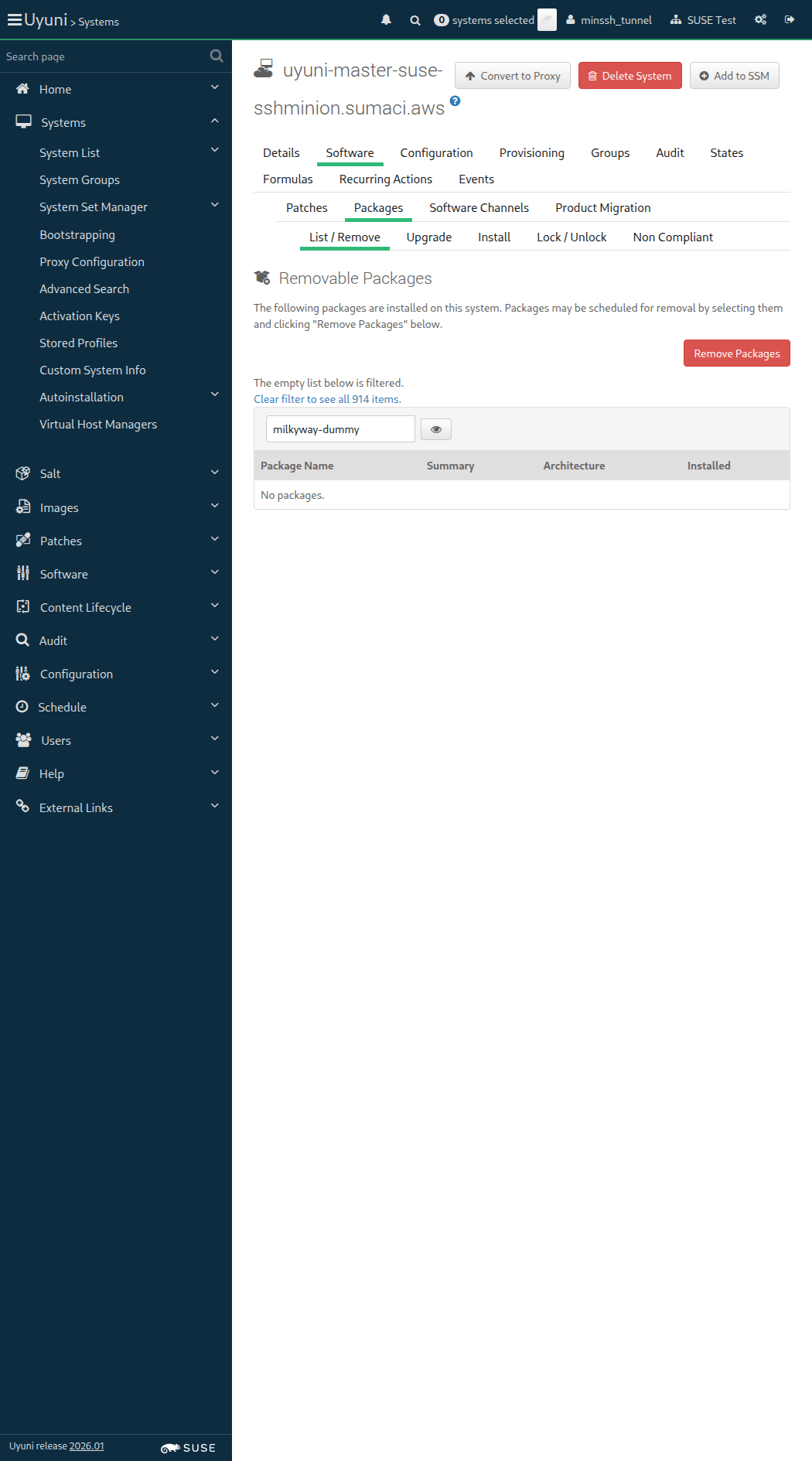
Screenshot +


The hostname of ssh_minion is uyuni-master-suse-sshminion.sumaci.aws

When I follow the left menu "Salt > Remote Commands" 143ms

Then I should see a "Remote Commands" text in the content area 21ms

When I enter command "echo 'My remote command output'" 115ms

And I enter the hostname of "ssh_minion" as "target" 115ms

And I click on preview 19s 396ms

Then I should see a "Target systems (1)" text 51ms

When I wait until I do not see "pending" text 52ms

And I click on run 52ms

And I wait until I see "show response" text 9s 577ms

And I expand the results for "ssh_minion" 53ms

Then I should see "My remote command output" in the command output for "ssh_minion" 20ms

Given I am on the Systems overview page of this "ssh_minion" 959ms

When I follow "Delete System" 477ms

Then I should see a "Confirm System Profile Deletion" text 63ms

When I click on "Delete Profile" 74ms

And I wait until I see "has been deleted" text 21s 14ms

Then "ssh_minion" should not be registered 410ms

When I call system.bootstrap() on host "ssh_minion" and salt-ssh "enabled" 43s 428ms

And I follow the left menu "Systems > System List > All" 103ms

And I wait until I see the name of "ssh_minion", refreshing the page 58s 446ms

And I wait until onboarding is completed for "ssh_minion" 44s 916ms

Given I am authorized 1s 914ms

Given I am on the Systems overview page of this "sle_minion" 1s 580ms

When I follow "Delete System" 470ms

Then I should see a "Confirm System Profile Deletion" text 63ms

When I click on "Delete Profile" 76ms

And I wait until I see "has been deleted" text 4m 3s 775ms

And I wait until Salt client is inactive on "sle_minion" 757ms

Then "sle_minion" should not be registered 311ms

When I follow the left menu "Configuration > Channels" 370ms

And I follow "Create Config Channel" 280ms

And I enter "Key Channel" as "cofName" 76ms

And I enter "keychannel" as "cofLabel" 60ms

And I enter "This is a configuration channel for the activation key" as "cofDescription" 96ms

And I click on "Create Config Channel" 593ms

Then I should see a "Key Channel" text 60ms

When I follow the left menu "Configuration > Channels" 67ms

And I follow "Key Channel" 420ms

And I follow "Create Configuration File or Directory" 339ms

And I enter "/etc/euler.conf" as "cffPath" 73ms

And I enter "e^i.pi=-1" in the editor 5ms

And I click on "Create Configuration File" 71ms

When I follow the left menu "Systems > Activation Keys" 0s

And I follow "Create Key" 0s

And I wait for child channels to appear 0s

And I enter "Minion testing" as "description" 0s

And I enter "MINION-TEST" as "key" 0s

And I enter "20" as "usageLimit" 0s

And I select "SLE-Product-SLES15-SP7-Pool for x86_64" from "selectedBaseChannel" 0s

And I wait for child channels to appear 0s

And I include the recommended child channels 0s

And I check "SLE-Module-DevTools15-SP7-Pool for x86_64" 0s

And I check "Fake-RPM-SUSE-Channel" 0s

And I click on "Create Activation Key" 0s

And I follow "Configuration" in the content area 0s

And I follow first "Subscribe to Channels" in the content area 0s

And I check "Key Channel" in the list 0s

And I click on "Continue" 0s

And I follow "Packages" 0s

And I enter "orion-dummy perseus-dummy" as "packages" 0s

And I click on "Update Activation Key" 0s

Then I should see a "Activation key Minion testing has been modified" text 0s

When I follow the left menu "Systems > Activation Keys" 139ms

And I follow "Create Key" 272ms

And I wait for child channels to appear 1s 208ms

And I enter "Minion testing" as "description" 102ms

And I enter "MINION-TEST" as "key" 106ms

And I enter "20" as "usageLimit" 77ms

And I select "openSUSE Tumbleweed (x86_64)" from "selectedBaseChannel" 94ms

And I wait for child channels to appear 396ms

And I check "Uyuni Client Tools for openSUSE Tumbleweed (x86_64) (Development)" 89ms

And I check "Fake-RPM-SUSE-Channel" 87ms

And I click on "Create Activation Key" 492ms

And I follow "Configuration" in the content area 77ms

And I follow first "Subscribe to Channels" in the content area 70ms

And I check "Key Channel" in the list 67ms

And I click on "Continue" 725ms

And I follow "Packages" 488ms

And I enter "orion-dummy perseus-dummy" as "packages" 73ms

And I click on "Update Activation Key" 765ms

Then I should see a "Activation key Minion testing has been modified" text 58ms

The hostname of sle_minion is uyuni-master-suse-minion.sumaci.aws

When I follow the left menu "Systems > Bootstrapping" 72ms

Then I should see a "Bootstrap Minions" text 68ms

When I enter the hostname of "sle_minion" as "hostname" 141ms

And I enter "22" as "port" 54ms

And I enter "root" as "user" 61ms

And I enter "linux" as "password" 63ms

And I select "1-MINION-TEST" from "activationKeys" 69ms

And I select the hostname of "proxy" from "proxies" if present 68ms

And I click on "Bootstrap" 87ms

And I wait until I see "Bootstrap process initiated." text 23s 152ms

And I follow the left menu "Systems > System List > All" 149ms

And I wait until I see the name of "sle_minion", refreshing the page 31s 25ms

And I wait until onboarding is completed for "sle_minion" 52s 59ms

It took 2 seconds to contact the minion

When I follow the left menu "Salt > Keys" 130ms

Then I should see a "accepted" text 275ms

And the Salt master can reach "sle_minion" 1s 888ms

When I wait for "orion-dummy" to be installed on "sle_minion" 1s 174ms

And I wait for "perseus-dummy" to be installed on "sle_minion" 827ms

Given I am on the Systems overview page of this "sle_minion" 870ms

Then I run spacecmd listeventhistory for "sle_minion" 2s 297ms

Given I am on the Systems page 0s

Then I should see a "SLE-Product-SLES15-SP7-Pool for x86_64" text 0s

Given I am on the Systems page 244ms

Then I should see a "openSUSE Tumbleweed (x86_64)" text 584ms

Given I am on the Systems overview page of this "sle_minion" 867ms

When I follow "Configuration" in the content area 79ms

Then I should see a "1 configuration channel" text 80ms

When I follow "View Files" in the content area 90ms

Then I should see a "/etc/euler.conf" text 79ms

And I should see a "Key Channel" text 73ms

Given I am on the Systems overview page of this "sle_minion" 878ms

When I follow "States" in the content area 74ms

And I follow "Packages" 583ms

Then I should see a "Package States" text 61ms

When I change the state of "orion-dummy" to "Unmanaged" and "" 109ms

And I change the state of "perseus-dummy" to "Unmanaged" and "" 45ms

Then I should see a "2 Changes" text 68ms

When I click save 55ms

Then I wait until I see "Package states have been saved." text 283ms

And I click apply 51ms

And I remove package "orion-dummy" from this "sle_minion" 1s 547ms

And I remove package "perseus-dummy" from this "sle_minion" 1s 842ms

When I follow the left menu "Configuration > Channels" 337ms

And I follow "Key Channel" 424ms

And I follow "Delete Channel" 314ms

And I click on "Delete Config Channel" 498ms

When I follow the left menu "Systems > Activation Keys" 125ms

And I follow "Minion testing" in the content area 74ms

And I follow "Delete Key" 501ms

And I click on "Delete Activation Key" 689ms

Then I should see a "Activation key Minion testing has been deleted." text 80ms

Given I am on the Systems overview page of this "sle_minion" 937ms

Then I check for failed events on history event page 1m 1s 30ms

@skip_if_github_validation @scope_onboarding
Feature:Register a Salt minion via API 7m 23s 835ms 11 1

Given I am authorized 1s 959ms

Given I am on the Systems overview page of this "sle_minion" 1s 432ms

When I follow "Delete System" 467ms

Then I should see a "Confirm System Profile Deletion" text 62ms

When I click on "Delete Profile" 65ms

And I wait until I see "has been deleted" text 4m 3s 669ms

And I wait until Salt client is inactive on "sle_minion" 752ms

Then "sle_minion" should not be registered 334ms

When I call system.bootstrap() on host "sle_minion" and salt-ssh "disabled" 23s 791ms

It took 2 seconds to contact the minion

When I follow the left menu "Salt > Keys" 143ms

Then I should see a "accepted" text 447ms

When I follow the left menu "Systems > System List > All" 192ms

And I wait until I see the name of "sle_minion", refreshing the page 58s 148ms

And I wait until onboarding is completed for "sle_minion" 28s 118ms

Then the Salt master can reach "sle_minion" 1s 914ms

Given I am on the Systems overview page of this "sle_minion" 886ms

Then I should see a "Default" text 89ms

Given I am on the Systems overview page of this "proxy" 950ms

When I follow "Details" in the content area 81ms

And I follow "Proxy" in the content area 70ms

Then I should see "sle_minion" hostname 106ms

Given I am on the Systems overview page of this "sle_minion" 874ms

Then I run spacecmd listeventhistory for "sle_minion" 2s 329ms

Given I am on the Systems overview page of this "sle_minion" 0s

When I follow "Software" in the content area 0s

And I follow "Software Channels" in the content area 0s

And I wait until I do not see "Loading..." text 0s

And I check radio button "SLE-Product-SLES15-SP7-Pool for x86_64" 0s

And I wait until I do not see "Loading..." text 0s

And I include the recommended child channels 0s

And I check "SLE-Module-DevTools15-SP7-Pool for x86_64" 0s

And I check "Fake-RPM-SUSE-Channel" 0s

And I click on "Next" 0s

Then I should see a "Confirm Software Channel Change" text 0s

When I click on "Confirm" 0s

Then I should see a "Changing the channels has been scheduled." text 0s

And I wait until event "Subscribe channels scheduled" is completed 0s

Warning: Radio button 'openSUSE Tumbleweed (x86_64)' is already checked

Given I am on the Systems overview page of this "sle_minion" 877ms

When I follow "Software" in the content area 74ms

And I follow "Software Channels" in the content area 90ms

And I wait until I do not see "Loading..." text 67ms

And I check radio button "openSUSE Tumbleweed (x86_64)" 186ms

And I wait until I do not see "Loading..." text 424ms

And I check "Uyuni Client Tools for openSUSE Tumbleweed (x86_64) (Development)" 43ms

And I check "Fake-RPM-SUSE-Channel" 41ms

And I click on "Next" 67ms

Then I should see a "Confirm Software Channel Change" text 70ms

When I click on "Confirm" 82ms

Then I should see a "Changing the channels has been scheduled." text 310ms

And I wait until event "Subscribe channels scheduled" is completed 18s 868ms

Given I am on the Systems overview page of this "sle_minion" 900ms

Then I check for failed events on history event page 50s 999ms

When I call system.bootstrap() on unknown host, I should get an API fault 3s 71ms

When I call system.bootstrap() on a Salt minion with saltSSH = true, but with activation key with default contact method, I should get an API fault 768ms

@skip_if_github_validation @sle_minion @scope_onboarding
Feature:Bootstrapping with reactivation key 8m 4s 282ms 8

In order to re-register valid minions
As an authorized user
I want to avoid re-registration with invalid input parameters

Given I am authorized 2s 203ms

Given I am on the Systems overview page of this "sle_minion" 1s 594ms

When I follow "Reactivation" 482ms

And I click on "Generate New Key" 557ms

Then I should see a "Key:" text 67ms

The hostname of sle_minion is uyuni-master-suse-minion.sumaci.aws

When I follow the left menu "Systems > Bootstrapping" 82ms

Then I should see a "Bootstrap Minions" text 69ms

When I enter the hostname of "sle_minion" as "hostname" 145ms

And I enter "22" as "port" 54ms

And I enter "root" as "user" 60ms

And I enter "linux" as "password" 63ms

And I click on "Bootstrap" 70ms

And I wait until I see "A salt key for this host" text 266ms

Then I should not see a "GenericSaltError" text 64ms

And I should see a "seems to already exist, please check!" text 61ms

The hostname of sle_minion is uyuni-master-suse-minion.sumaci.aws

Given I delete "sle_minion" key in the Salt master 1s 860ms

When I follow the left menu "Systems > Bootstrapping" 66ms

Then I should see a "Bootstrap Minions" text 65ms

When I enter the hostname of "sle_minion" as "hostname" 135ms

And I enter "22" as "port" 53ms

And I enter "root" as "user" 61ms

And I enter "linux" as "password" 61ms

And I click on "Bootstrap" 61ms

And I wait until I see "seems to already exist, please check!" text 270ms

Then I should not see a "GenericSaltError" text 74ms

And I should see a "with minion id" text 63ms

The hostname of sle_minion is uyuni-master-suse-minion.sumaci.aws
Reactivation Key: re-1-e01d5019eeb9422c9101c70e3d75ea0b

When I follow the left menu "Systems > Bootstrapping" 66ms

Then I should see a "Bootstrap Minions" text 63ms

When I enter the hostname of "sle_minion" as "hostname" 129ms

And I enter "22" as "port" 50ms

And I enter "root" as "user" 61ms

And I enter "linux" as "password" 58ms

And I enter the reactivation key of "sle_minion" 798ms

And I select "1-SUSE-KEY-x86_64" from "activationKeys" 77ms

And I click on "Bootstrap" 62ms

And I wait until I see "Bootstrap process initiated." text 31s 919ms

And I follow the left menu "Systems > System List > All" 152ms

And I wait until I see the name of "sle_minion", refreshing the page 722ms

And I wait until onboarding is completed for "sle_minion" 1m 25s 690ms

Given I am on the Systems overview page of this "sle_minion" 912ms

When I follow "Events" in the content area 76ms

And I follow "History" in the content area 67ms

And I wait until I see "Server reactivated as Salt minion" text, refreshing the page 91ms

And I wait until event "Apply states [certs, channels, packages, services.salt-minion] scheduled" is completed 2s 53ms

Given I am on the Systems overview page of this "sle_minion" 943ms

When I follow "Delete System" 390ms

Then I should see a "Confirm System Profile Deletion" text 63ms

When I click on "Delete Profile" 72ms

And I wait until I see "has been deleted" text 4m 2s 728ms

And I wait until Salt client is inactive on "sle_minion" 765ms

Then "sle_minion" should not be registered 299ms

The hostname of sle_minion is uyuni-master-suse-minion.sumaci.aws

When I follow the left menu "Systems > Bootstrapping" 88ms

Then I should see a "Bootstrap Minions" text 65ms

When I enter the hostname of "sle_minion" as "hostname" 154ms

And I enter "22" as "port" 59ms

And I enter "root" as "user" 59ms

And I enter "linux" as "password" 64ms

And I select "1-SUSE-KEY-x86_64" from "activationKeys" 78ms

And I select the hostname of "proxy" from "proxies" if present 67ms

And I click on "Bootstrap" 66ms

And I wait until I see "Bootstrap process initiated." text 23s 578ms

And I follow the left menu "Systems > System List > All" 151ms

And I wait until I see the name of "sle_minion", refreshing the page 31s 49ms

And I wait until onboarding is completed for "sle_minion" 51s 861ms

@skip_if_github_validation @sle_minion @scope_salt
Feature:Management of minion keys 8m 8s 200ms 9

In Order to validate the minion onboarding page
As an authorized user
I want to verify all the minion key management features in the UI

Given I am on the Systems overview page of this "sle_minion" 1s 388ms

When I follow "Delete System" 464ms

Then I should see a "Confirm System Profile Deletion" text 62ms

When I click on "Delete Profile" 68ms

And I wait until I see "has been deleted" text 4m 3s 832ms

And I wait until Salt client is inactive on "sle_minion" 785ms

Then "sle_minion" should not be registered 337ms

When I follow the left menu "Salt > Keys" 145ms

Then I should see a "Keys" text in the content area 25ms

When I configure salt minion on "sle_minion" 407ms

And I restart salt-minion on "sle_minion" 665ms

And I wait at most 10 seconds until Salt master sees "sle_minion" as "unaccepted" 1s 797ms

And I follow the left menu "Salt > Keys" 64ms

And I refresh page until I see "sle_minion" hostname as text 10s 153ms

Then I should see a "Fingerprint" text 73ms

And I see "sle_minion" fingerprint 1s 966ms

And I should see a "pending" text 72ms

And I follow the left menu "Salt > Keys" 62ms

And I reject "sle_minion" from the Pending section 307ms

And I wait at most 10 seconds until Salt master sees "sle_minion" as "rejected" 1s 856ms

Then I should see a "rejected" text 70ms

When I stop salt-minion on "sle_minion" 2s 999ms

And I delete "sle_minion" from the Rejected section 64ms

And I refresh page until I do not see "sle_minion" hostname as text 13s 702ms

When I start salt-minion on "sle_minion" 1s 8ms

And I wait at most 10 seconds until Salt master sees "sle_minion" as "unaccepted" 1s 827ms

Then "sle_minion" should not be registered 350ms

When I follow the left menu "Salt > Keys" 64ms

Then I should see a "pending" text 340ms

When I accept "sle_minion" key 56ms

And I wait at most 10 seconds until Salt master sees "sle_minion" as "accepted" 1s 538ms

And I wait until onboarding is completed for "sle_minion" 1m 19s 514ms

Then "sle_minion" should be registered 298ms

It took 2 seconds to contact the minion

Then the Salt master can reach "sle_minion" 1s 918ms

When I get OS information of "sle_minion" from the Master 1s 586ms

Then it should contain the OS of "sle_minion" < 1ms

Given I am on the Systems overview page of this "sle_minion" 843ms

When I stop salt-minion on "sle_minion" 1s 344ms

And I follow "Delete System" 369ms

Then I should see a "Confirm System Profile Deletion" text 67ms

When I click on "Delete Profile" 69ms

Then I wait until I see "Cleanup timed out. Please check if the machine is reachable." text 7s 706ms

When I click on "Delete Profile Without Cleanup" in "An error occurred during cleanup" modal 2s 164ms

And I wait until I see "has been deleted" text 77ms

Then "sle_minion" should not be registered 368ms

The hostname of sle_minion is uyuni-master-suse-minion.sumaci.aws

When I follow the left menu "Systems > Bootstrapping" 84ms

Then I should see a "Bootstrap Minions" text 64ms

When I enter the hostname of "sle_minion" as "hostname" 150ms

And I enter "22" as "port" 56ms

And I enter "root" as "user" 84ms

And I enter "linux" as "password" 64ms

And I select "1-SUSE-KEY-x86_64" from "activationKeys" 77ms

And I select the hostname of "proxy" from "proxies" if present 69ms

And I click on "Bootstrap" 65ms

And I wait until I see "Bootstrap process initiated." text 23s 50ms

And I wait until onboarding is completed for "sle_minion" 1m 19s 539ms

When I enable repository "test_repo_rpm_pool" on this "sle_minion" 794ms

When I refresh the metadata for "sle_minion" 887ms

And I install old package "virgo-dummy-1.0" on this "sle_minion" without error control 862ms

When I remove package "andromeda-dummy" from this "sle_minion" without error control 1s 336ms

And I refresh the metadata for "sle_minion" 831ms

And I refresh packages list via spacecmd on "sle_minion" 3s 605ms

And I wait until refresh package list on "sle_minion" is finished 4s 904ms

When I refresh packages list via spacecmd on "sle_minion" 2s 251ms

And I wait until refresh package list on "sle_minion" is finished 4s 862ms

Then spacecmd should show packages "virgo-dummy-1.0" installed on "sle_minion" 2s 408ms

And I wait until package "andromeda-dummy-2.0-1.1" is removed from "sle_minion" via spacecmd 3s 364ms

Given I am authorized for the "Admin" section 1s 825ms

Given I am on the Systems overview page of this "sle_minion" 1s 471ms

When I follow "Software" in the content area 84ms

And I follow "List / Remove" in the content area 71ms

And I enter "virgo-dummy" as the filtered package name 160ms

And I click on the filter button until page does contain "virgo-dummy" text 10s 956ms

When I follow the left menu "Admin > Task Schedules" 136ms

And I follow "errata-cache-default" 374ms

And I follow "errata-cache-bunch" 1s 256ms

And I click on "Single Run Schedule" 1s 597ms

Then I should see a "bunch was scheduled" text 264ms

When I wait until the table contains "FINISHED" or "SKIPPED" followed by "FINISHED" in its first rows 2s 136ms

Given I am on the Systems overview page of this "sle_minion" 880ms

When I follow "Software" in the content area 77ms

And I follow "Patches" in the content area 72ms

And I enter "virgo" as the filtered synopsis 50ms

And I click on the filter button 10s 155ms

And I check "virgo-dummy-3456" in the list 66ms

And I check "allowVendorChange" 83ms

And I click on "Apply Patches" 563ms

And I click on "Confirm" 697ms

Then I should see a "1 patch update has been scheduled for" text 79ms

When I wait for "virgo-dummy-2.0-1.1" to be installed on "sle_minion" 8s 988ms

Then vendor change should be enabled for package actions on "sle_minion" 862ms

Given I am on the Systems overview page of this "sle_minion" 851ms

When I follow "Software" in the content area 66ms

And I follow "Packages" 381ms

And I follow "Install" 496ms

And I enter "andromeda" as the filtered package name 107ms

And I click on the filter button 740ms

And I check "andromeda-dummy-2.0-1.1" in the list 61ms

And I click on "Install Packages" 644ms

And I click on "Confirm" 608ms

Then I should see a "1 package install has been scheduled" text 65ms

When I wait for "andromeda-dummy-2.0-1.1" to be installed on "sle_minion" 8s 506ms

Then vendor change should be enabled for package actions on "sle_minion" 828ms

When I disable repository "test_repo_rpm_pool" on this "sle_minion" 461ms

When I remove package "virgo-dummy" from this "sle_minion" without error control 1s 382ms

And I refresh the metadata for "sle_minion" 828ms

And I refresh packages list via spacecmd on "sle_minion" 3s 125ms

And I wait until refresh package list on "sle_minion" is finished 7s 185ms

When I remove package "andromeda-dummy" from this "sle_minion" without error control 1s 713ms

And I refresh the metadata for "sle_minion" 824ms

And I refresh packages list via spacecmd on "sle_minion" 2s 286ms

And I wait until refresh package list on "sle_minion" is finished 4s 800ms

@skip_if_github_validation @sle_minion @scope_content_staging
Feature:Install a package on the SLES minion with staging enabled 6m 49s 86ms 8

When I enable repository "test_repo_rpm_pool" on this "sle_minion" 472ms

And I remove package "orion-dummy" from this "sle_minion" without error control 930ms

And I install package "virgo-dummy-1.0" on this "sle_minion" 2s 280ms

When I refresh packages list via spacecmd on "sle_minion" 2s 317ms

And I wait until refresh package list on "sle_minion" is finished 4s 859ms

Then spacecmd should show packages "virgo-dummy-1.0" installed on "sle_minion" 2s 333ms

Given I am authorized for the "Admin" section 534ms

When I follow the left menu "Admin > Task Schedules" 136ms

And I follow "errata-cache-default" 1s 243ms

And I follow "errata-cache-bunch" 1s 354ms

Then I click on "Single Run Schedule" 1s 278ms

And I should see a "bunch was scheduled" text 273ms

Then I wait until the table contains "FINISHED" or "SKIPPED" followed by "FINISHED" in its first rows 22s 193ms

When I follow the left menu "Admin > Organizations" 90ms

And I follow first "SUSE Test" 300ms

And I follow first "Configuration" 231ms

And I check "staging_content_enabled" 103ms

And I click on "Update Organization" 403ms

Then I should see a "was successfully updated." text 67ms

Given I am on the Systems overview page of this "sle_minion" 904ms

When I follow "Software" in the content area 78ms

And I follow "Packages" in the content area 68ms

And I follow "Install" in the content area 70ms

And I enter "orion-dummy-1.1-1.1" as the filtered package name 143ms

And I click on the filter button 722ms

And I check row with "orion-dummy-1.1-1.1" and arch of "sle_minion" 65ms

And I click on "Install Packages" 549ms

And I pick 3 minutes from now as schedule time 101ms

And I click on "Confirm" 716ms

Then I should see a "1 package install has been scheduled for" text 65ms

And I wait until the package "orion-dummy-1.1-1.1" has been cached on this "sle_minion" 44s 323ms

And I wait for "orion-dummy-1.1-1.1" to be installed on "sle_minion" 2m 14s 600ms

When I follow "Software" in the content area 68ms

And I follow "Patches" in the content area 76ms

And I enter "virgo" as the filtered synopsis 70ms

And I click on the filter button 10s 142ms

And I check "virgo-dummy-3456" in the list 71ms

And I click on "Apply Patches" 556ms

And I pick 3 minutes from now as schedule time 93ms

And I click on "Confirm" 700ms

Then I should see a "1 patch update has been scheduled for" text 74ms

And I wait until the package "virgo-dummy-2.0-1.1.noarch" has been cached on this "sle_minion" 27s 852ms

And I wait for "virgo-dummy-2.0-1.1" to be installed on "sle_minion" 2m 21s 578ms

When I follow "Software" in the content area 78ms

And I follow "List / Remove" 742ms

And I enter "orion-dummy" as the filtered package name 177ms

And I click on the filter button 900ms

And I check row with "orion-dummy" and arch of "sle_minion" 70ms

And I enter "virgo-dummy" as the filtered package name 47ms

And I click on the filter button 136ms

And I check "virgo-dummy" in the list 63ms

And I click on "Remove Packages" 556ms

And I click on "Confirm" 630ms

And I disable repository "test_repo_rpm_pool" on this "sle_minion" 578ms

@skip_if_github_validation @scope_salt
Feature:Salt package states 2m 2s 936ms 15

Salt command: salt uyuni-master-suse-minion.sumaci.aws state.highstate

When I apply highstate on "sle_minion" 15s 858ms

And I enable repository "test_repo_rpm_pool" on this "sle_minion" 784ms

And I refresh the metadata for "sle_minion" 824ms

And I install old package "milkyway-dummy-1.0" on this "sle_minion" without error control 1s 806ms

And I install old package "virgo-dummy-1.0" on this "sle_minion" without error control 2s 168ms

And I install old package "andromeda-dummy-1.0" on this "sle_minion" without error control 1s 546ms

When I refresh packages list via spacecmd on "sle_minion" 2s 248ms

And I wait until refresh package list on "sle_minion" is finished 7s 253ms

Then spacecmd should show packages "milkyway-dummy-1.0 virgo-dummy-1.0 andromeda-dummy-1.0" installed on "sle_minion" 2s 309ms

Given I am authorized for the "Admin" section 979ms

Given I am on the Systems overview page of this "sle_minion" 1s 193ms

When I follow "Software" in the content area 78ms

And I follow "List / Remove" in the content area 70ms

And I enter "andromeda-dummy" as the filtered package name 181ms

And I click on the filter button until page does contain "andromeda-dummy-1.0" text 282ms

When I follow the left menu "Admin > Task Schedules" 149ms

And I follow "errata-cache-default" 1s 242ms

And I follow "errata-cache-bunch" 1s 258ms

Then I click on "Single Run Schedule" 1s 576ms

And I should see a "bunch was scheduled" text 290ms

Then I wait until the table contains "FINISHED" or "SKIPPED" followed by "FINISHED" in its first rows 2s 163ms

Given I am on the Systems overview page of this "sle_minion" 871ms

When I follow "Software" in the content area 80ms

And I follow "Software Channels" in the content area 75ms

Then the system should have a base channel set 72ms

When I follow "States" in the content area 69ms

And I follow "Packages" 514ms

And I follow "Search" 69ms

And I should see a "Package States" text 71ms

And I list packages with "dummy" 1s 156ms

And I wait until I see "milkyway-dummy" text 458ms

Then "milkyway-dummy" should be installed on "sle_minion" 730ms

And I change the state of "milkyway-dummy" to "Removed" and "" 65ms

Then I should see a "1 Change" text 91ms

And I click save 56ms

Then I wait until I see "Package states have been saved." text 337ms

And I click apply 50ms

And I wait for "milkyway-dummy" to be uninstalled on "sle_minion" 6s 21ms

When I follow "States" in the content area 66ms

And I follow "Packages" 500ms

And I follow "Search" 61ms

And I should see a "Package States" text 75ms

And I list packages with "dummy" 1s 134ms

And I wait until I see "milkyway-dummy" text 454ms

Then "milkyway-dummy" should not be installed on "sle_minion" 780ms

And I change the state of "milkyway-dummy" to "Installed" and "" 49ms

Then I should see a "1 Change" text 95ms

And I click save 45ms

Then I wait until I see "Package states have been saved." text 347ms

And I click apply 42ms

And I wait for "milkyway-dummy" to be installed on "sle_minion" 8s 522ms

When I follow "States" in the content area 70ms

And I follow "Packages" 509ms

And I follow "Search" 60ms

And I should see a "Package States" text 73ms

And I list packages with "dummy" 1s 147ms

And I wait until I see "virgo-dummy" text 475ms

Then "virgo-dummy-1.0" should be installed on "sle_minion" 590ms

And I change the state of "virgo-dummy" to "Installed" and "Any" 116ms

Then I should see a "1 Change" text 103ms

And I click save 53ms

Then I wait until I see "Package states have been saved." text 239ms

And I click apply 50ms

And I wait for "virgo-dummy-1.0" to be installed on "sle_minion" 901ms

When I follow "States" in the content area 81ms

And I follow "Packages" 514ms

And I follow "Search" 68ms

And I should see a "Package States" text 91ms

And I list packages with "dummy" 1s 160ms

And I wait until I see "andromeda-dummy" text 484ms

Then "andromeda-dummy-1.0" should be installed on "sle_minion" 565ms

And I change the state of "andromeda-dummy" to "Installed" and "Latest" 94ms

Then I should see a "1 Change" text 101ms

And I click save 60ms

Then I wait until I see "Package states have been saved." text 226ms

And I click apply 49ms

And I wait for "andromeda-dummy-2.0-1.1" to be installed on "sle_minion" 13s 724ms

When I follow "States" in the content area 81ms

And I follow "Packages" 559ms

And I should see a "Package States" text 71ms

And I should see a "milkyway-dummy" text 201ms

And I should see a "andromeda-dummy" text 78ms

And I should see a "virgo-dummy" text 77ms

When I follow "States" in the content area 61ms

And I follow "Highstate" in the content area 67ms

And I click on "Show full highstate output" 350ms

And I wait for "6" seconds 6s

And I should see a "pkg_removed" or "running as PID" text in element "highstate" 46ms

When I follow "States" in the content area 64ms

And I run "pkill salt-minion" on "sle_minion" without error control 434ms

And I run "pkill python.original" on "sle_minion" without error control 419ms

And I follow "Highstate" in the content area 63ms

And I click on "Show full highstate output" 261ms

And I wait until I see "No reply from minion" text 15s 161ms

When I restart salt-minion on "sle_minion" 976ms

Given I am on the Systems overview page of this "sle_minion" 842ms

When I follow "States" in the content area 88ms

And I follow "Packages" 508ms

And I follow "Search" 68ms

And I should see a "Package States" text 74ms

And I list packages with "dummy" 1s 164ms

And I wait until I see "andromeda-dummy" text 473ms

And I change the state of "virgo-dummy" to "Unmanaged" and "" 67ms

And I change the state of "andromeda-dummy" to "Unmanaged" and "" 53ms

And I click save 58ms

Then I wait until I see "Package states have been saved." text 216ms

When I disable repository "test_repo_rpm_pool" on this "sle_minion" 466ms

And I remove package "milkyway-dummy" from this "sle_minion" without error control 1s 368ms

And I remove package "virgo-dummy" from this "sle_minion" without error control 1s 380ms

And I remove package "andromeda-dummy" from this "sle_minion" without error control 1s 361ms

And I refresh the metadata for "sle_minion" 911ms

Given I am authorized 1s 803ms

Given I remove "minion/extmods/states/mgrcompat.py" from salt cache on "sle_minion" 409ms

And I remove "minion/extmods/states/__pycache__/mgrcompat*" from salt cache on "sle_minion" 447ms

And I am on the Systems overview page of this "sle_minion" 869ms

When I follow "Hardware" 501ms

And I click on "Schedule Hardware Refresh" 813ms

Then I should see a "You have successfully scheduled a hardware profile refresh" text 125ms

When I wait until event "Hardware List Refresh scheduled" is completed 22s 183ms

And I wait until there is no Salt job calling the module "hardware.profileupdate" on "sle_minion" 2s 210ms

Given I remove "minion/extmods/states/mgrcompat.py" from salt cache on "sle_minion" 459ms

And I remove "minion/extmods/states/__pycache__/mgrcompat*" from salt cache on "sle_minion" 442ms

And I store "grains: {__suse_reserved_saltutil_states_support: False}" into file "custom_grains.conf" in salt minion config directory on "sle_minion" 448ms

And I refresh salt-minion grains on "sle_minion" 1s 951ms

And I am on the Systems overview page of this "sle_minion" 864ms

When I follow "Hardware" 498ms

And I click on "Schedule Hardware Refresh" 782ms

Then I should see a "You have successfully scheduled a hardware profile refresh" text 123ms

When I wait until event "Hardware List Refresh scheduled" is completed 21s 974ms

And I wait until there is no Salt job calling the module "hardware.profileupdate" on "sle_minion" 2s 221ms

Given I am on the Systems overview page of this "sle_minion" 892ms

When I follow "Delete System" 497ms

Then I should see a "Confirm System Profile Deletion" text 65ms

When I click on "Delete Profile" 72ms

And I wait until I see "has been deleted" text 4m 3s 718ms

And I wait until Salt client is inactive on "sle_minion" 779ms

Then "sle_minion" should not be registered 335ms

The hostname of sle_minion is uyuni-master-suse-minion.sumaci.aws

Given I store "use_superseded: [module.run]" into file "custom_modulerun.conf" in salt minion config directory on "sle_minion" 409ms

When I follow the left menu "Systems > Bootstrapping" 93ms

Then I should see a "Bootstrap Minions" text 65ms

When I enter the hostname of "sle_minion" as "hostname" 153ms

And I enter "22" as "port" 71ms

And I enter "root" as "user" 65ms

And I enter "linux" as "password" 78ms

And I select the hostname of "proxy" from "proxies" if present 84ms

And I click on "Bootstrap" 70ms

And I wait until I see "Bootstrap process initiated." text 23s 104ms

And I wait until onboarding is completed for "sle_minion" 1m 19s 206ms

When I follow the left menu "Systems > System List > All" 150ms

And I wait until I see the name of "sle_minion", refreshing the page 672ms

And I wait until onboarding is completed for "sle_minion" 7s 709ms

Given I am on the Systems overview page of this "sle_minion" 828ms

When I follow "Software" in the content area 86ms

And I follow "List / Remove" 702ms

Then I should see a "aaa_base" text 128ms

Given I am on the Systems overview page of this "sle_minion" 849ms

And I follow "Hardware" 480ms

And I click on "Schedule Hardware Refresh" 822ms

Then I should see a "You have successfully scheduled a hardware profile refresh" text 124ms

When I wait until event "Hardware List Refresh scheduled" is completed 21s 706ms

And I wait until there is no Salt job calling the module "hardware.profileupdate" on "sle_minion" 2s 161ms

Given I am on the Systems overview page of this "sle_minion" 824ms

And I remove "custom_modulerun.conf" from salt minion config directory on "sle_minion" 407ms

And I remove "custom_grains.conf" from salt minion config directory on "sle_minion" 407ms

When I follow "Delete System" 370ms

Then I should see a "Confirm System Profile Deletion" text 62ms

When I click on "Delete Profile" 76ms

And I wait until I see "has been deleted" text 4m 3s 772ms

And I wait until Salt client is inactive on "sle_minion" 769ms

Then "sle_minion" should not be registered 296ms

The hostname of sle_minion is uyuni-master-suse-minion.sumaci.aws

When I follow the left menu "Systems > Bootstrapping" 87ms

Then I should see a "Bootstrap Minions" text 66ms

When I enter the hostname of "sle_minion" as "hostname" 154ms

And I enter "22" as "port" 64ms

And I enter "root" as "user" 59ms

And I enter "linux" as "password" 65ms

And I select "1-SUSE-KEY-x86_64" from "activationKeys" 77ms

And I select the hostname of "proxy" from "proxies" if present 69ms

And I click on "Bootstrap" 67ms

And I wait until I see "Bootstrap process initiated." text 23s 235ms

And I wait until onboarding is completed for "sle_minion" 1m 22s 398ms

@skip_if_github_validation @sle_minion @scope_salt @flaky
Feature:Lock packages on SLES salt minion 3m 27s 639ms 10

Given I am authorized 1s 785ms

When I install package "orion-dummy" on this "sle_minion" 1s 853ms

And I install package "milkyway-dummy" on this "sle_minion" 1s 483ms

And I remove package "hoag-dummy" from this "sle_minion" without error control 764ms

Given I am on the Systems overview page of this "sle_minion" 1s 87ms

When I follow "Software" in the content area 83ms

And I follow "Lock / Unlock" 626ms

And I enter "hoag-dummy-1.1-1.1" as the filtered package name 64ms

And I click on the filter button 640ms

And I check row with "hoag-dummy-1.1-1.1" and arch of "sle_minion" 70ms

And I click on "Lock" 1s 338ms

Then I should see a "Packages has been requested for being locked." text 81ms

When I wait until event "Lock packages scheduled" is completed 18s 993ms

Then "hoag-dummy-1.1-1.1" is locked on "sle_minion" 1s 18ms

When I follow "Software" in the content area 74ms

And I follow "Lock / Unlock" 540ms

Then package "hoag-dummy-1.1-1.1" is reported as locked 30ms

Given I am on the Systems overview page of this "sle_minion" 978ms

When I follow "Software" in the content area 68ms

And I follow "Lock / Unlock" 533ms

And package "hoag-dummy-1.1-1.1" is reported as locked 23ms

And I follow "Install" 482ms

And I enter "hoag-dummy-1.1-1.1" as the filtered package name 73ms

And I click on the filter button 638ms

And I check row with "hoag-dummy-1.1-1.1" and arch of "sle_minion" 70ms

And I click on "Install Packages" 624ms

And I click on "Confirm" 705ms

Then I should see a "1 package install has been scheduled for" text 67ms

When I follow "Events" 443ms

And I follow "History" 438ms

And I wait until I see the event "Package Install/Upgrade scheduled" completed during last minute, refreshing the page 23s 55ms

And I follow the event "Package Install/Upgrade scheduled" completed during last minute 63ms

Then the package scheduled is "hoag-dummy-1.1-1.1" 22ms

And the action status is "Failed" 76ms

Given I am on the Systems overview page of this "sle_minion" 922ms

When I follow "Software" in the content area 69ms

And I follow "Lock / Unlock" 538ms

And package "hoag-dummy-1.1-1.1" is reported as locked 22ms

And I enter "hoag-dummy-1.1-1.1" as the filtered package name 61ms

And I click on the filter button 658ms

And I check row with "hoag-dummy-1.1-1.1" and arch of "sle_minion" 19ms

And I click on "Unlock" 549ms

Then I should see a "Packages has been requested for being unlocked." text 92ms

When I wait until event "Lock packages scheduled" is completed 18s 730ms

Then "hoag-dummy-1.1-1.1" is unlocked on "sle_minion" 984ms

When I follow "Software" in the content area 74ms

And I follow "Lock / Unlock" 536ms

And I enter "hoag-dummy-1.1-1.1" as the filtered package name 69ms

And I click on the filter button 642ms

Then package "hoag-dummy-1.1-1.1" is reported as unlocked 10s 21ms

Given I am on the Systems overview page of this "sle_minion" 891ms

When I follow "Software" in the content area 68ms

And I follow "Lock / Unlock" 548ms

And I enter "hoag-dummy-1.1-1.1" as the filtered package name 58ms

And I click on the filter button 630ms

And I check row with "hoag-dummy-1.1-1.1" and arch of "sle_minion" 69ms

And I click on "Lock" 535ms

Then I should see a "Packages has been requested for being locked." text 79ms

And package "hoag-dummy-1.1-1.1" is reported as pending to be locked 11ms

Given I am on the Systems overview page of this "sle_minion" 972ms

When I follow "Software" in the content area 68ms

And I follow "Lock / Unlock" 545ms

And I enter "milkyway-dummy-2.0-1.1" as the filtered package name 61ms

And I click on the filter button 644ms

When I check row with "milkyway-dummy-2.0-1.1" and arch of "sle_minion" 64ms

And I click on "Lock" 1s 325ms

Then I should see a "Packages has been requested for being locked." text 80ms

And package "milkyway-dummy-2.0-1.1" is reported as pending to be locked 12ms

When I wait until event "Lock packages scheduled" is completed 18s 897ms

Then "hoag-dummy-1.1-1.1" is locked on "sle_minion" 987ms

And "milkyway-dummy-2.0-1.1" is locked on "sle_minion" 682ms

When I follow "Software" in the content area 76ms

And I follow "Lock / Unlock" 533ms

Then package "hoag-dummy-1.1-1.1" is reported as locked 34ms

And package "milkyway-dummy-2.0-1.1" is reported as locked 38ms

Given I am on the Systems overview page of this "sle_minion" 919ms

When I follow "Software" in the content area 68ms

And I follow "Lock / Unlock" 553ms

And package "hoag-dummy-1.1-1.1" is reported as locked 23ms

And package "milkyway-dummy-2.0-1.1" is reported as locked 36ms

And I enter "orion-dummy-1.1-1.1" as the filtered package name 66ms

And I click on the filter button 645ms

When I check row with "orion-dummy-1.1-1.1" and arch of "sle_minion" 68ms

And I click on "Lock" 534ms

Then I should see a "Packages has been requested for being locked." text 78ms

And package "orion-dummy-1.1-1.1" is reported as pending to be locked 11ms

When I follow "Lock / Unlock" 548ms

And I enter "hoag-dummy-1.1-1.1" as the filtered package name 60ms

And I click on the filter button 623ms

And I uncheck row with "hoag-dummy-1.1-1.1" and arch of "sle_minion" 62ms

And I enter "milkyway-dummy-2.0-1.1" as the filtered package name 58ms

And I click on the filter button 136ms

And I check row with "milkyway-dummy-2.0-1.1" and arch of "sle_minion" 27ms

And I click on "Unlock" 1s 266ms

Then I should see a "Packages has been requested for being unlocked." text 87ms

And package "milkyway-dummy-2.0-1.1" is reported as pending to be unlocked 12ms

When I wait until event "Lock packages scheduled" is completed 18s 924ms

Then "hoag-dummy-1.1-1.1" is locked on "sle_minion" 1s 5ms

And "milkyway-dummy-2.0-1.1" is unlocked on "sle_minion" 653ms

And "orion-dummy-1.1-1.1" is locked on "sle_minion" 651ms

When I follow "Software" in the content area 74ms

And I follow "Lock / Unlock" 627ms

Then package "hoag-dummy-1.1-1.1" is reported as locked 33ms

And package "orion-dummy-1.1-1.1" is reported as locked 35ms

And I enter "milkyway-dummy-2.0-1.1" as the filtered package name 70ms

And I click on the filter button 650ms

And package "milkyway-dummy-2.0-1.1" is reported as unlocked 10s 23ms

Given I am on the Systems overview page of this "sle_minion" 901ms

And I follow "Software" in the content area 66ms

And I follow "Lock / Unlock" 540ms

When I click on "Select All" 614ms

And I click on "Unlock" 751ms

Then I should see a "Packages has been requested for being unlocked." text 120ms

And only packages "hoag-dummy-1.1-1.1, orion-dummy-1.1-1.1" are reported as pending to be unlocked 55ms

When I wait until event "Lock packages scheduled" is completed 18s 809ms

Then "hoag-dummy-1.1-1.1" is unlocked on "sle_minion" 1s 10ms

And "orion-dummy-1.1-1.1" is unlocked on "sle_minion" 665ms

When I follow "Software" in the content area 78ms

And I follow "Lock / Unlock" 538ms

And I enter "hoag-dummy-1.1-1.1" as the filtered package name 71ms

And I click on the filter button 659ms

Then package "hoag-dummy-1.1-1.1" is reported as unlocked 10s 28ms

And I enter "orion-dummy-1.1-1.1" as the filtered package name 58ms

And I click on the filter button 134ms

And package "orion-dummy-1.1-1.1" is reported as unlocked 10s 18ms

Then I remove package "orion-dummy" from this "sle_minion" 1s 691ms

And I remove package "milkyway-dummy" from this "sle_minion" 1s 368ms

Given I am authorized 1s 990ms

When I call system.create_system_profile() with name "empty-profile" and HW address "00:11:22:33:44:55" 1s 257ms

When I call system.create_system_profile() with name "empty-profile-hostname" and hostname "min-retail.mgr.suse.de" 527ms

And I follow the left menu "System > System List > Unprovisioned Systems" 235ms

And I wait until I see "empty-profile" text, refreshing the page 87ms

And I wait until I see "00:11:22:33:44:55" text 85ms

And I wait until I see "empty-profile-hostname" text 78ms

And I follow the left menu "System > System List > Unprovisioned Systems" 77ms

And I follow "empty-profile-hostname" 641ms

Then I wait until I see "min-retail.mgr.suse.de" text, refreshing the page 76ms

When I call system.list_empty_system_profiles() 362ms

Then "empty-profile" should be present in the result < 1ms

And "empty-profile-hostname" should be present in the result < 1ms

When I follow the left menu "Systems > System List" 75ms

And I wait until I see the "empty-profile" system, refreshing the page 44s 541ms

And I follow "empty-profile" 583ms

And I follow "Delete System" 432ms

Then I should see a "Confirm System Profile Deletion" text 68ms

When I click on "Delete Profile" 69ms

And I wait until I see "has been deleted" text 863ms

When I follow the left menu "Systems > System List" 82ms

And I wait until I see the "empty-profile-hostname" system, refreshing the page 679ms

And I follow "empty-profile-hostname" 511ms

And I follow "Delete System" 415ms

Then I should see a "Confirm System Profile Deletion" text 61ms

When I click on "Delete Profile" 61ms

And I wait until I see "has been deleted" text 2s 266ms

Given I am authorized 1s 754ms

Given I am on the Systems overview page of this "sle_minion" 0s

When I follow "Software" in the content area 0s

And I follow "Software Channels" in the content area 0s

And I wait until I do not see "Loading..." text 0s

And I check radio button "SLE-Product-SLES15-SP7-Pool for x86_64" 0s

And I wait until I see "SLE-Module-Basesystem15-SP7-Pool for x86_64" text 0s

And I uncheck "SLE-Module-Basesystem15-SP7-Pool for x86_64" 0s

And I click on "Next" 0s

Then I should see a "Confirm Software Channel Change" text 0s

When I click on "Confirm" 0s

Then I should see a "Changing the channels has been scheduled." text 0s

When I follow "scheduled" in the content area 0s

And I wait until I see "1 system successfully completed this action." text, refreshing the page 0s

Warning: Radio button 'openSUSE Tumbleweed (x86_64)' is already checked

Given I am on the Systems overview page of this "sle_minion" 1s 414ms

When I follow "Software" in the content area 78ms

And I follow "Software Channels" in the content area 69ms

And I wait until I do not see "Loading..." text 67ms

And I check radio button "openSUSE Tumbleweed (x86_64)" 194ms

And I click on "Next" 357ms

Then I should see a "Confirm Software Channel Change" text 72ms

When I click on "Confirm" 63ms

Then I should see a "Changing the channels has been scheduled." text 319ms

When I follow "scheduled" in the content area 78ms

And I wait until I see "1 system successfully completed this action." text, refreshing the page 16s 524ms

Real protocol: https host: uyuni-master-proxy.sumaci.aws port: 443
Expected protocol: https host: uyuni-master-proxy.sumaci.aws port: 443

Given I am on the Systems overview page of this "sle_minion" 866ms

Then the susemanager repo file should exist on the "sle_minion" 748ms

And the repo file should contain the normal download endpoint on the "sle_minion" 411ms

Given I am on the Systems overview page of this "sle_minion" 869ms

When I install a salt pillar top file for "pkg_endpoint" with target "*" on the server 2s 153ms

And I wait for "1" seconds 1s

And I install the package download endpoint pillar file on the server 683ms

And I refresh the pillar data 2s 110ms

When I follow "Software" in the content area 0s

And I follow "Software Channels" in the content area 0s

And I wait until I do not see "Loading..." text 0s

And I wait until I see "SLE-Module-Basesystem15-SP7-Pool for x86_64" text 0s

And I click on "Next" 0s

Then I should see a "Confirm Software Channel Change" text 0s

When I click on "Confirm" 0s

Then I should see a "Changing the channels has been scheduled." text 0s

When I follow "scheduled" in the content area 0s

And I wait until I see "1 system successfully completed this action." text, refreshing the page 0s

Warning: Radio button 'openSUSE Tumbleweed (x86_64)' is already checked

When I follow "Software" in the content area 68ms

And I follow "Software Channels" in the content area 69ms

And I wait until I do not see "Loading..." text 75ms

And I check radio button "openSUSE Tumbleweed (x86_64)" 198ms

And I click on "Next" 367ms

Then I should see a "Confirm Software Channel Change" text 69ms

When I click on "Confirm" 95ms

Then I should see a "Changing the channels has been scheduled." text 321ms

When I follow "scheduled" in the content area 80ms

And I wait until I see "1 system successfully completed this action." text, refreshing the page 16s 548ms

Real protocol: ftp host: mirror.sumaci.aws port: 445
Expected protocol: ftp host: mirror.sumaci.aws port: 445

Given I am on the Systems overview page of this "sle_minion" 924ms

Then the susemanager repo file should exist on the "sle_minion" 772ms

And the repo file should contain the custom download endpoint on the "sle_minion" 404ms

When I delete the package download endpoint pillar file from the server 1s 20ms

And I install a salt pillar top file for "disable_local_repos_off, salt_bundle_config" with target "*" on the server 1s 740ms

And I refresh the pillar data 2s 76ms

When I follow "Software" in the content area 0s

And I follow "Software Channels" in the content area 0s

And I wait until I do not see "Loading..." text 0s

And I check radio button "SLE-Product-SLES15-SP7-Pool for x86_64" 0s

And I wait until I see "SLE15-SP7-Installer-Updates for x86_64" text 0s

And I include the recommended child channels 0s

And I check "SLE-Module-DevTools15-SP7-Pool for x86_64" 0s

And I check "Fake-RPM-SUSE-Channel" 0s

And I check "SLE-Module-Containers15-SP7-Pool for x86_64" 0s

And I click on "Next" 0s

Then I should see a "Confirm Software Channel Change" text 0s

When I click on "Confirm" 0s

Then I should see a "Changing the channels has been scheduled." text 0s

When I follow "scheduled" in the content area 0s

And I wait until I see "1 system successfully completed this action." text, refreshing the page 0s

Warning: Radio button 'openSUSE Tumbleweed (x86_64)' is already checked

When I follow "Software" in the content area 89ms

And I follow "Software Channels" in the content area 73ms

And I wait until I do not see "Loading..." text 71ms

And I check radio button "openSUSE Tumbleweed (x86_64)" 185ms

And I check "Uyuni Client Tools for openSUSE Tumbleweed (x86_64) (Development)" 297ms

And I check "Fake-RPM-SUSE-Channel" 43ms

And I click on "Next" 67ms

Then I should see a "Confirm Software Channel Change" text 68ms

When I click on "Confirm" 82ms

Then I should see a "Changing the channels has been scheduled." text 311ms

When I follow "scheduled" in the content area 80ms

And I wait until I see "1 system successfully completed this action." text, refreshing the page 16s 479ms

Real protocol: https host: uyuni-master-proxy.sumaci.aws port: 443
Expected protocol: https host: uyuni-master-proxy.sumaci.aws port: 443

Then the susemanager repo file should exist on the "sle_minion" 754ms

And the repo file should contain the normal download endpoint on the "sle_minion" 402ms

@skip_if_github_validation @sle_minion @scope_action_chains @flaky
Feature:Action chains on Salt minions 8m 23s 779ms 33

Given I am authorized for the "Admin" section 1s 727ms

When I enable repository "test_repo_rpm_pool" on this "sle_minion" 453ms

And I remove package "andromeda-dummy" from this "sle_minion" without error control 784ms

And I remove package "virgo-dummy" from this "sle_minion" without error control 786ms

And I install package "milkyway-dummy" on this "sle_minion" without error control 1s 489ms

And I install old package "andromeda-dummy-1.0" on this "sle_minion" 1s 523ms

And I refresh the metadata for "sle_minion" 937ms

When I refresh packages list via spacecmd on "sle_minion" 3s 456ms

And I wait until refresh package list on "sle_minion" is finished 4s 769ms

Then spacecmd should show packages "milkyway-dummy andromeda-dummy-1.0" installed on "sle_minion" 2s 345ms

Given I am on the Systems overview page of this "sle_minion" 863ms

When I follow "Software" in the content area 78ms

And I follow "List / Remove" in the content area 81ms

And I enter "andromeda-dummy" as the filtered package name 188ms

And I click on the filter button until page does contain "andromeda-dummy-1.0" text 282ms

When I follow the left menu "Admin > Task Schedules" 152ms

And I follow "errata-cache-default" 1s 132ms

And I follow "errata-cache-bunch" 317ms

And I click on "Single Run Schedule" 1s 293ms

Then I should see a "bunch was scheduled" text 287ms

And I wait until the table contains "FINISHED" or "SKIPPED" followed by "FINISHED" in its first rows 48s 727ms

When I create an action chain with label "salt_minion_action_chain" via API 311ms

And I follow the left menu "Schedule > Action Chains" 161ms

Then I should see a "salt_minion_action_chain" text 73ms

Given I am on the Systems overview page of this "sle_minion" 839ms

When I follow "Software" in the content area 79ms

And I follow "Patches" in the content area 71ms

And I enter "andromeda" as the filtered synopsis 59ms

And I click on the filter button 10s 133ms

And I check "andromeda-dummy-6789" in the list 66ms

And I click on "Apply Patches" 538ms

And I check radio button "schedule-by-action-chain" 10s 67ms

And I click on "Confirm" 627ms

Then I should see a "Action has been successfully added to the Action Chain" text 78ms

Given I am on the Systems overview page of this "sle_minion" 871ms

When I follow "Software" in the content area 82ms

And I follow "List / Remove" in the content area 82ms

And I enter "milkyway-dummy" as the filtered package name 211ms

And I click on the filter button 862ms

And I check row with "milkyway-dummy" and arch of "sle_minion" 66ms

And I click on "Remove Packages" 643ms

And I check radio button "schedule-by-action-chain" 10s 63ms

And I click on "Confirm" 632ms

Then I should see a "Action has been successfully added to the Action Chain" text 64ms

When I follow "Software" in the content area 77ms

And I follow "Install New Packages" in the content area 71ms

And I enter "virgo-dummy" as the filtered package name 119ms

And I click on the filter button 727ms

And I check "virgo-dummy" in the list 63ms

And I click on "Install Packages" 545ms

And I check radio button "schedule-by-action-chain" 10s 52ms

And I click on "Confirm" 624ms

Then I should see a "Action has been successfully added to the Action Chain" text 69ms

When I follow the left menu "Configuration > Channels" 304ms

And I follow "Create Config Channel" 290ms

And I enter "Action Chain Channel" as "cofName" 74ms

And I enter "actionchainchannel" as "cofLabel" 68ms

And I enter "This is a test channel" as "cofDescription" 74ms

And I click on "Create Config Channel" 67ms

Then I should see a "Action Chain Channel" text 69ms

When I follow the left menu "Configuration > Channels" 66ms

And I follow "Action Chain Channel" 363ms

And I follow "Create Configuration File or Directory" 352ms

And I enter "/etc/action-chain.cnf" as "cffPath" 80ms

And I enter "Testchain=YES_PLEASE" in the editor 5ms

And I click on "Create Configuration File" 690ms

Then I should see a "Revision 1 of /etc/action-chain.cnf from channel Action Chain Channel" text 97ms

And I should see a "Update Configuration File" button 19ms

When I follow the left menu "Configuration > Channels" 72ms

And I follow "Action Chain Channel" 384ms

And I follow "List/Remove Files" 341ms

And I follow "/etc/action-chain.cnf" 443ms

And I follow "Download File" 191ms

And I wait until file "/tmp/downloads/action-chain.cnf" exists on "localhost" 170ms

Then file "/tmp/downloads/action-chain.cnf" should contain "Testchain=YES_PLEASE" on "localhost" 351ms

Given I am on the Systems overview page of this "sle_minion" 928ms

When I follow "Configuration" in the content area 87ms

And I follow "Manage Configuration Channels" in the content area 72ms

And I follow first "Subscribe to Channels" in the content area 88ms

And I check "Action Chain Channel" in the list 60ms

And I click on "Continue" 619ms

And I click on "Update Channel Rankings" 829ms

Then I should see a "Channel Subscriptions successfully changed for" text 78ms

When I follow the left menu "Configuration > Channels" 352ms

And I follow "Action Chain Channel" 459ms

And I follow "Deploy Files" in the content area 70ms

And I click on "Deploy All Files" 686ms

And I check the "sle_minion" client 62ms

And I click on "Confirm & Deploy to Selected Systems" 751ms

And I check radio button "schedule-by-action-chain" 10s 80ms

And I click on "Deploy Files to Selected Systems" 645ms

Then I should see a "Action has been successfully added to the Action Chain" text 73ms

Given I am on the Systems overview page of this "sle_minion" 861ms

When I follow "States" in the content area 75ms

And I check radio button "schedule-by-action-chain" 10s 83ms

And I click on "Apply Highstate" 66ms

Given I am on the Systems overview page of this "sle_minion" 841ms

When I follow first "Schedule System Reboot" 407ms

And I check radio button "schedule-by-action-chain" 10s 55ms

And I click on "Reboot system" 725ms

Then I should see a "Action has been successfully added to the Action Chain" text 100ms

When I follow "Details" in the content area 81ms

And I follow "Remote Command" in the content area 77ms

And I enter as remote command this script in #!/bin/bash touch /tmp/action_chain_one_system_done 74ms

And I check radio button "schedule-by-action-chain" 10s 79ms

And I click on "Schedule" 65ms

Then I should see a "Action has been successfully added to the Action Chain" text 92ms

When I follow "Schedule" 266ms

And I follow "Action Chains" 331ms

And I follow "salt_minion_action_chain" 315ms

Then I should see a "1. Apply patch(es) andromeda-dummy-6789 on 1 system" text 107ms

And I should see a "2. Remove milkyway-dummy from 1 system" text 84ms

And I should see a "3. Install or update virgo-dummy on 1 system" text 89ms

And I should see a text like "4. Deploy.*/etc/action-chain.cnf.*to 1 system" 88ms

And I should see a "5. Apply Highstate" text 88ms

And I should see a "6. Reboot 1 system" text 89ms

And I should see a "7. Run a remote command on 1 system" text 81ms

Given I am authorized as "testing" with password "testing" 1s 707ms

When I follow "Schedule" 754ms

And I follow "Action Chains" 274ms

Then I should not see a "salt_minion_action_chain" link 8ms

Given I am authorized for the "Admin" section 1s 660ms

When I am on the Systems overview page of this "sle_minion" 1s 287ms

And I follow "Schedule" 385ms

And I follow "Action Chains" 230ms

And I follow "salt_minion_action_chain" 314ms

And I click on "Save and Schedule" 65ms

Then I should see a "Action Chain salt_minion_action_chain has been scheduled for execution." text 762ms

When I wait for "virgo-dummy" to be installed on "sle_minion" 24s 228ms

And I wait at most 300 seconds until file "/tmp/action_chain_one_system_done" exists on "sle_minion" 3m 55s 743ms

When I create an action chain with label "salt_minion_action_chain_to_delete" via API 286ms

And I follow the left menu "Schedule > Action Chains" 78ms

Then I should see a "salt_minion_action_chain_to_delete" text 74ms

Given I am on the Systems overview page of this "sle_minion" 860ms

When I follow "Remote Command" 431ms

And I enter as remote command this script in #!/bin/bash uptime 60ms

And I check radio button "schedule-by-action-chain" 10s 74ms

And I click on "Schedule" 524ms

Then I should see a "Action has been successfully added to the Action Chain" text 89ms

When I follow "Schedule" 271ms

And I follow "Action Chains" 294ms

And I follow "salt_minion_action_chain_to_delete" 254ms

And I follow "Delete Action Chains" in the content area 110ms

And I click on "Delete" 62ms

When I remove package "andromeda-dummy" from this "sle_minion" without error control 2s 255ms

And I remove package "virgo-dummy" from this "sle_minion" without error control 1s 368ms

And I install package "milkyway-dummy" on this "sle_minion" without error control 1s 537ms

And I install old package "andromeda-dummy-1.0" on this "sle_minion" 2s 51ms

When I refresh packages list via spacecmd on "sle_minion" 2s 589ms

And I wait until refresh package list on "sle_minion" is finished 4s 753ms

Then spacecmd should show packages "milkyway-dummy andromeda-dummy-1.0" installed on "sle_minion" 2s 382ms

When I follow the left menu "Admin > Task Schedules" 129ms

And I follow "errata-cache-default" 1s 252ms

And I follow "errata-cache-bunch" 1s 275ms

And I click on "Single Run Schedule" 1s 320ms

Then I should see a "bunch was scheduled" text 275ms

And I wait until the table contains "FINISHED" or "SKIPPED" followed by "FINISHED" in its first rows 2s 515ms

Running actions:
- Package Install/Upgrade
- Package Removal
- System reboot
- Package Install/Upgrade
- Run an arbitrary script
- Removed "Package Install/Upgrade" action
- Removed "Package Removal" action
- Removed "System reboot" action
- Removed "Package Install/Upgrade" action
- Removed "Run an arbitrary script" action

Given I want to operate on this "sle_minion" 288ms

When I create an action chain with label "salt_minion_api_chain" via API 299ms

And I add a package install to the action chain via API 673ms

And I add a package removal to the action chain via API 648ms

And I add a package upgrade to the action chain via API 672ms

And I add the script "exit 1;" to the action chain via API 316ms

And I add a system reboot to the action chain via API 299ms

Then I should be able to see all these actions in the action chain via API 287ms

When I remove each action within the chain via API 1s 713ms

Then the current action chain should be empty 294ms

And I delete the action chain via API 277ms

Running actions:
- Run an arbitrary script

Given I want to operate on this "sle_minion" 340ms

When I create an action chain with label "salt_minion_multiple_scripts" via API 283ms

And I add the script "echo -n 1 >> /tmp/action_chain.log" to the action chain via API 302ms

And I add the script "echo -n 2 >> /tmp/action_chain.log" to the action chain via API 297ms

And I add the script "echo -n 3 >> /tmp/action_chain.log" to the action chain via API 304ms

And I add the script "touch /tmp/action_chain_done" to the action chain via API 300ms

Then I should be able to see all these actions in the action chain via API 285ms

When I schedule the action chain via API 421ms

And I wait until there are no more action chains listed via API 382ms

And I wait until file "/tmp/action_chain_done" exists on "sle_minion" 3s 864ms

Then file "/tmp/action_chain.log" should contain "123" on "sle_minion" 816ms

When I wait until there are no more scheduled actions listed via API 286ms

When I follow the left menu "Configuration > Channels" 365ms

And I follow "Action Chain Channel" 389ms

And I follow "Systems" in the content area 75ms

And I check the "sle_minion" client 82ms

And I click on "Unsubscribe systems" 546ms

Then I should see a "Successfully unsubscribed 1 system(s)." text 63ms

When I follow the left menu "Configuration > Channels" 69ms

And I follow "Action Chain Channel" 366ms

And I follow "Delete Channel" 321ms

And I click on "Delete Config Channel" 67ms

When I remove package "andromeda-dummy" from this "sle_minion" without error control 1s 350ms

And I remove package "virgo-dummy" from this "sle_minion" without error control 795ms

And I remove package "milkyway-dummy" from this "sle_minion" without error control 1s 377ms

And I disable repository "test_repo_rpm_pool" on this "sle_minion" without error control 534ms

When I run "rm -f /tmp/action_chain.log" on "sle_minion" without error control 516ms

And I run "rm -f /tmp/action_chain_done" on "sle_minion" without error control 640ms

And I run "rm -f /etc/action-chain.cnf" on "sle_minion" without error control 757ms

And I run "rm -f /tmp/action_chain_one_system_done" on "sle_minion" without error control 526ms

When I run "rm -f /tmp/downloads/action-chain.cnf" on "localhost" without error control 189ms

@skip_if_github_validation @ssh_minion @scope_action_chains @scope_salt_ssh
Feature:Salt SSH action chain 11m 1s 579ms 30

Given I am authorized for the "Admin" section 450ms

When I enable repository "test_repo_rpm_pool" on this "ssh_minion" 777ms

And I remove package "andromeda-dummy" from this "ssh_minion" without error control 1s 185ms

And I remove package "virgo-dummy" from this "ssh_minion" without error control 1s 216ms

And I install package "milkyway-dummy" on this "ssh_minion" without error control 1s 139ms

And I install old package "andromeda-dummy-1.0" on this "ssh_minion" 1s 335ms

And I refresh the metadata for "ssh_minion" 855ms

When I refresh packages list via spacecmd on "ssh_minion" 2s 576ms

And I wait until refresh package list on "ssh_minion" is finished 21s 399ms

Then spacecmd should show packages "milkyway-dummy andromeda-dummy-1.0" installed on "ssh_minion" 2s 303ms

Given I am on the Systems overview page of this "ssh_minion" 987ms

When I follow "Software" in the content area 80ms

And I follow "List / Remove" in the content area 72ms

And I enter "andromeda-dummy" as the filtered package name 197ms

And I click on the filter button until page does contain "andromeda-dummy-1.0" text 292ms

When I follow the left menu "Admin > Task Schedules" 145ms

And I follow "errata-cache-default" 1s 262ms

And I follow "errata-cache-bunch" 1s 262ms

And I click on "Single Run Schedule" 1s 313ms

Then I should see a "bunch was scheduled" text 278ms

And I wait until the table contains "FINISHED" or "SKIPPED" followed by "FINISHED" in its first rows 52s 15ms

When I create an action chain with label "minssh_action_chain" via API 315ms

And I follow the left menu "Schedule > Action Chains" 194ms

Then I wait until I see "minssh_action_chain" text 69ms

Given I am on the Systems overview page of this "ssh_minion" 887ms

When I follow "Software" in the content area 81ms

And I follow "Patches" in the content area 72ms

And I enter "andromeda" as the filtered synopsis 57ms

And I click on the filter button 10s 138ms

And I check "andromeda-dummy-6789" in the list 67ms

And I click on "Apply Patches" 563ms

And I check radio button "schedule-by-action-chain" 10s 80ms

And I click on "Confirm" 659ms

Then I should see a "Action has been successfully added to the Action Chain" text 76ms

When I follow "Software" in the content area 79ms

And I follow "List / Remove" in the content area 76ms

And I enter "milkyway-dummy" as the filtered package name 246ms

And I click on the filter button 850ms

And I check row with "milkyway-dummy" and arch of "ssh_minion" 66ms

And I click on "Remove Packages" 618ms

And I check radio button "schedule-by-action-chain" 10s 66ms

And I click on "Confirm" 546ms

Then I should see a "Action has been successfully added to the Action Chain" text 67ms

When I follow "Software" in the content area 72ms

And I follow "Install New Packages" in the content area 71ms

And I enter "virgo-dummy" as the filtered package name 107ms

And I click on the filter button 644ms

And I check "virgo-dummy" in the list 62ms

And I click on "Install Packages" 531ms

And I check radio button "schedule-by-action-chain" 10s 75ms

And I click on "Confirm" 524ms

Then I should see a "Action has been successfully added to the Action Chain" text 69ms

When I follow the left menu "Configuration > Channels" 329ms

And I follow "Create Config Channel" 302ms

And I enter "Action Chain Channel" as "cofName" 75ms

And I enter "actionchainchannel" as "cofLabel" 72ms

And I enter "This is a test channel" as "cofDescription" 71ms

And I click on "Create Config Channel" 69ms

Then I should see a "Action Chain Channel" text 580ms

When I follow the left menu "Configuration > Channels" 68ms

And I follow "Action Chain Channel" 373ms

And I follow "Create Configuration File or Directory" 390ms

And I enter "/etc/action-chain.cnf" as "cffPath" 75ms

And I enter "Testchain=YES_PLEASE" in the editor 5ms

And I click on "Create Configuration File" 591ms

Then I should see a "Revision 1 of /etc/action-chain.cnf from channel Action Chain Channel" text 99ms

And I should see a "Update Configuration File" button 20ms

Given I am on the Systems overview page of this "ssh_minion" 880ms

When I follow "Configuration" in the content area 81ms

And I follow "Manage Configuration Channels" in the content area 71ms

And I follow first "Subscribe to Channels" in the content area 72ms

And I check "Action Chain Channel" in the list 60ms

And I click on "Continue" 589ms

And I click on "Update Channel Rankings" 732ms

Then I should see a "Channel Subscriptions successfully changed for" text 88ms

When I follow the left menu "Configuration > Channels" 317ms

And I follow "Action Chain Channel" 396ms

And I follow "Deploy Files" in the content area 72ms

And I click on "Deploy All Files" 629ms

And I check the "ssh_minion" client 64ms

And I click on "Confirm & Deploy to Selected Systems" 795ms

And I check radio button "schedule-by-action-chain" 10s 86ms

And I click on "Deploy Files to Selected Systems" 649ms

Then I should see a "Action has been successfully added to the Action Chain" text 71ms

Given I am on the Systems overview page of this "ssh_minion" 960ms

When I follow "States" in the content area 101ms

And I check radio button "schedule-by-action-chain" 10s 83ms

And I click on "Apply Highstate" 65ms

Given I am on the Systems overview page of this "ssh_minion" 875ms

When I follow first "Schedule System Reboot" 412ms

And I check radio button "schedule-by-action-chain" 10s 75ms

And I click on "Reboot system" 740ms

Then I should see a "Action has been successfully added to the Action Chain" text 94ms

When I follow "Details" in the content area 81ms

When I follow "Remote Command" in the content area 81ms

And I enter as remote command this script in #!/bin/bash touch /tmp/action_chain_one_system_done 75ms

And I check radio button "schedule-by-action-chain" 10s 78ms

And I click on "Schedule" 67ms

Then I should see a "Action has been successfully added to the Action Chain" text 91ms

When I follow the left menu "Schedule > Action Chains" 138ms

And I follow "minssh_action_chain" 277ms

Then I should see a "1. Apply patch(es) andromeda-dummy-6789 on 1 system" text 91ms

And I should see a "2. Remove milkyway-dummy from 1 system" text 88ms

And I should see a "3. Install or update virgo-dummy on 1 system" text 84ms

And I should see a text like "4. Deploy.*/etc/action-chain.cnf.*to 1 system" 88ms

And I should see a "5. Apply Highstate" text 83ms

And I should see a "6. Reboot 1 system" text 84ms

And I should see a "7. Run a remote command on 1 system" text 90ms

Given I am authorized as "testing" with password "testing" 1s 608ms

When I follow the left menu "Schedule > Action Chains" 115ms

Then I should not see a "minssh_action_chain" link 9ms

Given I am authorized for the "Admin" section 1s 602ms

When I follow the left menu "Schedule > Action Chains" 114ms

And I wait until I see "minssh_action_chain" text 109ms

And I follow "minssh_action_chain" 314ms

Then I click on "Save and Schedule" 62ms

And I should see a "Action Chain minssh_action_chain has been scheduled for execution." text 671ms

When I wait for "virgo-dummy" to be installed on "ssh_minion" 49s 307ms

And I wait at most 300 seconds until file "/tmp/action_chain_one_system_done" exists on "ssh_minion" 4m 37s 792ms

When I create an action chain with label "minssh_action_chain_to_delete" via API 504ms

And I follow the left menu "Schedule > Action Chains" 70ms

Then I should see a "minssh_action_chain_to_delete" text 74ms

Given I am on the Systems overview page of this "ssh_minion" 959ms

When I follow "Remote Command" 521ms

And I enter as remote command this script in #!/bin/bash uptime 58ms

And I check radio button "schedule-by-action-chain" 10s 65ms

And I click on "Schedule" 493ms

Then I should see a "Action has been successfully added to the Action Chain" text 89ms

When I follow the left menu "Schedule > Action Chains" 148ms

And I follow "minssh_action_chain_to_delete" 240ms

And I follow "Delete Action Chains" in the content area 83ms

Then I click on "Delete" 434ms

Given I am on the Systems overview page of this "ssh_minion" 899ms

When I run "rm /tmp/action_chain_done" on "ssh_minion" without error control 409ms

And I enable repository "test_repo_rpm_pool" on this "ssh_minion" 601ms

And I remove package "andromeda-dummy" from this "ssh_minion" without error control 1s 661ms

And I remove package "virgo-dummy" from this "ssh_minion" without error control 1s 247ms

And I install package "milkyway-dummy" on this "ssh_minion" without error control 1s 457ms

And I install old package "andromeda-dummy-1.0" on this "ssh_minion" 1s 268ms

And I follow "Software" in the content area 73ms

And I click on "Update Package List" 535ms

And I follow "Events" in the content area 76ms

And I wait until I do not see "Package List Refresh scheduled" text, refreshing the page 24s 357ms

And I follow "Software" in the content area 86ms

And I follow "List / Remove" in the content area 74ms

And I enter "andromeda-dummy" as the filtered package name 181ms

And I click on the filter button until page does contain "andromeda-dummy-1.0" text 295ms

When I follow the left menu "Admin > Task Schedules" 159ms

And I follow "errata-cache-default" 1s 115ms

And I follow "errata-cache-bunch" 332ms

And I click on "Single Run Schedule" 1s 315ms

Then I should see a "bunch was scheduled" text 287ms

And I wait until the table contains "FINISHED" or "SKIPPED" followed by "FINISHED" in its first rows 45s 383ms

Running actions:
- Package Install/Upgrade
- Run an arbitrary script
- Package Install/Upgrade
- Package Removal
- Removed "Package Install/Upgrade" action
- Removed "Run an arbitrary script" action
- Removed "Package Install/Upgrade" action
- Removed "Package Removal" action

Given I want to operate on this "ssh_minion" 315ms

When I create an action chain with label "minssh_api_chain" via API 293ms

And I add a package install to the action chain via API 712ms

And I add a package removal to the action chain via API 649ms

And I add a package upgrade to the action chain via API 669ms

And I add the script "exit 1;" to the action chain via API 306ms

Then I should be able to see all these actions in the action chain via API 299ms

When I remove each action within the chain via API 1s 414ms

Then the current action chain should be empty 281ms

And I delete the action chain via API 287ms

Running actions:
- Run an arbitrary script

And I want to operate on this "ssh_minion" 280ms

When I create an action chain with label "minssh_multiple_scripts" via API 288ms

And I add the script "echo -n 1 >> /tmp/action_chain.log" to the action chain via API 289ms

And I add the script "echo -n 2 >> /tmp/action_chain.log" to the action chain via API 289ms

And I add the script "echo -n 3 >> /tmp/action_chain.log" to the action chain via API 297ms

And I add the script "touch /tmp/action_chain_done" to the action chain via API 304ms

Then I should be able to see all these actions in the action chain via API 280ms

When I schedule the action chain via API 350ms

Then I wait until there are no more action chains listed via API 334ms

When I wait until file "/tmp/action_chain_done" exists on "ssh_minion" 24s 675ms

Then file "/tmp/action_chain.log" should contain "123" on "ssh_minion" 837ms

When I wait until there are no more scheduled actions listed via API 305ms

When I follow the left menu "Configuration > Channels" 390ms

And I follow "Action Chain Channel" 391ms

And I follow "Systems" in the content area 72ms

And I check the "ssh_minion" client 69ms

And I click on "Unsubscribe systems" 552ms

Then I should see a "Successfully unsubscribed 1 system(s)." text 68ms

When I follow the left menu "Configuration > Channels" 68ms

And I follow "Action Chain Channel" 381ms

And I follow "Delete Channel" 241ms

And I click on "Delete Config Channel" 65ms

When I remove package "andromeda-dummy" from this "ssh_minion" without error control 1s 237ms

And I remove package "virgo-dummy" from this "ssh_minion" without error control 774ms

And I remove package "milkyway-dummy" from this "ssh_minion" without error control 1s 183ms

And I disable repository "test_repo_rpm_pool" on this "ssh_minion" without error control 461ms

When I run "rm -f /tmp/action_chain.log" on "ssh_minion" without error control 407ms

And I run "rm -f /tmp/action_chain_done" on "ssh_minion" without error control 405ms

And I run "rm -f /etc/action-chain.cnf" on "ssh_minion" without error control 419ms

And I run "rm -f /tmp/action_chain_one_system_done" on "ssh_minion" without error control 460ms

@skip_if_github_validation @ssh_minion @sle_minion @scope_action_chains
Feature:Action chains on several systems at once 2m 30s 510ms 12

Given I am authorized for the "Admin" section 436ms

When I enable repository "test_repo_rpm_pool" on this "sle_minion" 789ms

And I enable repository "test_repo_rpm_pool" on this "ssh_minion" 471ms

And I remove package "andromeda-dummy" from this "ssh_minion" without error control 825ms

And I remove package "andromeda-dummy" from this "sle_minion" without error control 771ms

And I install package "andromeda-dummy-1.0" on this "sle_minion" 1s 812ms

And I install package "andromeda-dummy-1.0" on this "ssh_minion" 1s 246ms

And I refresh the metadata for "sle_minion" 839ms

And I refresh the metadata for "ssh_minion" 832ms

When I refresh packages list via spacecmd on "sle_minion" 2s 706ms

And I wait until refresh package list on "sle_minion" is finished 7s 412ms

Then spacecmd should show packages "andromeda-dummy-1.0" installed on "sle_minion" 2s 298ms

When I refresh packages list via spacecmd on "ssh_minion" 2s 193ms

And I wait until refresh package list on "ssh_minion" is finished 23s 388ms

Then spacecmd should show packages "andromeda-dummy-1.0" installed on "ssh_minion" 2s 297ms

Given I am on the Systems overview page of this "sle_minion" 877ms

When I follow "Software" in the content area 75ms

And I follow "List / Remove" in the content area 70ms

And I enter "andromeda-dummy" as the filtered package name 184ms

And I click on the filter button until page does contain "andromeda-dummy-1.0" text 286ms

When I follow the left menu "Admin > Task Schedules" 145ms

And I follow "errata-cache-default" 1s 223ms

And I follow "errata-cache-bunch" 1s 249ms

And I click on "Single Run Schedule" 1s 306ms

Then I should see a "bunch was scheduled" text 277ms

And I wait until the table contains "FINISHED" or "SKIPPED" followed by "FINISHED" in its first rows 19s 11ms

Given I am on the Systems overview page of this "ssh_minion" 926ms

When I follow the left menu "Admin > Task Schedules" 143ms

And I follow "errata-cache-default" 1s 231ms

And I follow "errata-cache-bunch" 342ms

And I click on "Single Run Schedule" 1s 293ms

Then I should see a "bunch was scheduled" text 281ms

And I wait until the table contains "FINISHED" or "SKIPPED" followed by "FINISHED" in its first rows 2s 536ms

When I create an action chain with label "two_systems_action_chain" via API 295ms

And I follow the left menu "Schedule > Action Chains" 156ms

Then I should see a "two_systems_action_chain" text 69ms

When I follow the left menu "Systems > System List > All" 199ms

And I check the "sle_minion" client 509ms

And I check the "ssh_minion" client 67ms

And I follow the left menu "Systems > System Set Manager > Overview" 438ms

And I follow "Install" in the content area 73ms

And I follow "Fake-RPM-SUSE-Channel" in the content area 76ms

And I enter "andromeda-dummy" as the filtered package name 88ms

And I click on the filter button 431ms

And I check "andromeda-dummy" in the list 61ms

And I click on "Install Packages" 352ms

Then I should see "sle_minion" hostname 79ms

And I should see "ssh_minion" hostname 78ms

When I check radio button "schedule-by-action-chain" 10s 58ms

And I click on "Confirm" 442ms

Then I should see a "Package installations are being scheduled" text 64ms

When I follow the left menu "Systems > System Set Manager > Overview" 75ms

And I follow "remote commands" in the content area 68ms

And I enter as remote command this script in #!/bin/bash touch /tmp/action_chain_done 68ms

And I check radio button "schedule-by-action-chain" 10s 58ms

And I click on "Schedule" 605ms

Then I should see "sle_minion" hostname 98ms

And I should see "ssh_minion" hostname 98ms

Given I am on the Systems overview page of this "sle_minion" 811ms

When I follow "Schedule" 301ms

And I follow "Action Chains" 223ms

And I follow "two_systems_action_chain" 329ms

And I should see a "1. Install or update andromeda-dummy on 2 systems" text 80ms

And I should see a "2. Run a remote command on 2 systems" text 69ms

And I click on "Save and Schedule" 77ms

Then I should see a "Action Chain two_systems_action_chain has been scheduled for execution." text 602ms

When I wait until file "/tmp/action_chain_done" exists on "ssh_minion" 36s 939ms

And I wait until file "/tmp/action_chain_done" exists on "sle_minion" 724ms

Then "andromeda-dummy" should be installed on "ssh_minion" 470ms

And "andromeda-dummy" should be installed on "sle_minion" 421ms

When I remove package "andromeda-dummy" from this "sle_minion" without error control 1s 360ms

And I remove package "andromeda-dummy" from this "ssh_minion" without error control 1s 398ms

And I disable repository "test_repo_rpm_pool" on this "sle_minion" without error control 532ms

And I disable repository "test_repo_rpm_pool" on this "ssh_minion" without error control 608ms

When I run "rm /tmp/action_chain_done" on "sle_minion" without error control 647ms

And I run "rm /tmp/action_chain_done" on "ssh_minion" without error control 431ms

@skip_if_cloud @scope_building_container_images @no_auth_registry
Feature:API "image" namespace for containers and sub-namespaces < 1ms 3

When I create and delete an image store via API 0s

And I list image store types and image stores via API 0s

And I set and get details of image store via API 0s

When I create and delete profiles via API 0s

And I create and delete profile custom values via API 0s

And I list image profiles via API 0s

And I set and get profile details via API 0s

Given I am authorized 0s

When I follow the left menu "Systems > Custom System Info" 0s

And I follow "arancio" 0s

And I follow "Delete Key" 0s

And I click on "Delete Key" 0s

Given I am authorized for the "Admin" section 458ms

When I follow the left menu "Configuration > Channels" 701ms

And I follow "Create State Channel" 315ms

And I wait until I see "New Config State Channel" text 65ms

And I enter "My State Channel for Recurring Actions" as "cofName" 102ms

And I enter "statechannel-recurring" as "cofLabel" 74ms

And I enter "This is a state channel to be used in recurring actions" as "cofDescription" 95ms

And I enter "enable_ip_forwarding:\n cmd.run:\n - name: echo 1 > /proc/sys/net/ipv4/conf/all/forwarding" in the editor 9ms

And I click on "Create Config State Channel" 672ms

Then I wait until I see "Channel Properties" text 75ms

And I wait until I see "My State Channel for Recurring Actions" text 70ms

Execution time: 20:21

When I am on the "Recurring Actions" page of this "sle_minion" 927ms

Then I should see a "No schedules created. Use Create to add a schedule" text 121ms

When I click on "Create" 100ms

And I wait until I see "Action Type" text 101ms

And I enter "IP forwarding custom state recurring action" as "scheduleName" 305ms

And I select "Custom state" from "actionTypeDescription" 1s 144ms

And I wait until I see "Configure states to execute" text 107ms

And I check radio button "schedule-daily" 10s 97ms

And I enter 1 minutes from now as "time-daily_time" 119ms

And I check "statechannel-recurring-cbox" 94ms

And I click on "Save Changes" 71ms

And I wait until I see "Edit State Ranks" text 104ms

And I click on "Confirm" 82ms

And I click on "Create Schedule" 70ms

Then I wait until I see "Schedule successfully created" text 310ms

And I should see a "IP forwarding custom state recurring action" text 179ms

And I should see a "Minion" text 76ms

When I follow "Events" 431ms

And I follow "History" 414ms

Then I wait at most 420 seconds until event "Apply recurring states [manager_org_1.statechannel-recurring] schedule" is completed 33s 214ms

And file "/proc/sys/net/ipv4/conf/all/forwarding" should contain "1" on "sle_minion" 1s 161ms

Execution time: 20:22

When I am on the "Recurring Actions" page of this "sle_minion" 993ms

Then I should see a "IP forwarding custom state recurring action" text 287ms

When I click the "IP forwarding custom state recurring action" item edit button 72ms

And I wait until I see "Update Schedule" text 328ms

And I enter "custom_state_schedule_name_changed" as "scheduleName" 651ms

And I enter 1 minutes from now as "time-daily_time" 111ms

And I uncheck "statechannel-recurring-cbox" 10s 87ms

And I check "Sync States-cbox" 86ms

And I click on "Save Changes" 72ms

And I wait until I see "Edit State Ranks" text 98ms

And I click on "Confirm" 117ms

And I click on "Update Schedule" 73ms

Then I wait until I see "Schedule successfully updated" text 452ms

And I should see a "custom_state_schedule_name_changed" text 83ms

And I should see a "Minion" text 75ms

When I follow "Events" 367ms

And I follow "History" 497ms

Then I wait at most 420 seconds until event "Apply recurring states [util.syncstates] scheduled" is completed 32s 992ms

And I wait until I see "SLS: util.syncstates" text 63ms

When I follow the left menu "Salt > Remote Commands" 134ms

Then I should see a "Remote Commands" text in the content area 25ms

When I enter command "echo 0 > /proc/sys/net/ipv4/conf/all/forwarding" 143ms

And I enter target "sle_minion" 109ms

And I click on preview 11s 421ms

And I click on run 68ms

Then I should see "sle_minion" hostname 65ms

And I wait until I see "show response" text 895ms

And file "/proc/sys/net/ipv4/conf/all/forwarding" should contain "0" on "sle_minion" 1s 116ms

When I am on the "Recurring Actions" page of this "sle_minion" 944ms

Then I should see a "custom_state_schedule_name_changed" text 193ms

When I click the "custom_state_schedule_name_changed" item delete button 87ms

And I wait until I see "Delete Recurring Action Schedule" text 84ms

And I click on the red confirmation button 74ms

Then I wait until I see "Schedule 'custom_state_schedule_name_changed' has been deleted." text 197ms

Execution time: 20:23

When I am on the "Recurring Actions" page of this "sle_minion" 904ms

Then I should see a "No schedules created. Use Create to add a schedule" text 62ms

When I click on "Create" 103ms

And I wait until I see "Schedule Name" text 95ms

And I enter "Minion Highstate Recurring Action" as "scheduleName" 262ms

And I select "Highstate" from "actionTypeDescription" 1s 143ms

And I check radio button "schedule-daily" 10s 95ms

And I enter 1 minutes from now as "time-daily_time" 106ms

And I click on the "disabled" toggler 60ms

And I click on "Create Schedule" 66ms

Then I wait until I see "Schedule successfully created" text 258ms

And I should see a "Minion Highstate Recurring Action" text 74ms

And I should see a "Minion" text 70ms

When I follow "Events" 363ms

And I follow "History" 413ms

And I wait until I see the event "Apply highstate in test-mode scheduled" completed during last minute, refreshing the page 46s 198ms

When I am on the "Recurring Actions" page of this "sle_minion" 953ms

Then I should see a "Minion Highstate Recurring Action" text 199ms

When I click the "Minion Highstate Recurring Action" item edit button 73ms

And I wait until I see "Update Schedule" text 230ms

And I enter "schedule_name_minion" as "scheduleName" 395ms

And I check radio button "schedule-weekly" 10s 84ms

And I select "Wednesday" from "date_weekly" 1s 137ms

And I enter "01:35" as "time-weekly_time" 114ms

And I click on "Update Schedule" 68ms

Then I wait until I see "Schedule successfully updated" text 229ms

And I should see a "schedule_name_minion" text 100ms

And I should see a "Minion" text 73ms

And I should see a "0 35 1 ? * 4" text 77ms

When I am on the "Recurring Actions" page of this "sle_minion" 916ms

Then I should see a "schedule_name_minion" text 191ms

When I click the "schedule_name_minion" item details button 71ms

Then I should see a "Every Wednesday at 01:35" text 280ms

When I click on "Back" 69ms

Then I should see a "Schedules" text 63ms

When I follow the left menu "Systems > System Groups" 114ms

And I follow "Create Group" 293ms

And I enter "Recurring-Action-test-group" as "name" 79ms

And I enter "This is for testing" as "description" 70ms

And I click on "Create Group" 474ms

Then I should see a "System group Recurring-Action-test-group created." text 70ms

When I am on the "Groups" page of this "sle_minion" 1s 5ms

And I follow first "Join" 389ms

And I check the first row in the list 83ms

And I click on "Join Groups" 937ms

Then I wait until I see "1 system groups added" text 74ms

Given I am on the Systems overview page of this "sle_minion" 856ms

When I follow "Software" in the content area 102ms

And I follow "Software Channels" in the content area 71ms

And I wait until I do not see "Loading..." text 77ms

And I check radio button "Fake-Base-Channel-SUSE-like" 10s 67ms

And I wait until I do not see "Loading..." text 461ms

And I check "Fake-Child-Channel-SUSE-like" 89ms

And I click on "Next" 63ms

Then I should see a "Confirm Software Channel Change" text 69ms

When I click on "Confirm" 109ms

Then I should see a "Changing the channels has been scheduled." text 307ms

And I wait until event "Subscribe channels scheduled" is completed 19s 315ms

When I enable repository "test_repo_rpm_pool" on this "sle_minion" 806ms

And I install old package "milkyway-dummy-1.0" on this "sle_minion" 2s 40ms

And I refresh the metadata for "sle_minion" 736ms

And I follow the left menu "Admin > Task Schedules" 135ms

And I follow "errata-cache-default" 414ms

And I follow "errata-cache-bunch" 1s 519ms

And I click on "Single Run Schedule" 1s 22ms

Then I should see a "bunch was scheduled" text 278ms

And I wait until the table contains "FINISHED" or "SKIPPED" followed by "FINISHED" in its first rows 1m 34s 915ms

Given I am on the Systems overview page of this "sle_minion" 889ms

And I wait until I see "Software Updates Available" text, refreshing the page 94ms

Execution time: 20:27

When I follow the left menu "Systems > System Groups" 89ms

And I follow "Recurring-Action-test-group" 251ms

And I follow "Recurring Actions" in the content area 76ms

Then I should see a "No schedules created. Use Create to add a schedule" text 67ms

When I click on "Create" 104ms

And I wait until I see "Schedule Name" text 94ms

And I enter "Recurring action to keep Recurring-Action-test-group uptodate" as "scheduleName" 407ms

And I select "Custom state" from "actionTypeDescription" 1s 145ms

And I wait until I see "Configure states to execute" text 114ms

And I check radio button "schedule-daily" 10s 107ms

And I enter 1 minutes from now as "time-daily_time" 110ms

And I check "Update System-cbox" 95ms

And I click on "Save Changes" 71ms

And I wait until I see "Edit State Ranks" text 100ms

And I click on "Confirm" 84ms

And I click on "Create Schedule" 71ms

Then I wait until I see "Schedule successfully created" text 287ms

And I should see a "Recurring action to keep Recurring-Action-test-group uptodate" text 78ms

And I should see a "Group" text 77ms

When I am on the "Events" page of this "sle_minion" 921ms

And I follow "History" 433ms

Then I wait until I see the event "Apply recurring states [uptodate] scheduled" completed during last minute, refreshing the page 1m 9s 235ms

When I am on the Systems overview page of this "sle_minion" 851ms

Then I wait at most 500 seconds until I do not see "System is up to date" text, refreshing the page 95ms

Given I am on the Systems overview page of this "sle_minion" 0s

When I follow "Software" in the content area 0s

And I disable repository "test_repo_rpm_pool" on this "sle_minion" without error control 0s

And I follow "Software Channels" in the content area 0s

And I wait until I do not see "Loading..." text 0s

And I check default base channel radio button of this "sle_minion" 0s

And I wait for child channels to appear 0s

And I include the recommended child channels 0s

And I wait until "SLE-Module-Basesystem15-SP7-Pool for x86_64" has been checked 0s

And I wait until "SLE-Module-Basesystem15-SP7-Updates for x86_64" has been checked 0s

And I wait until "SLE-Module-Server-Applications15-SP7-Pool for x86_64" has been checked 0s

And I wait until "SLE-Module-Server-Applications15-SP7-Updates for x86_64" has been checked 0s

And I check "SLE-Module-DevTools15-SP7-Pool for x86_64" 0s

And I wait until "SLE-Module-DevTools15-SP7-Updates for x86_64" has been checked 0s

And I wait until "SLE-Module-Desktop-Applications15-SP7-Pool for x86_64" has been checked 0s

And I wait until "SLE-Module-Desktop-Applications15-SP7-Updates for x86_64" has been checked 0s

And I check "SLE-Module-Containers15-SP7-Pool for x86_64" 0s

And I wait until "SLE-Module-Containers15-SP7-Updates for x86_64" has been checked 0s

And I check "Fake-RPM-SUSE-Channel" 0s

And I click on "Next" 0s

Then I should see a "Confirm Software Channel Change" text 0s

When I click on "Confirm" 0s

Then I should see a "Changing the channels has been scheduled." text 0s

And I wait until event "Subscribe channels scheduled" is completed 0s

Given I am on the Systems overview page of this "sle_minion" 856ms

When I follow "Software" in the content area 80ms

And I disable repository "test_repo_rpm_pool" on this "sle_minion" without error control 781ms

And I follow "Software Channels" in the content area 70ms

And I wait until I do not see "Loading..." text 78ms

And I check default base channel radio button of this "sle_minion" 474ms

And I wait for child channels to appear 657ms

And I check "Uyuni Client Tools for openSUSE Tumbleweed (x86_64) (Development)" 88ms

And I check "Fake-RPM-SUSE-Channel" 82ms

And I click on "Next" 66ms

Then I should see a "Confirm Software Channel Change" text 87ms

When I click on "Confirm" 64ms

Then I should see a "Changing the channels has been scheduled." text 318ms

And I wait until event "Subscribe channels scheduled" is completed 19s 337ms

When I follow the left menu "Systems > System Groups" 77ms

And I follow "Recurring-Action-test-group" 255ms

And I follow "Recurring Actions" in the content area 71ms

Then I should see a "Recurring action to keep Recurring-Action-test-group uptodate" text 200ms

When I click the "Recurring action to keep Recurring-Action-test-group uptodate" item edit button 71ms

And I wait until I see "Update Schedule" text 333ms

And I enter "schedule_name_group" as "scheduleName" 644ms

And I check radio button "schedule-hourly" 10s 99ms

And I enter "35" as "minutes" 82ms

And I click on "Update Schedule" 76ms

Then I wait until I see "Schedule successfully updated" text 281ms

And I should see a "schedule_name_group" text 76ms

And I should see a "Group" text 70ms

And I should see a "0 35 * ? * *" text 72ms

When I follow the left menu "Systems > System Groups" 65ms

And I follow "Recurring-Action-test-group" 340ms

And I follow "Recurring Actions" in the content area 64ms

Then I should see a "schedule_name" text 279ms

When I click the "schedule_name" item details button 72ms

Then I should see a "Every hour at minute 35" text 186ms

And I should see a "Recurring-Action-test-group" link 12ms

And I should see a "Update System" text 76ms

When I click on "Back" 69ms

Then I should see a "Schedules" text 63ms

Execution time: 20:29

When I follow the left menu "Home > My Organization > Recurring Actions" 345ms

Then I should see a "No schedules created. Use Create to add a schedule" text 64ms

When I click on "Create" 91ms

And I wait until I see "Schedule Name" text 92ms

And I enter "schedule_name" as "scheduleName" 117ms

And I select "Custom state" from "actionTypeDescription" 1s 151ms

And I wait until I see "Configure states to execute" text 106ms

And I check radio button "schedule-daily" 10s 88ms

And I enter 1 minutes from now as "time-daily_time" 109ms

And I click on the "disabled" toggler 56ms

And I check "Package Profile Update-cbox" 96ms

And I click on "Save Changes" 73ms

And I wait until I see "Edit State Ranks" text 102ms

And I click on "Confirm" 83ms

And I click on "Create Schedule" 107ms

Then I wait until I see "Schedule successfully created" text 275ms

And I should see a "schedule_name" text 72ms

And I should see a "Organization" text 70ms

When I am on the "Events" page of this "sle_minion" 1s 28ms

And I follow "History" 423ms

Then I wait until I see the event "Apply recurring states [packages.profileupdate] scheduled" completed during last minute, refreshing the page 57s 780ms

When I follow the left menu "Home > My Organization > Recurring Actions" 373ms

Then I should see a "schedule_name" text 288ms

When I click the "schedule_name" item edit button 74ms

And I wait until I see "Update Schedule" text 335ms

And I enter "schedule_name_edit" as "scheduleName" 310ms

And I check radio button "schedule-monthly" 10s 82ms

And I select "7" from "date_monthly" 1s 153ms

And I enter "05:17" as "time-monthly_time" 122ms

And I click on "Update Schedule" 77ms

Then I wait until I see "Schedule successfully updated" text 278ms

And I should see a "schedule_name_edit" text 73ms

And I should see a "Organization" text 77ms

And I should see a "0 17 5 7 * ?" text 86ms

When I follow the left menu "Home > My Organization > Recurring Actions" 95ms

Then I should see a "schedule_name" text 274ms

When I click the "schedule_name" item details button 71ms

Then I should see a "Every 7th of the month at 05:17" text 177ms

And I should see a "Package Profile Update" text 75ms

When I click on "Back" 76ms

Then I should see a "Schedules" text 61ms

When I follow the left menu "Home > My Organization > Recurring Actions" 83ms

Then I should see a "schedule_name_edit" text 272ms

When I click the "schedule_name" item delete button 80ms

And I wait until I see "Delete Recurring Action Schedule" text 72ms

And I click on the red confirmation button 71ms

Then I wait until I see "Schedule 'schedule_name_edit' has been deleted." text 937ms

And I should see a "No schedules created. Use Create to add a schedule" text 60ms

Execution time: 20:30

When I follow the left menu "Admin > Organizations" 132ms

And I follow "SUSE Test" in the content area 79ms

And I follow "Recurring Actions" in the content area 76ms

Then I should see a "No schedules created. Use Create to add a schedule" text 64ms

When I click on "Create" 92ms

And I wait until I see "Schedule Name" text 93ms

And I select "Custom state" from "actionTypeDescription" 1s 137ms

And I wait until I see "Configure states to execute" text 108ms

And I enter "schedule_name" as "scheduleName" 147ms

And I check radio button "schedule-daily" 10s 90ms

And I enter 1 minutes from now as "time-daily_time" 108ms

And I click on the "disabled" toggler 61ms

And I check "Hardware Profile Update-cbox" 95ms

And I click on "Save Changes" 72ms

And I wait until I see "Edit State Ranks" text 99ms

And I click on "Confirm" 97ms

And I click on "Create Schedule" 72ms

Then I wait until I see "Schedule successfully created" text 270ms

And I should see a "schedule_name" text 72ms

And I should see a "Organization" text 80ms

When I am on the "Events" page of this "sle_minion" 888ms

And I follow "History" 445ms

Then I wait until I see the event "Apply recurring states [hardware.profileupdate] scheduled" completed during last minute, refreshing the page 23s 105ms

When I follow the left menu "Admin > Organizations" 139ms

And I follow "SUSE Test" in the content area 78ms

And I follow "Recurring Actions" in the content area 70ms

Then I should see a "schedule_name" text 205ms

When I click the "schedule_name" item edit button 70ms

And I wait until I see "Update Schedule" text 228ms

And I enter "schedule_name_org" as "scheduleName" 299ms

And I check radio button "schedule-cron" 10s 89ms

And I enter "0 0 15 3 * ?" as "cron" 224ms

And I click on "Update Schedule" 74ms

Then I wait until I see "Schedule successfully updated" text 273ms

And I should see a "schedule_name_org" text 79ms

And I should see a "Organization" text 84ms

And I should see a "0 0 15 3 * ?" text 76ms

When I follow the left menu "Admin > Organizations" 79ms

And I follow "SUSE Test" in the content area 64ms

And I follow "Recurring Actions" in the content area 64ms

Then I should see a "schedule_name" text 192ms

When I click the "schedule_name" item details button 66ms

Then I should see a "Every 3rd of the month at 15:00" text 261ms

When I click on "Back" 71ms

Then I should see a "Schedules" text 66ms

When I follow the left menu "Schedule > Recurring Actions" 135ms

Then I should not see a "Create" text 59ms

And I should see a "schedule_name_minion" text 372ms

And I should see a "Minion" text 80ms

And I should see a "schedule_name_group" text 73ms

And I should see a "Group" text 73ms

And I should see a "schedule_name_org" text 80ms

And I should see a "Organization" text 73ms

When I follow the left menu "Schedule > Recurring Actions" 62ms

And I click the "schedule_name_minion" item details button 460ms

Then I should see a "Every Wednesday at 01:35" text 251ms

And I should not see a "Schedules" text in the content area 33ms

When I click on "Back" 61ms

Then I should see a "schedule_name_group" text 555ms

When I follow the left menu "Admin > Organizations" 118ms

And I follow "SUSE Test" in the content area 67ms

And I follow "Recurring Actions" in the content area 67ms

Then I should see a "schedule_name_org" text 177ms

When I click the "schedule_name_org" item delete button 85ms

And I wait until I see "Delete Recurring Action Schedule" text 78ms

And I click on the red confirmation button 70ms

Then I wait until I see "Schedule 'schedule_name_org' has been deleted." text 184ms

When I follow the left menu "Systems > System Groups" 127ms

And I follow "Recurring-Action-test-group" 254ms

And I follow "Recurring Actions" in the content area 65ms

Then I should see a "schedule_name_group" text 287ms

When I click the "schedule_name_group" item delete button 66ms

And I wait until I see "Delete Recurring Action Schedule" text 80ms

And I click on the red confirmation button 61ms

Then I wait until I see "Schedule 'schedule_name_group' has been deleted." text 874ms

And I should see a "No schedules created. Use Create to add a schedule" text 63ms

When I am on the "Recurring Actions" page of this "sle_minion" 959ms

Then I should see a "schedule_name_minion" text 185ms

When I click the "schedule_name_minion" item delete button 64ms

And I wait until I see "Delete Recurring Action Schedule" text 84ms

And I click on the red confirmation button 62ms

Then I wait until I see "Schedule 'schedule_name_minion' has been deleted." text 320ms

And I should see a "No schedules created. Use Create to add a schedule" text 62ms

When I follow the left menu "Systems > System Groups" 65ms

And I follow "Recurring-Action-test-group" 244ms

And I follow "Delete Group" 251ms

And I click on "Confirm Deletion" 1s 31ms

Then I should see a "Your organization has no system groups." text 62ms

When I follow the left menu "Configuration > Channels" 363ms

And I follow "My State Channel for Recurring Actions" 384ms

And I follow "Delete Channel" 241ms

And I click on "Delete Config Channel" 450ms

Then I should see a "Channel 'My State Channel for Recurring Actions' has been deleted" text 61ms

@skip_if_github_validation @scc_credentials @scope_changing_software_channels @sle_minion
Feature:Assign child channel to a system 58s 783ms 8 6

Given I am authorized 1s 983ms

Given I am on the Systems overview page of this "sle_minion" 0s

When I follow "Software" in the content area 0s

And I follow "Software Channels" in the content area 0s

And I wait until I do not see "Loading..." text 0s

And I check radio button "SLE-Product-SLES15-SP7-Pool for x86_64" 0s

Then radio button "SLE-Product-SLES15-SP7-Pool for x86_64" should be checked 0s

And I wait until I do not see "Loading..." text 0s

When I uncheck "SLE15-SP7-Installer-Updates for x86_64" 0s

And I should see "SLE15-SP7-Installer-Updates for x86_64" as unchecked 0s

And I click on "Next" 0s

Then I should see a "Confirm Software Channel Change" text 0s

When I click on "Confirm" 0s

Then I should see a "Changing the channels has been scheduled." text 0s

Warning: Radio button 'openSUSE Tumbleweed (x86_64)' is already checked

Given I am on the Systems overview page of this "sle_minion" 1s 469ms

When I follow "Software" in the content area 74ms

And I follow "Software Channels" in the content area 70ms

And I wait until I do not see "Loading..." text 73ms

And I check radio button "openSUSE Tumbleweed (x86_64)" 213ms

Then radio button "openSUSE Tumbleweed (x86_64)" should be checked 17ms

When I wait until I do not see "Loading..." text 447ms

And I uncheck "Uyuni Client Tools for openSUSE Tumbleweed (x86_64)" by label 40ms

Then I should see "Uyuni Client Tools for openSUSE Tumbleweed (x86_64)" as unchecked 16ms

When I uncheck "Uyuni Client Tools for openSUSE Tumbleweed (x86_64) (Development)" by label 84ms

Then I should see "Uyuni Client Tools for openSUSE Tumbleweed (x86_64) (Development)" as unchecked 16ms

When I click on "Next" 67ms

Then I should see a "Confirm Software Channel Change" text 72ms

When I click on "Confirm" 81ms

Then I should see a "Changing the channels has been scheduled." text 319ms

When I refresh the metadata for "sle_minion" 0s

Then channel "SLE-Product-SLES15-SP7-Pool for x86_64" should be enabled on "sle_minion" 0s

And channel "SLE15-SP7-Installer-Updates for x86_64" should be disabled on "sle_minion" 0s

When I refresh the metadata for "sle_minion" 7s 797ms

Then channel "openSUSE Tumbleweed (x86_64)" should be enabled on "sle_minion" 614ms

And channel "Uyuni Client Tools for openSUSE Tumbleweed (x86_64)" should be disabled on "sle_minion" 612ms

When I follow "Software" in the content area 0s

And I follow "Software Channels" in the content area 0s

And I wait until I do not see "Loading..." text 0s

Then radio button "SLE-Product-SLES15-SP7-Pool for x86_64" should be checked 0s

And I wait until I do not see "Loading..." text 0s

And I check "SLE15-SP7-Installer-Updates for x86_64" 0s

And I click on "Next" 0s

Then I should see a "Confirm Software Channel Change" text 0s

And I click on "Confirm" 0s

Then I should see a "Changing the channels has been scheduled." text 0s

When I follow "scheduled" in the content area 0s

And I wait until I see "1 system successfully completed this action." text, refreshing the page 0s

Then channel "SLE15-SP7-Installer-Updates for x86_64" should be enabled on "sle_minion" 0s

When I follow "Software" in the content area 71ms

And I follow "Software Channels" in the content area 72ms

And I wait until I do not see "Loading..." text 75ms

Then radio button "openSUSE Tumbleweed (x86_64)" should be checked 166ms

When I wait until I do not see "Loading..." text 447ms

And I check "Uyuni Client Tools for openSUSE Tumbleweed (x86_64)" by label 91ms

Then I should see "Uyuni Client Tools for openSUSE Tumbleweed (x86_64)" as checked 15ms

When I click on "Next" 67ms

Then I should see a "Confirm Software Channel Change" text 68ms

When I click on "Confirm" 80ms

Then I should see a "Changing the channels has been scheduled." text 332ms

When I follow "scheduled" in the content area 80ms

And I wait until I see "1 system successfully completed this action." text, refreshing the page 16s 627ms

Then channel "Uyuni Client Tools for openSUSE Tumbleweed (x86_64)" should be enabled on "sle_minion" 600ms

Given I am on the Systems overview page of this "sle_minion" 833ms

When I wait until event "Subscribe channels scheduled" is completed 2s 379ms

Then I should see a "The client completed this action on" text 62ms

When I follow "Software" in the content area 0s

And I follow "Software Channels" in the content area 0s

And I wait until I do not see "Loading..." text 0s

Then radio button "SLE-Product-SLES15-SP7-Pool for x86_64" should be checked 0s

And I wait until I do not see "Loading..." text 0s

And I should see "SLE15-SP7-Installer-Updates for x86_64" as checked 0s

When I follow "Software" in the content area 81ms

And I follow "Software Channels" in the content area 69ms

And I wait until I do not see "Loading..." text 68ms

Then radio button "openSUSE Tumbleweed (x86_64)" should be checked 205ms

And I wait until I do not see "Loading..." text 443ms

And I should see "Uyuni Client Tools for openSUSE Tumbleweed (x86_64)" as checked 20ms

When I refresh the metadata for "sle_minion" 0s

Then channel "SLE-Product-SLES15-SP7-Pool for x86_64" should be enabled on "sle_minion" 0s

And channel "SLE15-SP7-Installer-Updates for x86_64" should be enabled on "sle_minion" 0s

When I refresh the metadata for "sle_minion" 1s 395ms

Then channel "openSUSE Tumbleweed (x86_64)" should be enabled on "sle_minion" 659ms

And channel "Uyuni Client Tools for openSUSE Tumbleweed (x86_64)" should be enabled on "sle_minion" 630ms

When I follow "Software" in the content area 0s

And I follow "Software Channels" in the content area 0s

And I wait until I do not see "Loading..." text 0s

Then radio button "SLE-Product-SLES15-SP7-Pool for x86_64" should be checked 0s

And I wait until I do not see "Loading..." text 0s

And I wait until I see "ManagerTools-SLE15-Pool for x86_64 SP7" text 0s

And I include the recommended child channels 0s

And I check "SLE-Module-DevTools15-SP7-Pool for x86_64" 0s

And I check "Fake-RPM-SUSE-Channel" 0s

And I uncheck "SLE15-SP7-Installer-Updates for x86_64" 0s

And I click on "Next" 0s

Then I should see a "Confirm Software Channel Change" text 0s

When I click on "Confirm" 0s

Then I should see a "Changing the channels has been scheduled." text 0s

When I follow "scheduled" in the content area 0s

And I wait until I see "1 system successfully completed this action." text, refreshing the page 0s

Then channel "SLE15-SP7-Installer-Updates for x86_64" should be disabled on "sle_minion" 0s

When I follow "Software" in the content area 63ms

And I follow "Software Channels" in the content area 64ms

And I wait until I do not see "Loading..." text 69ms

Then radio button "openSUSE Tumbleweed (x86_64)" should be checked 179ms

And I wait until I do not see "Loading..." text 528ms

And I wait until I see "Uyuni Client Tools for openSUSE Tumbleweed (x86_64)" text 84ms

And I uncheck "Uyuni Client Tools for openSUSE Tumbleweed (x86_64)" by label 82ms

Then I should see "Uyuni Client Tools for openSUSE Tumbleweed (x86_64)" as unchecked 16ms

When I check "Uyuni Client Tools for openSUSE Tumbleweed (x86_64) (Development)" by label 80ms

Then I should see "Uyuni Client Tools for openSUSE Tumbleweed (x86_64) (Development)" as checked 16ms

When I check "Fake-RPM-SUSE-Channel" 42ms

And I click on "Next" 67ms

Then I should see a "Confirm Software Channel Change" text 70ms

When I click on "Confirm" 86ms

And I wait until I see "Changing the channels has been scheduled." text 318ms

And I follow "scheduled" in the content area 79ms

And I wait until I see "1 system successfully completed this action." text, refreshing the page 16s 541ms

Then channel "Uyuni Client Tools for openSUSE Tumbleweed (x86_64)" should be disabled on "sle_minion" 671ms

Given I am authorized 1s 825ms

When I install package "rute-dummy=2.1-1.1" on this "sle_minion" 2s 160ms

And I refresh packages list via spacecmd on "sle_minion" 2s 622ms

And I wait until refresh package list on "sle_minion" is finished 4s 872ms

And I am on the "Software" page of this "sle_minion" 1s 8ms

And I follow "Packages" 533ms

And I follow "List / Remove" 872ms

And I enter "rute-dummy" as the filtered package name 81ms

And I click on the filter button until page does contain "rute-dummy" text 10s 991ms

Then the table row for "rute-dummy-2.1-1.1" should contain "retracted" icon 24ms

When I remove package "rute-dummy" from this "sle_minion" 1s 738ms

And I refresh packages list via spacecmd on "sle_minion" 3s 726ms

And I wait until package "rute-dummy" is removed from "sle_minion" via spacecmd 3s 538ms

When I am on the "Software" page of this "sle_minion" 991ms

And I follow "Packages" 510ms

And I follow "Install" 536ms

And I enter "rute-dummy" as the filtered package name 67ms

And I click on the filter button until page does contain "rute-dummy" text 10s 830ms

Then I should see a "rute-dummy-2.0-1.2" text 76ms

And I should not see a "rute-dummy-2.1-1.1" text 74ms

When I install old package "rute-dummy=2.0-1.2" on this "sle_minion" 1s 904ms

And I refresh packages list via spacecmd on "sle_minion" 2s 683ms

And I wait until refresh package list on "sle_minion" is finished 7s 365ms

And I am on the "Software" page of this "sle_minion" 1s 28ms

And I follow "Packages" 449ms

And I follow "Upgrade" 534ms

Then I should not see a "rute-dummy-2.1-1.1" text 113ms

When I remove package "rute-dummy" from this "sle_minion" 1s 762ms

And I refresh packages list via spacecmd on "sle_minion" 2s 274ms

And I wait until package "rute-dummy" is removed from "sle_minion" via spacecmd 5s 683ms

When I install package "rute-dummy=2.0-1.2" on this "sle_minion" 1s 547ms

And I refresh packages list via spacecmd on "sle_minion" 2s 214ms

And I wait until refresh package list on "sle_minion" is finished 9s 829ms

And I follow the left menu "Software > Channel List > All" 199ms

And I follow "Show All Child Channels" 71ms

And I follow "Fake-RPM-SUSE-Channel" 612ms

And I follow "Patches" in the content area 73ms

And I follow "rute-dummy-0817" 441ms

And I follow "Affected Systems" 313ms

Then I should see a "No systems." text 60ms

When I remove package "rute-dummy" from this "sle_minion" 1s 791ms

And I refresh packages list via spacecmd on "sle_minion" 2s 485ms

And I wait until package "rute-dummy" is removed from "sle_minion" via spacecmd 3s 410ms

When I follow the left menu "Software > Channel List > All" 177ms

And I follow "Show All Child Channels" 62ms

And I follow "Fake-RPM-SUSE-Channel" 610ms

And I follow "Packages" in the content area 74ms

And I follow "rute-dummy-2.0-1.2.x86_64" 598ms

And I follow "Target Systems" 528ms

And I refresh page until I see "sle_minion" hostname as text 151ms

When I follow the left menu "Software > Channel List > All" 150ms

And I follow "Show All Child Channels" 63ms

And I follow "Fake-RPM-SUSE-Channel" 619ms

And I follow "Packages" in the content area 76ms

And I follow "rute-dummy-2.1-1.1.x86_64" 500ms

And I follow "Target Systems" 330ms

Then I should not see "sle_minion" hostname 10s 25ms

When I follow the left menu "Patches > Patch List > All" 223ms

And I enter "dummy" as the filtered synopsis 54ms

And I click on the filter button 527ms

And I follow "rute-dummy-0815" 466ms

Then I should see a "Status: Retracted" text 66ms

When I go back 587ms

And I enter "dummy" as the filtered synopsis 40ms

And I click on the filter button 554ms

And I follow "rute-dummy-0816" 471ms

Then I should see a "Status: Stable" text 69ms

When I go back 498ms

And I enter "dummy" as the filtered synopsis 42ms

And I click on the filter button 536ms

And I follow "rute-dummy-0817" 397ms

Then I should see a "Status: Retracted" text 69ms

When I follow the left menu "Patches > Patch List > All" 96ms

And I enter "dummy" as the filtered synopsis 48ms

And I click on the filter button 514ms

Then the table row for "rute-dummy-0815" should contain "retracted" icon 29ms

And the table row for "rute-dummy-0816" should not contain "retracted" icon 17ms

And the table row for "rute-dummy-0817" should contain "retracted" icon 20ms

When I follow the left menu "Software > Channel List > All" 199ms

And I follow "Show All Child Channels" 68ms

And I follow "Fake-RPM-SUSE-Channel" 624ms

And I follow "Patches" in the content area 73ms

Then the table row for "rute-dummy-0815" should contain "retracted" icon 17ms

And the table row for "rute-dummy-0816" should not contain "retracted" icon 12ms

And the table row for "rute-dummy-0817" should contain "retracted" icon 16ms

When I follow the left menu "Software > Channel List > All" 84ms

And I follow "Show All Child Channels" 59ms

And I follow "Fake-RPM-SUSE-Channel" 600ms

And I follow "Packages" in the content area 72ms

Then the table row for "rute-dummy-2.0-1.1.x86_64" should contain "retracted" icon 20ms

Then the table row for "rute-dummy-2.0-1.2.x86_64" should not contain "retracted" icon 16ms

Then the table row for "rute-dummy-2.1-1.1.x86_64" should contain "retracted" icon 21ms

When I follow the left menu "Systems > System List > All" 203ms

And I click on the clear SSM button 69ms

And I check the "sle_minion" client 454ms

And I follow the left menu "Systems > System Set Manager > Overview" 454ms

And I follow "Packages" in the content area 66ms

And I follow "Install" 438ms

And I follow "Fake-RPM-SUSE-Channel" 415ms

Then I should see a "rute-dummy-2.0-1.2" text 91ms

And I should not see a "rute-dummy-2.1-1.1" text 88ms

And I click on the clear SSM button 58ms

@skip_if_github_validation @containerized_server @proxy @build_host @private_net @pxeboot_minion @scope_cobbler
Feature:PXE boot a terminal with Cobbler and containerized proxy < 1ms 19

In order to automate client system installations with a containerized proxy
As the system administrator
I want to PXE boot one host with Cobbler

Given I am authorized for the "Admin" section 0s

When I start local monitoring of Cobbler 0s

When I install packages "tftpboot-installation-SLE-15-SP7-x86_64 expect" on this "build_host" 0s

And I copy "/usr/share/tftpboot-installation" from "build_host" to "server" via scp in the path "/tmp" 0s

And I copy the distribution inside the container on the server 0s

When I follow the left menu "Systems > Autoinstallation > Distributions" 0s

And I follow "Create Distribution" 0s

And I enter "SLE-15-SP7-TFTP" as "label" 0s

And I enter "/srv/www/distributions/SLE-15-SP7-TFTP/" as "basepath" 0s

And I select "SLE-Product-SLES15-SP7-Pool for x86_64" from "channelid" 0s

And I select "SUSE Linux Enterprise 15" from "installtype" 0s

And I click on "Create Autoinstallable Distribution" 0s

Then I should see a "Autoinstallable Distributions" text 0s

And I should see a "SLE-15-SP7-TFTP" link 0s

When I follow the left menu "Systems > Autoinstallation > Distributions" 0s

And I follow "SLE-15-SP7-TFTP" 0s

And I enter "useonlinerepo insecure=1 install=http://proxy.example.org/ks/dist/SLE-15-SP7-TFTP self_update=http://proxy.example.org/ks/dist/child/sle15-sp7-installer-updates-x86_64/SLE-15-SP7-TFTP" as "kernelopts" 0s

And I click on "Update Autoinstallable Distribution" 0s

Then I should see a "Autoinstallable Distribution Updated" text 0s

When I follow the left menu "Systems > Autoinstallation > Profiles" 0s

And I follow "Upload Kickstart/AutoYaST File" 0s

And I enter "15-sp7-cobbler" as "kickstartLabel" 0s

And I select "SLE-15-SP7-TFTP" from "kstreeId" 0s

And I attach the file "/sle-15-sp7-autoyast.xml" to "fileUpload" 0s

And I click on "Create" 0s

Then I should see a "Autoinstallation: 15-sp7-cobbler" text 0s

And I should see a "Autoinstallation Details" text 0s

When I follow the left menu "Systems > Autoinstallation > Profiles" 0s

And I follow "Upload Kickstart/AutoYaST File" 0s

And I enter "15-sp7-cobbler" as "kickstartLabel" 0s

And I select "SLE-15-SP7-TFTP" from "kstreeId" 0s

And I attach the file "/sle-15-sp7-autoyast-uyuni.xml" to "fileUpload" 0s

And I click on "Create" 0s

Then I should see a "Autoinstallation: 15-sp7-cobbler" text 0s

And I should see a "Autoinstallation Details" text 0s

When I enter "self_update=0" as "kernel_options" 0s

And I click on "Update" 0s

And I follow "Variables" 0s

And I enter "distrotree=SLE-15-SP7-TFTP\nregistration_key=1-TERMINAL-KEY-x86_64\nredhat_management_server=proxy.example.org" as "variables" text area 0s

And I click on "Update Variables" 0s

And I follow "Autoinstallation File" 0s

Then I should see a "SLE-15-SP7-TFTP" text 0s

Given cobblerd is running 0s

And cobbler settings are successfully migrated 0s

When I restart cobbler on the server 0s

Then service "cobblerd" is active on "server" 0s

When I set the default PXE menu entry to the target profile on the "server" 0s

And I reboot the Cobbler terminal "pxeboot_minion" 0s

And I wait for "60" seconds 0s

And I set the default PXE menu entry to the local boot on the "server" 0s

And I wait at most 1200 seconds until Salt master sees "pxeboot_minion" as "unaccepted" 0s

And I accept "pxeboot_minion" key in the Salt master 0s

Given I am on the Systems page 0s

When I wait until I see the name of "pxeboot_minion", refreshing the page 0s

And I wait until onboarding is completed for "pxeboot_minion" 0s

Then "pxeboot_minion" should have been reformatted 0s

When I follow "Details" in the content area 0s

And I follow "Connection" in the content area 0s

Then I should see a "proxy.example.org" text 0s

When I install the GPG key of the test packages repository on the PXE boot minion 0s

And I follow "Software" in the content area 0s

And I follow "Install" 0s

And I enter "virgo-dummy-2.0-1.1" as the filtered package name 0s

And I click on the filter button 0s

And I check "virgo-dummy-2.0-1.1" in the list 0s

And I click on "Install Packages" 0s

And I click on "Confirm" 0s

Then I should see a "1 package install has been scheduled" text 0s

When I wait until event "Package Install/Upgrade scheduled by admin" is completed 0s

When I follow the left menu "Systems > Autoinstallation > Profiles" 0s

And I follow "15-sp7-cobbler" 0s

And I follow "Autoinstallation File" in the content area 0s

And I follow "Download Autoinstallation File" 0s

Then I should see a "<profile " text 0s

When I follow the left menu "Systems > Autoinstallation > Profiles" 0s

And I follow "15-sp7-cobbler" 0s

And I follow "Delete Autoinstallation" 0s

And I click on "Delete Autoinstallation" 0s

And I wait until I do not see "15-sp7-cobbler" text 0s

And I wait up to 5 minutes to see "TASK COMPLETE" in the last lines of "var/log/cobbler/cobbler.log" on "server" 0s

When I follow the left menu "Systems > Autoinstallation > Distributions" 0s

And I follow "SLE-15-SP7-TFTP" 0s

And I follow "Delete Distribution" 0s

And I click on "Delete Distribution" 0s

And I wait until I do not see "SLE-15-SP7-TFTP" text 0s

And I wait up to 5 minutes to see "TASK COMPLETE" in the last lines of "var/log/cobbler/cobbler.log" on "server" 0s

When I remove packages "tftpboot-installation-SLE-15-SP7-x86_64 expect" from this "build_host" 0s

And I remove the autoinstallation files from the server 0s

When I delete "pxeboot_minion" system using the api 0s

And I wait until Salt client is inactive on the PXE boot minion 0s

Then "pxeboot_minion" should not be registered 0s

Then the local logs for Cobbler should not contain errors 0s

@containerized_server @skip_if_github_validation @build_host @proxy @private_net @pxeboot_minion @scope_retail
Feature:PXE boot a Retail terminal behind a containerized proxy < 1ms 17

In order to manage my terminals in a Retail context
As the system administrator
I PXE boot one of the terminals

Given I am authorized for the "Admin" section 0s

When I follow the left menu "Systems > System Groups" 0s

And I follow "Create Group" 0s

And I enter "HWTYPE:Intel-Genuine" as "name" 0s

And I enter "Terminal hardware type: genuine Intel" as "description" 0s

And I click on "Create Group" 0s

Then I should see a "System group HWTYPE:Intel-Genuine created." text 0s

When I follow the left menu "Systems > System Groups" 0s

And I follow "Create Group" 0s

And I enter "example" as "name" 0s

And I enter "Terminal branch: example.org" as "description" 0s

And I click on "Create Group" 0s

Then I should see a "System group example created." text 0s

When I follow the left menu "Systems > System Groups" 0s

And I follow "Create Group" 0s

And I enter "TERMINALS" as "name" 0s

And I enter "All terminals" as "description" 0s

And I click on "Create Group" 0s

Then I should see a "System group TERMINALS created." text 0s

When I follow the left menu "Systems > System Groups" 0s

And I follow "Create Group" 0s

And I enter "SERVERS" as "name" 0s

And I enter "All branch servers" as "description" 0s

And I click on "Create Group" 0s

Then I should see a "System group SERVERS created." text 0s

When I follow the left menu "Systems > System Groups" 0s

And I follow "example" in the content area 0s

And I follow "Formulas" in the content area 0s

And I check the "saltboot-group" formula 0s

And I click on "Save" 0s

And I wait until I see "Formula saved." text 0s

Then the "saltboot-group" formula should be checked 0s

When I follow the left menu "Systems > System Groups" 0s

And I follow "example" in the content area 0s

And I follow "Formulas" in the content area 0s

And I follow first "Saltboot Group" in the content area 0s

And I enter "proxy.example.org" as "Image download server" 0s

And I check containerized proxy box 0s

And I click on "Save Formula" 0s

Then I should see a "Formula saved" text 0s

When I follow the left menu "Systems > System Groups" 0s

And I follow "HWTYPE:Intel-Genuine" in the content area 0s

And I follow "Formulas" in the content area 0s

And I check the "saltboot" formula 0s

And I click on "Save" 0s

And I wait until I see "Formula saved." text 0s

Then the "saltboot" formula should be checked 0s

When I follow the left menu "Systems > System Groups" 0s

And I follow "HWTYPE:Intel-Genuine" in the content area 0s

And I follow "Formulas" in the content area 0s

And I follow first "Saltboot" in the content area 0s

And I click on "Expand All Sections" 0s

And I enter "disk1" in disk id field 0s

And I enter "/dev/vda" in disk device field 0s

And I select "msdos" in disk label field 0s

And I enter "p1" in first partition id field 0s

And I enter "256" in first partition size field 0s

And I select "swap" in first filesystem format field 0s

And I select "swap" in first partition flags field 0s

And I press "Add Item" in partitions section 0s

And I enter "p2" in second partition id field 0s

And I enter "/data" in second mount point field 0s

And I select "xfs" in second filesystem format field 0s

And I enter "secret-password" in second partition password field 0s

And I press "Add Item" in partitions section 0s

And I enter "p3" in third partition id field 0s

And I enter "/" in third mount point field 0s

And I enter the image name for "pxeboot_minion" in third OS image field 0s

And I click on "Save Formula" 0s

Then I should see a "Formula saved" text 0s

When I reboot the Retail terminal "pxeboot_minion" 0s

And I wait at most 180 seconds until Salt master sees "pxeboot_minion" as "unaccepted" 0s

And I accept "pxeboot_minion" key in the Salt master 0s

Given I am on the Systems page 0s

When I wait until I see the name of "pxeboot_minion", refreshing the page 0s

And I follow this "pxeboot_minion" link 0s

And I follow "Events" 0s

And I follow "History" 0s

And I wait until I see "added system entitlement" text, refreshing the page 0s

And I wait until event "Apply states [saltboot]" is completed 0s

And I follow "Software" in the content area 0s

And I follow "Software Channels" in the content area 0s

And I wait until radio button "SLE-Product-SLES15-SP7-Pool for x86_64" is checked, refreshing the page 0s

And I wait until event "Package List Refresh" is completed 0s

Then "pxeboot_minion" should have been reformatted 0s

When I navigate to the Systems overview page of this "pxeboot_minion" 0s

And I follow "Details" in the content area 0s

And I follow "Connection" in the content area 0s

Then I should see a "proxy.example.org" text 0s

When I navigate to the Systems overview page of this "pxeboot_minion" 0s

And I install the GPG key of the test packages repository on the PXE boot minion 0s

And I follow "Software" in the content area 0s

And I follow "Install" 0s

And I enter "virgo" as the filtered package name 0s

And I click on the filter button 0s

And I check "virgo-dummy-2.0-1.1" in the list 0s

And I click on "Install Packages" 0s

And I click on "Confirm" 0s

Then I should see a "1 package install has been scheduled" text 0s

When I wait until event "Package Install/Upgrade scheduled by admin" is completed 0s

When I navigate to the Systems overview page of this "pxeboot_minion" 0s

And I follow "Software" in the content area 0s

And I follow "List / Remove" 0s

And I enter "virgo" as the filtered package name 0s

And I click on the filter button 0s

And I check "virgo-dummy-2.0-1.1" in the list 0s

And I click on "Remove Packages" 0s

And I click on "Confirm" 0s

Then I should see a "1 package removal has been scheduled" text 0s

When I wait until event "Package Removal scheduled by admin" is completed 0s

When I navigate to the Systems overview page of this "pxeboot_minion" 0s

And I follow "Remote Command" 0s

And I enter "#!/bin/sh\nrm /etc/ImageVersion*" as "script_body" text area 0s

And I click on "Schedule" 0s

Then I should see a "Remote Command has been scheduled" text 0s

When I wait until event "Remote Command" is completed 0s

When I navigate to the Systems overview page of this "pxeboot_minion" 0s

And I follow "Delete System" 0s

Then I should see a "Confirm System Profile Deletion" text 0s

When I click on "Delete Profile" 0s

And I wait until I see "has been deleted" text 0s

And I wait until Salt client is inactive on the PXE boot minion 0s

Then "pxeboot_minion" should not be registered 0s

When I follow the left menu "Systems > System Groups" 0s

And I follow "HWTYPE:Intel-Genuine" in the content area 0s

And I follow "Delete Group" in the content area 0s

And I click on "Confirm Deletion" 0s

Then I should see a "deleted" text 0s

When I follow "example" in the content area 0s

And I follow "Delete Group" in the content area 0s

And I click on "Confirm Deletion" 0s

Then I should see a "deleted" text 0s

When I follow "TERMINALS" in the content area 0s

And I follow "Delete Group" in the content area 0s

And I click on "Confirm Deletion" 0s

Then I should see a "deleted" text 0s

When I follow "SERVERS" in the content area 0s

And I follow "Delete Group" in the content area 0s

And I click on "Confirm Deletion" 0s

Then I should see a "deleted" text 0s

@containerized_server @skip_if_github_validation @proxy @private_net @pxeboot_minion @scope_retail @test_issue
Feature:Mass import of Retail terminals behind a containerized proxy < 1ms 9

In order to manage my terminals in a Retail context
As the system administrator
I perform a mass import of several virtual terminals and one real minion

Given I am authorized for the "Admin" section 0s

When I prepare the retail configuration file on server 0s

And I import the retail configuration using retail_yaml command 0s

And I am on the Systems page 0s

Then I should see the terminals imported from the configuration file 0s

When I create the bootstrap script for "proxy.example.org" hostname and "1-TERMINAL-KEY-x86_64" activation key on "server" 0s

And I bootstrap pxeboot minion via bootstrap script on the proxy 0s

And I wait at most 350 seconds until Salt master sees "pxeboot_minion" as "unaccepted" 0s

And I accept key of pxeboot minion in the Salt master 0s

Then I follow the left menu "Systems > System List > All" 0s

And I wait until I see the name of "pxeboot_minion", refreshing the page 0s

Given I am on the Systems page 0s

When I follow "pxeboot" terminal 0s

And I follow "Details" in the content area 0s

And I follow "Connection" in the content area 0s

Then I should see a "proxy.example.org" text 0s

Given I am on the Systems page 0s

When I follow "pxeboot" terminal 0s

And I follow "Software" in the content area 0s

And I follow "Install" 0s

And I enter "virgo" as the filtered package name 0s

And I click on the filter button 0s

And I check "virgo-dummy-2.0-1.1" in the list 0s

And I click on "Install Packages" 0s

And I click on "Confirm" 0s

Then I should see a "1 package install has been scheduled" text 0s

When I wait until event "Package Install/Upgrade scheduled by admin" is completed 0s

Given I am on the Systems page 0s

When I follow "pxeboot" terminal 0s

And I follow "Software" in the content area 0s

And I follow "List / Remove" 0s

And I enter "virgo" as the filtered package name 0s

And I click on the filter button 0s

And I check "virgo-dummy-2.0-1.1" in the list 0s

And I click on "Remove Packages" 0s

And I click on "Confirm" 0s

Then I should see a "1 package removal has been scheduled" text 0s

When I wait until event "Package Removal scheduled by admin" is completed 0s

When I wait until Salt client is inactive on the PXE boot minion 0s

Given I am on the Systems page 0s

When I delete all the imported terminals 0s

Then I should not see any terminals imported from the configuration file 0s

When I follow the left menu "Systems > System Groups" 0s

And I follow "HWTYPE:Intel-Genuine" in the content area 0s

And I follow "Delete Group" in the content area 0s

And I click on "Confirm Deletion" 0s

Then I should see a "deleted" text 0s

When I follow "example.org" in the content area 0s

And I follow "Delete Group" in the content area 0s

And I click on "Confirm Deletion" 0s

Then I should see a "deleted" text 0s

When I follow "TERMINALS" in the content area 0s

And I follow "Delete Group" in the content area 0s

And I click on "Confirm Deletion" 0s

Then I should see a "deleted" text 0s

When I follow "SERVERS" in the content area 0s

And I follow "Delete Group" in the content area 0s

And I click on "Confirm Deletion" 0s

Then I should see a "deleted" text 0s

@skip_if_github_validation @skip_if_containerized_server
Feature:Restart the spacewalk services via UI < 1ms 1

Given I am authorized for the "Admin" section 0s

When I follow the left menu "Admin > Manager Configuration > Restart" 0s

And I check "restart" 0s

And I click on "Restart" 0s

And I wait until I see "restarting. If this page" text 0s

And I wait at most "300" seconds until I do not see "restarting. If this page" text 0s

And I refresh the page 0s

Then I follow the left menu "Admin > Manager Configuration > Restart" 0s

@skip_if_github_validation @scope_visualization @sle_minion
Feature:Correct timezone display 54s 517ms 11

Given I am authorized for the "Admin" section 1s 811ms

When I follow the left menu "Users > User List > Active" 194ms

And I follow "Create User" 302ms

And I enter "MalaysianUser" as "login" 87ms

And I enter "MalaysianUser" as "desiredpassword" 90ms

And I enter "MalaysianUser" as "desiredpasswordConfirm" 95ms

And I select "Mr." from "prefix" 52ms

And I enter "Test" as "firstNames" 67ms

And I enter "User" as "lastName" 65ms

And I enter "galaxy-noise@localhost" as "email" 100ms

And I select "(GMT+0800) Malaysia" from "timezone" 76ms

And I click on "Create Login" 678ms

When I follow the left menu "Users > User List > Active" 90ms

And I follow "MalaysianUser" 279ms

And the "role_satellite_admin" checkbox should be disabled 10s 12ms

And I check "role_org_admin" 88ms

And I check "role_system_group_admin" 83ms

And I check "role_channel_admin" 84ms

And I check "role_activation_key_admin" 85ms

And I check "role_config_admin" 85ms

And I click on "Update" 501ms

Given I am authorized as "MalaysianUser" with password "MalaysianUser" 1s 814ms

Then I should see a "MalaysianUser" link 13ms

Given I am on the Systems overview page of this "sle_minion" 1s 469ms

When I follow "Remote Command" in the content area 75ms

And I enter as remote command this script in #!/bin/bash ls 56ms

And I click on "Schedule" 553ms

And I follow "Events" in the content area 82ms

And I follow "Pending" in the content area 74ms

And I wait at most 180 seconds until I do not see "Remote Command on" text, refreshing the page 16s 725ms

And I follow "History" in the content area 74ms

And I follow first "scheduled by MalaysianUser" 378ms

Then I should see a "MYT" text 67ms

Given I am authorized as "MalaysianUser" with password "MalaysianUser" 511ms

Then I should see a "MalaysianUser" link 12ms

Given I am on the Systems overview page of this "sle_minion" 1s 313ms

When I follow "Remote Command" in the content area 80ms

And I enter as remote command this script in #!/bin/bash ls 67ms

And I enter "00:00" as "date_timepicker_widget_input" 86ms

And I click on "Schedule" 528ms

Then I should see a "00:00:00 MYT" text 83ms

Given I am authorized as "MalaysianUser" with password "MalaysianUser" 515ms

Then I should see a "MalaysianUser" link 9ms

- Try to cancel "Remote Command on uyuni-master-suse-minion.sumaci.aws. scheduled by MalaysianUser" action
- Removed "Remote Command on uyuni-master-suse-minion.sumaci.aws. scheduled by MalaysianUser" action

Given I am authorized for the "Admin" section 2s 56ms

And I cancel all scheduled actions via API 1s 403ms

When I follow the left menu "Users > User List > Active" 215ms

And I follow "MalaysianUser" 283ms

And I uncheck "role_org_admin" 10s 96ms

And I click on "Update" 483ms

Then I should see "role_org_admin" as unchecked 18ms

And I should see "role_system_group_admin" as checked 21ms

And I should see "role_channel_admin" as checked 22ms

And I should see "role_activation_key_admin" as checked 21ms

And I should see "role_config_admin" as checked 22ms

When I delete user "MalaysianUser" 340ms

Given I am authorized for the "Admin" section 431ms

When I deploy testing playbooks and inventory files to "sle_minion" 2s 624ms

Given I am on the Systems overview page of this "sle_minion" 0s

When I follow "Software" in the content area 0s

And I follow "Software Channels" in the content area 0s

And I check "SLE-Module-Python3-15-SP7-Pool for x86_64" by label 0s

And I click on "Next" 0s

And I click on "Confirm" 0s

And I wait until I see "Changing the channels has been scheduled." text 0s

And I follow "scheduled" 0s

And I wait until I see "1 system successfully completed this action" text, refreshing the page 0s

Given I am on the Systems overview page of this "sle_minion" 847ms

When I follow "Properties" in the content area 77ms

And I check "ansible_control_node" 90ms

And I click on "Update Properties" 1s 815ms

Then I wait until I see "Ansible Control Node type has been applied." text 97ms

Given I am on the Systems overview page of this "sle_minion" 875ms

When I follow "States" in the content area 81ms

And I click on "Apply Highstate" 85ms

And I wait until event "Apply highstate scheduled" is completed 55s 571ms

Then "ansible" should be installed on "sle_minion" 808ms

Given I am on the Systems overview page of this "sle_minion" 828ms

When I follow "Ansible" in the content area 91ms

Then I should see a "Ansible Control Node Configuration" text 63ms

Given I am on the Systems overview page of this "sle_minion" 870ms

When I follow "Ansible" in the content area 68ms

Then I should see a "Ansible Control Node Configuration" text 64ms

And I enter "/srv/playbooks/" as "new_playbook_path_input" 186ms

And I click on "new_playbook_path_save" 63ms

And I enter "/srv/playbooks/orion_dummy/hosts" as "new_inventory_path_input" 106ms

And I click on "new_inventory_path_save" 71ms

Given I am on the Systems overview page of this "sle_minion" 1s 30ms

When I follow "Ansible" in the content area 68ms

And I follow "Inventories" in the content area 87ms

And I wait until I see "/srv/playbooks/orion_dummy/hosts" text 263ms

And I click on "/srv/playbooks/orion_dummy/hosts" 63ms

Then I wait until I see "myself" text 7s 213ms

Given I am on the Systems overview page of this "sle_minion" 820ms

When I follow "Ansible" in the content area 68ms

And I follow "Playbooks" in the content area 69ms

And I wait until I see "/srv/playbooks" text 258ms

And I click on "/srv/playbooks" 58ms

Then I wait until I see "/srv/playbooks/orion_dummy/playbook_orion_dummy.yml" text 4s 791ms

Given I am on the Systems overview page of this "sle_minion" 815ms

When I follow "Ansible" in the content area 68ms

And I follow "Playbooks" in the content area 64ms

And I wait until I see "/srv/playbooks" text 257ms

And I click on "/srv/playbooks" 55ms

And I wait until I see "/srv/playbooks/orion_dummy/playbook_orion_dummy.yml" text 4s 894ms

And I click on "orion_dummy/playbook_orion_dummy.yml" 66ms

And I wait until I see "Playbook Content" text 914ms

And I select "/srv/playbooks/orion_dummy/hosts" from "inventory-path-select" 1s 136ms

And I click on "Schedule" 79ms

Then I should see a "Playbook execution has been scheduled" text 236ms

And I wait until event "Execute playbook 'playbook_orion_dummy.yml' scheduled" is completed 22s 540ms

And file "/tmp/file.txt" should exist on "sle_minion" 749ms

Given I am on the Systems overview page of this "sle_minion" 810ms

When I follow "Properties" in the content area 84ms

And I uncheck "ansible_control_node" 10s 99ms

And I click on "Update Properties" 1s 644ms

Then I should see a "System properties changed" text 100ms

And I remove package "orion-dummy" from this "sle_minion" without error control 1s 964ms

And I remove "/tmp/file.txt" from "sle_minion" 421ms

Given I am on the Systems overview page of this "sle_minion" 0s

When I follow "Software" in the content area 0s

And I follow "Software Channels" in the content area 0s

And I uncheck "SLE-Module-Python3-15-SP7-Pool for x86_64" by label 0s

And I click on "Next" 0s

And I click on "Confirm" 0s

And I wait until I see "Changing the channels has been scheduled." text 0s

And I follow "scheduled" 0s

And I wait until I see "1 system successfully completed this action" text, refreshing the page 0s

Given I am on the Systems overview page of this "sle_minion" 799ms

When I follow "States" in the content area 82ms

And I click on "Apply Highstate" 106ms

And I wait until event "Apply highstate scheduled" is completed 22s 483ms

Given I am authorized 1s 610ms

Given I am on the Systems overview page of this "sle_minion" 1s 334ms

When I follow "Delete System" 392ms

Then I should see a "Confirm System Profile Deletion" text 65ms

When I click on "Delete Profile" 89ms

And I wait until I see "has been deleted" text 4m 3s 649ms

And I wait until Salt client is inactive on "sle_minion" 747ms

Then "sle_minion" should not be registered 298ms

The hostname of sle_minion is uyuni-master-suse-minion.sumaci.aws

When I follow the left menu "Systems > Bootstrapping" 90ms

Then I should see a "Bootstrap Minions" text 65ms

When I enter the hostname of "sle_minion" as "hostname" 152ms

And I enter "22" as "port" 58ms

And I enter "root" as "user" 63ms

And I enter "linux" as "password" 63ms

And I select "1-SUSE-KEY-x86_64" from "activationKeys" 80ms

And I select the hostname of "proxy" from "proxies" if present 68ms

And I click on "Bootstrap" 103ms

And I wait until I see "Bootstrap process initiated." text 31s 90ms

And I wait until onboarding is completed for "sle_minion" 1m 22s 405ms

It took 2 seconds to contact the minion

When I follow the left menu "Salt > Keys" 133ms

Then I should see a "accepted" text 363ms

And the Salt master can reach "sle_minion" 1s 931ms

Given I am on the Systems overview page of this "sle_minion" 855ms

When I follow "Details" in the content area 78ms

And I follow "Connection" in the content area 72ms

Then I should see "proxy" short hostname 69ms

Given I am on the Systems overview page of this "proxy" 830ms

When I follow "Details" in the content area 67ms

And I follow "Proxy" in the content area 71ms

Then I should see "sle_minion" hostname 105ms

Given I am on the Systems overview page of this "sle_minion" 948ms

When I follow "Details" in the content area 68ms

And I follow "Connection" in the content area 72ms

And I follow "Change" in the content area 71ms

And I select "None" from "proxies" 77ms

And I click on "Change Proxy" 64ms

And I wait until I see "scheduled" text 287ms

And I follow "Events" 415ms

And I follow "History" 469ms

And I wait until I see the event "Apply states [bootstrap.set_proxy] scheduled" completed during last minute, refreshing the page 11s 512ms

And I wait until I see the event "Apply states [channels] scheduled" completed during last minute, refreshing the page 23s 26ms

Given I am on the Systems overview page of this "sle_minion" 839ms

When I follow "Details" in the content area 68ms

And I follow "Connection" in the content area 64ms

Then I should see a "This system connects directly and not through a Proxy" text 61ms

Given I wait for "120" seconds 2m

When I follow the left menu "Systems > System List > All" 147ms

And I click on the clear SSM button 82ms

And I check the "sle_minion" client 415ms

And I should see "1" systems selected for SSM 140ms

And I follow the left menu "Systems > System Set Manager > Overview" 470ms

And I follow "proxy server" in the content area 76ms

And I select the hostname of "proxy" from "proxies" if present 83ms

And I click on "Change Proxy" 65ms

And I wait until I see "scheduled" text 283ms

Given I am on the Systems overview page of this "sle_minion" 976ms

And I follow "Events" 486ms

And I follow "History" 388ms

And I wait until I see the event "Apply states [bootstrap.set_proxy] scheduled" completed during last minute, refreshing the page 12ms

And I wait until I see the event "Apply states [channels] scheduled" completed during last minute, refreshing the page 34s 577ms

Given I am on the Systems overview page of this "proxy" 810ms

When I follow "Details" in the content area 75ms

And I follow "Proxy" in the content area 72ms

Then I should see "sle_minion" hostname 102ms

Given I am on the Systems overview page of this "sle_minion" 818ms

When I follow "Details" in the content area 72ms

And I follow "Connection" in the content area 71ms

Then I should see "proxy" short hostname 66ms

Given I am on the Systems overview page of this "sle_minion" 875ms

Then I check for failed events on history event page 1m 20s 942ms

Given I am authorized 1s 859ms

Given I am on the Systems overview page of this "ssh_minion" 1s 600ms

When I follow "Delete System" 487ms

Then I should see a "Confirm System Profile Deletion" text 67ms

When I click on "Delete Profile" 69ms

And I wait until I see "has been deleted" text 15s 777ms

Then "ssh_minion" should not be registered 408ms

The hostname of ssh_minion is uyuni-master-suse-sshminion.sumaci.aws

When I follow the left menu "Systems > Bootstrapping" 89ms

Then I should see a "Bootstrap Minions" text 81ms

When I check "manageWithSSH" 98ms

And I enter the hostname of "ssh_minion" as "hostname" 154ms

And I enter "root" as "user" 62ms

And I enter "linux" as "password" 66ms

And I select "1-SUSE-SSH-KEY-x86_64" from "activationKeys" 80ms

And I select the hostname of "proxy" from "proxies" if present 72ms

And I click on "Bootstrap" 68ms

And I wait at most 480 seconds until I see "Bootstrap process initiated." text 42s 216ms

And I wait until onboarding is completed for "ssh_minion" 1m 34s 679ms

Given I am on the Systems overview page of this "ssh_minion" 918ms

When I follow "Details" in the content area 85ms

And I follow "Connection" in the content area 71ms

Then I should see "proxy" short hostname 66ms

Given I am on the Systems overview page of this "proxy" 875ms

When I follow "Details" in the content area 71ms

And I follow "Proxy" in the content area 72ms

Then I should see "ssh_minion" hostname 103ms

Given I am on the Systems overview page of this "ssh_minion" 906ms

When I follow "Details" in the content area 65ms

And I follow "Connection" in the content area 63ms

And I follow "Change" in the content area 73ms

And I select "None" from "proxies" 75ms

And I click on "Change Proxy" 87ms

And I wait until I see "scheduled" text 259ms

And I follow "Events" 417ms

And I follow "History" 450ms

And I wait until I see the event "Apply states [channels] scheduled" completed during last minute, refreshing the page 34s 564ms

Given I am on the Systems overview page of this "ssh_minion" 895ms

When I follow "Details" in the content area 71ms

And I follow "Connection" in the content area 64ms

Then I should see a "This system connects directly and not through a Proxy" text 60ms

Given I wait for "120" seconds 2m

Given I am on the Systems overview page of this "ssh_minion" 895ms

When I follow "Details" in the content area 69ms

And I follow "Connection" in the content area 64ms

And I follow "Change" in the content area 70ms

And I select the hostname of "proxy" from "proxies" if present 76ms

And I click on "Change Proxy" 61ms

And I wait until I see "scheduled" text 366ms

And I follow "Events" 363ms

And I follow "History" 361ms

And I wait until I see the event "Apply states [channels] scheduled" completed during last minute, refreshing the page 46s 101ms

Given I am on the Systems overview page of this "proxy" 839ms

When I follow "Details" in the content area 73ms

And I follow "Proxy" in the content area 70ms

Then I should see "ssh_minion" hostname 103ms

Given I am on the Systems overview page of this "ssh_minion" 885ms

When I follow "Details" in the content area 69ms

And I follow "Connection" in the content area 64ms

Then I should see "proxy" short hostname 65ms

Given I am on the Systems overview page of this "ssh_minion" 880ms

Then I check for failed events on history event page 1m 984ms

In order to be secure
As an authorized user
I want to watch different logfiles

Then I wait until file "/var/log/rhn/rhn_web_ui.log" exists on server 1s 2ms

And I wait until file "/var/log/rhn/rhn_web_api.log" exists on server 680ms

And I wait until file "/var/log/rhn/rhn_web_frontend.log" exists on server 647ms

And I wait until file "/var/log/rhn/rhn_taskomatic_daemon.log" exists on server 663ms

And I wait until file "/var/log/rhn/search/rhn_search_daemon.log" exists on server 707ms

And I wait until file "/var/log/rhn/search/rhn_search.log" exists on server 709ms

And I wait until file "/var/log/rhn/reposync.log" exists on server 680ms

And I wait until file "/var/log/salt/master" exists on server 694ms

And I wait until file "/var/log/salt/api" exists on server 679ms

Given I am authorized for the "Admin" section 1s 877ms

When I start local monitoring of Cobbler 6s 312ms

And I backup Cobbler settings file 652ms

When I follow the left menu "Admin > Manager Configuration > Cobbler" 420ms

Then I should see a "Uyuni Configuration - Cobbler. " text 74ms

And I should see a "Setup your Uyuni Cobbler settings below. " text 63ms

And I should see a "Cobbler sync is used to repair or rebuild the contents /srv/tftpboot or /srv/www/cobbler when manual modification of cobbler has occurred. " text 64ms

And I should see a "For more information refer to the 'cobbler' man page. " text 61ms

And I should see a "Run Cobbler Sync" text in the content area 25ms

And I should see a "Update" button 18ms

When I follow the left menu "Admin > Manager Configuration > Cobbler" 0s

Then I should see a "SUSE Multi-Linux Manager Configuration - Cobbler. " text 0s

And I should see a "Setup your SUSE Multi-Linux Manager Cobbler settings below. " text 0s

And I should see a "Cobbler sync is used to repair or rebuild the contents /srv/tftpboot or /srv/www/cobbler when manual modification of cobbler has occurred. " text 0s

And I should see a "For more information refer to the 'cobbler' man page. " text 0s

And I should see a "Run Cobbler Sync" text in the content area 0s

And I should see a "Update" button 0s

When I follow the left menu "Admin > Manager Configuration > Cobbler" 73ms

And I click on "Update" 337ms

Then I should see a "Cobbler Sync action was successfully executed. Look at /var/log/cobbler/*.log for more information" text 68ms

When I follow the left menu "Admin > Manager Configuration > Cobbler" 78ms

And I click on "Update" 317ms

And I follow the left menu "Admin > Task Engine Status > Last Execution Times" 330ms

Then I should see the correct timestamp for task "Cobbler Sync:" 10s 13ms

Then the local logs for Cobbler should not contain errors 3s 835ms

@skip_if_github_validation @scope_cobbler @new_issue
Feature:Cobbler and distribution autoinstallation 1m 22s 340ms 26

When I start local monitoring of Cobbler 6s 18ms

And I backup Cobbler settings file 670ms

Given I am authorized as "testing" with password "testing" 1s 800ms

And I am logged in via the Cobbler API as user "testing" with password "testing" 630ms

When I copy autoinstall mocked files on server 6s 115ms

Given cobblerd is running 2ms

When I create "testdistro" kickstart tree via the API 537ms

Given cobblerd is running 2ms

When I create a "testprofile" profile via the API using import file for "testdistro" distribution 722ms

When I follow the left menu "Systems > Autoinstallation > Profiles" 486ms

Then I should see a "testprofile" text 74ms

And I should see a "testdistro" text 73ms

When I follow the left menu "Systems > Autoinstallation > Distributions" 80ms

And I follow "Create Distribution" 399ms

And I enter "SLE-15-FAKE" as "label" 66ms

And I enter "/var/autoinstall/SLES15-SP7-x86_64/DVD1/" as "basepath" 97ms

And I select "SLE-Product-SLES15-SP7-Pool for x86_64" from "channelid" 378ms

And I select "SUSE Linux Enterprise 15" from "installtype" 62ms

And I click on "Create Autoinstallable Distribution" 774ms

And I wait until I see "Autoinstallable Distribution Created" text 84ms

Then I should see a "Autoinstallable Distributions" text 77ms

And I should see a "SLE-15-FAKE" link 12ms

When I follow "SLE-15-FAKE" 344ms

Then I should see "self_update=http://" in field identified by "kernelopts" 24ms

When I follow the left menu "Systems > Autoinstallation > Distributions" 100ms

And I follow "Create Distribution" 325ms

When I enter "fedora_kickstart_distro" as "label" 71ms

And I enter "/var/autoinstall/Fedora_12_i386/" as "basepath" 82ms

And I select "Fedora" from "installtype" 60ms

And I click on "Create Autoinstallable Distribution" 685ms

Then I should see a "Autoinstallable Distributions" text 75ms

And I should see a "fedora_kickstart_distro" link 14ms

When I create "fedora_kickstart_distro_api" kickstart tree via the API 556ms

When I follow the left menu "Systems > Autoinstallation > Distributions" 78ms

Then I should see a "fedora_kickstart_distro_api" link 13ms

When I create a kickstart tree with kernel options via the API 596ms

When I follow the left menu "Systems > Autoinstallation > Distributions" 100ms

Then I should see a "fedora_kickstart_distro_kernel_api" link 12ms

When I update a kickstart tree via the API 520ms

When I follow the left menu "Systems > Autoinstallation > Distributions" 71ms

And I follow "fedora_kickstart_distro_api" 341ms

Then option "Generic RPM" is selected as "installtype" 81ms

And I should see "self_update=0" in field identified by "kernelopts" 21ms

And I should see "self_update=1" in field identified by "postkernelopts" 24ms

When I follow the left menu "Systems > Autoinstallation > Profiles" 82ms

And I follow "Create Kickstart Profile" 310ms

When I enter "fedora_kickstart_profile" as "kickstartLabel" 76ms

And I click on "Next" 325ms

And I click on "Next" 363ms

And I enter "linux" as "rootPassword" 56ms

And I enter "linux" as "rootPasswordConfirm" 58ms

And I click on "Finish" 1s 853ms

Then I should see a "Autoinstallation: fedora_kickstart_profile" text 77ms

And I should see a "Autoinstallation Details" link 12ms

When I follow the left menu "Systems > Autoinstallation > Profiles" 85ms

And I follow "Upload Kickstart/AutoYaST File" 370ms

When I enter "fedora_kickstart_profile_upload" as "kickstartLabel" 84ms

And I select "fedora_kickstart_distro" from "kstreeId" 53ms

And I attach the file "/example.ks" to "fileUpload" 39ms

And I click on "Create" 1s 592ms

Then I should see a "Autoinstallation: fedora_kickstart_profile_upload" text 97ms

And I should see a "Autoinstallation Details" text 97ms

When I follow the left menu "Systems > Autoinstallation > Profiles" 83ms

And I follow "fedora_kickstart_profile" 681ms

And I follow "Unprovisioned Autoinstallation" 327ms

And I enter "10" as "octet1a" 56ms

And I enter "10" as "octet1b" 67ms

And I enter "0" as "octet1c" 58ms

And I enter "100" as "octet1d" 57ms

And I enter "10" as "octet2a" 52ms

And I enter "10" as "octet2b" 53ms

And I enter "0" as "octet2c" 57ms

And I enter "200" as "octet2d" 56ms

And I click on "Add IP Range" 67ms

Then I should see a "Successfully added IP Range" text 74ms

When I follow the left menu "Systems > Autoinstallation > Profiles" 78ms

And I follow "fedora_kickstart_profile_upload" 521ms

And I follow "Variables" 308ms

And I enter "my_var=A_Test_String" as "variables" 73ms

And I click on "Update Variables" 451ms

And I follow "Autoinstallation File" 512ms

Then I should see a "A_Test_String" text 60ms

When I follow the left menu "Systems > Autoinstallation > Profiles" 73ms

And I follow "fedora_kickstart_profile" 574ms

And I enter "kernel_option=a_value" as "kernel_options" 85ms

And I click on "Update" 1s 104ms

And I wait until file "/srv/tftpboot/pxelinux.cfg/default" contains "kernel_option=a_value" on server 1s 94ms

When I follow the left menu "Systems > Autoinstallation > Profiles" 79ms

And I follow "fedora_kickstart_profile_upload" 533ms

And I enter "kernel_option2=a_value2" as "kernel_options" 81ms

And I click on "Update" 1s 134ms

And I wait until file "/srv/tftpboot/pxelinux.cfg/default" contains "kernel_option2=a_value2" on server 3s 414ms

When I follow the left menu "Systems > Autoinstallation > Autoinstallation Snippets" 83ms

And I follow "Default Snippets" 320ms

And I enter "spacewalk/sles_no_signature_checks" as the filtered snippet name 98ms

And I click on the filter button 319ms

And I follow "spacewalk/sles_no_signature_checks" 234ms

Then I should see "<signature-handling>" in the textarea 17ms

When I follow the left menu "Systems > Autoinstallation > Autoinstallation Snippets" 77ms

And I follow "Create Snippet" 300ms

And I enter "created_test_snippet" as "name" 73ms

And I enter "<test_element>a text string</test_element>" in the editor 4ms

And I click on "Create Snippet" 457ms

Then I should see a "created_test_snippet created successfully." text 77ms

When I follow the left menu "Systems > Autoinstallation > Autoinstallation Snippets" 79ms

And I follow "created_test_snippet" 250ms

And I follow "Delete Snippet" 242ms

And I click on "Delete Snippet" 431ms

Then I should see a "created_test_snippet deleted successfully." text 64ms

Given cobblerd is running 14ms

When I wait until file "/srv/tftpboot/pxelinux.cfg/default" exists on server 686ms

And I wait until file "/srv/tftpboot/pxelinux.cfg/default" contains "inst.ks=.*fedora_kickstart_profile:1" on server 688ms

And I wait until file "/srv/tftpboot/pxelinux.cfg/default" contains "inst.ks=.*fedora_kickstart_profile_upload:1" on server 682ms

And I wait until file "/srv/tftpboot/images/fedora_kickstart_distro:1:SUSETest/initrd.img" exists on server 664ms

And I wait until file "/srv/tftpboot/images/fedora_kickstart_distro:1:SUSETest/vmlinuz" exists on server 664ms

And I wait until file "/srv/tftpboot/menu.c32" exists on server 661ms

And I wait until file "/srv/tftpboot/pxelinux.0" exists on server 691ms

When I clear the caches on the server 971ms

And I am on the Systems overview page of this "sle_minion" 1s 39ms

And I follow "Provisioning" 574ms

And I click on profile "testprofile" 56ms

And I click on "Create PXE installation configuration" 1s 107ms

Then I should see a "System record created" text 91ms

And I wait until file "/srv/tftpboot/pxelinux.cfg/01-*" contains "autoyast=" on server 716ms

When I create a system record 495ms

And I wait until file "/srv/tftpboot/pxelinux.cfg/01-00-22-22-77-ee-cc" contains "inst.ks=.*testserver:1" on server 670ms

Then the cobbler report should contain "testserver.example.com" for cobbler system name "testserver:1" 1s 344ms

And the cobbler report should contain "1.1.1.1" for cobbler system name "testserver:1" 1s 360ms

And the cobbler report should contain "00:22:22:77:ee:cc" for cobbler system name "testserver:1" 1s 354ms

When I wait for "10" seconds 10s

When I delete profile and distribution using the API for "testdistro" kickstart tree 470ms

When I delete profile and distribution using the API for "fedora_kickstart_distro" kickstart tree 441ms

When I delete profile and distribution using the API for "fedora_kickstart_distro_api" kickstart tree 303ms

When I delete profile and distribution using the API for "fedora_kickstart_distro_kernel_api" kickstart tree 1s 201ms

When I delete profile and distribution using the API for "SLE-15-FAKE" kickstart tree 1s 810ms

When I follow the left menu "Systems > Autoinstallation > Distributions" 346ms

And I should not see a "testdistro" text 64ms

And I should not see a "fedora_kickstart_distro" text 59ms

And I should not see a "fedora_kickstart_distro_api" text 64ms

And I should not see a "fedora_kickstart_distro_kernel_api" text 67ms

And I should not see a "SLE-15-FAKE" text 59ms

When I wait for "5" seconds 5s

Then the local logs for Cobbler should not contain errors 3s 889ms

When I log out from Cobbler via the API 3ms

@scope_cobbler @skip_if_github_validation
Feature:Cobbler buildiso 1m 21s 720ms 19

Builds several ISOs with Cobbler and checks the configuration files and ISOs afterwards.

When I start local monitoring of Cobbler 6s 70ms

And I backup Cobbler settings file 674ms

Given I am authorized as "testing" with password "testing" 477ms

And I am logged in via the Cobbler API as user "testing" with password "testing" 468ms

Given cobblerd is running 2ms

When I create distro "buildisodistro" 56ms

Given distro "buildisodistro" exists 4ms

When I create profile "orchid" for distro "buildisodistro" 77ms

And I create profile "flame" for distro "buildisodistro" 78ms

And I create profile "pearl" for distro "buildisodistro" 103ms

When I follow the left menu "Systems > Autoinstallation > Profiles" 388ms

Then I should see a "buildisodistro" text 74ms

And I should see a "orchid" text 74ms

And I should see a "flame" text 74ms

And I should see a "pearl" text 72ms

Given profile "orchid" exists 9ms

When I create system "testsystem" for profile "orchid" 53ms

And I add the Cobbler parameter "name-servers" with value "9.9.9.9" to item "system" with name "testsystem" 1s 402ms

When I prepare Cobbler for the buildiso command 3s 704ms

When I run Cobbler buildiso for distro "buildisodistro" and all profiles 8s 687ms

And I check Cobbler buildiso ISO "profile_all" with xorriso 2s 8ms

And I check the Cobbler parameter "nameserver" with value "9.9.9.9" in the isolinux.cfg 669ms

And I cleanup xorriso temp files 655ms

When I run Cobbler buildiso for distro "buildisodistro" and profile "orchid" 2s 506ms

And I check Cobbler buildiso ISO "orchid" with xorriso 2s 21ms

And I cleanup xorriso temp files 673ms

When I run Cobbler buildiso for distro "buildisodistro" and profile "orchid" without dns entries 3s 186ms

And I check Cobbler buildiso ISO "orchid" with xorriso 2s 63ms

And I cleanup xorriso temp files 660ms

When I run Cobbler buildiso "airgapped" for distro "buildisodistro" 12s 589ms

And I check Cobbler buildiso ISO "airgapped" with xorriso 2s 42ms

And I cleanup xorriso temp files 673ms

When I run Cobbler buildiso "standalone" for distro "buildisodistro" 12s 740ms

And I check Cobbler buildiso ISO "standalone" with xorriso 2s 1ms

And I cleanup xorriso temp files 660ms

Given I am authorized as "testing" with password "testing" 470ms

When I remove system "testsystem" 25ms

Given I am authorized as "testing" with password "testing" 919ms

And I remove profile "orchid" 112ms

And I remove profile "flame" 73ms

And I remove profile "pearl" 26ms

When I follow the left menu "Systems > Autoinstallation > Profiles" 535ms

Then I should not see a "orchid" text 64ms

And I should not see a "flame" text 61ms

And I should not see a "flame" text 62ms

Given I am authorized as "testing" with password "testing" 438ms

And I remove distro "buildisodistro" 24ms

And I follow the left menu "Systems > Autoinstallation > Profiles" 657ms

Then I should not see a "buildisodistro" text 63ms

Then the local logs for Cobbler should not contain errors 3s 536ms

When I log out from Cobbler via the API 3ms

@scope_cobbler @skip_if_github_validation
Feature:Edit Cobbler profiles 1m 7s 112ms 12

When I copy autoinstall mocked files on server 6s 192ms

And I backup Cobbler settings file 660ms

Given I am authorized as "testing" with password "testing" 10s 709ms

When I start local monitoring of Cobbler 6s 628ms

When I follow the left menu "Systems > Autoinstallation > Distributions" 406ms

And I follow "Create Distribution" 385ms

When I enter "isedistro_ui" as "label" 68ms

And I enter "/var/autoinstall/Fedora_12_i386/" as "basepath" 87ms

And I select "Fedora" from "installtype" 73ms

And I click on "Create Autoinstallable Distribution" 650ms

Then I should see a "Autoinstallable Distributions" text 77ms

And I should see a "isedistro_ui" link 13ms

When I follow the left menu "Systems > Autoinstallation > Distributions" 78ms

Then I should see a "isedistro_ui" text 75ms

When I follow the left menu "Systems > Autoinstallation > Profiles" 78ms

And I follow "Create Kickstart Profile" 379ms

When I enter "iseprofile_ui" as "kickstartLabel" 66ms

And I click on "Next" 330ms

And I click on "Next" 375ms

And I enter "linux" as "rootPassword" 55ms

And I enter "linux" as "rootPasswordConfirm" 57ms

And I click on "Finish" 1s 636ms

Then I should see a "Autoinstallation: iseprofile_ui" text 78ms

And I should see a "Autoinstallation Details" link 12ms

When I follow the left menu "Systems > Autoinstallation > Profiles" 77ms

Then I should see a "iseprofile_ui" text 72ms

When I follow the left menu "Systems > Autoinstallation > Profiles" 75ms

And I follow "iseprofile_ui" 597ms

And I follow "Variables" 332ms

And I enter "ise_ui_test=ISE_UI_TEST" as "variables" 81ms

And I click on "Update Variables" 421ms

And I refresh the page 10s 553ms

Then I should see a "ISE_UI_TEST" text 68ms

When I follow the left menu "Systems > Autoinstallation > Distributions" 78ms

And I follow "Create Distribution" 332ms

When I enter "isedistro_api" as "label" 61ms

And I enter "/var/autoinstall/Fedora_12_i386/" as "basepath" 81ms

And I select "Fedora" from "installtype" 57ms

And I click on "Create Autoinstallable Distribution" 54ms

Then I should see a "Autoinstallable Distributions" text 79ms

And I should see a "isedistro_api" link 13ms

When I follow the left menu "Systems > Autoinstallation > Distributions" 83ms

Then I should see a "isedistro_api" text 78ms

When I follow the left menu "Systems > Autoinstallation > Profiles" 76ms

And I follow "Create Kickstart Profile" 316ms

When I enter "iseprofile_api" as "kickstartLabel" 66ms

And I click on "Next" 333ms

And I click on "Next" 350ms

And I enter "linux" as "rootPassword" 54ms

And I enter "linux" as "rootPasswordConfirm" 56ms

And I click on "Finish" 1s 498ms

Then I should see a "Autoinstallation: iseprofile_api" text 79ms

And I should see a "Autoinstallation Details" link 9ms

When I follow the left menu "Systems > Autoinstallation > Profiles" 76ms

Then I should see a "iseprofile_api" text 76ms

When I create a system record with name "isesystem_api" and kickstart label "iseprofile_api" 452ms

When I create and modify the kickstart system "isesystem_api" with kickstart label "iseprofile_api" and hostname "ise-system.test" via XML-RPC 1s 271ms
inst.repo http://ise.cobbler.test
self_update http://ise.cobbler.test

When I wait for "10" seconds 10s

When I delete profile and distribution using the API for "isedistro_ui" kickstart tree 417ms

When I delete profile and distribution using the API for "isedistro_api" kickstart tree 464ms

When I follow the left menu "Systems > Autoinstallation > Distributions" 76ms

And I should not see a "isedistro_ui" text 66ms

And I should not see a "isedistro_api" text 59ms

When I wait for "5" seconds 5s

Then the local logs for Cobbler should not contain errors 3s 930ms

Given I am authorized for the "Admin" section 37s 536ms

When I follow the left menu "Users > User List > Active" 245ms

Then I should see a "Active Users" text 194ms

And I should see a "Create User" link 12ms

And I should see a "User List" link in the left menu 27ms

And I should see a "Active" link in the left menu 23ms

And I should see a "Deactivated" link in the left menu 24ms

And I should see a "All" link in the left menu 32ms

And I should see a "admin" link in the table first column 12ms

And I should see a "Download CSV" link 12ms

When I follow the left menu "Users > User List > Active" 78ms

And I follow "Create User" 290ms

And I enter "user1" as "login" 68ms

And I enter "user1" as "desiredpassword" 71ms

And I enter "user1" as "desiredpasswordConfirm" 79ms

And I select "Mr." from "prefix" 53ms

And I enter "Test" as "firstNames" 67ms

And I enter "User" as "lastName" 63ms

And I enter "galaxy-noise@localhost" as "email" 114ms

And I click on "Create Login" 69ms

Then I should see a "Account user1 created, login information sent to galaxy-noise@localhost" text 192ms

And I should see a "user1" link 13ms

And I should see a "normal user" text 188ms

Given I am authorized as "user1" with password "user1" 1s 539ms

Then I should see a "user1" link 9ms

Given I am authorized for the "Admin" section 1s 46ms

When I follow the left menu "Users > User List > Active" 172ms

And I follow "user1" 433ms

Then I should see a "User Details" text 76ms

And I should see a "Delete User" link 13ms

And I should see a "Deactivate User" link 12ms

And I should see a "Details" link 15ms

And I should see a "System Groups" link 15ms

And I should see a "Systems" link in the content area 27ms

And I should see a "Channel Permissions" link 13ms

And I should see a "Preferences" link in the content area 23ms

And I should see a "Addresses" link 15ms

And I should see a "user1" text 73ms

And option "Mr." is selected as "prefix" 65ms

And I should see "Test" in field identified by "firstNames" 23ms

And I should see "User" in field identified by "lastName" 24ms

And I should see a "galaxy-noise@localhost" text 75ms

And I should see a "Administrative Roles" text 75ms

And I should see a "Roles:" text 80ms

And I should see a "Created:" text 75ms

And I should see a "Last Sign In:" text 74ms

When I follow the left menu "Users > User List > Active" 0s

And I follow "user1" 0s

When the "role_satellite_admin" checkbox should be disabled 0s

And I check "role_org_admin" 0s

And I check "role_system_group_admin" 0s

And I check "role_channel_admin" 0s

And I check "role_activation_key_admin" 0s

And I check "role_config_admin" 0s

And I click on "Update" 0s

Then the "role_satellite_admin" checkbox should be disabled 0s

And I should see a "SUSE Multi-Linux Manager Administrator" text 0s

And I should see "role_org_admin" as checked 0s

And I should see a "Organization Administrator" text 0s

And I should see "role_system_group_admin" as checked 0s

And I should see a "System Group Administrator" text 0s

And I should see "role_channel_admin" as checked 0s

And I should see a "Channel Administrator" text 0s

And I should see "role_activation_key_admin" as checked 0s

And I should see a "Activation Key Administrator" text 0s

And I should see "role_config_admin" as checked 0s

And I should see a "Configuration Administrator" text 0s

And I should see "role_regular_user" as checked 0s

And I should see a "Regular User" text 0s

When I follow the left menu "Users > User List > Active" 77ms

And I follow "user1" 285ms

When the "role_satellite_admin" checkbox should be disabled 10s 5ms

And I check "role_org_admin" 87ms

And I check "role_system_group_admin" 82ms

And I check "role_channel_admin" 113ms

And I check "role_activation_key_admin" 83ms

And I check "role_config_admin" 81ms

And I click on "Update" 482ms

Then the "role_satellite_admin" checkbox should be disabled 10s 4ms

And I should see a "Uyuni Administrator" text 77ms

And I should see "role_org_admin" as checked 16ms

And I should see a "Organization Administrator" text 81ms

And I should see "role_system_group_admin" as checked 18ms

And I should see a "System Group Administrator" text 76ms

And I should see "role_channel_admin" as checked 17ms

And I should see a "Channel Administrator" text 75ms

And I should see "role_activation_key_admin" as checked 17ms

And I should see a "Activation Key Administrator" text 74ms

And I should see "role_config_admin" as checked 16ms

And I should see a "Configuration Administrator" text 72ms

And I should see "role_regular_user" as checked 20ms

And I should see a "Regular User" text 73ms

When I follow the left menu "Users > User List > Active" 82ms

Then table row for "user1" should contain "Organization Administrator" 25ms

When I follow the left menu "Users > User List > Active" 73ms

And I follow "user1" 280ms

When I follow "Deactivate User" 255ms

Then I should see a "This action will deactivate this user. This user will no longer be able to log in or perform actions unless it is reactivated." text 56ms

When I click on "Deactivate User" 348ms

Then I should see a "You cannot deactivate another organization administrator. Please remove the 'Organization Administrator' role from this user before attempting to deactivate their account." text 84ms

When I follow "Deactivated" 260ms

Then I should see a "No deactivated users." text 60ms

When I follow the left menu "Users > User List > Active" 74ms

And I follow "user1" 298ms

When I uncheck "role_org_admin" 10s 85ms

And I click on "Update" 462ms

Then I should see "role_org_admin" as unchecked 17ms

And I should see "role_system_group_admin" as checked 21ms

And I should see "role_channel_admin" as checked 21ms

And I should see "role_activation_key_admin" as checked 21ms

And I should see "role_config_admin" as checked 21ms

And I should see "role_regular_user" as checked 20ms

When I follow the left menu "Users > User List > Active" 84ms

And I follow "user1" 274ms

Then I should see "role_org_admin" as unchecked 17ms

When I follow "Deactivate User" 260ms

Then I should see a "This action will deactivate this user. This user will no longer be able to log in or perform actions unless it is reactivated." text 57ms

When I click on "Deactivate User" 480ms

Then I should see a "Active Users" text 184ms

And I should not see a "user1" link 9ms

When I follow "Deactivated" 283ms

Then I should see a "Deactivated Users" text 75ms

And I should see a "user1" link 9ms

When I follow "All" 503ms

Then I should see a "user1" link 10ms

When I follow the left menu "Users > User List > Active" 0s

And I follow "Deactivated" 0s

And I follow "user1" 0s

Then I should see a "Reactivate User" link 0s

When I follow "Reactivate User" 0s

Then I should see a "This action will allow this user to access SUSE Multi-Linux Manager. This user will retain all permissions, roles, and data that he or she had before being deactivated." text 0s

When I click on "Reactivate User" 0s

Then I should see a "Active Users" text 0s

And I should see a "user1" link 0s

When I follow "Deactivated" 0s

Then I should not see a "user1" link 0s

When I follow the left menu "Users > User List > Active" 77ms

And I follow "Deactivated" 259ms

And I follow "user1" 324ms

Then I should see a "Reactivate User" link 13ms

When I follow "Reactivate User" 254ms

Then I should see a "This action will allow this user to access Uyuni. This user will retain all permissions, roles, and data that he or she had before being deactivated." text 59ms

When I click on "Reactivate User" 66ms

Then I should see a "Active Users" text 642ms

And I should see a "user1" link 10ms

When I follow "Deactivated" 272ms

Then I should not see a "user1" link 6ms

When I follow the left menu "Users > User List > Active" 73ms

And I follow "user1" 279ms

When I follow "Delete User" 274ms

Then I should see a "Confirm User Deletion" text 55ms

And I should see a "This will delete this user permanently." text 54ms

When I click on "Delete User" 63ms

Then I should see a "Active Users" text 186ms

And I should not see a "user1" link 6ms

Given I am authorized as "testing" with password "testing" 1s 780ms

When I follow the left menu "Home > My Preferences" 86ms

Then I should see a "CSV Files" text 129ms

And I should see a "Configure a separator character to be used in downloadable CSV files:" text 99ms

And I should see a "Comma" text 101ms

And I should see a "Semicolon" text 106ms

Given I am authorized as "testing" with password "testing" 434ms

When I follow the left menu "Home > My Preferences" 64ms

And I choose ";" 57ms

And I click on "Save Preferences" 72ms

Then I should see a "Preferences modified" text 111ms

And radio button "radio-semicolon" should be checked 23ms

Given I am authorized as "testing" with password "testing" 470ms

When I follow the left menu "Home > My Preferences" 65ms

And I choose "," 89ms

And I click on "Save Preferences" 62ms

Then I should see a "Preferences modified" text 477ms

And radio button "radio-comma" should be checked 25ms

Given I am authorized for the "Admin" section 1s 672ms

When I follow the left menu "Home" 71ms

And I should see a "Overview" link in the left menu 31ms

Then I should see a "Overview" text 55ms

And I should see a "Notification Messages" link in the left menu 23ms

And I should see a "User Account" link in the left menu 23ms

And I should see a "My Preferences" link in the left menu 28ms

And I should see a "My Organization" link in the left menu 25ms

When I follow the left menu "Home > User Account" 110ms

Then I should see a "My Account" text 73ms

And I should see a "My Account" link in the left menu 26ms

And I should see a "Addresses" link in the left menu 23ms

And I should see a "Change Email" link in the left menu 23ms

And I should see a "Account Deactivation" link in the left menu 22ms

When I follow the left menu "Home > My Organization" 71ms

Then I should see a "Organization Configuration" text 64ms

And I should see a "Configuration" link in the left menu 30ms

And I should see a "Organization Trusts" link in the left menu 25ms

And I should see a "Configuration Channels" link in the left menu 24ms

When I follow the left menu "Salt" 58ms

Then I should see a "Keys" text 97ms

And I should see a "Keys" link in the left menu 25ms

And I should see a "Remote Commands" link in the left menu 29ms

And I should see a "Formula Catalog" link in the left menu 28ms

When I follow the left menu "Content Lifecycle" 74ms

Then I should see a "Content Lifecycle Projects" text 58ms

And I should see a "Projects" link in the left menu 24ms

And I should see a "Filters" link in the left menu 28ms

When I follow the left menu "Images" 61ms

Then I should see a "Images" text 83ms

And I should see a "Image List" link in the left menu 26ms

And I should see a "Build" link in the left menu 25ms

And I should see a "Profiles" link in the left menu 25ms

And I should see a "Stores" link in the left menu 23ms

When I follow the left menu "Audit" 60ms

Then I should see a "CVE Audit" text 73ms

And I should see a "CVE Audit" link in the left menu 23ms

And I should see a "Subscription Matching" link in the left menu 26ms

And I should see a "OpenSCAP" link in the left menu 26ms

And I should see a "Confidential Computing" link in the left menu 23ms

When I follow the left menu "Audit > OpenSCAP" 78ms

Then I should see a "OpenSCAP Scans" text 61ms

And I should see a "All Scans" link in the left menu 25ms

And I should see a "XCCDF Diff" link in the left menu 22ms

And I should see a "Advanced Search" link in the left menu 23ms

When I follow the left menu "Configuration" 59ms

Then I should see a "Configuration Overview" text 65ms

And I should see a "Overview" link in the left menu 22ms

And I should see a "Channels" link in the left menu 25ms

And I should see a "Files" link in the left menu 23ms

When I follow the left menu "Configuration > Files" 72ms

Then I should see a "Centrally-Managed Configuration Files" text 57ms

And I should see a "Centrally Managed" link in the left menu 24ms

And I should see a "Locally Managed" link in the left menu 27ms

When I follow the left menu "Configuration > Systems" 96ms

Then I should see a "Managed Systems" text 54ms

And I should see a "Managed" link in the left menu 25ms

And I should see a "Target" link in the left menu 24ms

When I follow the left menu "Schedule" 59ms

Then I should see a "Pending Actions" text 60ms

And I should see a "Pending Actions" link in the left menu 23ms

And I should see a "Failed Actions" link in the left menu 29ms

And I should see a "Archived Actions" link in the left menu 25ms

And I should see a "Action Chains" link in the left menu 23ms

When I follow the left menu "Users" 58ms

Then I should see a "Active Users" text 174ms

And I should see a "Users" link in the left menu 24ms

And I should see a "User List" link in the left menu 23ms

And I should see a "Active" link in the left menu 22ms

And I should see a "Deactivated" link in the left menu 27ms

And I should see a "All" link in the left menu 27ms

And I should see a "System Group Configuration" link in the left menu 24ms

When I follow the left menu "Admin" 61ms

Then I should see a "Setup Wizard" text 69ms

And I should see a "Setup Wizard" link in the left menu 25ms

And I should see a "Organizations" link in the left menu 23ms

And I should see a "Users" link in the left menu 20ms

And I should see a "Manager Configuration" link in the left menu 22ms

And I should see a "Hub Configuration" link in the left menu 25ms

And I should see a "Task Schedules" link in the left menu 23ms

And I should see a "Task Engine Status" link in the left menu 22ms

And I should see a "Show Tomcat Logs" link in the left menu 22ms

When I follow the left menu "Admin > Setup Wizard" 75ms

Then I should see a "HTTP Proxy" link in the left menu 23ms

And I should see a "Organization Credentials" link in the left menu 23ms

And I should see a "Products" link in the left menu 28ms

When I follow the left menu "Admin > Manager Configuration" 71ms

Then I should see a "Configuration - General Configuration" text 80ms

And I should see a "General" link in the left menu 24ms

And I should see a "Bootstrap Script" link in the left menu 23ms

And I should see a "Organizations" link in the left menu 20ms

And I should see a "Restart" link in the left menu 24ms

And I should see a "Cobbler" link in the left menu 23ms

And I should see a "Monitoring" link in the left menu 26ms

When I follow the left menu "Admin > Hub Configuration" 71ms

Then I should see a "Peripherals Configuration" text 66ms

And I should see a "Peripherals Configuration" link in the left menu 25ms

And I should see a "Hub Details" link in the left menu 24ms

And I should see a "Access Tokens" link in the left menu 25ms

When I follow the left menu "Admin > Task Engine Status" 69ms

Then I should see a "Last Execution Times" link in the left menu 28ms

And I should see a "Runtime Status" link in the left menu 25ms

When I follow the left menu "Patches > Patch List" 130ms

Then I should see a "Patches Relevant to Your Systems" text in the content area 57ms

And I should not see a "The following patch list represents all patches accessible by your organization." text in the content area 52ms

When I follow the left menu "Configuration > Files" 304ms

Then I should see a "Centrally-Managed Configuration Files" text in the content area 18ms

And I should not see a "Locally Managed Configuration Files" text in the content area 16ms

When I follow the left menu "Software > Manage" 123ms

Then I should see a "Software Channel Management" text in the content area 57ms

When I follow the left menu "Software > Manage > Channels" 88ms

Then I should see a "Software Channel Management" text in the content area 57ms

When I am on the Systems page 315ms

Then I should see a "Systems" text in the content area 28ms

And I should see a "All" link in the left menu 23ms

And I should see a "Systems" link in the left menu 25ms

And I should see a "System Groups" link in the left menu 28ms

And I should see a "System Set Manager" link in the left menu 26ms

And I should see a "Advanced Search" link in the left menu 21ms

And I should see a "Activation Keys" link in the left menu 24ms

And I should see a "Stored Profiles" link in the left menu 24ms

And I should see a "Custom System Info" link in the left menu 25ms

And I should see a "Autoinstallation" link in the left menu 40ms

And I should see a "Download CSV" link 14ms

And I should see a Sign Out link 11ms

When I follow the left menu "Systems > System List" 73ms

Then I should see a "All" link in the left menu 23ms

And I should see a "Virtual Systems" link in the left menu 24ms

And I should see a "Duplicate Systems" link in the left menu 24ms

And I should see a "System Currency" link in the left menu 24ms

And I should see a "System Types" link in the left menu 23ms

And I should see a "Systems" text 85ms

When I follow the left menu "Systems > System List > Virtual Systems" 86ms

Then I should see a "Virtual Systems" text 76ms

And the current path is "/rhn/manager/systems/list/virtual" 4ms

When I follow the left menu "Systems > System List > Duplicate Systems" 90ms

Then I should see a "Duplicate Systems" text 74ms

And the current path is "/rhn/systems/DuplicateIPList.do" 2ms

And I should see a "Duplicate IP Address" link 12ms

And I should see a "Duplicate Hostname" link 12ms

And I should see a "Duplicate IPv6 Address" link 27ms

And I should see a "Duplicate MAC Address" link 19ms

When I follow the left menu "Systems > System List > System Currency" 84ms

Then I should see a "System Currency Report" text 102ms

And the current path is "/rhn/systems/SystemCurrency.do" 2ms

When I follow the left menu "Systems > System List > System Types" 83ms

Then I should see a "System Types" text 120ms

And I should see a "Management:" text 117ms

And I should see a "Salt:" text 108ms

And I should see a "Foreign:" text 112ms

And I should see a "Virtualization Host:" text 108ms

And the current path is "/rhn/systems/SystemEntitlements.do" 2ms

When I follow the left menu "Systems > System Groups" 70ms

Then I should see a "System Groups" text 61ms

And I should see a "Create Group" link 12ms

And I should see a "Your organization has no system groups." text 62ms

When I follow the left menu "Systems > System Set Manager > Overview" 427ms

Then I should see a "System Set Manager" text 84ms

And I should see a "Task Log" link in the left menu 24ms

And I should see a "Overview" link in the content area 24ms

And I should see a "Systems" link in the content area 20ms

And I should see a "Patches" link in the content area 26ms

And I should see a "Packages" link in the content area 25ms

And I should see a "Groups" link in the content area 23ms

And I should see a "Channels" link in the content area 19ms

And I should see a "Configuration" link in the content area 20ms

And I should see a "Provisioning" link in the content area 23ms

And I should see a "Misc" link in the content area 23ms

When I follow the left menu "Systems > Advanced Search" 70ms

Then I should see a "Advanced Search" text 74ms

When I follow the left menu "Systems > Activation Keys" 66ms

Then I should see a "Activation Keys" text 83ms

And I should see a "Create Key" link 12ms

And I should see a "The following activation keys have been created for use by your organization." text 88ms

When I follow the left menu "Systems > Stored Profiles" 67ms

Then I should see a "Stored Profiles" text 62ms

And I should see a "No stored profiles." text 57ms

When I follow the left menu "Systems > Custom System Info" 71ms

Then I should see a "Custom System Info Keys" text 63ms

And I should see a "Create Key" link 9ms

And I should see a "No Custom Info Keys Found" text 59ms

When I follow the left menu "Systems > Autoinstallation > Overview" 299ms

Then I should see a "Autoinstallation Overview" text 84ms

And I should see a "Profiles" link in the left menu 21ms

And I should see a "Unprovisioned" link in the left menu 26ms

And I should see a "GPG and SSL Keys" link in the left menu 24ms

And I should see a "Distributions" link in the left menu 27ms

And I should see a "File Preservation" link in the left menu 25ms

And I should see a "Autoinstallation Snippets" link in the left menu 24ms

And I should see a "Create Kickstart Profile" link 11ms

And I should see a "Upload Kickstart/AutoYaST File" link 11ms

And I should see a "View a List of Autoinstallation Profiles" link 12ms

And I should see a "Create a New Kickstart Profile" link 12ms

And I should see a "Upload a New Kickstart/AutoYaST File" link 12ms

When I follow the left menu "Systems > Autoinstallation > Profiles" 90ms

Then I should see a "Autoinstallation Profiles" text 71ms

And I should see a "Create Kickstart Profile" link 15ms

And I should see a "Upload Kickstart/AutoYaST File" link 10ms

When I follow the left menu "Systems > Autoinstallation > Unprovisioned" 98ms

Then I should see a "Unprovisioned Autoinstallation By IP" text 66ms

And I should see a "No Ip Ranges Found" text 62ms

When I follow the left menu "Systems > Autoinstallation > GPG and SSL Keys" 83ms

Then I should see a "GPG Public Keys and SSL Certificates" text 74ms

And I should see a "Create Stored Key/Cert" link 12ms

And I should see a "Reference Guide" link 12ms

And I should see a "RHN-ORG-TRUSTED-SSL-CERT" link 12ms

When I follow the left menu "Systems > Autoinstallation > Distributions" 80ms

Then I should see a "Autoinstallable Distributions" text 66ms

And I should see a "No autoinstallable distributions available." text 62ms

And I should see a "Create Distribution" link 12ms

When I follow the left menu "Systems > Autoinstallation > File Preservation" 78ms

Then I should see a "File Preservation" text 61ms

And I should see a "Reference Guide" link 9ms

And I should see a "Create File Preservation List" link 13ms

When I follow the left menu "Systems > Autoinstallation > Autoinstallation Snippets" 80ms

Then I should see a "Autoinstallation Snippets" text 69ms

And I should see a "No autoinstallation snippets found." text 65ms

And I should see a "Create Snippet" link 13ms

And I should see a "Default Snippets" link in the content area 24ms

And I should see a "Custom Snippets" link in the content area 24ms

And I should see a "All Snippets" link in the content area 22ms

When I follow the left menu "Systems > Autoinstallation > Profiles" 73ms

And I follow "Create Kickstart Profile" 322ms

Then I should see a "Step 1: Create Kickstart Profile" text 64ms

When I follow the left menu "Systems > Autoinstallation > Profiles" 78ms

And I follow "Upload Kickstart/AutoYaST File" 235ms

Then I should see a "Create Autoinstallation Profile" text 77ms

And I should see a "File Contents:" text 73ms

And I should see a "Autoinstallation Details" text 77ms

When I follow the left menu "Systems > Autoinstallation > Distributions" 75ms

And I follow "Create Distribution" 314ms

Then I should see a "Create Autoinstallable Distribution" text 76ms

And I should see a "Distribution Label" text 70ms

Given I am authorized 1s 735ms

When I follow the left menu "Software > Channel List > All" 190ms

And I follow "Show All Child Channels" 71ms

And I follow "Fake-RPM-SUSE-Channel" 603ms

And I follow "Packages" 531ms

And I follow "virgo-dummy-2.0-1.1.noarch" 481ms

Then I should see a "virgo-dummy-2.0-1.1.src.rpm" text 69ms

When I follow the left menu "Software > Channel List > All" 125ms

And I follow "Show All Child Channels" 51ms

And I follow "Fake-RPM-SUSE-Channel" 579ms

And I follow "Packages" 509ms

And I follow "blackhole-dummy-1.0-1.1.x86_64" 476ms

Then I should see a "blackhole-dummy-1.0-1.1.src.rpm" text 78ms

In order to change my password
As an authorized user
I want enter a new password

Given I am authorized for the "Admin" section 1s 482ms

When I follow the left menu "Home > User Account > My Account" 807ms

And I enter "GoodPass" as "desiredpassword" 64ms

And I enter "GoodPass" as "desiredpasswordConfirm" 64ms

And I click on "Update" 442ms

Then I should see a "User information updated" text 75ms

When I sign out 322ms

And I enter "admin" as "username" 44ms

And I enter "GoodPass" as "password" 60ms

And I click on "Sign In" 58ms

Then I should be logged in 272ms

When I follow the left menu "Home > User Account > My Account" 687ms

And I enter "admin" as "desiredpassword" 54ms

And I enter "admin" as "desiredpasswordConfirm" 57ms

And I click on "Update" 427ms

Then I should see a "User information updated" text 76ms

When I sign out 328ms

And I enter "admin" as "username" 42ms

And I enter "admin" as "password" 55ms

And I click on "Sign In" 59ms

Then I should be logged in 264ms

When I follow the left menu "Home > User Account > My Account" 689ms

And I enter "A" as "desiredpassword" 46ms

And I enter "A" as "desiredpasswordConfirm" 51ms

And I click on "Update" 318ms

Then I should see a "Passwords must be at least 4 characters." text 69ms

When I sign out 314ms

And I enter "admin" as "username" 45ms

And I enter "A" as "password" 48ms

And I click on "Sign In" 57ms

Then I should not be authorized 10s 6ms

@scope_configuration_channels
Feature:Clone a channel 36s 145ms 12

Given I am authorized 10s 630ms

When I follow the left menu "Software > Manage > Channels" 182ms

And I follow "Clone Channel" 485ms

And I select "Fake-RPM-SUSE-Channel" as the origin channel 79ms

And I choose "original" 56ms

And I click on "Clone Channel" 442ms

And I enter "Fake-Clone-RPM-SLES15SP7-Channel" as "Channel Name" 217ms

And I should see a "Create Software Channel" text 86ms

And I should see a "Original state of the channel" text 83ms

And I click on "Clone Channel" 771ms

Then I should see a "Fake-Clone-RPM-SLES15SP7-Channel" text 76ms

When I follow the left menu "Software > Manage > Channels" 78ms

And I follow "Fake-Clone-RPM-SLES15SP7-Channel" 591ms

And I follow "Patches" in the content area 74ms

And I follow "List/Remove Patches" 644ms

Then I should see a "There are no patches associated with this channel." text 62ms

When I follow the left menu "Software > Manage > Channels" 74ms

And I follow "Clone Channel" 474ms

And I select "Fake-RPM-SUSE-Channel" as the origin channel 57ms

And I choose "current" 54ms

And I click on "Clone Channel" 429ms

And I enter "Fake-Clone-2-RPM-SLES15SP7-Channel" as "Channel Name" 208ms

And I should see a "Create Software Channel" text 82ms

And I should see a "Current state of the channel" text 84ms

And I click on "Clone Channel" 809ms

Then I should see a "Fake-Clone-2-RPM-SLES15SP7-Channel" text 78ms

When I follow the left menu "Software > Manage > Channels" 77ms

And I follow "Fake-Clone-2-RPM-SLES15SP7-Channel" 527ms

And I follow "Patches" in the content area 77ms

And I follow "List/Remove Patches" 656ms

Then I should see a "CL-hoag-dummy-7890" link 12ms

And I should see a "CL-virgo-dummy-3456" link 11ms

And I should see a "CL-milkyway-dummy-2345" link 12ms

And I should see a "CL-andromeda-dummy-6789" link 12ms

When I follow the left menu "Software > Manage > Channels" 79ms

And I follow "Clone Channel" 570ms

And I select "Fake-RPM-SUSE-Channel" as the origin channel 64ms

And I choose "select" 54ms

And I click on "Clone Channel" 442ms

And I enter "Fake-Clone-3-RPM-SLES15SP7-Channel" as "Channel Name" 199ms

And I should see a "Create Software Channel" text 81ms

And I should see a "Select patches" text 74ms

And I click on "Clone Channel" 966ms

And I should see a "Fake-Clone-3-RPM-SLES15SP7-Channel" text 93ms

And I should see a "Channel Fake-Clone-3-RPM-SLES15SP7-Channel cloned from channel Fake-RPM-SUSE-Channel." text 88ms

And I should see a "You may now wish to clone the patches associated with Fake-RPM-SUSE-Channel." text 86ms

And I check the row with the "hoag-dummy-7890" link 65ms

And I check the row with the "virgo-dummy-3456" link 62ms

And I click on "Clone Patches" 1s 13ms

And I click on "Confirm" 1s 63ms

Then I should see a "CL-hoag-dummy-7890" link 9ms

And I should see a "CL-virgo-dummy-3456" link 8ms

When I follow the left menu "Patches > Patch List > All" 192ms

And I enter "dummy" as the filtered synopsis 44ms

And I click on the filter button 571ms

And I select "500" from "1154021400_PAGE_SIZE_LABEL" 459ms

Then I should see a "CL-hoag-dummy-7890" link 10ms

And I should see a "CL-virgo-dummy-3456" link 8ms

And I should see a "CL-milkyway-dummy-2345" link 9ms

And I should see a "CL-andromeda-dummy-6789" link 8ms

When I follow the left menu "Patches > Patch List > All" 82ms

And I enter "dummy" as the filtered synopsis 39ms

And I click on the filter button 567ms

And I select "500" from "1154021400_PAGE_SIZE_LABEL" 439ms

And I follow "CL-hoag-dummy-7890" 470ms

Then I should see a "CL-hoag-dummy-7890 - Security Advisory" text 68ms

And I should see a "mcalmer" text 64ms

And I should see a "https://bugzilla.opensuse.org/show_bug.cgi?id=704608" link 14ms

When I follow the left menu "Patches > Patch List > All" 75ms

And I enter "dummy" as the filtered synopsis 39ms

And I click on the filter button 529ms

And I select "500" from "1154021400_PAGE_SIZE_LABEL" 447ms

And I follow "CL-virgo-dummy-3456" 457ms

Then I should see a "CL-virgo-dummy-3456 - Bug Fix Advisory" text 65ms

And I should see a "mcalmer" text 63ms

And I should see a "CVE-1999-9998" link 13ms

When I follow the left menu "Software > Manage > Channels" 177ms

And I follow "Fake-Clone-2-RPM-SLES15SP7-Channel" 495ms

And I follow "Packages" in the content area 73ms

And I follow "Compare" 531ms

And I select "Fake-Clone-3-RPM-SLES15SP7-Channel" from "selected_channel" 73ms

And I click on "View Packages" 514ms

Then I should see a "andromeda-dummy" text 96ms

And I should see a "2.0-1.1" link 16ms

And I should see a "This channel only" text 95ms

When I follow the left menu "Software > Manage > Channels" 75ms

And I follow "Fake-Clone-RPM-SLES15SP7-Channel" 518ms

And I follow "Delete Channel" 425ms

And I check "unsubscribeSystems" 85ms

And I click on "Delete Channel" 763ms

Then I should see a "Fake-Clone-RPM-SLES15SP7-Channel" text 69ms

And I should see a "has been deleted." text 65ms

Given I follow the left menu "Software > Manage > Channels" 83ms

When I follow "Fake-Clone-2-RPM-SLES15SP7-Channel" 505ms

And I follow "Delete Channel" 409ms

And I check "unsubscribeSystems" 72ms

And I click on "Delete Channel" 737ms

Then I should see a "Fake-Clone-2-RPM-SLES15SP7-Channel" text 65ms

And I should see a "has been deleted." text 64ms

Given I follow the left menu "Software > Manage > Channels" 85ms

When I follow "Fake-Clone-3-RPM-SLES15SP7-Channel" 502ms

And I follow "Delete Channel" 405ms

And I check "unsubscribeSystems" 73ms

And I click on "Delete Channel" 796ms

Then I should see a "Fake-Clone-3-RPM-SLES15SP7-Channel" text 66ms

And I should see a "has been deleted." text 62ms

In order to register systems to the spacewalk server
As the testing user
I want to create and edit activation keys

Given I am authorized 1s 779ms

When I follow the left menu "Systems > Activation Keys" 128ms

And I follow "Create Key" 266ms

And I wait until I do not see "Loading..." text 247ms

And I enter "SUSE Test Key i586" as "description" 80ms

And I enter "SUSE-TEST-i586" as "key" 72ms

And I check "virtualization_host" 91ms

And I click on "Create Activation Key" 103ms

Then I should see a "Activation key SUSE Test Key i586 has been created." text 81ms

When I follow the left menu "Systems > Activation Keys" 71ms

And I follow "SUSE Test Key i586" 462ms

And I wait until I do not see "Loading..." text 577ms

And I enter "20" as "usageLimit" 53ms

And I click on "Update Activation Key" 1s 40ms

Then I wait until I see "Activation key SUSE Test Key i586 has been modified." text 77ms

And I should see "20" in field identified by "usageLimit" 27ms

When I follow the left menu "Systems > Activation Keys" 65ms

And I follow "SUSE Test Key i586" 455ms

And I wait until I do not see "Loading..." text 572ms

And I select "Fake-Base-Channel-i586" from "selectedBaseChannel" 82ms

And I click on "Update Activation Key" 926ms

Then I wait until I see "Activation key SUSE Test Key i586 has been modified." text 77ms

When I follow the left menu "Systems > Activation Keys" 68ms

And I follow "SUSE Test Key i586" in the content area 75ms

And I wait until I do not see "Loading..." text 570ms

And I follow "Delete Key" 403ms

And I click on "Delete Activation Key" 627ms

Then I should see a "Activation key SUSE Test Key i586 has been deleted." text 86ms

When I follow the left menu "Systems > Activation Keys" 65ms

And I follow "Create Key" 254ms

And I wait until I do not see "Loading..." text 234ms

And I enter "SUSE Test PKG Key i586" as "description" 87ms

And I enter "SUSE-TEST-2-i586" as "key" 73ms

And I enter "20" as "usageLimit" 53ms

And I select "Fake-Base-Channel-i586" from "selectedBaseChannel" 63ms

And I click on "Create Activation Key" 777ms

And I follow "Packages" 490ms

And I enter "sed" as "packages" 51ms

And I click on "Update Activation Key" 58ms

Then I should see a "Activation key SUSE Test PKG Key i586 has been modified." text 59ms

When I follow the left menu "Systems > Activation Keys" 68ms

And I follow "SUSE Test PKG Key i586" in the content area 72ms

And I follow "Delete Key" 480ms

And I click on "Delete Activation Key" 671ms

Then I should see a "Activation key SUSE Test PKG Key i586 has been deleted." text 84ms

When I follow the left menu "Systems > Activation Keys" 0s

And I follow "Create Key" 0s

And I wait until I do not see "Loading..." text 0s

And I enter "SUSE Test PKG Key x86_64" as "description" 0s

And I enter "SUSE-TEST-x86_64" as "key" 0s

And I enter "20" as "usageLimit" 0s

And I select "SLE-Product-SLES15-SP7-Pool for x86_64" from "selectedBaseChannel" 0s

And I click on "Create Activation Key" 0s

And I follow "Packages" 0s

And I enter "sed" as "packages" 0s

And I click on "Update Activation Key" 0s

Then I should see a "Activation key SUSE Test PKG Key x86_64 has been modified." text 0s

When I follow the left menu "Systems > Activation Keys" 92ms

And I follow "Create Key" 255ms

And I wait until I do not see "Loading..." text 226ms

And I enter "SUSE Test PKG Key x86_64" as "description" 77ms

And I enter "SUSE-TEST-x86_64" as "key" 73ms

And I enter "20" as "usageLimit" 51ms

And I select "openSUSE Tumbleweed (x86_64)" from "selectedBaseChannel" 70ms

And I click on "Create Activation Key" 760ms

And I follow "Packages" 479ms

And I enter "sed" as "packages" 49ms

And I click on "Update Activation Key" 57ms

Then I should see a "Activation key SUSE Test PKG Key x86_64 has been modified." text 61ms

When I follow the left menu "Systems > Activation Keys" 72ms

And I follow "SUSE Test PKG Key x86_64" in the content area 93ms

And I follow "Delete Key" 469ms

And I click on "Delete Activation Key" 673ms

Then I should see a "Activation key SUSE Test PKG Key x86_64 has been deleted." text 81ms

Then I should get some activation keys 2s 48ms

When I create an activation key with id "testkey", description "Key for testing", limit of 10 and contact method "default" 725ms

Then I should get the new activation key "1-testkey" 2s 173ms

Key details:
entitlements: []
usage_limit: 10
universal_default: false
description: Key description
base_channel_label: none
child_channel_labels: []
app_streams: {}
packages: []
server_group_ids: []
contact_method: default
package_names: []
disabled: false
key: 1-testkey

When I set the description of the activation key "1-testkey" to "Key description" 428ms

Then I get the description "Key description" for the activation key "1-testkey" 424ms

When I delete the activation key "1-testkey" 4s 502ms

Given I am not authorized 404ms

When I go to the home page 153ms

Then I should see a "Sign In" text 19ms

Given I am not authorized 10s 195ms

When I go to the home page 136ms

And I follow "API Documentation" 161ms

Then I should see a "API Overview" text 53ms

Given I am authorized 0s

When I follow the left menu "Help" 0s

And I switch to last opened window 0s

Then I should see a "SUSE Multi-Linux Manager Index" text 0s

When I click on a button within the item containing "Legal" 0s

And I wait until I see "Copyright Notice" text 0s

And I follow "Copyright Notice" 0s

Then I should see a "Copyright Notice" text 0s

And I should see a "SUSE Multi-Linux Manager LICENSE AGREEMENT" text 0s

When I close the last opened window 0s

Given I am authorized 0s

When I follow the left menu "Help" 0s

And I switch to last opened window 0s

Then I should see a "SUSE Multi-Linux Manager Index" text 0s

When I click on a button within the item containing "Legal" 0s

And I wait until I see "End User License Agreement" text 0s

And I follow "End User License Agreement" 0s

Then I should see a "End User License Agreement" text 0s

And I should see a "End User License Agreement for SUSE Software" text 0s

When I close the last opened window 0s

Given I am not authorized 10s 223ms

When I go to the home page 148ms

And I enter "testing" as "username" 59ms

And I enter "testing" as "password" 63ms

And I click on "Sign In" 67ms

Then I should be logged in 325ms

Given I am authorized 2s 187ms

When I sign out 657ms

Then I should not be authorized 10s 1ms

Given I am authorized for the "Admin" section 10s 620ms

When I go to the home page 913ms

And I should see a "Manage" link 17ms

And I should see a "admin" text 54ms

And I should see a "SUSE Test" link 12ms

And I should see a "Preferences" link 12ms

And I should see a Sign Out link 8ms

Given I am authorized 1s 964ms

Then I should see a "Home" link 12ms

And I should see a "Systems" link 14ms

And I should see a "Salt" link 12ms

And I should see a "Images" link 12ms

And I should see a "Patches" link 13ms

And I should see a "Software" link 12ms

And I should see a "Audit" link 12ms

And I should see a "Configuration" link 15ms

And I should see a "Schedule" link 12ms

And I should see a "Users" link 19ms

And I should not see a "Admin" link 8ms

And I should see a "Help" link 12ms

And I should see a "External Links" link 11ms

Given I am authorized for the "Admin" section 2s 25ms

Then I should see a "Home" link 10ms

And I should see a "Systems" link 10ms

And I should see a "Salt" link 8ms

And I should see a "Images" link 9ms

And I should see a "Patches" link 10ms

And I should see a "Software" link 8ms

And I should see a "Audit" link 8ms

And I should see a "Configuration" link 12ms

And I should see a "Schedule" link 9ms

And I should see a "Users" link 8ms

And I should see a "Admin" link 8ms

And I should see a "Help" link 9ms

And I should see a "External Links" link 9ms

Given I am authorized 2s 63ms

Then I should see a "Tasks" text 743ms

And I should see a "Inactive Systems" text 133ms

And I should see a "Most Critical Systems" text 143ms

And I should see a "Recently Scheduled Actions" text 128ms

And I should see a "Relevant Security Patches" text 129ms

And I should see a "System Group Name" text 131ms

And I should see a "Recently Registered Systems" text 124ms

When I call user.list_users() 541ms

Then I should get at least user "admin" < 1ms

When I call user.list_roles() on user "admin" 282ms

Then I should get at least one role that matches "_admin" suffix < 1ms

When I make sure "testuser" is not present 515ms

And I call user.create() with login "testuser" 294ms

And I call user.list_users() 511ms

Then I should get at least user "testuser" < 1ms

When I call user.add_role() on "testuser" with the role "org_admin" 288ms

And I call user.list_roles() on user "testuser" 280ms

Then I should get role "org_admin" < 1ms

When I call user.remove_role() on "testuser" with the role "org_admin" 297ms

And I call user.list_roles() on user "testuser" 277ms

Then I should not get role "org_admin" < 1ms

When I delete user "testuser" 292ms

In order to distribute software to the clients
As an authorized user
I want to download packages from the channels

Given I try to download "virgo-dummy-2.0-1.1.noarch.rpm" from channel "fake-rpm-suse-channel" 30ms

Then the download should get a 403 response < 1ms

83513954d891c9f7446ded4b5bb86115e61776c28ed3d736d4bec89a7533f859

Given I have a valid token for organization "1" 1s 21ms

When I try to download "virgo-dummy-2.0-1.1.noarch.rpm" from channel "fake-rpm-suse-channel" 40ms

Then the download should get no error < 1ms

12175664336fd441804daf5b9cd3e8d69b13e080d285faee8a68f593c985ddf78290cfbb1c5172c9bbe5c00fc024241a00fe9a774f3139c58493c65e892bc63b

Given I have an invalid token for organization "1" < 1ms

When I try to download "virgo-dummy-2.0-1.1.noarch.rpm" from channel "fake-rpm-suse-channel" 31ms

Then the download should get a 403 response < 1ms

83513954d891c9f7446ded4b5bb86115e61776c28ed3d736d4bec89a7533f859

Given I have an expired valid token for organization "1" 710ms

When I try to download "virgo-dummy-2.0-1.1.noarch.rpm" from channel "fake-rpm-suse-channel" 30ms

Then the download should get a 403 response < 1ms

83513954d891c9f7446ded4b5bb86115e61776c28ed3d736d4bec89a7533f859

Given I have a valid token expiring tomorrow for organization "1" 660ms

When I try to download "virgo-dummy-2.0-1.1.noarch.rpm" from channel "fake-rpm-suse-channel" 35ms

Then the download should get no error < 1ms

83513954d891c9f7446ded4b5bb86115e61776c28ed3d736d4bec89a7533f859

Given I have a not yet usable valid token for organization "1" 665ms

When I try to download "virgo-dummy-2.0-1.1.noarch.rpm" from channel "fake-rpm-suse-channel" 30ms

Then the download should get a 403 response < 1ms

83513954d891c9f7446ded4b5bb86115e61776c28ed3d736d4bec89a7533f859

Given I have a valid token for organization "1" and channel "foobar" 662ms

When I try to download "virgo-dummy-2.0-1.1.noarch.rpm" from channel "fake-rpm-suse-channel" 30ms

Then the download should get a 403 response < 1ms

@scope_building_container_images @no_auth_registry
Feature:Advanced content management 15s 776ms 8

Given I am authorized as "docker" with password "docker" 1s 654ms

When I follow the left menu "Images > Stores" 162ms

And I follow "Create" 330ms

And I enter "docker_admin" as "label" 103ms

And I enter the URI of the registry as "uri" 149ms

And I click on "create-btn" 71ms

Then I wait until table row contains a "galaxy-registry" text 571ms

GITPROFILES: https://github.com/uyuni-project/uyuni.git#:testsuite/features/profiles/temporary

When I follow the left menu "Images > Profiles" 75ms

And I follow "Create" 1s 261ms

And I enter "suse_docker_admin" as "label" 149ms

And I select "galaxy-registry" from "imageStore" 1s 146ms

And I select "1-SUSE-KEY-x86_64" from "activationKey" 1s 142ms

And I enter "Docker/serverhost" relative to profiles as "path" 1s 57ms

And I click on "create-btn" 59ms

New user norole created with roles:

Given I am authorized for the "Admin" section 1s 36ms

When I create a user with name "norole" and password "norole" with roles "" 1s 275ms

Given I am authorized as "docker" with password "docker" 1s 583ms

Given I am authorized as "docker" with password "docker" 503ms

When I follow the left menu "Images > Profiles" 125ms

And I check the row with the "suse_docker_admin" text 333ms

And I click on "Delete" 81ms

And I click on the red confirmation button 70ms

And I should see a "Image profile has been deleted." text 290ms

When I follow the left menu "Images > Stores" 66ms

And I check the row with the "docker_admin" text 124ms

And I click on "Delete" 71ms

And I click on the red confirmation button 60ms

And I should see a "Image store has been deleted." text 168ms

Given I am authorized for the "Admin" section 1s 167ms

When I delete user "norole" 879ms

In order to execute actions at a certain date
As a authorized user
I want to be able to easily pick dates

Given I am authorized 1s 653ms

And I am on the Systems overview page of this "sle_minion" 5s 35ms

When I follow "Remote Command" in the content area 83ms

And I open the date picker 86ms

Then the date picker title should be the current month and year 10s 43ms

When I follow "Details" in the content area 89ms

And I follow "Remote Command" in the content area 64ms

And I enter "ls" as "Script" 101ms

And I pick "2022-08-27" as date 115ms

And I pick "17:30" as time 163ms

Then the date field should be set to "2022-08-27" 39ms

And the time field should be set to "17:30" 39ms

And the date picker should be closed 4ms

Given I am authorized 1s 730ms

When I follow the left menu "Systems > System Groups" 130ms

When I follow "Create Group" 310ms

And I enter "sles" as "name" 55ms

And I enter "SLES systems" as "description" 64ms

And I click on "Create Group" 455ms

Then I should see a "System group sles created." text 70ms

When I follow the left menu "Systems > System Groups" 67ms

When I follow "sles" 312ms

And I follow "Target Systems" 483ms

And I check the "sle_minion" client 65ms

And I click on "Add Systems" 1s 89ms

Then I should see a "added to sles server group." text 99ms

When I follow the left menu "Systems > System Groups" 65ms

When I follow "Create Group" 233ms

And I enter "rhlike" as "name" 52ms

And I enter "Red Hat-like systems" as "description" 66ms

And I click on "Create Group" 438ms

Then I should see a "System group rhlike created." text 70ms

When I follow the left menu "Systems > System Groups" 68ms

When I follow "rhlike" 320ms

And I follow "Target Systems" 419ms

And I check the "rhlike_minion" client 1s 842ms

And I click on "Add Systems" 1s 82ms

Then I should see a "1 systems were added to rhlike server group." text 96ms

When I follow the left menu "Systems > System Groups" 66ms

When I follow "Create Group" 316ms

And I enter "deblike" as "name" 53ms

And I enter "Debian-like systems" as "description" 64ms

And I click on "Create Group" 58ms

Then I should see a "System group deblike created." text 454ms

When I follow the left menu "Systems > System Groups" 69ms

When I follow "deblike" 250ms

And I follow "Target Systems" 426ms

And I check the "deblike_minion" client 4s 548ms

And I click on "Add Systems" 987ms

Then I should see a "1 systems were added to deblike server group." text 96ms

When I follow the left menu "Systems > System Groups" 67ms

When I click on "Use in SSM" in row "sles" 77ms

And I should see a "Selected Systems List" text 76ms

And I should see "sle_minion" as link 16ms

When I follow the left menu "Systems > System Groups" 63ms

When I check "sles" in the list 60ms

And I check "rhlike" in the list 62ms

And I click on "Work With Union" 436ms

And I should see "sle_minion" as link 12ms

And I should see "rhlike_minion" as link 15ms

When I follow the left menu "Systems > System Groups" 64ms

When I check "sles" in the list 58ms

And I check "rhlike" in the list 57ms

And I click on "Work With Intersection" 380ms

And I should not see a "sle_minion" link 9ms

And I should not see a "rhlike_minion" link 9ms

When I follow the left menu "Systems > System Groups" 64ms

When I check "sles" in the list 56ms

And I check "deblike" in the list 62ms

And I click on "Work With Union" 430ms

And I should see "sle_minion" as link 11ms

And I should see "deblike_minion" as link 16ms

When I follow the left menu "Systems > System Groups" 67ms

When I check "sles" in the list 54ms

And I check "deblike" in the list 56ms

And I click on "Work With Intersection" 331ms

And I should not see a "sle_minion" link 5ms

And I should not see a "deblike_minion" link 8ms

When I follow the left menu "Systems > System Groups" 66ms

When I follow "sles" in the content area 81ms

And I follow "Delete Group" in the content area 67ms

And I click on "Confirm Deletion" 1s 55ms

Then I should see a "deleted" text 77ms

When I follow the left menu "Systems > System Groups" 71ms

When I follow "rhlike" in the content area 72ms

And I follow "Delete Group" in the content area 76ms

And I click on "Confirm Deletion" 55ms

Then I should see a "deleted" text 1s 121ms

When I follow the left menu "Systems > System Groups" 75ms

When I follow "deblike" in the content area 68ms

And I follow "Delete Group" in the content area 64ms

And I click on "Confirm Deletion" 1s 48ms

Then I should see a "deleted" text 60ms

@scope_visualization @scope_onboarding
Feature:Custom system info key-value pairs 14s 36ms 7

Given I am authorized 1s 630ms

When I follow the left menu "Systems > Custom System Info" 123ms

And I follow "Create Key" 282ms

And I should see a "Create Custom Info Key" text 55ms

And I enter "key-label" as "label" 59ms

And I enter "key-desc" as "description" 62ms

And I click on "Create Key" 459ms

Then I should see a "Successfully added 1 custom key." text 66ms

When I follow the left menu "Systems > System List > All" 152ms

And I follow this "sle_minion" link 1s 27ms

And I follow "Custom Info" 554ms

And I follow "Create Value" 381ms

And I follow "key-label" 380ms

And I enter "key-value" as "value" 57ms

And I click on "Update Key" 617ms

Then I should see a "key-label" text 70ms

And I should see a "key-value" link 13ms

When I follow the left menu "Systems > System List > All" 126ms

And I follow this "sle_minion" link 1s 3ms

And I follow "Custom Info" 557ms

And I follow "key-value" 454ms

And I should see a "Edit Custom Value" text 70ms

And I enter "key-value-edited" as "value" 71ms

And I click on "Update Key" 577ms

Then I should see a "key-label" text 73ms

And I should see a "key-value-edited" link 12ms

When I follow the left menu "Systems > Custom System Info" 67ms

And I follow "key-label" 296ms

And I enter "key-desc-edited" as "description" 93ms

And I click on "Update Key" 427ms

Then I should see a "key-label" link 12ms

And I should see a "key-desc-edited" text 61ms

When I follow the left menu "Systems > Custom System Info" 64ms

And I follow "key-label" 293ms

And I follow this "sle_minion" link 657ms

And I follow "Custom Info" 439ms

And I follow "key-value-edited" 388ms

And I follow "Delete Value" 466ms

And I click on "Remove Value" 593ms

Then I should see a "No custom information defined for this system." text 69ms

When I follow the left menu "Systems > Custom System Info" 68ms

And I follow "key-label" 288ms

And I follow "Delete Key" 296ms

And I click on "Delete Key" 448ms

Then I should not see a "key-label" text 59ms

In order to be secure
As an authorized user
I want to avoid session and other attacks

When I retrieve a "css" static resource 23ms

Then the response header "ETag" should not be present < 1ms

And the response header "Pragma" should not be present < 1ms

And the response header "Expires" should not be "0" < 1ms

And the response header "Set-Cookie" should not be present < 1ms

And the response header "X-Frame-Options" should contain "SAMEORIGIN" < 1ms

And the response header "X-XSS-Protection" should be "1; mode=block" < 1ms

And the response header "X-Content-Type-Options" should be "nosniff" < 1ms

And the response header "X-Permitted-Cross-Domain-Policies" should be "master-only" < 1ms

Given I retrieve a "javascript" static resource 24ms

Then the response header "X-WebKit-CSP" should not be present < 1ms

In order to operate Uyuni based on Salt
I want to use general Salt functionality and system registration

When I get the contents of the remote file "/etc/salt/master.d/susemanager.conf" 1s 3ms

Then it should contain a "rest_cherrypy:" text < 1ms

And it should contain a "port: 9080" text < 1ms

And it should contain a "external_auth:" text < 1ms

Then salt-api should be listening on local port 9080 653ms

And salt-master should be listening on public port 4505 671ms

And salt-master should be listening on public port 4506 664ms

When I run "ls /srv/susemanager/salt/top.sls" on "server" without error control 661ms

Then the command should fail < 1ms

When I run "ls /srv/susemanager/salt/top.sls" on "server" without error control 660ms

Then the command should fail < 1ms

When I run "ls /srv/susemanager/pillar/top.sls" on "server" without error control 656ms

Then the command should fail < 1ms

When I run "ls /usr/share/susemanager/salt/top.sls" on "server" without error control 679ms

Then the command should fail < 1ms

When I run "ls /usr/share/susemanager/pillar/top.sls" on "server" without error control 663ms

Then the command should fail < 1ms

@scope_configuration_channels
Feature:The channels page 22s 251ms 8

In Order to use the channels page and its subpages
As an authorized user
I want to see all the texts and links

Given I am authorized 10s 713ms

When I follow the left menu "Software > Channel List > All" 203ms

Then I should see a "Full Software Channel List" text 116ms

And I should see a "Channel List" link in the left menu 26ms

And I should see a "All" link in the left menu 25ms

And I should see a "Popular" link in the left menu 22ms

And I should see a "My Channels" link in the left menu 23ms

And I should see a "Shared" link in the left menu 28ms

And I should see a "Retired" link in the left menu 24ms

And I should see a "Package Search" link in the left menu 28ms

And I should see a "Manage" link in the left menu 27ms

And I should see a "All" link in the content area 26ms

And I should see a "Popular" link in the content area 20ms

And I should see a "My Channels" link in the content area 20ms

And I should see a "Shared" link in the content area 20ms

And I should see a "Retired" link in the content area 19ms

When I follow the left menu "Software > Channel List > Popular" 81ms

Then I should see a "Popular" text 64ms

When I follow the left menu "Software > Channel List > All" 77ms

And I follow "Show All Child Channels" 59ms

And I follow "Fake-RPM-SUSE-Channel" 625ms

And I follow "Packages" 519ms

Then I should see package "andromeda-dummy-2.0-1.1.noarch" 99ms

And I should see package "hoag-dummy-1.1-1.1.i586" 88ms

And I should see package "hoag-dummy-1.1-1.1.x86_64" 88ms

And I should see package "milkyway-dummy-2.0-1.1.i586" 87ms

And I should see package "milkyway-dummy-2.0-1.1.x86_64" 88ms

And I should see package "virgo-dummy-2.0-1.1.noarch" 98ms

When I follow the left menu "Software > Channel List > All" 73ms

And I follow "Show All Child Channels" 49ms

And I follow "Fake-RPM-SUSE-Channel" 606ms

And I follow "Packages" 513ms

And I follow "andromeda-dummy-2.0-1.1.noarch" 470ms

Then I should see a "This is the andromeda dummy package used for testing SUSE Manager" text 72ms

And I should see a "Fake-RPM-SUSE-Channel" link 12ms

And I should see a "build.opensuse.org" text 72ms

And I should see a "SHA512sum:" text 67ms

And I should see a "packages/1/199/andromeda-dummy/2.0-1.1/noarch/19940cc4a9f0d38a038a4455b0f1cf1290c4a4296b27f5a62f4aae60585ac6e2677e88c3c3127d487116ed8d9b1787379e23aafac46bc14408864926bedee693/andromeda-dummy-2.0-1.1.noarch.rpm" text 70ms

When I follow the left menu "Software > Channel List > All" 116ms

And I follow "Show All Child Channels" 50ms

And I follow "Fake-RPM-SUSE-Channel" 595ms

And I follow "Packages" 522ms

And I follow "andromeda-dummy-2.0-1.1.noarch" 462ms

And I follow "Dependencies" 391ms

Then I should see a "pam" text 54ms

And I should see a "rpmlib(PayloadIsXz) <= 5.2-1" text 55ms

And I should see a "andromeda-dummy = 2.0-1.1" text 52ms

When I follow the left menu "Software > Channel List > All" 118ms

And I follow "Show All Child Channels" 60ms

And I follow "Fake-RPM-SUSE-Channel" 586ms

And I follow "Packages" 531ms

And I follow "andromeda-dummy-2.0-1.1.noarch" 559ms

And I follow "Change Log" 390ms

Then I should see a "mc@suse.de" text 52ms

And I should see a "version 2.0" text 52ms

When I follow the left menu "Software > Channel List > All" 123ms

And I follow "Show All Child Channels" 51ms

And I follow "Fake-RPM-SUSE-Channel" 592ms

And I follow "Packages" 541ms

And I follow "andromeda-dummy-2.0-1.1.noarch" 458ms

And I follow "File List" 310ms

Then I should see a "This package contains the following files." text 62ms

And I should see a "/usr/share/doc/packages/andromeda-dummy/COPYING" text 57ms

And I should see a "sha256: 32b1062f7da84967e7019d01ab805935caa7ab7321a7ced0e30ebe75e5df1670" text 65ms

In Order to distribute software to the clients
As an authorized user
I want to manage channels

Given I am authorized 1s 561ms

When I follow the left menu "Software > Manage > Channels" 206ms

And I follow "Create Channel" 391ms

And I enter "Fake-Base-Channel-SUSE-like" as "Channel Name" 126ms

And I enter "fake-base-channel-suse-like" as "Channel Label" 119ms

And I select "None" from "Parent Channel" 63ms

And I select "x86_64" from "Architecture:" 50ms

And I enter "Base channel for testing" as "Channel Summary" 110ms

And I enter "No more desdcription for base channel." as "Channel Description" 134ms

And I click on "Create Channel" 416ms

Then I should see a "The channel name 'Fake-Base-Channel-SUSE-like' is already in use, please enter a different name" text 82ms

When I follow the left menu "Software > Manage > Channels" 81ms

And I follow "Create Channel" 380ms

And I enter "test123" as "Channel Name" 71ms

And I enter "tesT123" as "Channel Label" 71ms

And I enter "test123" as "Channel Summary" 71ms

And I click on "Create Channel" 62ms

Then I should see a "Invalid channel label, please see the format described below" text 80ms

When I follow the left menu "Software > Manage > Channels" 82ms

And I follow "Create Channel" 302ms

And I enter "!test123" as "Channel Name" 72ms

And I enter "test123" as "Channel Label" 73ms

And I enter "test123" as "Channel Summary" 81ms

And I click on "Create Channel" 394ms

Then I should see a "Invalid channel name, please see the format described below" text 81ms

When I follow the left menu "Software > Manage > Channels" 81ms

And I follow "Create Channel" 295ms

And I enter "openSUSE-Leap-15.6-Pool for x86_64" as "Channel Name" 131ms

And I enter "test123" as "Channel Label" 70ms

And I enter "test123" as "Channel Summary" 74ms

And I click on "Create Channel" 379ms

Then I should see a "The channel name 'openSUSE-Leap-15.6-Pool for x86_64' is reserved, please enter a different name" text 77ms

When I follow the left menu "Software > Manage > Channels" 82ms

And I follow "Create Channel" 377ms

And I enter "test123" as "Channel Name" 72ms

And I enter "opensuse-leap-15.6-pool-x86_64" as "Channel Label" 117ms

And I enter "test123" as "Channel Summary" 72ms

And I click on "Create Channel" 415ms

Then I should see a "The channel label 'opensuse-leap-15.6-pool-x86_64' is reserved, please enter a different name" text 80ms

When I follow the left menu "Software > Manage > Channels" 78ms

And I follow "Create Channel" 382ms

And I enter "aaaSLE-12-Cloud-Compute5-Pool for x86_64" as "Channel Name" 138ms

And I enter "sle-we12aaa-pool-x86_64-sap" as "Channel Label" 109ms

And I enter "test123" as "Channel Summary" 68ms

And I click on "Create Channel" 737ms

Then I should see a "Channel aaaSLE-12-Cloud-Compute5-Pool for x86_64 created." text 74ms

When I follow the left menu "Software > Manage > Channels" 76ms

And I follow "aaaSLE-12-Cloud-Compute5-Pool for x86_64" 500ms

And I enter "openSUSE-Leap-15.6-Pool for x86_64" as "Channel Name" 201ms

And I click on "Update Channel" 549ms

Then I should see a "The channel name 'openSUSE-Leap-15.6-Pool for x86_64' is reserved, please enter a different name" text 76ms

When I follow the left menu "Software > Manage > Channels" 75ms

And I follow "aaaSLE-12-Cloud-Compute5-Pool for x86_64" 490ms

And I follow "Delete Channel" 405ms

And I check "unsubscribeSystems" 82ms

And I click on "Delete Channel" 646ms

Then I should see a "Channel aaaSLE-12-Cloud-Compute5-Pool for x86_64 has been deleted." text 95ms

In order to verify the left menu filter works properly
As an authorized user
I want to be able to search different keywords in the menu filter

Given I am authorized for the "Admin" section 1s 631ms

When I enter "Admin" as the left menu search field 83ms

Then I should see a "Admin" link in the left menu 25ms

When I enter "Formula" as the left menu search field 86ms

Then I should see a "Formula Catalog" link in the left menu 22ms

When I enter "saLT" as the left menu search field 78ms

Then I should see a "Salt" link in the left menu 20ms

When I enter "SUSE" as the left menu search field 0s

Then I should see a "SUSE" text 0s

And I should see a "SUSE Multi-Linux Manager Server" text 0s

And I should see a "SUSE Multi-Linux Manager Proxy" text 0s

When I enter "Uyuni" as the left menu search field 92ms

Then I should see a "Uyuni Server" text 105ms

And I should see a "Uyuni Proxy" text 116ms

When I enter "Null" as the left menu search field 119ms

Then I should see left menu empty 8ms

When I create the following channels: 316ms
LABEL NAME SUMMARY ARCH PARENT
foobar foobar foobar channel-x86_64

Then "foobar" should get listed with a call of listSoftwareChannels 351ms

When I create a repo with label "foobar" and url 307ms

And I associate repo "foobar" with channel "foobar" 445ms

Then channel "foobar" should have attribute "last_modified" that is a date 441ms

And channel "foobar" should not have attribute "yumrepo_last_sync" 462ms

When I create the following channels: 358ms
LABEL NAME SUMMARY ARCH PARENT
foobar-child foobar-child child of foobar channel-x86_64 foobar

Then "foobar-child" should get listed with a call of listSoftwareChannels 354ms

And "foobar" should be the parent channel of "foobar-child" 431ms

Then something should get listed with a call of listSoftwareChannels 351ms

When I delete the software channel with label "foobar-child" 459ms

Then "foobar-child" should not get listed with a call of listSoftwareChannels 363ms

When I delete the repo with label "foobar" 304ms

And I delete the software channel with label "foobar" 591ms

Then "foobar" should not get listed with a call of listSoftwareChannels 360ms

Then channel "fake-child-channel-i586" should have attribute "yumrepo_last_sync" that is a date 328ms

When I verify channel "fake-base-channel-appstream" is modular via the API 324ms

And I verify channel "fake-rpm-suse-channel" is not modular via the API 316ms

When channel "Fake-Base-Channel-AppStream" is present in the modular channels listed via the API 320ms

When "scorpio" module streams "2.0, 2.1" are available for channel "fake-base-channel-appstream" via the API 340ms

In order to use the Patches page
As a authorized user
I want to see all the texts and links

Given I am authorized 1s 494ms

When I follow the left menu "Patches > Patch List > Relevant" 189ms

Then I should see a "Patches Relevant to Your Systems" text 88ms

And I should see a "Relevant" link in the left menu 22ms

And I should see a "All" link in the left menu 22ms

And I should see a "Advanced Search" link in the left menu 21ms

And I should see a "Manage Patches" link in the left menu 19ms

And I should see a "Clone Patches" link in the left menu 19ms

And I should see a "Bugfix Patches" link 10ms

And I should see a "Enhancement Patches" link 10ms

And I should see a "Security Patches" link 10ms

And I should see a Sign Out link 7ms

When I follow the left menu "Patches > Manage Patches" 64ms

And I follow "Create Patch" 322ms

When I enter "Test Patch" as "synopsis" 82ms

And I enter "Test Advisory" as "advisoryName" 83ms

And I enter "Test Product" as "product" 78ms

And I enter "test@test.org" as "errataFrom" 84ms

And I enter "Test Topic" as "topic" 73ms

And I enter "Test Description" as "description" 84ms

And I enter "Test Solution" as "solution" 77ms

And I enter "620212" as "buglistId" 63ms

And I enter "Test Summary" as "buglistSummary" 75ms

And I enter "https://bugzilla.opensuse.org/show_bug.cgi?id=620212" as "buglistUrl" 169ms

And I enter "test,keywords" as "keywords" 80ms

And I enter "Test Reference" as "refersTo" 83ms

And I enter "Test Note" as "notes" 81ms

And I check test channel 64ms

And I click on "Create Patch" 66ms

Then I should see a "Patch: Test Advisory-1" text 74ms

When I follow the left menu "Patches > Manage Patches" 63ms

And I follow "Create Patch" 368ms

When I enter "Enhancement Patch" as "synopsis" 87ms

And I enter "Enhancement Advisory" as "advisoryName" 92ms

And I select "Product Enhancement Advisory" from "advisoryType" 69ms

And I enter "Enhancement Product" as "product" 88ms

And I enter "Enhancement Topic" as "topic" 83ms

And I enter "Enhancement Description" as "description" 94ms

And I enter "Enhancement Solution" as "solution" 87ms

And I enter "1234" as "buglistId" 53ms

And I enter "Enhancement Summary" as "buglistSummary" 87ms

And I enter "Enhancement,keywords" as "keywords" 91ms

And I enter "Enhancement Reference" as "refersTo" 97ms

And I enter "Enhancement Note" as "notes" 80ms

And I check test channel 53ms

And I click on "Create Patch" 52ms

Then I should see a "Patch: Enhancement Advisory-1" text 1s 428ms

When I follow the left menu "Patches > Manage Patches" 61ms

And I check "Enhancement Advisory" patch 58ms

And I click on "Delete Patches" 455ms

And I click on "Confirm" 551ms

Then I should see a "Successfully deleted 1 patches." text 108ms

When I follow the left menu "Patches > Patch List > All" 154ms

And I follow "Bugfix Patches" in the content area 77ms

And I enter "Test Patch" as the filtered synopsis 72ms

And I click on the filter button 450ms

And I follow "Test Advisory" 436ms

Then I should see a "Test Patch" text 61ms

And I should see a "test@test.org" text 61ms

And I should see a "Test Topic" text 63ms

And I should see a "Test Description" text 59ms

And I should see a "Test Solution" text 60ms

And I should see a "Fake-Base-Channel-SUSE-like" link 11ms

And I should see a "Test Summary" link 10ms

And I should see a "keywords, test" text 58ms

And I should see a "Test Reference" text 58ms

And I should see a "Test Note" text 59ms

When I follow the left menu "Software > Channel List > All" 170ms

And I follow "Fake-Base-Channel-SUSE-like" 584ms

And I follow "Patches" in the content area 64ms

Then I should see a "Test Patch" text 59ms

When I follow the left menu "Patches > Manage Patches" 99ms

And I check "Test Advisory" patch 57ms

And I click on "Delete Patches" 531ms

And I click on "Confirm" 516ms

Then I should see a "Successfully deleted 1 patches." text 107ms

@scc_credentials @scope_content_lifecycle_management @new_issue
Feature:Content lifecycle 10m 47s 224ms 46 4

Given I am authorized 1s 558ms

When I follow the left menu "Content Lifecycle > Filters" 895ms

And I click on "Create Filter" 86ms

And I wait at most 10 seconds until I see modal containing "Create a new filter" text 11ms

Then I should see a "Create a new filter" text 57ms

And I enter "remove fonts packages" as "filter_name" 116ms

And I select "Package (Name)" from "type" 1s 139ms

And I select "contains" from "matcher" 1s 148ms

And I enter "fonts" as "name" 74ms

And I click on "Save" in "Create a new filter" modal 237ms

Then I should see a "remove fonts packages" text 56ms

When I follow the left menu "Content Lifecycle > Projects" 60ms

And I follow "Create Project" 398ms

Then I should see a "Create a new Content Lifecycle Project" text 55ms

And I should see a "Project Properties" text 50ms

When I enter "clp_label" as "label" 65ms

And I enter "clp_name" as "name" 58ms

And I enter "clp_desc" as "description" 61ms

And I click on "Create" 63ms

And I wait until I see "Content Lifecycle Project - clp_name" text 596ms

When I follow the left menu "Content Lifecycle > Projects" 59ms

Then I should see a "clp_name" text 57ms

And I should see a "clp_desc" text 54ms

When I follow "clp_name" 338ms

Then I should see a "Project Properties" text 61ms

And I should see a "Versions history" text 60ms

And I should see a "Sources" text 57ms

And I should see a "Filters" text 65ms

And I should see a "Environment Lifecycle" text 59ms

When I follow the left menu "Content Lifecycle > Projects" 0s

And I follow "clp_name" 0s

And I click on "Attach/Detach Sources" 0s

And I select "SLE-Product-SLES15-SP7-Pool for x86_64" from "selectedBaseChannel" 0s

And I exclude the recommended child channels 0s

And I click on "Save" 0s

And I wait until I see "SLE-Product-SLES15-SP7-Pool for x86_64" text 0s

Then I should see a "Version 1: (draft - not built) - Check the changes below" text 0s

When I follow the left menu "Content Lifecycle > Projects" 59ms

And I follow "clp_name" 392ms

And I click on "Attach/Detach Sources" 70ms

And I select "openSUSE Tumbleweed (x86_64)" from "selectedBaseChannel" 1s 150ms

And I wait until I see "Uyuni Client Tools for openSUSE Tumbleweed (x86_64)" text 91ms

And I click on "Save" 62ms

And I wait until I see "openSUSE Tumbleweed (x86_64)" text 284ms

Then I should see a "Version 1: (draft - not built) - Check the changes below" text 61ms

When I follow the left menu "Content Lifecycle > Projects" 0s

And I follow "clp_name" 0s

Then I should see a "SLE-Product-SLES15-SP7-Updates for x86_64" text 0s

And I should see a "Build (2)" text 0s

When I follow the left menu "Content Lifecycle > Projects" 60ms

And I follow "clp_name" 383ms

Then I should see a "openSUSE Tumbleweed (x86_64)" text 64ms

And I should see a "Build (1)" text 62ms

When I follow the left menu "Content Lifecycle > Projects" 60ms

And I follow "clp_name" 400ms

Then I should see a "Content Lifecycle Project - clp_name" text 65ms

When I click on "Attach/Detach Filters" 68ms

And I check the "remove fonts packages" CLM filter 185ms

And I click on "Save" 53ms

And I wait until I see "Deny" text 282ms

Then I should see a "remove fonts packages" text 69ms

When I follow the left menu "Content Lifecycle > Filters" 59ms

Then I should see a "clp_name" text 59ms

When I follow the left menu "Content Lifecycle > Projects" 58ms

And I follow "clp_name" 389ms

Then I should see a "No environments created" text 66ms

When I click on "Add Environment" 71ms

And I enter "dev_name" as "name" 76ms

And I enter "dev_label" as "label" 70ms

And I enter "dev_desc" as "description" 68ms

And I click on "Save" 58ms

Then I wait until I see "dev_name" text 305ms

And I should see a "dev_desc" text 71ms

When I click on "Add Environment" 62ms

And I enter "prod_name" as "name" 71ms

And I enter "prod_label" as "label" 75ms

And I enter "prod_desc" as "description" 69ms

And I click on "Save" 53ms

Then I wait until I see "prod_name" text 344ms

And I should see a "prod_desc" text 79ms

When I click on "Add Environment" 65ms

And I enter "qa_name" as "name" 74ms

And I enter "qa_label" as "label" 72ms

And I enter "qa_desc" as "description" 69ms

And I select "prod_name" from "predecessorLabel" 1s 112ms

And I click on "Save" 56ms

Then I wait until I see "qa_name" text 236ms

And I should see a "qa_desc" text 88ms

When I follow the left menu "Content Lifecycle > Projects" 0s

And I follow "clp_name" 0s

Then I should see a "not built" text in the environment "qa_name" 0s

When I click on "Build (3)" 0s

Then I should see a "Version 1 history" text 0s

When I enter "test version message 1" as "message" 0s

And I click the environment build button 0s

And I wait until I see "Version 1: test version message 1" text in the environment "dev_name" 0s

And I wait at most 600 seconds until I see "Built" text in the environment "dev_name" 0s

When I follow the left menu "Content Lifecycle > Projects" 58ms

And I follow "clp_name" 490ms

Then I should see a "not built" text in the environment "qa_name" 22ms

When I click on "Build (2)" 65ms

Then I should see a "Version 1 history" text 94ms

When I enter "test version message 1" as "message" 63ms

And I click the environment build button 55ms

And I wait until I see "Version 1: test version message 1" text in the environment "dev_name" 329ms

And I wait at most 600 seconds until I see "Built" text in the environment "dev_name" 1m 352ms

When I follow the left menu "Content Lifecycle > Projects" 78ms

Then I should see a "clp_name" text 59ms

And I should see a "clp_desc" text 51ms

And I should see a "dev_name > qa_name > prod_name" text 54ms

When I follow "clp_name" 391ms

Then I should see a "qa_desc" text in the environment "qa_name" 21ms

And I should see a "not built" text in the environment "qa_name" 17ms

When I click promote from Development to QA 61ms

Then I should see a "Version 1: test version message 1" text 96ms

And I click on "Promote environment" in "Promote version 1 into qa_name" modal 337ms

Then I wait at most 600 seconds until I see "Built" text in the environment "qa_name" 1m 384ms

When I click promote from QA to Production 60ms

Then I should see a "Version 1: test version message 1" text 96ms

And I click on "Promote environment" in "Promote version 1 into prod_name" modal 295ms

Then I wait at most 600 seconds until I see "Built" text in the environment "prod_name" 1m 362ms

When I follow the left menu "Content Lifecycle > Projects" 73ms

And I follow "clp_name" 458ms

Then I should see a "Build (0)" text 95ms

When I click on "Attach/Detach Sources" 68ms

And I uncheck "Vendors" 11s 11ms

And I enter "Fake-Base-Channel-SUSE-like" in the placeholder "Search a channel" 125ms

And I add the "Fake-Base-Channel-SUSE-like" channel to sources 72ms

And I click on "Save" 66ms

Then I wait until I see "Fake-Base-Channel-SUSE-like" text 539ms

And I wait until I see "Build (1)" text 88ms

And I should see a "Version 2: (draft - not built) - Check the changes below" text 92ms

When I click on "Build (1)" 67ms

Then I wait until I see "Version 2 history" text 94ms

When I enter "test version message 2" as "message" 66ms

And I click the environment build button 55ms

Then I wait until I see "Version 2: test version message 2" text in the environment "dev_name" 381ms

And I wait at most 600 seconds until I see "Built" text in the environment "dev_name" 45s 388ms

When I click promote from Development to QA 61ms

Then I should see a "Version 2: test version message 2" text 97ms

And I click on "Promote environment" in "Promote version 2 into qa_name" modal 398ms

And I wait for "1" second 1s

Then I wait at most 600 seconds until I see "Built" text in the environment "qa_name" 59s 402ms

When I click promote from QA to Production 61ms

Then I should see a "Version 2: test version message 2" text 96ms

And I click on "Promote environment" in "Promote version 2 into prod_name" modal 414ms

And I wait for "1" second 1s

Then I wait at most 600 seconds until I see "Built" text in the environment "prod_name" 59s 402ms

When I follow the left menu "Content Lifecycle > Filters" 78ms

And I click on "Create Filter" 68ms

And I wait at most 10 seconds until I see modal containing "Create a new filter" text 10ms

Then I should see a "Create a new filter" text 69ms

When I enter "mercury" as "filter_name" 75ms

And I select "Package (NEVRA)" from "type" 1s 127ms

And I select "lower" from "matcher" 1s 104ms

And I enter "mercury" as "Package Name" 86ms

And I enter "mercury" as "Epoch" 82ms

And I enter "0.0.0" as "version" 67ms

And I enter "0.0.0" as "Release" 77ms

And I enter "x86_64" as "Architecture" 82ms

And I check radio button "Allow" 10s 64ms

And I click on "Save" in "Create a new filter" modal 232ms

Then I should see a "Filter created successfully" text 58ms

Warning: Radio button 'Deny' is already checked

When I follow the left menu "Content Lifecycle > Filters" 56ms

And I click on "Create Filter" 58ms

And I wait at most 10 seconds until I see modal containing "Create a new filter" text 7ms

Then I should see a "Create a new filter" text 73ms

When I enter "venus" as "filter_name" 69ms

And I select "Package (NEVRA)" from "type" 1s 110ms

And I select "lower" from "matcher" 1s 106ms

And I enter "venus" as "Package Name" 76ms

And I enter "venus" as "Epoch" 71ms

And I enter "0.0.0" as "version" 64ms

And I enter "0.0.0" as "Release" 70ms

And I enter "x86_64" as "Architecture" 73ms

And I check radio button "Deny" 19ms

And I click on "Save" in "Create a new filter" modal 215ms

Then I should see a "Filter created successfully" text 66ms

When I follow the left menu "Content Lifecycle > Filters" 57ms

And I click on "Create Filter" 60ms

And I wait at most 10 seconds until I see modal containing "Create a new filter" text 7ms

Then I should see a "Create a new filter" text 74ms

When I enter "cereal" as "filter_name" 64ms

And I select "Package (Provides Name)" from "type" 1s 117ms

And I select "provides name" from "matcher" 1s 101ms

And I enter "cereal" as "Provides Name" 83ms

And I click on "Save" in "Create a new filter" modal 220ms

Then I should see a "Filter created successfully" text 65ms

Warning: Radio button 'Deny' is already checked

When I follow the left menu "Content Lifecycle > Filters" 54ms

And I click on "Create Filter" 60ms

And I wait at most 10 seconds until I see modal containing "Create a new filter" text 7ms

Then I should see a "Create a new filter" text 80ms

When I enter "potato" as "filter_name" 59ms

And I select "Package (Provides Name)" from "type" 1s 118ms

And I select "provides name" from "matcher" 1s 95ms

And I enter "potato" as "Provides Name" 74ms

And I check radio button "Deny" 15ms

And I click on "Save" in "Create a new filter" modal 228ms

Then I should see a "Filter created successfully" text 72ms

When I follow the left menu "Content Lifecycle > Filters" 62ms

And I click on "Create Filter" 60ms

And I wait at most 10 seconds until I see modal containing "Create a new filter" text 7ms

Then I should see a "Create a new filter" text 80ms

When I enter "cherry" as "filter_name" 58ms

And I select "Package (Build date)" from "type" 1s 128ms

And I select "lower" from "matcher" 1s 111ms

And I check radio button "Allow" 10s 87ms

And I click on "Save" in "Create a new filter" modal 225ms

Then I should see a "Filter created successfully" text 76ms

Warning: Radio button 'Deny' is already checked

When I follow the left menu "Content Lifecycle > Filters" 61ms

And I click on "Create Filter" 61ms

And I wait at most 10 seconds until I see modal containing "Create a new filter" text 7ms

Then I should see a "Create a new filter" text 81ms

When I enter "drummer" as "filter_name" 87ms

And I select "Package (Build date)" from "type" 1s 124ms

And I select "lower" from "matcher" 1s 105ms

And I check radio button "Deny" 16ms

And I click on "Save" in "Create a new filter" modal 237ms

Then I should see a "Filter created successfully" text 74ms

When I follow the left menu "Content Lifecycle > Filters" 60ms

And I click on "Create Filter" 60ms

And I wait at most 10 seconds until I see modal containing "Create a new filter" text 7ms

Then I should see a "Create a new filter" text 85ms

When I enter "africa-patch" as "filter_name" 76ms

And I select "Patch (Advisory Name)" from "type" 1s 120ms

And I select "equals" from "matcher" 1s 98ms

And I enter "africa" as "Advisory name" 79ms

And I check radio button "Allow" 10s 74ms

And I click on "Save" in "Create a new filter" modal 233ms

Then I should see a "Filter created successfully" text 83ms

Warning: Radio button 'Deny' is already checked

When I follow the left menu "Content Lifecycle > Filters" 54ms

And I click on "Create Filter" 60ms

And I wait at most 10 seconds until I see modal containing "Create a new filter" text 7ms

Then I should see a "Create a new filter" text 89ms

When I enter "asia-patch" as "filter_name" 76ms

And I select "Patch (Advisory Name)" from "type" 1s 115ms

And I select "equals" from "matcher" 1s 99ms

And I enter "asia" as "Advisory name" 68ms

And I check radio button "Deny" 15ms

And I click on "Save" in "Create a new filter" modal 246ms

Then I should see a "Filter created successfully" text 85ms

Warning: Radio button 'Security Advisory' is already checked

When I follow the left menu "Content Lifecycle > Filters" 54ms

And I click on "Create Filter" 70ms

And I wait at most 10 seconds until I see modal containing "Create a new filter" text 9ms

Then I should see a "Create a new filter" text 94ms

When I enter "key" as "filter_name" 52ms

And I select "Patch (Advisory Type)" from "type" 1s 127ms

And I select "equals" from "matcher" 1s 99ms

And I check radio button "Security Advisory" 18ms

And I check radio button "Allow" 10s 60ms

And I click on "Save" in "Create a new filter" modal 237ms

Then I should see a "Filter created successfully" text 88ms

Warning: Radio button 'Security Advisory' is already checked
Warning: Radio button 'Deny' is already checked

When I follow the left menu "Content Lifecycle > Filters" 61ms

And I click on "Create Filter" 60ms

And I wait at most 10 seconds until I see modal containing "Create a new filter" text 7ms

Then I should see a "Create a new filter" text 98ms

When I enter "geminis-patch" as "filter_name" 79ms

And I select "Patch (Advisory Type)" from "type" 1s 114ms

And I select "equals" from "matcher" 1s 97ms

And I check radio button "Security Advisory" 15ms

And I check radio button "Deny" 14ms

And I click on "Save" in "Create a new filter" modal 244ms

Then I should see a "Filter created successfully" text 88ms

When I follow the left menu "Content Lifecycle > Filters" 62ms

And I click on "Create Filter" 63ms

And I wait at most 10 seconds until I see modal containing "Create a new filter" text 8ms

Then I should see a "Create a new filter" text 100ms

When I enter "aries-patch" as "filter_name" 74ms

And I select "Patch (Synopsis)" from "type" 1s 117ms

And I select "equals" from "matcher" 1s 97ms

And I enter "aries" as "Synopsis" 76ms

And I check radio button "Allow" 10s 53ms

And I click on "Save" in "Create a new filter" modal 253ms

Then I should see a "Filter created successfully" text 90ms

Warning: Radio button 'Deny' is already checked

When I follow the left menu "Content Lifecycle > Filters" 60ms

And I click on "Create Filter" 89ms

And I wait at most 10 seconds until I see modal containing "Create a new filter" text 8ms

Then I should see a "Create a new filter" text 103ms

When I enter "andromeda-patch" as "filter_name" 85ms

And I select "Patch (Synopsis)" from "type" 1s 108ms

And I select "equals" from "matcher" 1s 94ms

And I enter "andromeda" as "Synopsis" 90ms

And I check radio button "Deny" 15ms

And I click on "Save" in "Create a new filter" modal 266ms

Then I should see a "Filter created successfully" text 92ms

When I follow the left menu "Content Lifecycle > Filters" 62ms

And I click on "Create Filter" 63ms

And I wait at most 10 seconds until I see modal containing "Create a new filter" text 8ms

Then I should see a "Create a new filter" text 101ms

When I enter "mars-patch" as "filter_name" 70ms

And I select "Patch (Keyword)" from "type" 1s 122ms

And I select "contains" from "matcher" 1s 108ms

And I check radio button "Package Manager Restart Required" 10s 78ms

And I check radio button "Allow" 10s 65ms

And I click on "Save" in "Create a new filter" modal 261ms

Then I should see a "Filter created successfully" text 101ms

Warning: Radio button 'Deny' is already checked

When I follow the left menu "Content Lifecycle > Filters" 61ms

And I click on "Create Filter" 63ms

And I wait at most 10 seconds until I see modal containing "Create a new filter" text 7ms

Then I should see a "Create a new filter" text 109ms

When I enter "eurasia-patch" as "filter_name" 80ms

And I select "Patch (Keyword)" from "type" 1s 117ms

And I select "contains" from "matcher" 1s 104ms

And I check radio button "Package Manager Restart Required" 10s 79ms

And I check radio button "Deny" 19ms

And I click on "Save" in "Create a new filter" modal 280ms

Then I should see a "Filter created successfully" text 106ms

When I follow the left menu "Content Lifecycle > Filters" 61ms

And I click on "Create Filter" 66ms

And I wait at most 10 seconds until I see modal containing "Create a new filter" text 7ms

Then I should see a "Create a new filter" text 114ms

When I enter "milkyway-patch" as "filter_name" 83ms

And I select "Patch (Issue date)" from "type" 1s 129ms

And I select "greater or equal" from "matcher" 1s 166ms

And I check radio button "Allow" 10s 66ms

And I click on "Save" in "Create a new filter" modal 270ms

Then I should see a "Filter created successfully" text 101ms

Warning: Radio button 'Deny' is already checked

When I follow the left menu "Content Lifecycle > Filters" 59ms

And I click on "Create Filter" 61ms

And I wait at most 10 seconds until I see modal containing "Create a new filter" text 7ms

Then I should see a "Create a new filter" text 117ms

When I enter "venus-patch" as "filter_name" 74ms

And I select "Patch (Issue date)" from "type" 1s 120ms

And I select "greater or equal" from "matcher" 1s 115ms

When I enter "solar" as "filter_name" 134ms

And I check radio button "Deny" 16ms

And I click on "Save" in "Create a new filter" modal 272ms

Then I should see a "Filter created successfully" text 104ms

When I follow the left menu "Content Lifecycle > Filters" 62ms

And I click on "Create Filter" 77ms

And I wait at most 10 seconds until I see modal containing "Create a new filter" text 13ms

Then I should see a "Create a new filter" text 145ms

When I enter "Triangulum-patch" as "filter_name" 93ms

And I select "Patch (Contains Package Name)" from "type" 1s 128ms

And I select "equals" from "matcher" 1s 112ms

When I enter "Triangulum-patch" as "Package Name" 123ms

And I check radio button "Allow" 10s 62ms

And I click on "Save" in "Create a new filter" modal 330ms

Then I should see a "Filter created successfully" text 107ms

Warning: Radio button 'Deny' is already checked

When I follow the left menu "Content Lifecycle > Filters" 56ms

And I click on "Create Filter" 71ms

And I wait at most 10 seconds until I see modal containing "Create a new filter" text 8ms

Then I should see a "Create a new filter" text 119ms

When I enter "Pinwheel-patch" as "filter_name" 84ms

And I select "Patch (Contains Package Name)" from "type" 1s 120ms

And I select "equals" from "matcher" 1s 111ms

When I enter "Pinwheel-patch" as "Package Name" 108ms

And I check radio button "Deny" 16ms

And I click on "Save" in "Create a new filter" modal 304ms

Then I should see a "Filter created successfully" text 110ms

When I follow the left menu "Content Lifecycle > Filters" 60ms

And I click on "Create Filter" 83ms

And I wait at most 10 seconds until I see modal containing "Create a new filter" text 14ms

Then I should see a "Create a new filter" text 151ms

When I enter "Sunflower-patch" as "filter_name" 92ms

And I select "Patch (Contains Package Name)" from "type" 1s 123ms

And I select "matches" from "matcher" 1s 104ms

When I enter "Sunflower-patch" as "Package Name" 112ms

And I check radio button "Allow" 10s 68ms

And I click on "Save" in "Create a new filter" modal 298ms

Then I should see a "Filter created successfully" text 121ms

Warning: Radio button 'Deny' is already checked

When I follow the left menu "Content Lifecycle > Filters" 67ms

And I click on "Create Filter" 65ms

And I wait at most 10 seconds until I see modal containing "Create a new filter" text 8ms

Then I should see a "Create a new filter" text 132ms

When I enter "Whirlpool-patch" as "filter_name" 85ms

And I select "Patch (Contains Package Name)" from "type" 1s 118ms

And I select "matches" from "matcher" 1s 110ms

When I enter "Whirlpool-patch" as "Package Name" 112ms

And I check radio button "Deny" 16ms

And I click on "Save" in "Create a new filter" modal 304ms

Then I should see a "Filter created successfully" text 117ms

When I follow the left menu "Content Lifecycle > Filters" 61ms

And I click on "Create Filter" 69ms

And I wait at most 10 seconds until I see modal containing "Create a new filter" text 9ms

Then I should see a "Create a new filter" text 127ms

When I enter "Antennae-patch" as "filter_name" 82ms

And I select "Patch (Contains Package Provides Name)" from "type" 1s 122ms

And I select "provides name" from "matcher" 1s 113ms

When I enter "Antennae-patch" as "Package Provides Name" 111ms

And I check radio button "Allow" 10s 57ms

And I click on "Save" in "Create a new filter" modal 299ms

Then I should see a "Filter created successfully" text 120ms

Warning: Radio button 'Deny' is already checked

When I follow the left menu "Content Lifecycle > Filters" 55ms

And I click on "Create Filter" 64ms

And I wait at most 10 seconds until I see modal containing "Create a new filter" text 9ms

Then I should see a "Create a new filter" text 142ms

When I enter "hat-patch" as "filter_name" 68ms

And I select "Patch (Contains Package Provides Name)" from "type" 1s 114ms

And I select "provides name" from "matcher" 1s 109ms

When I enter "hat-patch" as "Package Provides Name" 90ms

And I check radio button "Deny" 16ms

And I click on "Save" in "Create a new filter" modal 296ms

Then I should see a "Filter created successfully" text 124ms

When I follow the left menu "Content Lifecycle > Filters" 56ms

And I click on "Create Filter" 93ms

And I wait at most 10 seconds until I see modal containing "Create a new filter" text 9ms

Then I should see a "Create a new filter" text 140ms

When I enter "Hubble-patch" as "filter_name" 76ms

And I select "Patch (Contains Package)" from "type" 1s 124ms

And I select "version lower than" from "matcher" 1s 118ms

When I enter "Hubble-patch" as "Package Name" 104ms

And I enter "Hubble-patch" as "Epoch" 105ms

And I enter "0.0.0" as "Version" 74ms

And I enter "0.0.0" as "Release" 76ms

And I check radio button "Allow" 10s 67ms

And I click on "Save" in "Create a new filter" modal 294ms

Then I should see a "Filter created successfully" text 132ms

Warning: Radio button 'Deny' is already checked

When I follow the left menu "Content Lifecycle > Filters" 60ms

And I click on "Create Filter" 101ms

And I wait at most 10 seconds until I see modal containing "Create a new filter" text 8ms

Then I should see a "Create a new filter" text 137ms

When I enter "galaxy-patch" as "filter_name" 76ms

And I select "Patch (Contains Package)" from "type" 1s 122ms

And I select "version lower than" from "matcher" 1s 104ms

When I enter "galaxy-patch" as "Package Name" 105ms

And I enter "galaxy-patch" as "Epoch" 98ms

And I enter "0.0.0" as "Version" 68ms

And I enter "0.0.0" as "Release" 70ms

And I check radio button "Deny" 16ms

And I click on "Save" in "Create a new filter" modal 298ms

Then I should see a "Filter created successfully" text 131ms

When I follow the left menu "Content Lifecycle > Filters" 57ms

And I click on "Create Filter" 95ms

And I wait at most 10 seconds until I see modal containing "Create a new filter" text 8ms

Then I should see a "Create a new filter" text 146ms

When I enter "earth-patch" as "filter_name" 74ms

And I select "Patch (Contains Package)" from "type" 1s 124ms

And I select "version lower or equal" from "matcher" 1s 115ms

When I enter "earth-patch" as "Package Name" 100ms

And I enter "earth-patch" as "Epoch" 93ms

And I enter "0.0.0" as "Version" 67ms

And I enter "0.0.0" as "Release" 69ms

And I check radio button "Allow" 10s 65ms

And I click on "Save" in "Create a new filter" modal 336ms

Then I should see a "Filter created successfully" text 198ms

Warning: Radio button 'Deny' is already checked

When I follow the left menu "Content Lifecycle > Filters" 61ms

And I click on "Create Filter" 70ms

And I wait at most 10 seconds until I see modal containing "Create a new filter" text 7ms

Then I should see a "Create a new filter" text 141ms

When I enter "moon-patch" as "filter_name" 73ms

And I select "Patch (Contains Package)" from "type" 1s 133ms

And I select "version lower or equal" from "matcher" 1s 111ms

When I enter "moon-patch" as "Package Name" 102ms

And I enter "moon-patch" as "Epoch" 96ms

And I enter "0.0.0" as "Version" 70ms

And I enter "0.0.0" as "Release" 75ms

And I check radio button "Deny" 15ms

And I click on "Save" in "Create a new filter" modal 318ms

Then I should see a "Filter created successfully" text 138ms

When I follow the left menu "Content Lifecycle > Filters" 62ms

And I click on "Create Filter" 69ms

And I wait at most 10 seconds until I see modal containing "Create a new filter" text 8ms

Then I should see a "Create a new filter" text 140ms

And I enter "ruby 2.7 module" as "filter_name" 91ms

And I select "Module (Stream)" from "type" 1s 116ms

And I select "equals" from "matcher" 1s 124ms

And I enter "ruby" as "moduleName" 75ms

And I enter "2.7" as "moduleStream" 60ms

And I click on "Save" in "Create a new filter" modal 324ms

Then I should see a "Filter created successfully" text 147ms

Warning: Radio button 'Deny' is already checked

When I follow the left menu "Content Lifecycle > Filters" 55ms

And I click on "Create Filter" 69ms

And I wait at most 10 seconds until I see modal containing "Create a new filter" text 8ms

Then I should see a "Create a new filter" text 142ms

When I enter "mars" as "filter_name" 54ms

And I select "Product Temporary Fix (All)" from "type" 1s 131ms

And I select "all" from "matcher" 1s 118ms

And I check radio button "Deny" 16ms

And I click on "Save" in "Create a new filter" modal 341ms

Then I should see a "Filter created successfully" text 144ms

Warning: Radio button 'Deny' is already checked

When I follow the left menu "Content Lifecycle > Filters" 55ms

And I click on "Create Filter" 66ms

And I wait at most 10 seconds until I see modal containing "Create a new filter" text 8ms

Then I should see a "Create a new filter" text 142ms

When I enter "mercury-patch" as "filter_name" 86ms

And I select "Product Temporary Fix (All)" from "type" 1s 134ms

And I select "all" from "matcher" 1s 109ms

And I check radio button "Deny" 16ms

And I click on "Save" in "Create a new filter" modal 354ms

Then I should see a "Filter created successfully" text 139ms

When I follow the left menu "Content Lifecycle > Filters" 56ms

And I click on "Create Filter" 75ms

And I wait at most 10 seconds until I see modal containing "Create a new filter" text 8ms

Then I should see a "Create a new filter" text 145ms

When I enter "jupiter-patch" as "filter_name" 83ms

And I select "Product Temporary Fix (Number)" from "type" 1s 134ms

And I select "lower" from "matcher" 1s 107ms

And I enter "1" as "Number" 67ms

And I check radio button "Allow" 10s 72ms

And I click on "Save" in "Create a new filter" modal 325ms

Then I should see a "Filter created successfully" text 140ms

Warning: Radio button 'Deny' is already checked

When I follow the left menu "Content Lifecycle > Filters" 67ms

And I click on "Create Filter" 72ms

And I wait at most 10 seconds until I see modal containing "Create a new filter" text 8ms

Then I should see a "Create a new filter" text 140ms

When I enter "pluto-patch" as "filter_name" 77ms

And I select "Product Temporary Fix (Number)" from "type" 1s 119ms

And I select "lower" from "matcher" 1s 196ms

And I enter "2" as "Number" 62ms

And I check radio button "Deny" 16ms

And I click on "Save" in "Create a new filter" modal 327ms

Then I should see a "Filter created successfully" text 144ms

When I follow the left menu "Content Lifecycle > Filters" 55ms

And I click on "Create Filter" 70ms

And I wait at most 10 seconds until I see modal containing "Create a new filter" text 8ms

Then I should see a "Create a new filter" text 142ms

When I enter "comet-patch" as "filter_name" 76ms

And I select "Product Temporary Fix (Fixes Package Name)" from "type" 1s 134ms

And I select "equals" from "matcher" 1s 109ms

And I enter "comet-patch" as "Package Name" 100ms

And I check radio button "Allow" 10s 61ms

And I click on "Save" in "Create a new filter" modal 319ms

Then I should see a "Filter created successfully" text 138ms

When I follow the left menu "Content Lifecycle > Projects" 61ms

And I follow "clp_name" 465ms

And I click on "Delete" 75ms

And I click on "Delete" in "Delete Project" modal 97ms

Then I should not see a "clp_name" text 260ms

When I follow the left menu "Content Lifecycle > Filters" 54ms

And I click on "Select unused" 81ms

And I click on "Delete" 96ms

Then I should not see a "remove fonts packages" text 141ms

And I should not see a "africa-patch" text 2s 399ms

And I should not see a "andromeda-patch" text 48ms

And I should not see a "Antennae-patch" text 49ms

And I should not see a "aries-patch" text 48ms

And I should not see a "asia-patch" text 53ms

And I should not see a "cereal" text 48ms

And I should not see a "comet-patch" text 48ms

And I should not see a "cherry" text 47ms

And I should not see a "drummer" text 48ms

And I should not see a "earth-patch" text 50ms

And I should not see a "galaxy-patch" text 48ms

And I should not see a "hat-patch" text 48ms

And I should not see a "Hubble-patch" text 49ms

And I should not see a "mars" text 53ms

And I should not see a "mars-patch" text 49ms

And I should not see a "mercury" text 49ms

And I should not see a "milkyway-patch" text 49ms

And I should not see a "moon-patch" text 48ms

And I should not see a "Pinwheel-patch" text 48ms

And I should not see a "pluto-patch" text 48ms

And I should not see a "solar" text 51ms

And I should not see a "Sunflower-patch" text 48ms

And I should not see a "Triangulum-patch" text 52ms

And I should not see a "venus" text 48ms

And I should not see a "Whirlpool-patch" text 47ms

And I should not see a "remove fonts packages" text 47ms

And I should not see a "ruby 2.7 module" text 48ms

And I should not see a "key" text 47ms

When I delete these channels with spacewalk-remove-channel: 0s
clp_label-prod_label-fake-base-channel-suse-like
clp_label-prod_label-sle-product-sles15-sp7-updates-x86_64
clp_label-qa_label-fake-base-channel-suse-like
clp_label-qa_label-sle-product-sles15-sp7-updates-x86_64
clp_label-dev_label-fake-base-channel-suse-like
clp_label-dev_label-sle-product-sles15-sp7-updates-x86_64

And I delete these channels with spacewalk-remove-channel: 0s
clp_label-prod_label-sle-product-sles15-sp7-pool-x86_64
clp_label-qa_label-sle-product-sles15-sp7-pool-x86_64
clp_label-dev_label-sle-product-sles15-sp7-pool-x86_64

And I list channels with spacewalk-remove-channel 0s

Then I shouldn't get "clp_label" 0s

When I delete these channels with spacewalk-remove-channel: 1s 414ms
clp_label-prod_label-fake-base-channel-suse-like
clp_label-prod_label-opensuse_tumbleweed-x86_64
clp_label-qa_label-fake-base-channel-suse-like
clp_label-qa_label-opensuse_tumbleweed-x86_64
clp_label-dev_label-fake-base-channel-suse-like
clp_label-dev_label-opensuse_tumbleweed-x86_64

And I list channels with spacewalk-remove-channel 942ms

Then I shouldn't get "clp_label" < 1ms

Given I am authorized for the "Admin" section 1s 907ms

When I follow the left menu "Admin > Task Schedules" 119ms

And I follow "sandbox-cleanup-default" 1s 240ms

And I check radio button "weekly" 10s 69ms

And I select "Friday" from "date_day_week" 62ms

And I click on "Update Schedule" 56ms

Then I should see a "Schedule sandbox-cleanup-default has been updated." text 81ms

When I follow the left menu "Admin > Task Schedules" 62ms

And I follow "sandbox-cleanup-default" 344ms

Then I should see a "Friday" text 76ms

And radio button "weekly" should be checked 15ms

When I follow the left menu "Admin > Task Schedules" 54ms

And I follow "sandbox-cleanup-default" 1s 352ms

And I check radio button "monthly" 10s 64ms

And I select "17" from "date_day_month" 61ms

And I click on "Update Schedule" 55ms

Then I should see a "Schedule sandbox-cleanup-default has been updated." text 81ms

When I follow the left menu "Admin > Task Schedules" 62ms

And I follow "sandbox-cleanup-default" 1s 349ms

Then radio button "monthly" should be checked 15ms

When I follow the left menu "Admin > Task Schedules" 57ms

And I follow "sandbox-cleanup-default" 413ms

And I check radio button "daily" 10s 89ms

And I click on "Update Schedule" 645ms

Then I should see a "Schedule sandbox-cleanup-default has been updated." text 86ms

When I follow the left menu "Admin > Task Schedules" 59ms

And I follow "sandbox-cleanup-default" 1s 358ms

Then radio button "daily" should be checked 15ms

Given I am authorized 1s 478ms

All notification-messages are read, I expect no notification badge

When I follow the left menu "Home > Notification Messages" 67ms

And I wait until I see "The server has collected the following notification messages." text 290ms

Then I follow "Unread Messages" 60ms

And the notification badge and the table should count the same amount of messages 10s 23ms

There are no notification messages, nothing to do then

When I follow the left menu "Home > Notification Messages" 59ms

And I wait until I see "The server has collected the following notification messages." text 217ms

Then I follow "All Messages" 62ms

Then I check the first notification message 14ms

And I delete it via the "Delete" button 12ms

There are no notification messages, nothing to do then

When I follow the left menu "Home > Notification Messages" 61ms

And I wait until I see "The server has collected the following notification messages." text 296ms

Then I follow "All Messages" 53ms

Then I check the first notification message 12ms

And I mark as read it via the "Mark as Read" button 12ms

In order to use payg
As admin user
I want to list available ssh connections and add or remove them

Given I am authorized for the "Admin" section 1s 679ms

When I follow the left menu "Admin > Setup Wizard > PAYG Connections" 847ms

And I click on "Add PAYG Connection" 382ms

And I enter "My Instance" as "description" 89ms

And I enter "my-host.local" as "host" 83ms

And I enter "root" as "username" 54ms

And I click on "Create" 66ms

Then I should see a "PAYG my-host.local created successfully" text 655ms

And I should see a "My Instance" text in element "Info-panel-wrapper" 19ms

And I should see a "my-host.local" text in element "Instance-panel-wrapper" 24ms

And I should see a "root" text in element "Instance-panel-wrapper" 17ms

And I should see a "Delete" button 19ms

When I follow the left menu "Admin > Setup Wizard > PAYG Connections" 64ms

And I click on "Add PAYG Connection" 440ms

And I enter "My Full Instance" as "description" 88ms

And I enter "my-host-full.local" as "host" 90ms

And I enter "21" as "port" 48ms

And I enter "rootFull" as "username" 63ms

And I enter "passwordFull" as "password" 72ms

And I enter "keyFull" as "key" 69ms

And I enter "keyPasswordFull" as "key_password" 84ms

And I enter "my-bastion.local" as "bastion_host" 88ms

And I enter "22" as "bastion_port" 49ms

And I enter "b_rootFull" as "bastion_username" 70ms

And I enter "b_passwordFull" as "bastion_password" 80ms

And I enter "b_keyFull" as "bastion_key" 76ms

And I enter "b_keyPasswordFull" as "bastion_key_password" 90ms

And I click on "Create" 56ms

Then I should see a "PAYG my-host-full.local created successfully" text 1s 109ms

And I should see a "My Full Instance" text in element "Info-panel-wrapper" 15ms

And I should see a "my-host-full.local" text in element "Instance-panel-wrapper" 17ms

And I should see a "21" text in element "Instance-panel-wrapper" 18ms

And I should see a "rootFull" text in element "Instance-panel-wrapper" 18ms

And I should not see a "passwordFull" text in element "Instance-panel-wrapper" 10s 23ms

And I should not see a "keyFull" text in element "Instance-panel-wrapper" 10s 37ms

And I should not see a "keyPasswordFull" text in element "Instance-panel-wrapper" 10s 11ms

And I should see a "my-bastion.local" text in element "Bastion-panel-wrapper" 20ms

And I should see a "22" text in element "Bastion-panel-wrapper" 17ms

And I should see a "b_rootFull" text in element "Bastion-panel-wrapper" 17ms

And I should not see a "b_passwordFull" text in element "Bastion-panel-wrapper" 10s 20ms

And I should not see a "b_keyFull" text in element "Bastion-panel-wrapper" 10s 12ms

And I should not see a "b_keyPasswordFull" text in element "Bastion-panel-wrapper" 10s 34ms

And I should see a "Delete" button 19ms

When I follow the left menu "Admin > Setup Wizard > PAYG Connections" 90ms

Then I should see a "my-host.local" link 13ms

And I should see a "My Instance" text 83ms

And I should see a "my-host-full.local" link 12ms

And I should see a "My Full Instance" text 68ms

When I follow the left menu "Admin > Setup Wizard > PAYG Connections" 65ms

And I follow "my-host-full.local" 333ms

And I click on "Edit Information" 66ms

And I enter "My new Full Instance" as "description" 122ms

And I click on "Save" in "Information" modal 229ms

Then I should see a "PAYG properties updated successfully" text 76ms

And I should see a "My new Full Instance" text in element "Info-panel-wrapper" 19ms

When I follow the left menu "Admin > Setup Wizard > PAYG Connections" 64ms

And I follow "my-host-full.local" 470ms

And I click on "Edit Instance" 66ms

And I enter "221" as "port" 60ms

And I enter "NewRootFull" as "username" 97ms

And I enter "NewPasswordFull" as "password" 84ms

And I enter "newKeyFull" as "key" 81ms

And I enter "newKeyPasswordFull" as "key_password" 91ms

And I click on "Save" in "Instance SSH connection" modal 869ms

Then I should see a "PAYG properties updated successfully" text 70ms

And I should see a "221" text in element "Instance-panel-wrapper" 21ms

And I should see a "NewRootFull" text in element "Instance-panel-wrapper" 17ms

And I should not see a "NewPasswordFull" text in element "Instance-panel-wrapper" 10s 31ms

And I should not see a "newKeyFull" text in element "Instance-panel-wrapper" 10s 28ms

And I should not see a "newKeyPasswordFull" text in element "Instance-panel-wrapper" 10s 31ms

When I follow the left menu "Admin > Setup Wizard > PAYG Connections" 89ms

And I follow "my-host-full.local" 404ms

And I click on "Edit Bastion" 65ms

And I enter "my-new-bastion.local" as "bastion_host" 148ms

And I enter "222" as "bastion_port" 57ms

And I enter "b_new_rootFull" as "bastion_username" 104ms

And I enter "b_new_passwordFull" as "bastion_password" 89ms

And I enter "b_new_keyFull" as "bastion_key" 92ms

And I enter "b_new_keyPasswordFull" as "bastion_key_password" 100ms

And I click on "Save" in "Bastion SSH connection" modal 262ms

Then I should see a "PAYG properties updated successfully" text 76ms

And I should see a "my-new-bastion.local" text in element "Bastion-panel-wrapper" 21ms

And I should see a "222" text in element "Bastion-panel-wrapper" 17ms

And I should see a "b_new_rootFull" text in element "Bastion-panel-wrapper" 17ms

And I should not see a "b_new_passwordFull" text in element "Bastion-panel-wrapper" 10s 7ms

And I should not see a "b_new_keyFull" text in element "Bastion-panel-wrapper" 10s 9ms

And I should not see a "b_new_keyPasswordFull" text in element "Bastion-panel-wrapper" 10s 18ms

When I follow the left menu "Admin > Setup Wizard > PAYG Connections" 93ms

And I follow "my-host.local" 329ms

And I click on "Delete" 68ms

And I click on "Delete" in "Delete PAYG Connection" modal 90ms

Then I should not see a "my-host.local" link 8ms

And I should not see a "my-host.local" text 228ms

When I follow the left menu "Admin > Setup Wizard > PAYG Connections" 68ms

And I follow "my-host-full.local" 332ms

And I click on "Delete" 58ms

And I click on "Delete" in "Delete PAYG Connection" modal 84ms

Then I should not see a "my-bastion.local" link 7ms

And I should not see a "my-host.local" text 81ms

@sle_minion @scc_credentials @skip_if_github_validation @bug_reported
Feature:Push a package with unset vendor 1m 25s 715ms 1 3

In order to distribute software to the clients
As an authorized user
I want to push a package with unset vendor

Given I am authorized 1s 718ms

Event Details: ---------- ID: sync_states Function: saltutil.sync_states Name: sync_states Result: true Comment: No updates to sync Started: 21:24:27.047219 Duration: 240.266 SLS: util.syncstates Changed: {} ---------- ID: mgr_absent_ca_package Function: pkg.removed Name: rhn-org-trusted-ssl-cert Result: true Comment: All specified packages are already absent Started: 21:24:32.636298 Duration: 11.422 SLS: certs Changed: {} ---------- ID: mgr_ca_cert Function: file.managed Name: /etc/pki/trust/anchors/RHN-ORG-TRUSTED-SSL-CERT Result: true Comment: File /etc/pki/trust/anchors/RHN-ORG-TRUSTED-SSL-CERT is in the correct state Started: 21:24:32.650716 Duration: 40.983 SLS: certs Changed: {} ---------- ID: update-ca-certificates Function: cmd.run Name: /usr/sbin/update-ca-certificates Result: true Comment: State was not run because none of the onchanges reqs changed Started: 21:24:32.692913 Duration: 0.005 SLS: certs Changed: {} ---------- ID: mgr_proxy_ca_cert_symlink Function: file.symlink Name: /usr/share/rhn/RHN-ORG-TRUSTED-SSL-CERT Result: true Comment: onlyif condition is false Started: 21:24:32.693043 Duration: 749.618 SLS: certs Changed: {} ---------- ID: mgr_deploy_tools_uyuni_key Function: file.managed Name: /etc/pki/rpm-gpg/uyuni-tools-gpg-pubkey-0d20833e.key Result: true Comment: File /etc/pki/rpm-gpg/uyuni-tools-gpg-pubkey-0d20833e.key is in the correct state Started: 21:24:33.442812 Duration: 39.902 SLS: channels.gpg-keys Changed: {} ---------- ID: mgr_deploy_suse_addon_key Function: file.managed Name: /etc/pki/rpm-gpg/suse-addon-97a636db0bad8ecc.key Result: true Comment: File /etc/pki/rpm-gpg/suse-addon-97a636db0bad8ecc.key is in the correct state Started: 21:24:33.482847 Duration: 38.11 SLS: channels.gpg-keys Changed: {} ---------- ID: mgr_deploy_suse16_gpg_key Function: file.managed Name: /etc/pki/rpm-gpg/suse16-gpg-pubkey-09d9ea69.key Result: true Comment: File /etc/pki/rpm-gpg/suse16-gpg-pubkey-09d9ea69.key is in the correct state Started: 21:24:33.521201 Duration: 39.087 SLS: channels.gpg-keys Changed: {} ---------- ID: file_///etc/pki/rpm-gpg/uyuni-tools-gpg-pubkey-0d20833e.key Function: mgrcompat.module_run Name: pkg.add_repo_key Result: true Comment: Module function pkg.add_repo_key executed Started: 21:24:33.560440 Duration: 27.253 SLS: channels.gpg-keys Changed: ret: true ---------- ID: file_///usr/lib/rpm/gnupg/keys/gpg-pubkey-29b700a4-62b07e22.asc Function: mgrcompat.module_run Name: pkg.add_repo_key Result: true Comment: Module function pkg.add_repo_key executed Started: 21:24:33.587842 Duration: 26.902 SLS: channels.gpg-keys Changed: ret: true ---------- ID: mgrchannels_repo Function: file.managed Name: /etc/zypp/repos.d/susemanager:channels.repo Result: true Comment: File /etc/zypp/repos.d/susemanager:channels.repo is in the correct state Started: 21:24:33.614981 Duration: 146.734 SLS: channels Changed: {} ---------- ID: pkg_installed Function: pkg.installed Name: pkg_installed Result: false Comment: An error was encountered while installing package(s): Zypper command failure: Running as unit: run-p14271-i14272.scope; invocation ID: 947b5f5ea6cb40cca4d0c87d5a25c815Loading repository data... Reading installed packages... Resolving package dependencies... Problem: 1: nothing provides 'python3-defusedxml' needed by the to be installed python3-rhnlib-5.2.1-2.3.uyuni.noarch Solution 1: do not install mgr-push-5.2.1-2.3.uyuni.noarch Solution 2: break python3-rhnlib-5.2.1-2.3.uyuni.noarch by ignoring some of its dependencies Choose from above solutions by number or cancel [1/2/c/d/?] (c): c Started: 21:24:33.762281 Duration: 1981.154 SLS: packages.pkginstall Changed: {}

Given I am on the Systems overview page of this "sle_minion" 1s 443ms

When I follow "Software" in the content area 69ms

And I wait until I see "Upgrade Packages" text 62ms

And I follow "Install" 519ms

And I wait until I see "Installable Packages" text 122ms

And I enter "mgr-push" as the filtered package name 44ms

And I click on the filter button 608ms

And I check "mgr-push" in the list 61ms

And I click on "Install Packages" 608ms

And I click on "Confirm" 662ms

Then I should see a "1 package install has been scheduled for" text 59ms

And I wait until event "Package Install/Upgrade scheduled" is completed 25s 111ms Show Error +
                                            
unknown error - Event failed (SystemCallError) ./features/step_definitions/navigation_steps.rb:96:in `block (2 levels) in (top (required))' ./features/support/commonlib.rb:106:in `block in repeat_until_timeout' ./features/support/commonlib.rb:95:in `repeat_until_timeout' ./features/step_definitions/navigation_steps.rb:88:in `/^I wait at most (\d+) seconds until the event is completed, refreshing the page$/' ./features/step_definitions/common_steps.rb:157:in `/^I wait (\d+) seconds until the event is picked up and (\d+) seconds until the event "([^"]*)" is completed$/' ./features/step_definitions/common_steps.rb:174:in `/^I wait at most (\d+) seconds until event "([^"]*)" is completed$/' ./features/step_definitions/common_steps.rb:151:in `/^I wait until event "([^"]*)" is completed$/' features/secondary/srv_push_package.feature:29:in `I wait until event "Package Install/Upgrade scheduled" is completed'

13s 658ms Show Info +
21:24:19:000 - 21:24:49:000 | Current URL: https://uyuni-master-server.sumaci.aws/rhn/systems/details/history/Event.do?sid=1000010023&aid=308
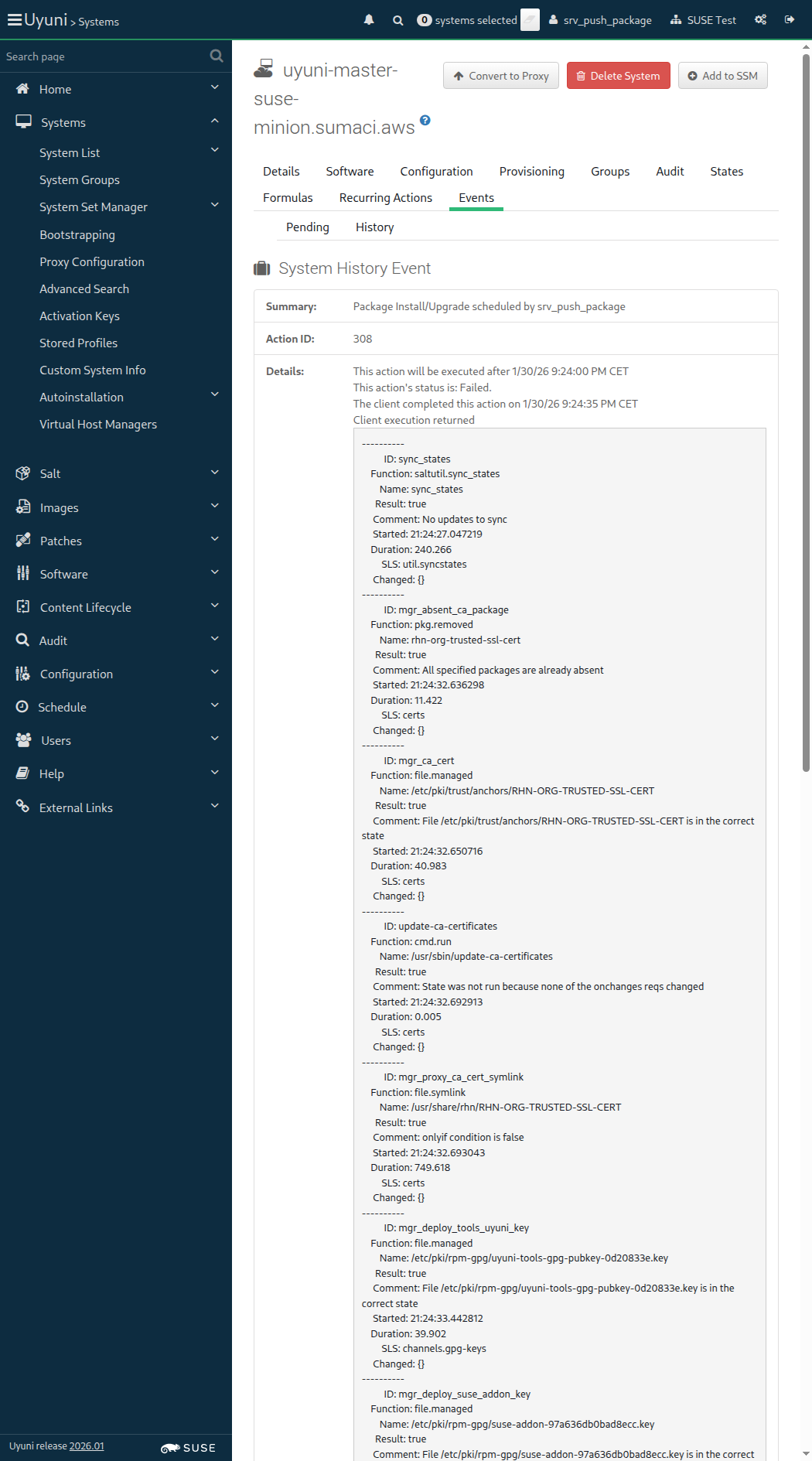
Screenshot +


When I copy unset package file on "sle_minion" 2s 77ms

And I push package "/root/subscription-tools-1.0-0.noarch.rpm" into "fake-base-channel-suse-like" channel through "sle_minion" 433ms Show Error +
                                            
FAIL: mgrpush -u admin -p admin --server=uyuni-master-server.sumaci.aws --nosig -c fake-base-channel-suse-like /root/subscription-tools-1.0-0.noarch.rpm returned status code = 127. Output: (ScriptError) ./features/support/remote_node.rb:169:in `run_local' ./features/support/remote_node.rb:117:in `run' ./features/step_definitions/common_steps.rb:327:in `/^I push package "([^"]*)" into "([^"]*)" channel through "([^"]*)"$/' features/secondary/srv_push_package.feature:33:in `I push package "/root/subscription-tools-1.0-0.noarch.rpm" into "fake-base-channel-suse-like" channel through "sle_minion"'

Then I should see package "subscription-tools-1.0-0.noarch" in channel "Fake-Base-Channel-SUSE-like" 0s

13s 529ms Show Info +
21:25:03:000 - 21:25:05:000 | Current URL: https://uyuni-master-server.sumaci.aws/rhn/systems/details/history/Event.do?sid=1000010023&aid=308
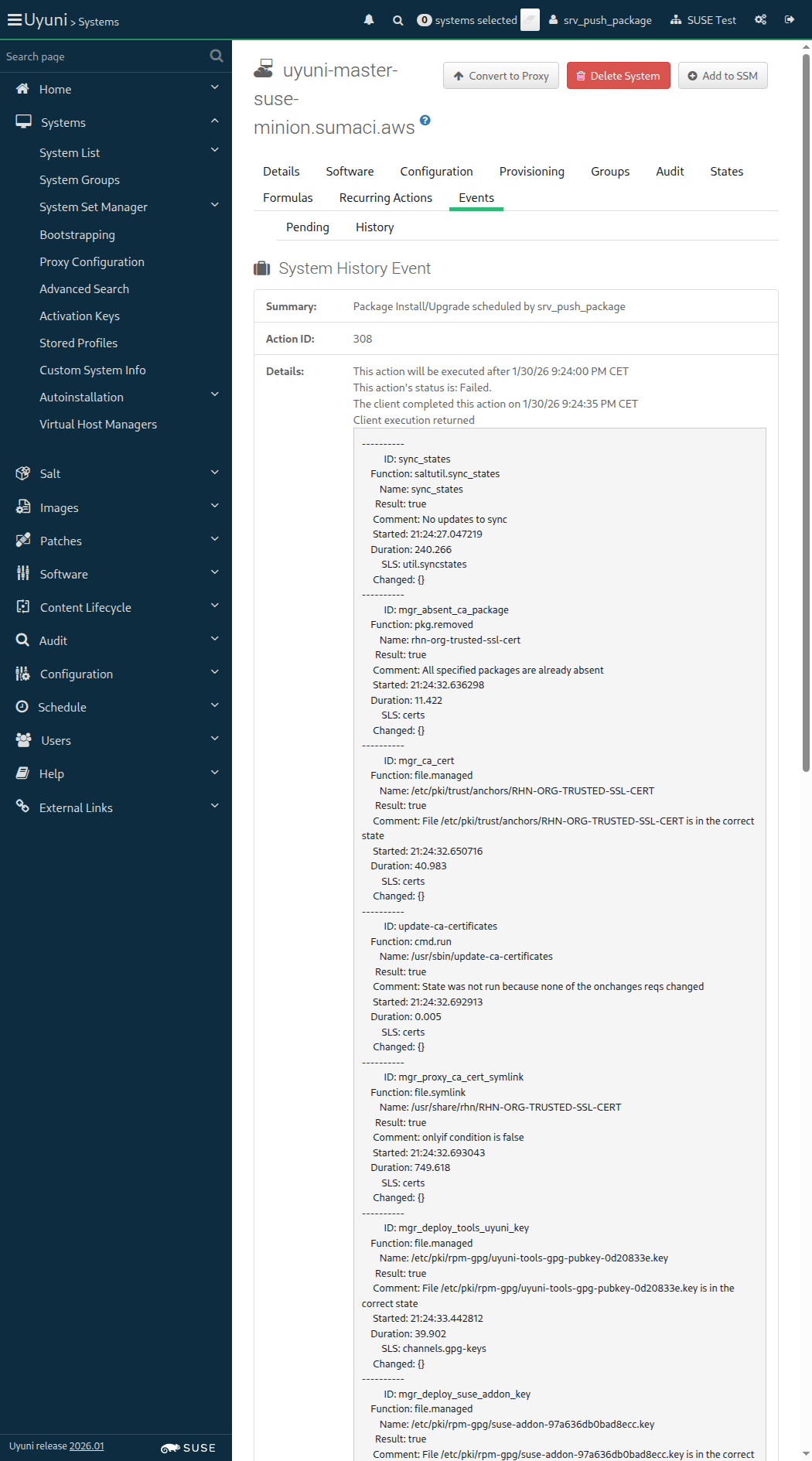
Screenshot +


When I follow the left menu "Software > Channel List > All" 201ms

And I follow "Fake-Base-Channel-SUSE-like" 613ms

And I follow "Packages" 485ms

And I follow "subscription-tools-1.0-0.noarch" 10s 9ms Show Error +
                                            
Unable to find link "subscription-tools-1.0-0.noarch" (Capybara::ElementNotFound) ./features/support/commonlib.rb:198:in `click_link_and_wait' ./features/step_definitions/navigation_steps.rb:339:in `/^I follow "([^"]*)"$/' features/secondary/srv_push_package.feature:40:in `I follow "subscription-tools-1.0-0.noarch"'

Then I should see a "Vendor:" text 0s

And I should see a "Not defined" text 0s

13s 614ms Show Info +
21:25:19:000 - 21:25:30:000 | Current URL: https://uyuni-master-server.sumaci.aws/rhn/channels/ChannelPackages.do?cid=121
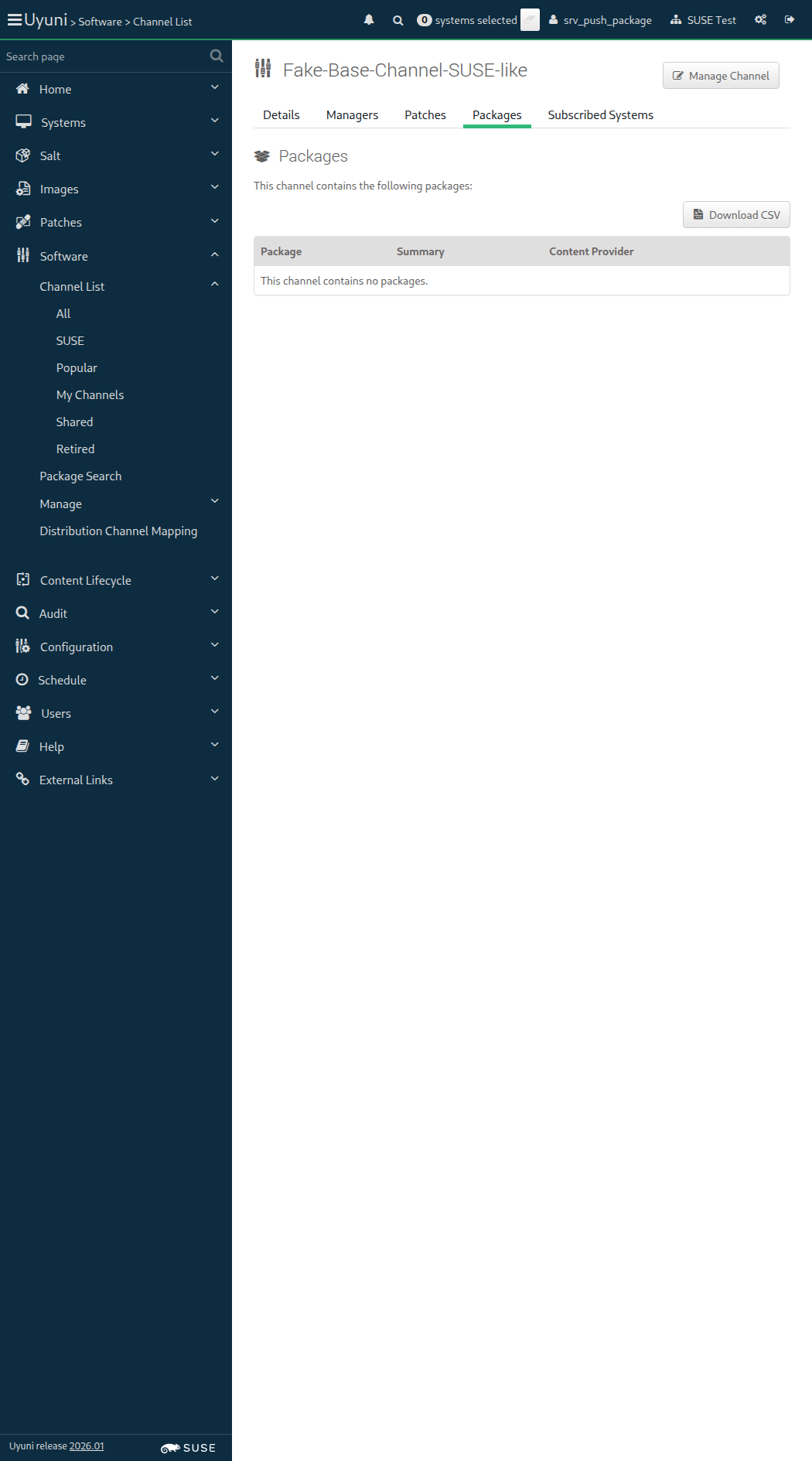
Screenshot +


@skip_if_github_validation @scope_reportdb @new_issue
Feature:Report database 1m 14s 151ms 9 1

In order to use reporting tools
As an authorized user
I want to access and use the report database named "ReportDB"

Given I am authorized for the "Admin" section 1s 709ms

Then I should be able to connect to the ReportDB on the server 1s 181ms

And there should be a user allowed to create roles on the ReportDB 797ms

When I create a read-only user for the ReportDB 2s 90ms

Then I should see the read-only user listed on the ReportDB user accounts 794ms

When I connect to the ReportDB with read-only user from external machine 66ms

Then I should be able to query the ReportDB 1ms

Then I should not be able to "insert" data in a ReportDB "table" as a read-only user 1ms

And I should not be able to "update" data in a ReportDB "table" as a read-only user 1ms

And I should not be able to "delete" data in a ReportDB "table" as a read-only user < 1ms

And I should not be able to "insert" data in a ReportDB "view" as a read-only user < 1ms

And I should not be able to "update" data in a ReportDB "view" as a read-only user < 1ms

And I should not be able to "delete" data in a ReportDB "view" as a read-only user < 1ms

Given I know the ReportDB admin user credentials 1s 337ms

Then I should be able to connect to the ReportDB with the ReportDB admin user 61ms

And I should not be able to connect to product database with the ReportDB admin user 62ms

When I follow the left menu "Systems > System List > All" 184ms

And I make a list of the existing systems 10s 11ms

Then I should find the systems from the UI in the ReportDB < 1ms

Search by hostname: uyuni-master-suse-minion
[{"last_boot"=>"2026-01-30T19:04:49Z", "name"=>"uyuni-master-suse-minion.sumaci.aws", "id"=>1000010023, "last_checkin"=>"2026-01-30T20:24:35Z"}]

Given I have a property "City" with value "Arrakeen" on "sle_minion" 7s 613ms

And I know the current synced_date for "sle_minion" 1ms

When I schedule a task to update ReportDB 17s 360ms

Then I should find the updated "City" property as "Arrakeen" on the "sle_minion", on ReportDB 1ms

When I delete the read-only user for the ReportDB 3s 310ms

Then I shouldn't see the read-only user listed on the ReportDB user accounts 1s 86ms Show Error +
                                            
Created read-only user on the ReportDB remains listed (ScriptError) ./features/step_definitions/command_steps.rb:1424:in `/^I shouldn't see the read-only user listed on the ReportDB user accounts$/' features/secondary/srv_reportdb.feature:57:in `I shouldn't see the read-only user listed on the ReportDB user accounts'

13s 671ms Show Info +
21:26:44:000 - 21:26:48:000 | Current URL: https://uyuni-master-server.sumaci.aws/rhn/admin/BunchDetail.do?label=mgr-update-reporting-bunch
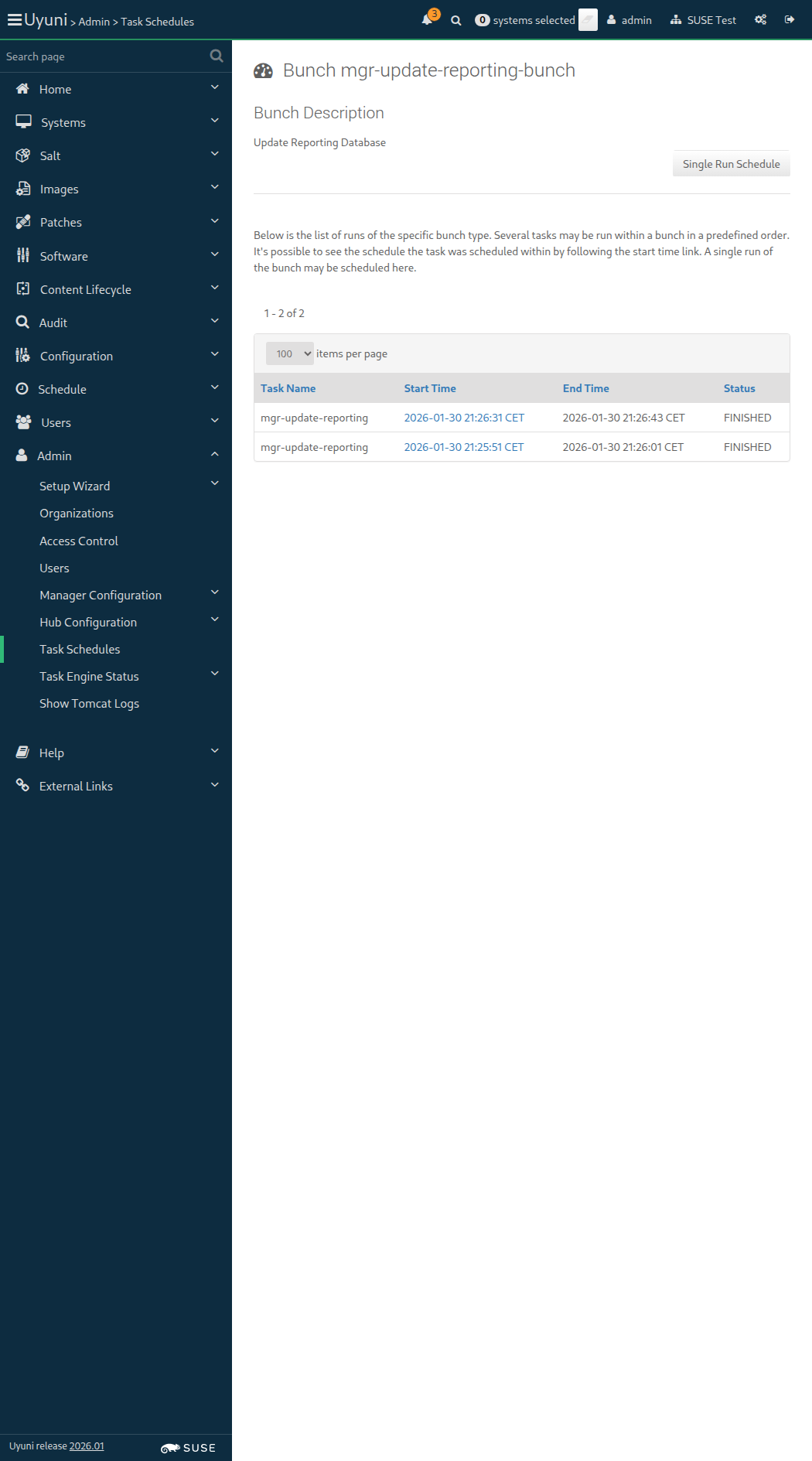
Screenshot +


Given I am authorized 1s 925ms

When I follow the left menu "Software > Distribution Channel Mapping" 122ms

Then I should see a "Distribution Channel Mapping" text 52ms

And I should see a "Channel List" link in the left menu 24ms

And I should see a "Package Search" link in the left menu 20ms

And I should see a "Manage" link in the left menu 23ms

And I should see a "Distribution Channel Mapping" link in the left menu 20ms

And I should see a "Create Distribution Channel Mapping" link 10ms

And I should see a "No distribution channel mappings currently exist." text in the content area 21ms

When I follow the left menu "Software > Distribution Channel Mapping" 0s

And I follow "Create Distribution Channel Mapping" 0s

Then I should see a "Create Distribution Channel Map" text 0s

When I enter "SUSE Linux Enterprise Server 15 SP 4" as "os" 0s

And I enter "15.5" as "release" 0s

And I select "x86_64" from "architecture" 0s

And I select "SLE-Product-SLES15-SP7-Pool for x86_64" from "channel_label" 0s

And I click on "Create Mapping" 0s

Then I should see a "SUSE Linux Enterprise Server 15 SP 4" link in the content area 0s

When I follow the left menu "Software > Distribution Channel Mapping" 64ms

And I follow "Create Distribution Channel Mapping" 372ms

Then I should see a "Create Distribution Channel Map" text 59ms

When I enter "openSUSE Tumbleweed" as "os" 70ms

And I enter "20250928" as "release" 53ms

And I select "x86_64" from "architecture" 62ms

And I select "openSUSE Tumbleweed (x86_64)" from "channel_label" 54ms

And I click on "Create Mapping" 519ms

Then I should see a "openSUSE Tumbleweed" link in the content area 24ms

When I follow the left menu "Software > Distribution Channel Mapping" 59ms

And I follow "Create Distribution Channel Mapping" 334ms

Then I should see a "Create Distribution Channel Map" text 58ms

When I enter "Ubuntu 24.04" as "os" 55ms

And I enter "24.04" as "release" 46ms

And I select "AMD64 Debian" from "architecture" 53ms

And I select "Fake-Base-Channel-Debian-like" from "channel_label" 53ms

And I click on "Create Mapping" 571ms

Then I should see a "Ubuntu 24.04" link in the content area 21ms

When I follow the left menu "Software > Distribution Channel Mapping" 62ms

And I follow "Create Distribution Channel Mapping" 338ms

Then I should see a "Create Distribution Channel Map" text 56ms

When I enter "SUSE Linux Enterprise Server 15 SP 4 iSeries" as "os" 90ms

And I enter "15.5" as "release" 44ms

And I select "iSeries" from "architecture" 53ms

And I select "Fake-Base-Channel-i586" from "channel_label" 51ms

And I click on "Create Mapping" 589ms

Then I should see a "SUSE Linux Enterprise Server 15 SP 4 iSeries" link in the content area 23ms

When I follow the left menu "Software > Distribution Channel Mapping" 0s

Then I should see the text "SUSE Linux Enterprise Server 15 SP 4" in the Operating System field 0s

And I should see the text "x86_64" in the Architecture field 0s

And I should see the text "sle-product-sles15-sp7-pool-x86_64" in the Channel Label field 0s

When I follow "SUSE Linux Enterprise Server 15 SP 4" 0s

Then I should see a "Update Distribution Channel Map" text 0s

When I enter "SUSE Linux Enterprise Server 15 SP 4 modified" as "os" 0s

And I select "SLE-Product-SLES15-SP7-Pool for x86_64" from "channel_label" 0s

And I click on "Update Mapping" 0s

Then I should see the text "SUSE Linux Enterprise Server 15 SP 4 modified" in the Operating System field 0s

And I should see the text "sle-product-sles15-sp7-pool-x86_64" in the Channel Label field 0s

When I follow the left menu "Software > Distribution Channel Mapping" 64ms

Then I should see the text "openSUSE Tumbleweed" in the Operating System field 10s 5ms

And I should see the text "x86_64" in the Architecture field 10s 12ms

And I should see the text "opensuse_tumbleweed-x86_64" in the Channel Label field 10s 4ms

When I follow "openSUSE Tumbleweed" 374ms

Then I should see a "Update Distribution Channel Map" text 54ms

When I enter "openSUSE Tumbleweed modified" as "os" 103ms

And I select "openSUSE Tumbleweed (x86_64)" from "channel_label" 43ms

And I click on "Update Mapping" 58ms

Then I should see the text "openSUSE Tumbleweed modified" in the Operating System field 10s 10ms

And I should see the text "opensuse_tumbleweed-x86_64" in the Channel Label field 10s 6ms

When I follow the left menu "Software > Distribution Channel Mapping" 80ms

Then I should see the text "Ubuntu 24.04" in the Operating System field 10s 12ms

And I should see the text "AMD64 Debian" in the Architecture field 10s 5ms

And I should see the text "fake-base-channel-debian-like" in the Channel Label field 10s 3ms

When I follow "Ubuntu 24.04" 360ms

And I enter "Ubuntu 24.04 modified" as "os" 88ms

And I click on "Update Mapping" 650ms

Then I should see the text "Ubuntu 24.04 modified" in the Operating System field 10s 4ms

When I follow the left menu "Software > Distribution Channel Mapping" 75ms

Then I should see the text "SUSE Linux Enterprise Server 15 SP 4 iSeries" in the Operating System field 10s 6ms

And I should see the text "iSeries" in the Architecture field 10s

And I should see the text "fake-base-channel-i586" in the Channel Label field 10s 1ms

When I follow "SUSE Linux Enterprise Server 15 SP 4 iSeries" 299ms

And I enter "SUSE Linux Enterprise Server 15 SP 4 iSeries modified" as "os" 146ms

And I select "Fake-Base-Channel-Debian-like" from "channel_label" 63ms

And I click on "Update Mapping" 560ms

Then I should see the text "SUSE Linux Enterprise Server 15 SP 4 iSeries modified" in the Operating System field 10s 4ms

And I should see the text "fake-base-channel-debian-like" in the Channel Label field 10s 11ms

When I follow the left menu "Software > Distribution Channel Mapping" 0s

Then I should see the text "SUSE Linux Enterprise Server 15 SP 4 modified" in the Operating System field 0s

And I should see the text "x86_64" in the Architecture field 0s

When I follow "SUSE Linux Enterprise Server 15 SP 4 modified" 0s

Then I should see a "Update Distribution Channel Map" text 0s

And I should see a "Delete Distribution Channel" link 0s

When I follow "Delete Distribution Channel Mapping" 0s

Then I should see a "Delete Distribution Channel Map" text 0s

When I click on "Delete Mapping" 0s

Then I should not see a "SUSE Linux Enterprise Server 15 SP 4 modified" link 0s

When I follow the left menu "Software > Distribution Channel Mapping" 79ms

Then I should see the text "openSUSE Tumbleweed modified" in the Operating System field 10s 3ms

And I should see the text "x86_64" in the Architecture field 10s 9ms

When I follow "openSUSE Tumbleweed modified" 301ms

Then I should see a "Update Distribution Channel Map" text 55ms

And I should see a "Delete Distribution Channel" link 10ms

When I follow "Delete Distribution Channel Mapping" 305ms

Then I should see a "Delete Distribution Channel Map" text 50ms

When I click on "Delete Mapping" 454ms

Then I should not see a "openSUSE Tumbleweed modified" link 12ms

When I follow the left menu "Software > Distribution Channel Mapping" 74ms

Then I should see the text "Ubuntu 24.04 modified" in the Operating System field 10s 4ms

And I should see the text "AMD64 Debian" in the Architecture field 10s 14ms

When I follow "Ubuntu 24.04 modified" 296ms

Then I should see a "Update Distribution Channel Map" text 57ms

And I should see a "Delete Distribution Channel" link 12ms

When I follow "Delete Distribution Channel Mapping" 264ms

Then I should see a "Delete Distribution Channel Map" text 50ms

When I click on "Delete Mapping" 453ms

Then I should not see a "Ubuntu 24.04 modified" link 7ms

When I follow the left menu "Software > Distribution Channel Mapping" 78ms

Then I should see the text "SUSE Linux Enterprise Server 15 SP 4 iSeries modified" in the Operating System field 10s 3ms

And I should see the text "x86_64" in the Architecture field 10s 9ms

When I follow "SUSE Linux Enterprise Server 15 SP 4 iSeries modified" 288ms

Then I should see a "Update Distribution Channel Map" text 56ms

And I should see a "Delete Distribution Channel" link 11ms

When I follow "Delete Distribution Channel Mapping" 333ms

Then I should see a "Delete Distribution Channel Map" text 48ms

When I click on "Delete Mapping" 60ms

Then I should not see a "SUSE Linux Enterprise Server 15 SP 4 iSeries modified" link 419ms

When I follow the left menu "Software > Distribution Channel Mapping" 74ms

Then I should see a "Distribution Channel Mapping" text 51ms

And I should see a "No distribution channel mappings currently exist." text in the content area 22ms

Given I am authorized for the "Admin" section 1s 652ms

When I follow the left menu "Admin > Task Engine Status > Last Execution Times" 0s

Then I should see a "Task Engine Status" text 0s

And I should see a "The following is a status report for the various tasks run by the SUSE Multi-Linux Manager task engine:" text 0s

And I should see a "Runtime Status" text 0s

And I should see a "Last Execution Times" link in the left menu 0s

And I should see a "Runtime Status" link in the left menu 0s

When I follow the left menu "Admin > Task Engine Status > Last Execution Times" 712ms

Then I should see a "Task Engine Status" text 87ms

And I should see a "The following is a status report for the various tasks run by the Uyuni task engine:" text 86ms

And I should see a "Runtime Status" text 88ms

And I should see a "Last Execution Times" link in the left menu 28ms

And I should see a "Runtime Status" link in the left menu 22ms

When I follow the left menu "Admin > Task Engine Status > Runtime Status" 70ms

Then I should see a "Task Engine Status" text 57ms

And I should see a "Last Execution Times" text 51ms

And I should see a "The server is running or has finished executing the following tasks during the latest 5 minutes." text 374ms

And I should see a "Last Execution Times" link in the left menu 19ms

And I should see a "Runtime Status" link in the left menu 17ms

When I follow the left menu "Admin > Task Engine Status > Last Execution Times" 69ms

And I run "cobbler sync" on "server" 3s 225ms

And I refresh the page 11s 258ms

Then I should see a "Cobbler Sync:" text 92ms

And I should see the correct timestamp for task "Cobbler Sync:" 10s 9ms

And I should see a "FINISHED" text 98ms

When I follow the left menu "Admin > Task Engine Status > Runtime Status" 0s

And I follow the left menu "Admin > Setup Wizard > Products" 0s

And I wait until I do not see "Loading" text 0s

And I enter "SUSE Linux Enterprise Server 15 SP7 x86_64" as "product-description-filter" 0s

And I wait until I see "SUSE Linux Enterprise Server 15 SP7 x86_64" text 0s

Then I should see the "SUSE Linux Enterprise Server 15 SP7 x86_64" selected 0s

When I click on "Schedule channels product resync" 0s

And I follow the left menu "Admin > Task Engine Status > Runtime Status" 0s

And I wait until I see "repo-sync" text 0s

Then I should see the correct timestamp for task "repo-sync" 0s

And I should see a "running" text in the content area 0s

And I wait until I see "finished" text 0s

And I should see the correct timestamp for task "repo-sync" 0s

When I retrieve the relevant errata for ssh_minion 4s 712ms

When I retrieve the relevant errata for ssh_minion, rhlike_minion, deblike_minion 1s 388ms

@scope_salt @skip_if_github_validation @new_issue @bug_reported
Feature:Health Check tool based on a supportconfig 6m 36s 850ms 2 3

A supportconfig generated from the Uyuni server
should be able to be parsed by Health Check tool.

When I generate a supportconfig for the server 1m 44s 587ms

Then I obtain and extract the supportconfig from the server 1s 25ms

When I start the health check tool with supportconfig "/root/server-supportconfig/uyuni-server-supportconfig/" on "localhost" 460ms Show Error +
                                            
FAIL: mgr-health-check -v -s /root/server-supportconfig/uyuni-server-supportconfig/ start returned status code = 1. Output: ┏━━━━━━━━━━━━━━━━━━━━━━━━━━━━━━━━━━━━━━━━━━━━━━━━━━━━━━━━━━━━━━━━━━━━━━━━━━━━━━┓ ┃ Health Check ┃ ┗━━━━━━━━━━━━━━━━━━━━━━━━━━━━━━━━━━━━━━━━━━━━━━━━━━━━━━━━━━━━━━━━━━━━━━━━━━━━━━┛ [21:33:12] Checking connection with podman: main.py:43 Executing: podman --version utils.py:37 [21:33:13] podman version 4.9.5 utils.py:61 Supportconfig path not accessible, exitting main.py:94 (ScriptError) ./features/support/remote_node.rb:169:in `run_local' ./features/support/remote_node.rb:117:in `run' ./features/step_definitions/command_steps.rb:1793:in `/^I start the health check tool with supportconfig "([^"]*)" on "([^"]*)"$/' features/secondary/srv_health_check_supportconfig.feature:19:in `I start the health check tool with supportconfig "/root/server-supportconfig/uyuni-server-supportconfig/" on "localhost"'

Then I check that the health check tool is running on "localhost" 0s

13s 272ms Show Info +
21:33:12:000 - 21:33:13:000 | Current URL: https://uyuni-master-server.sumaci.aws/rhn/admin/TaskStatus.do
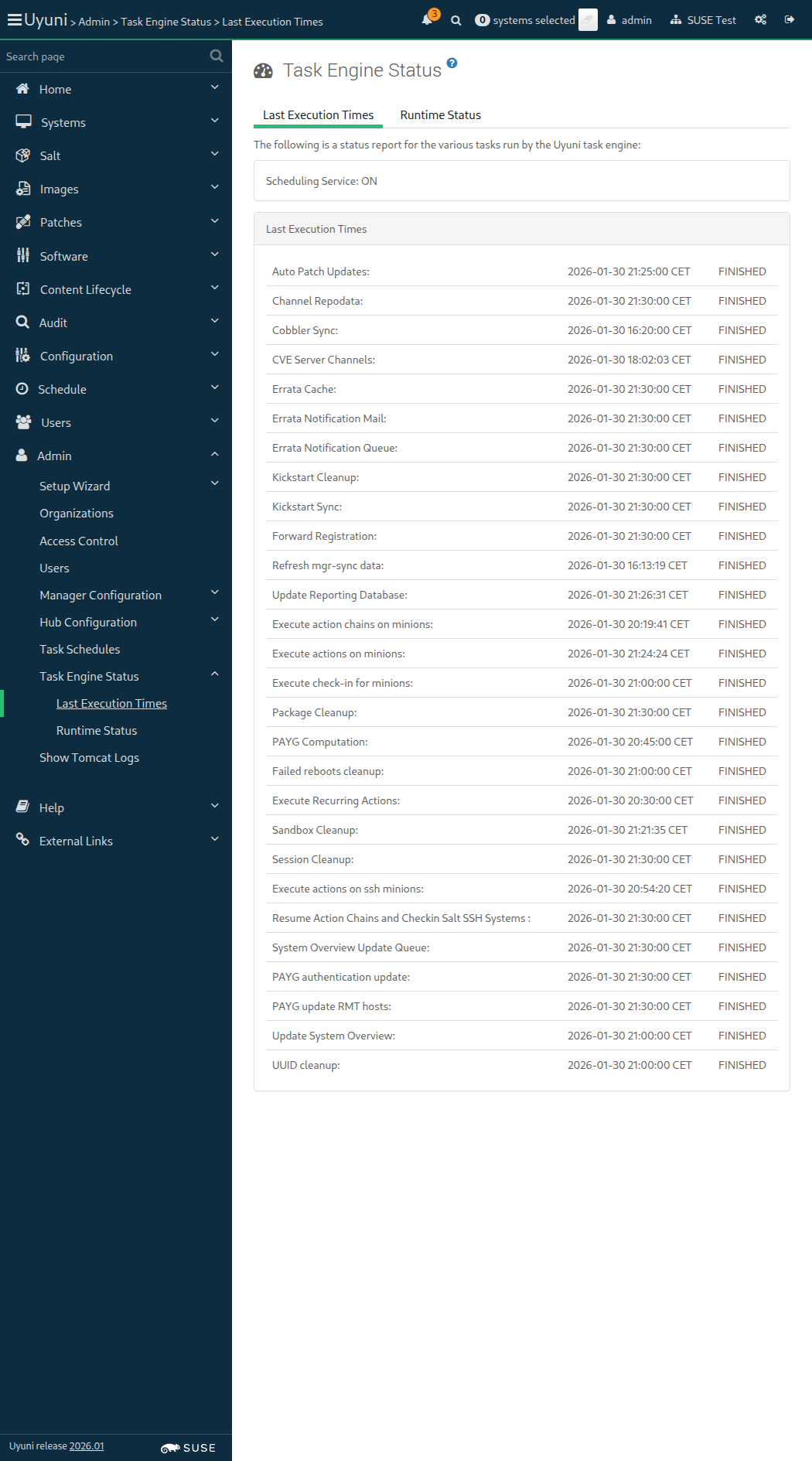
Screenshot +


When I wait until port "9000" is listening on "localhost" host 4m 10s Show Error +
                                            
execution expired (Timeout::Error) ./features/support/commonlib.rb:95:in `repeat_until_timeout' ./features/support/remote_node.rb:202:in `run_until_ok' ./features/step_definitions/command_steps.rb:1570:in `/^I wait until port "([^"]*)" is listening on "([^"]*)" (host|container)$/' features/secondary/srv_health_check_supportconfig.feature:23:in `I wait until port "9000" is listening on "localhost" host'

Then I wait until port "3100" is listening on "localhost" host 0s

And I wait until port "9081" is listening on "localhost" host 0s

And I wait until port "3000" is listening on "localhost" host 0s

13s 257ms Show Info +
21:33:26:000 - 21:37:36:000 | Current URL: https://uyuni-master-server.sumaci.aws/rhn/admin/TaskStatus.do
Screenshot +


Then I check that the health check tool exposes metrics on "localhost" 181ms Show Error +
                                            
FAIL: curl -s localhost:9000/metrics.json | python3 -c 'import sys, json; print(json.load(sys.stdin).keys())' returned status code = 1. Output: (ScriptError) ./features/support/remote_node.rb:169:in `run_local' ./features/support/remote_node.rb:117:in `run' ./features/step_definitions/command_steps.rb:1821:in `/^I check that the health check tool exposes metrics on "([^"]*)"$/' features/secondary/srv_health_check_supportconfig.feature:29:in `I check that the health check tool exposes metrics on "localhost"'

13s 272ms Show Info +
21:37:49:000 - 21:37:49:000 | Current URL: https://uyuni-master-server.sumaci.aws/rhn/admin/TaskStatus.do
Screenshot +


When I stop health check tool on "localhost" 417ms

Then I check that the health check tool is not running on "localhost" 186ms

And I remove test supportconfig on "localhost" 187ms

As an organization administrator,
I want to configure and enforce password complexity requirements,
So that user accounts comply with security policies

Given I am authorized as "admin" with password "admin" 1s 712ms

When I follow the left menu "Admin > Manager Configuration > Password Policy" 720ms

Then I should see a "Server Configuration - Password Policy" text 77ms

When I set the minimum password length to "5" 56ms

And I set the maximum password length to "12" 52ms

And I enable the following restrictions: 314ms
Require Digits
Require Lowercase Characters
Require Uppercase Characters
Require Special Characters
Restrict Characters Occurrences
Restrict Consecutive Characters

And I click on "Save" 58ms

And I should see a "Password Policy Changed" text 181ms

When I refresh the page 10s 474ms

Then the following restrictions should be enabled: 47ms
Require Digits
Require Lowercase Characters
Require Uppercase Characters
Require Special Characters
Restrict Characters Occurrences
Restrict Consecutive Characters

When I set the special characters list to "$@?" 59ms

And I set the maximum allowed occurrence of any character to "3" 48ms

And I click on "Save" 55ms

And I should see a "Password Policy Changed" text 183ms

Failed to create user password_policy_user: unknown error - API failure: Passwords must be at least 5 characters.

When I create a user with name "password_policy_user" and password "aB$1" with roles "config_admin,system_group_admin,activation_key_admin,image_admin" 1s 60ms

Then the user creation should fail with error containing "Passwords must be at least 5 characters" < 1ms

Failed to create user password_policy_user: unknown error - API failure: Passwords must contain at least one upper case character.

When I create a user with name "password_policy_user" and password "ab$123" with roles "config_admin,system_group_admin,activation_key_admin,image_admin" 941ms

Then the user creation should fail with error containing "Passwords must contain at least one upper case character" < 1ms

Failed to create user password_policy_user: unknown error - API failure: Passwords must contain at least one lower case character.

When I create a user with name "password_policy_user" and password "AB$123" with roles "config_admin,system_group_admin,activation_key_admin,image_admin" 934ms

Then the user creation should fail with error containing "Passwords must contain at least one lower case character" < 1ms

Failed to create user password_policy_user: unknown error - API failure: Passwords must contain at least one digit.

When I create a user with name "password_policy_user" and password "aB$cde" with roles "config_admin,system_group_admin,activation_key_admin,image_admin" 927ms

Then the user creation should fail with error containing "Passwords must contain at least one digit" < 1ms

Failed to create user password_policy_user: unknown error - API failure: Passwords must contain at least one special character, allowed special characters are: $@?.

When I create a user with name "password_policy_user" and password "aBc123" with roles "config_admin,system_group_admin,activation_key_admin,image_admin" 922ms

Then the user creation should fail with error containing "Passwords must contain at least one special character" < 1ms

Failed to create user password_policy_user: unknown error - API failure: Passwords must contain at least one special character, allowed special characters are: $@?.

When I create a user with name "password_policy_user" and password "aB:123" with roles "config_admin,system_group_admin,activation_key_admin,image_admin" 892ms

Then the user creation should fail with error containing "Passwords must contain at least one special character, allowed special characters are: $@?" < 1ms

Failed to create user password_policy_user: unknown error - API failure: **consecutive_characters_presents**

When I create a user with name "password_policy_user" and password "aaB$123" with roles "config_admin,system_group_admin,activation_key_admin,image_admin" 892ms

Then the user creation should fail with error containing "consecutive_characters_presents" < 1ms

Failed to create user password_policy_user: unknown error - API failure: **consecutive_characters_presents** :: Password characters occurrences exceeded maximum allowed 3.

When I create a user with name "password_policy_user" and password "aB$a12aa3" with roles "config_admin,system_group_admin,activation_key_admin,image_admin" 894ms

Then the user creation should fail with error containing "Password characters occurrences exceeded maximum allowed 3" < 1ms

Failed to create user password_policy_user: unknown error - API failure: Passwords cannot be more than 12 characters.

When I create a user with name "password_policy_user" and password "aBcdef$123456" with roles "config_admin,system_group_admin,activation_key_admin,image_admin" 964ms

Then the user creation should fail with error containing "Passwords cannot be more than 12 characters" < 1ms

New user password_policy_user created with roles: config_admin, system_group_admin, activation_key_admin, image_admin

When I create a user with name "password_policy_user" and password "aB$123" with roles "config_admin,system_group_admin,activation_key_admin,image_admin" 2s 121ms

Then the user creation should succeed < 1ms

When I follow the left menu "Admin > Manager Configuration > Password Policy" 71ms

And I click on "Reset" 60ms

And I should see a "Password Policy Reset to Default" text 413ms

And I refresh the page 10s 470ms

Then the following restrictions should be disabled: 48ms
Require Digits
Require Lowercase Characters
Require Uppercase Characters
Require Special Characters
Restrict Characters Occurrences
Restrict Consecutive Characters

When I delete user "password_policy_user" 327ms

@skip_if_github_validation @build_host @scope_building_container_images @scope_cve_audit @no_auth_registry
Feature:Build container images and CVE audit them 19m 20s 295ms 16 14

Given I am authorized 1s 600ms

GITPROFILES: https://github.com/uyuni-project/uyuni.git#:testsuite/features/profiles/temporary

When I follow the left menu "Images > Profiles" 113ms

And I follow "Create" 2s 551ms

And I enter "suse_simple" as "label" 98ms

And I select "galaxy-registry" from "imageStore" 1s 149ms

And I enter "Docker" relative to profiles as "path" 875ms

And I click on "create-btn" 65ms

GITPROFILES: https://github.com/uyuni-project/uyuni.git#:testsuite/features/profiles/temporary

When I follow the left menu "Images > Profiles" 62ms

And I follow "Create" 2s 461ms

And I enter "suse_real_simple" as "label" 110ms

And I select "galaxy-registry" from "imageStore" 1s 107ms

And I enter "Docker/serverhost" relative to profiles as "path" 940ms

And I click on "create-btn" 50ms

GITPROFILES: https://github.com/uyuni-project/uyuni.git#:testsuite/features/profiles/temporary

When I follow the left menu "Images > Profiles" 56ms

And I follow "Create" 2s 412ms

And I enter "suse_key" as "label" 78ms

And I select "galaxy-registry" from "imageStore" 1s 103ms

And I select "1-SUSE-KEY-x86_64" from "activationKey" 1s 131ms

And I enter "Docker" relative to profiles as "path" 858ms

And I click on "create-btn" 51ms

GITPROFILES: https://github.com/uyuni-project/uyuni.git#:testsuite/features/profiles/temporary

When I follow the left menu "Images > Profiles" 56ms

And I follow "Create" 2s 486ms

And I enter "suse_real_key" as "label" 99ms

And I select "galaxy-registry" from "imageStore" 1s 116ms

And I select "1-SUSE-KEY-x86_64" from "activationKey" 1s 109ms

And I enter "Docker/serverhost" relative to profiles as "path" 946ms

And I click on "create-btn" 49ms

Event Details: ---------- ID: mgr_registries_login Function: mgrcompat.module_run Name: docker.login Result: true Comment: Module function docker.login executed Started: 21:39:18.621478 Duration: 2.255 SLS: images.docker Changed: ret: retcode: 0.0 Errors: [ ] Results: { } ---------- ID: mgr_buildimage Function: mgrcompat.module_run Name: docker.build Result: false Comment: Module function docker.build threw an exception. Exception: Build failed for https://github.com/uyuni-project/uyuni.git#:testsuite/features/profiles/temporary/docker_profiles/cloud_aws/Docker. Error(s) follow: manifest for ip-172-16-1-175.eu-central-1.compute.internal/suse/sle15:15.7 not found: manifest unknown: manifest unknown Started: 21:39:18.624173 Duration: 15959.489 SLS: images.docker Changed: {} ---------- ID: mgr_pushimage Function: mgrcompat.module_run Name: docker.push Result: false Comment: One or more requisite failed: images.docker.mgr_buildimage Started: 21:39:34.584866 Duration: 0.007 SLS: images.docker Changed: {} ---------- ID: mgr_registries_logout Function: mgrcompat.module_run Name: docker.logout Result: false Comment: One or more requisite failed: images.docker.mgr_pushimage Started: 21:39:34.585191 Duration: 0.004 SLS: images.docker Changed: {} ---------- ID: mgr_buildimage_docker_collect_logs Function: file.touch Name: /var/log/image-build309.log Result: true Comment: Updated times on file /var/log/image-build309.log Started: 21:39:34.588995 Duration: 11.828 SLS: images.docker Changed: touched: /var/log/image-build309.log ---------- ID: mgr_buildimage_docker_collect_logs Function: mgrcompat.module_run Name: cp.push Result: true Comment: Module function cp.push executed Started: 21:39:34.600954 Duration: 18.12 SLS: images.docker Changed: ret: true

Given I am on the Systems overview page of this "build_host" 3s 609ms

When I schedule the build of image "suse_key" via API calls 1s 48ms

And I wait at most 660 seconds until event "Image Build suse_key scheduled" is completed 41s 608ms Show Error +
                                            
unknown error - Event failed (SystemCallError) ./features/step_definitions/navigation_steps.rb:96:in `block (2 levels) in (top (required))' ./features/support/commonlib.rb:106:in `block in repeat_until_timeout' ./features/support/commonlib.rb:95:in `repeat_until_timeout' ./features/step_definitions/navigation_steps.rb:88:in `/^I wait at most (\d+) seconds until the event is completed, refreshing the page$/' ./features/step_definitions/common_steps.rb:157:in `/^I wait (\d+) seconds until the event is picked up and (\d+) seconds until the event "([^"]*)" is completed$/' ./features/step_definitions/common_steps.rb:174:in `/^I wait at most (\d+) seconds until event "([^"]*)" is completed$/' features/secondary/buildhost_docker_build_image.feature:61:in `I wait at most 660 seconds until event "Image Build suse_key scheduled" is completed'

And I wait at most 900 seconds until image "suse_key" with version "latest" is built successfully via API 0s

And I wait at most 300 seconds until image "suse_key" with version "latest" is inspected successfully via API 0s

13s 563ms Show Info +
21:39:12:000 - 21:39:58:000 | Current URL: https://uyuni-master-server.sumaci.aws/rhn/systems/details/history/Event.do?sid=1000010003&aid=309
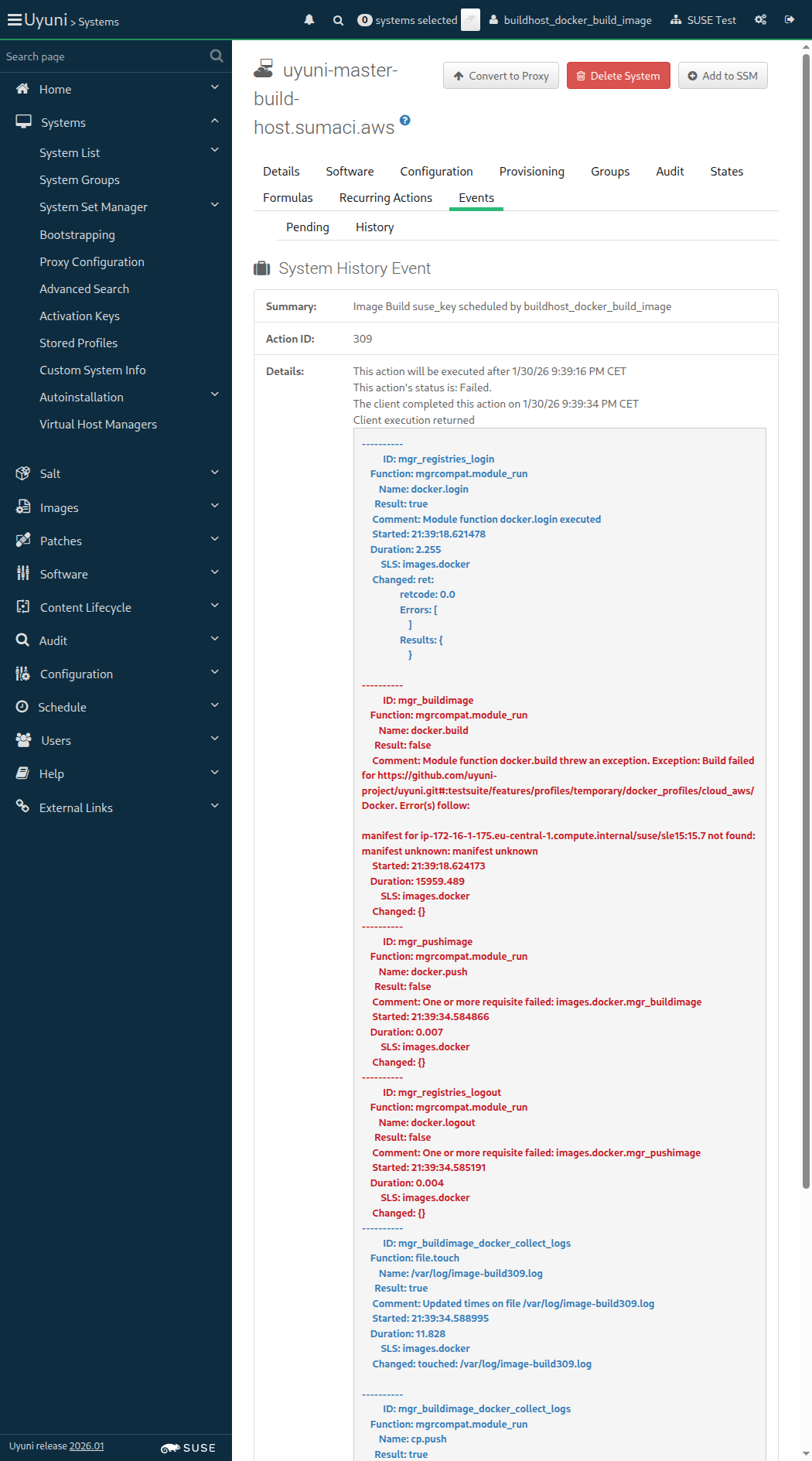
Screenshot +


List of images: [{"external"=>false, "name"=>"suse_key", "checksum"=>"", "obsolete"=>false, "id"=>1, "arch"=>"x86_64-redhat-linux", "type"=>"dockerfile", "version"=>"latest", "storeLabel"=>"galaxy-registry", "revision"=>0}]
Image Details: {"outdatedPackages"=>0, "buildServerId"=>1000010003, "obsolete"=>false, "bugErrata"=>0, "installedPackages"=>0, "type"=>"dockerfile", "version"=>"latest", "storeLabel"=>"galaxy-registry", "revision"=>0, "securityErrata"=>0, "buildStatus"=>"failed", "external"=>false, "profileLabel"=>"suse_key", "name"=>"suse_key", "checksum"=>"", "files"=>[], "id"=>1, "arch"=>"x86_64", "enhancementErrata"=>0}

Then the list of packages of image "suse_key" with version "latest" is not empty 843ms Show Error +
                                            
the list of image packages is empty (ScriptError) ./features/step_definitions/docker_steps.rb:143:in `/^the list of packages of image "([^"]*)" with version "([^"]*)" is not empty$/' features/secondary/buildhost_docker_build_image.feature:69:in `the list of packages of image "suse_key" with version "latest" is not empty'

13s 534ms Show Info +
21:40:12:000 - 21:40:13:000 | Current URL: https://uyuni-master-server.sumaci.aws/rhn/systems/details/history/Event.do?sid=1000010003&aid=309
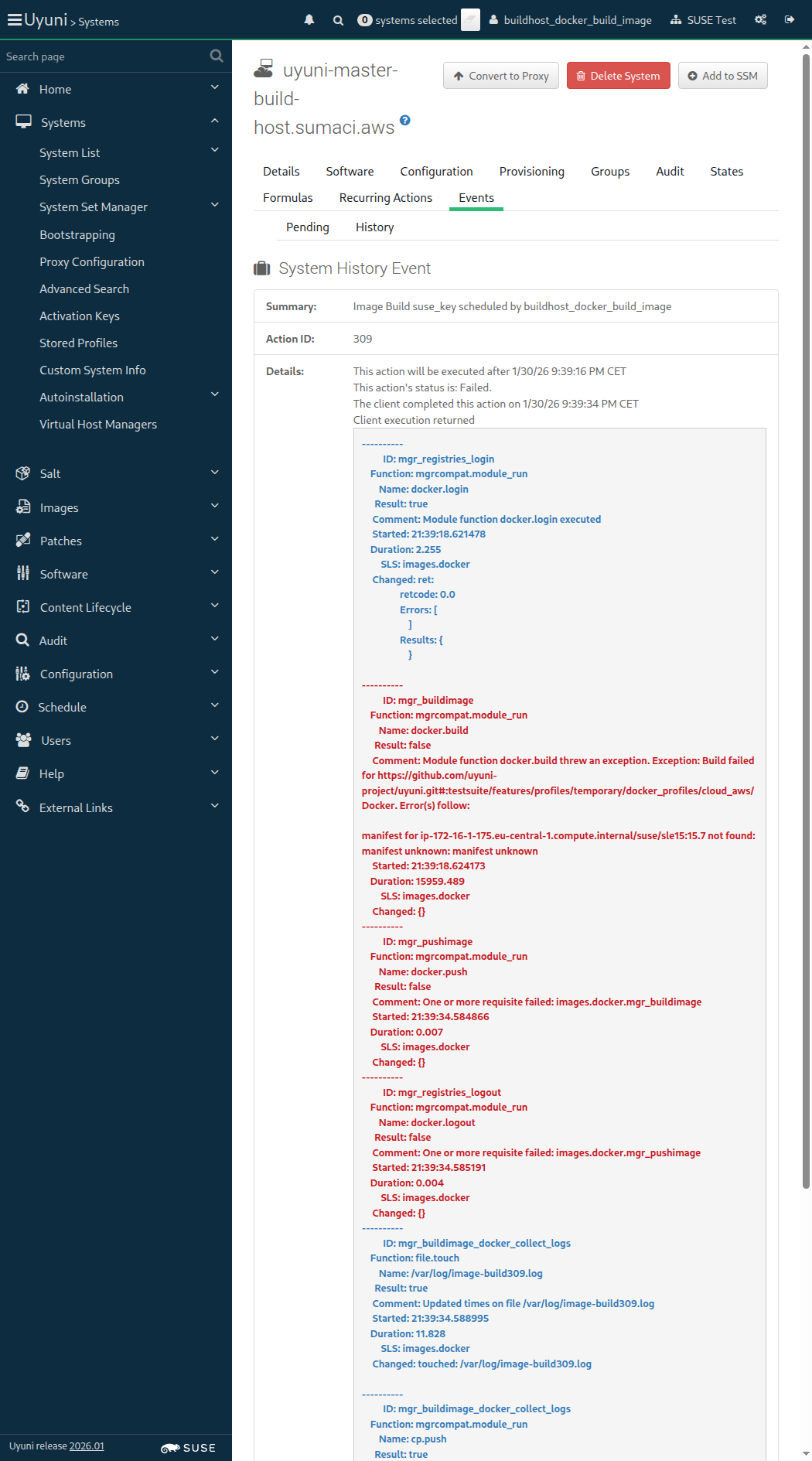
Screenshot +


Event Details: ---------- ID: mgr_registries_login Function: mgrcompat.module_run Name: docker.login Result: true Comment: Module function docker.login executed Started: 21:40:29.838475 Duration: 2.148 SLS: images.docker Changed: ret: retcode: 0.0 Errors: [ ] Results: { } ---------- ID: mgr_buildimage Function: mgrcompat.module_run Name: docker.build Result: false Comment: Module function docker.build threw an exception. Exception: Build failed for https://github.com/uyuni-project/uyuni.git#:testsuite/features/profiles/temporary/docker_profiles/cloud_aws/Docker. Error(s) follow: manifest for ip-172-16-1-175.eu-central-1.compute.internal/suse/sle15:15.7 not found: manifest unknown: manifest unknown Started: 21:40:29.840929 Duration: 14996.246 SLS: images.docker Changed: {} ---------- ID: mgr_pushimage Function: mgrcompat.module_run Name: docker.push Result: false Comment: One or more requisite failed: images.docker.mgr_buildimage Started: 21:40:44.838086 Duration: 0.006 SLS: images.docker Changed: {} ---------- ID: mgr_registries_logout Function: mgrcompat.module_run Name: docker.logout Result: false Comment: One or more requisite failed: images.docker.mgr_pushimage Started: 21:40:44.838364 Duration: 0.004 SLS: images.docker Changed: {} ---------- ID: mgr_buildimage_docker_collect_logs Function: file.touch Name: /var/log/image-build310.log Result: true Comment: Updated times on file /var/log/image-build310.log Started: 21:40:44.841803 Duration: 8.987 SLS: images.docker Changed: touched: /var/log/image-build310.log ---------- ID: mgr_buildimage_docker_collect_logs Function: mgrcompat.module_run Name: cp.push Result: true Comment: Module function cp.push executed Started: 21:40:44.850929 Duration: 11.767 SLS: images.docker Changed: ret: true

Given I am on the Systems overview page of this "build_host" 1s 56ms

When I schedule the build of image "suse_simple" via API calls 771ms

And I wait at most 660 seconds until event "Image Build suse_simple scheduled" is completed 41s 533ms Show Error +
                                            
unknown error - Event failed (SystemCallError) ./features/step_definitions/navigation_steps.rb:96:in `block (2 levels) in (top (required))' ./features/support/commonlib.rb:106:in `block in repeat_until_timeout' ./features/support/commonlib.rb:95:in `repeat_until_timeout' ./features/step_definitions/navigation_steps.rb:88:in `/^I wait at most (\d+) seconds until the event is completed, refreshing the page$/' ./features/step_definitions/common_steps.rb:157:in `/^I wait (\d+) seconds until the event is picked up and (\d+) seconds until the event "([^"]*)" is completed$/' ./features/step_definitions/common_steps.rb:174:in `/^I wait at most (\d+) seconds until event "([^"]*)" is completed$/' features/secondary/buildhost_docker_build_image.feature:74:in `I wait at most 660 seconds until event "Image Build suse_simple scheduled" is completed'

And I wait at most 900 seconds until image "suse_simple" with version "latest" is built successfully via API 0s

And I wait at most 300 seconds until image "suse_simple" with version "latest" is inspected successfully via API 0s

13s 603ms Show Info +
21:40:26:000 - 21:41:10:000 | Current URL: https://uyuni-master-server.sumaci.aws/rhn/systems/details/history/Event.do?sid=1000010003&aid=310
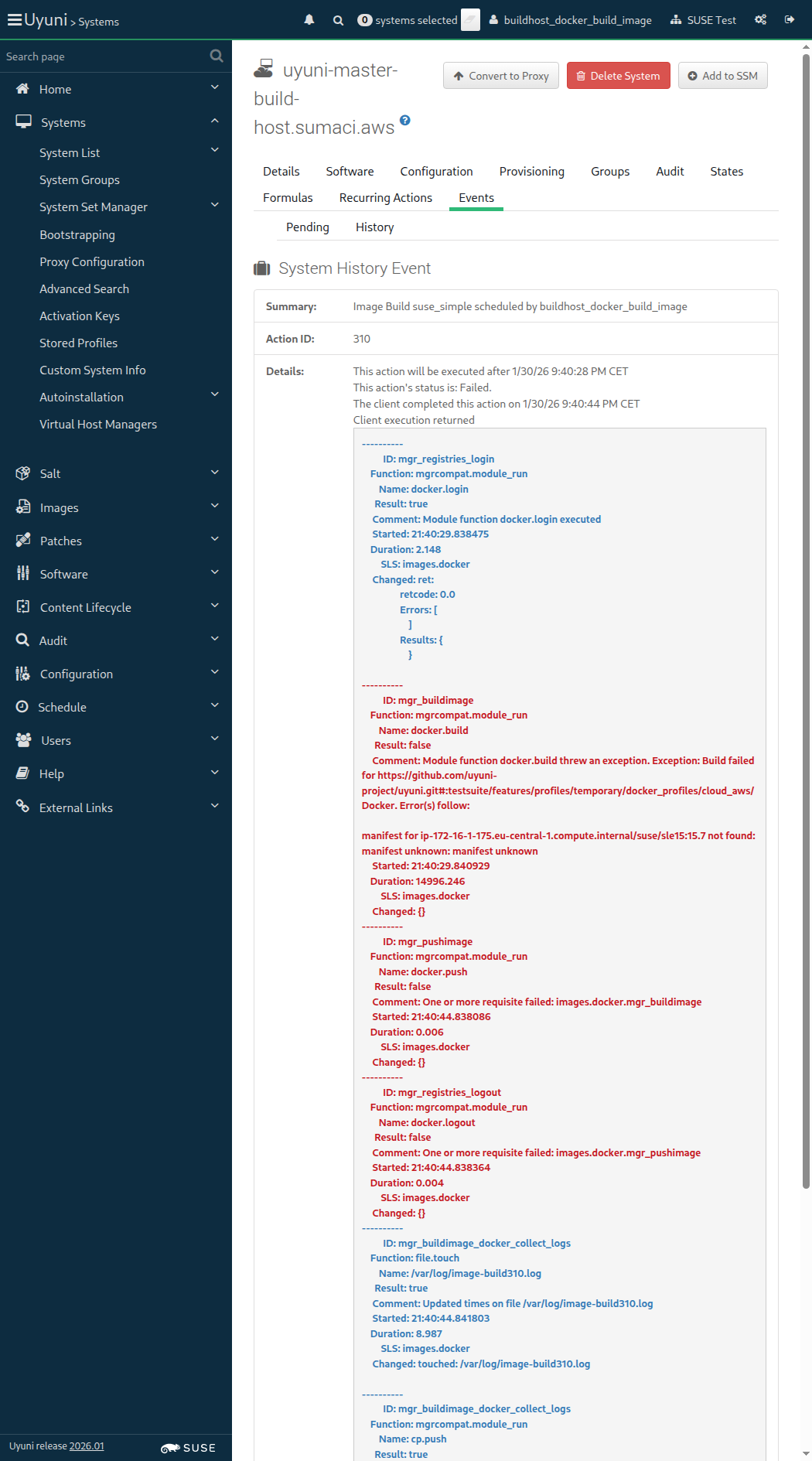
Screenshot +


List of images: [{"external"=>false, "name"=>"suse_key", "checksum"=>"", "obsolete"=>false, "id"=>1, "arch"=>"x86_64-redhat-linux", "type"=>"dockerfile", "version"=>"latest", "storeLabel"=>"galaxy-registry", "revision"=>0}, {"external"=>false, "name"=>"suse_simple", "checksum"=>"", "obsolete"=>false, "id"=>2, "arch"=>"x86_64-redhat-linux", "type"=>"dockerfile", "version"=>"latest", "storeLabel"=>"galaxy-registry", "revision"=>0}]
Image Details: {"outdatedPackages"=>0, "buildServerId"=>1000010003, "obsolete"=>false, "bugErrata"=>0, "installedPackages"=>0, "type"=>"dockerfile", "version"=>"latest", "storeLabel"=>"galaxy-registry", "revision"=>0, "securityErrata"=>0, "buildStatus"=>"failed", "external"=>false, "profileLabel"=>"suse_simple", "name"=>"suse_simple", "checksum"=>"", "files"=>[], "id"=>2, "arch"=>"x86_64", "enhancementErrata"=>0}

Then the list of packages of image "suse_simple" with version "latest" is not empty 823ms Show Error +
                                            
the list of image packages is empty (ScriptError) ./features/step_definitions/docker_steps.rb:143:in `/^the list of packages of image "([^"]*)" with version "([^"]*)" is not empty$/' features/secondary/buildhost_docker_build_image.feature:80:in `the list of packages of image "suse_simple" with version "latest" is not empty'

13s 633ms Show Info +
21:41:23:000 - 21:41:24:000 | Current URL: https://uyuni-master-server.sumaci.aws/rhn/systems/details/history/Event.do?sid=1000010003&aid=310
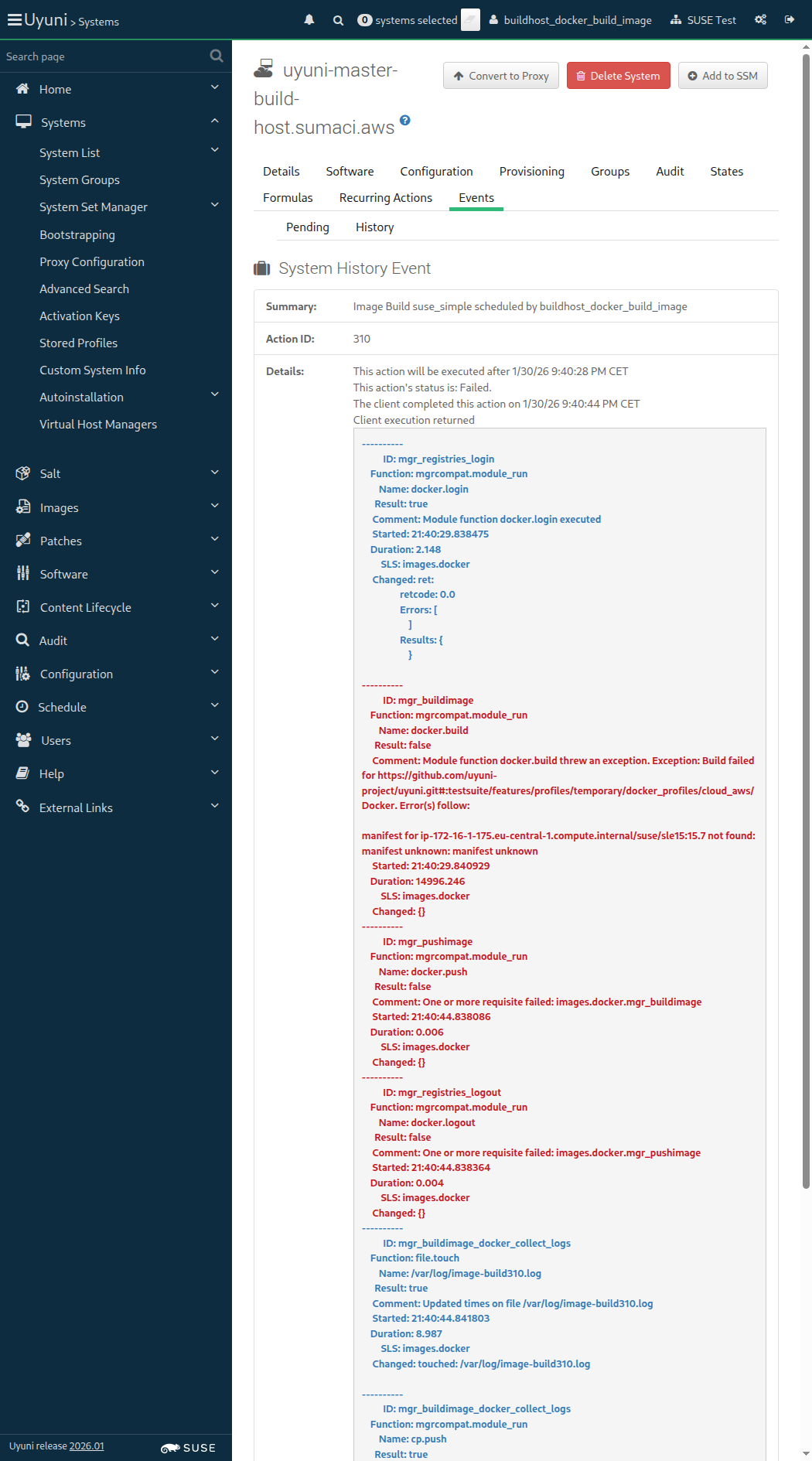
Screenshot +


2026-01-30 21:44:21 +0100 Still waiting for action to complete...

Given I am on the Systems overview page of this "build_host" 989ms

When I schedule the build of image "suse_real_key" via API calls 1s 24ms

And I wait at most 660 seconds until event "Image Build suse_real_key scheduled" is completed 2m 51s 455ms

And I wait at most 60 seconds until all "3" container images are built correctly on the Image List page 1s 640ms Show Error +
                                            
unknown error - error detected while building images (SystemCallError) ./features/step_definitions/docker_steps.rb:90:in `block (2 levels) in (top (required))' ./features/support/commonlib.rb:106:in `block in repeat_until_timeout' ./features/support/commonlib.rb:95:in `repeat_until_timeout' ./features/step_definitions/docker_steps.rb:87:in `/^I wait at most (\d+) seconds until all "([^"]*)" container images are built correctly on the Image List page$/' features/secondary/buildhost_docker_build_image.feature:87:in `I wait at most 60 seconds until all "3" container images are built correctly on the Image List page'

And I wait at most 900 seconds until image "suse_real_key" with version "latest" is built successfully via API 0s

And I wait at most 300 seconds until image "suse_real_key" with version "latest" is inspected successfully via API 0s

When I wait until no Salt job is running on "build_host" 0s

14s 466ms Show Info +
21:41:38:000 - 21:44:33:000 | Current URL: https://uyuni-master-server.sumaci.aws/rhn/manager/cm/images
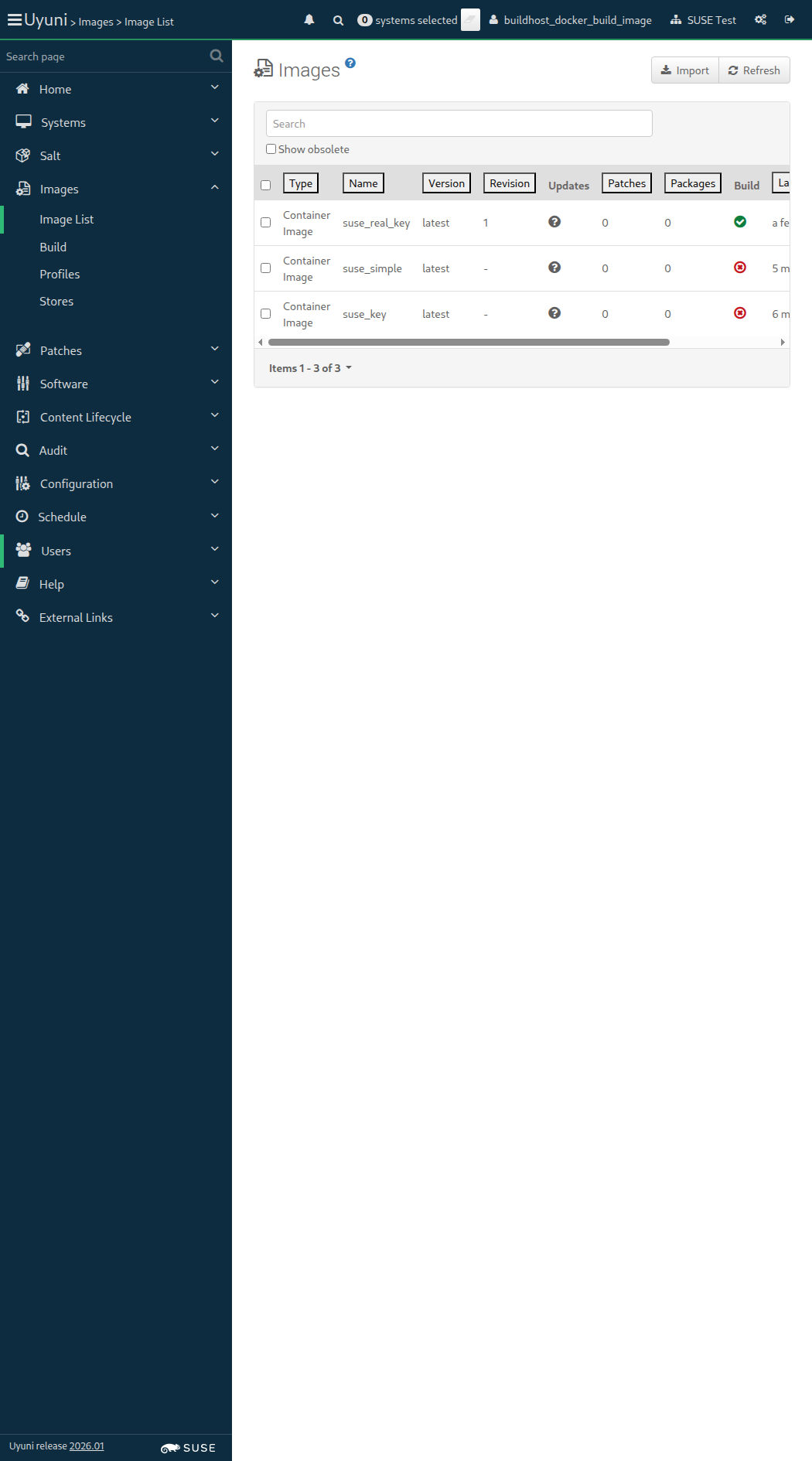
Screenshot +


List of images: [{"external"=>false, "name"=>"suse_key", "checksum"=>"", "obsolete"=>false, "id"=>1, "arch"=>"x86_64-redhat-linux", "type"=>"dockerfile", "version"=>"latest", "storeLabel"=>"galaxy-registry", "revision"=>0}, {"external"=>false, "name"=>"suse_simple", "checksum"=>"", "obsolete"=>false, "id"=>2, "arch"=>"x86_64-redhat-linux", "type"=>"dockerfile", "version"=>"latest", "storeLabel"=>"galaxy-registry", "revision"=>0}, {"external"=>false, "name"=>"suse_real_key", "checksum"=>"", "obsolete"=>false, "id"=>3, "arch"=>"x86_64-redhat-linux", "type"=>"dockerfile", "version"=>"latest", "storeLabel"=>"galaxy-registry", "revision"=>1}]
Image Details: {"outdatedPackages"=>0, "buildServerId"=>1000010003, "obsolete"=>false, "bugErrata"=>0, "installedPackages"=>0, "type"=>"dockerfile", "inspectStatus"=>"picked up", "version"=>"latest", "storeLabel"=>"galaxy-registry", "revision"=>1, "securityErrata"=>0, "buildStatus"=>"completed", "external"=>false, "profileLabel"=>"suse_real_key", "name"=>"suse_real_key", "checksum"=>"", "files"=>[], "id"=>3, "arch"=>"x86_64", "enhancementErrata"=>0}

Then the list of packages of image "suse_real_key" with version "latest" is not empty 847ms Show Error +
                                            
the list of image packages is empty (ScriptError) ./features/step_definitions/docker_steps.rb:143:in `/^the list of packages of image "([^"]*)" with version "([^"]*)" is not empty$/' features/secondary/buildhost_docker_build_image.feature:94:in `the list of packages of image "suse_real_key" with version "latest" is not empty'

14s 443ms Show Info +
21:44:47:000 - 21:44:48:000 | Current URL: https://uyuni-master-server.sumaci.aws/rhn/manager/cm/images
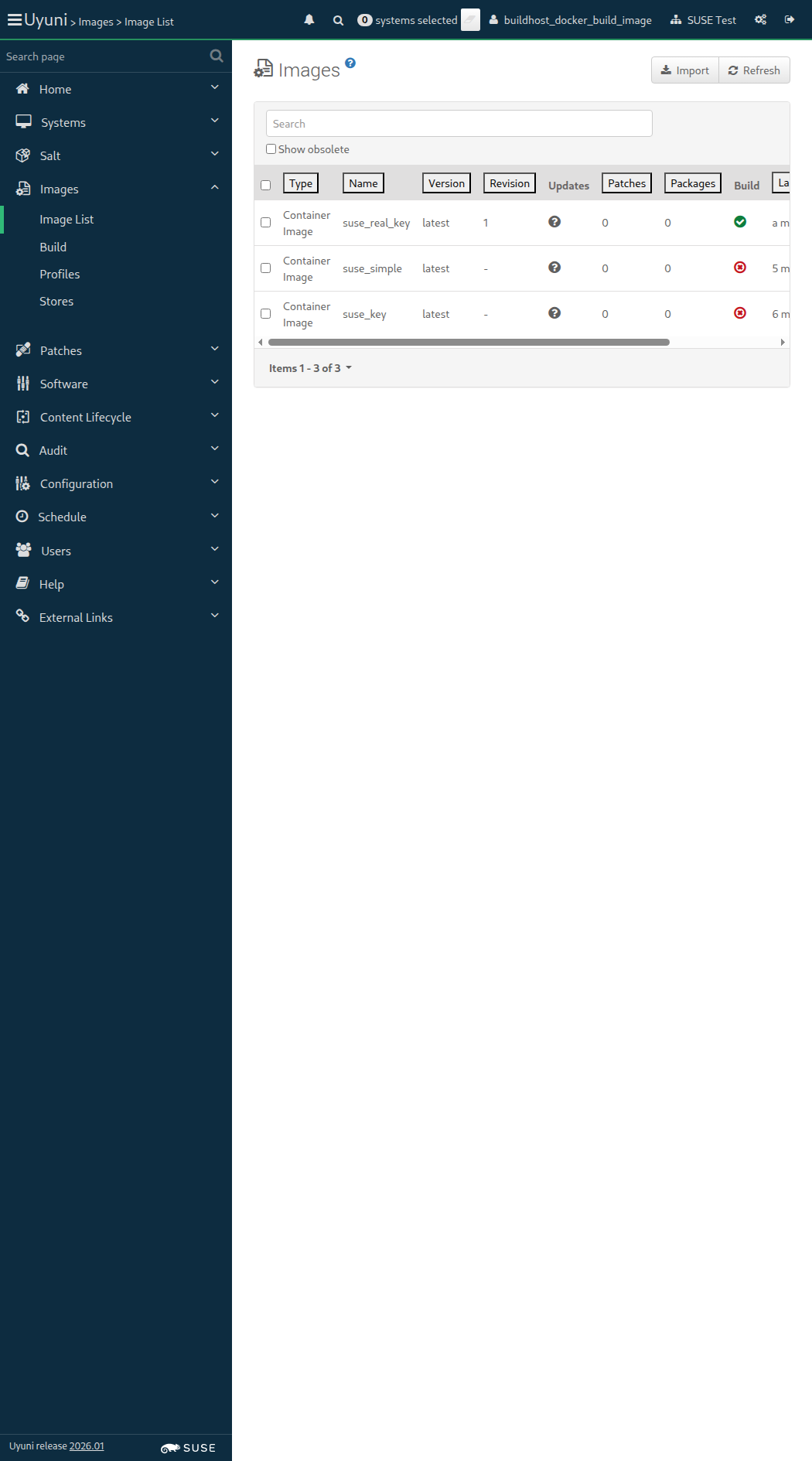
Screenshot +


List of images: [{"external"=>false, "name"=>"suse_key", "checksum"=>"", "obsolete"=>false, "id"=>1, "arch"=>"x86_64-redhat-linux", "type"=>"dockerfile", "version"=>"latest", "storeLabel"=>"galaxy-registry", "revision"=>0}, {"external"=>false, "name"=>"suse_simple", "checksum"=>"", "obsolete"=>false, "id"=>2, "arch"=>"x86_64-redhat-linux", "type"=>"dockerfile", "version"=>"latest", "storeLabel"=>"galaxy-registry", "revision"=>0}, {"external"=>false, "name"=>"suse_real_key", "checksum"=>"", "obsolete"=>false, "id"=>3, "arch"=>"x86_64-redhat-linux", "type"=>"dockerfile", "version"=>"latest", "storeLabel"=>"galaxy-registry", "revision"=>1}, {"external"=>false, "name"=>"suse_key", "checksum"=>"", "obsolete"=>false, "id"=>4, "arch"=>"x86_64-redhat-linux", "type"=>"dockerfile", "version"=>"Latest_key-activation1", "storeLabel"=>"galaxy-registry", "revision"=>0}]
Image Details: {"outdatedPackages"=>0, "buildServerId"=>1000010003, "obsolete"=>false, "bugErrata"=>0, "installedPackages"=>0, "type"=>"dockerfile", "version"=>"Latest_key-activation1", "storeLabel"=>"galaxy-registry", "revision"=>0, "securityErrata"=>0, "buildStatus"=>"picked up", "external"=>false, "profileLabel"=>"suse_key", "name"=>"suse_key", "checksum"=>"", "files"=>[], "id"=>4, "arch"=>"x86_64", "enhancementErrata"=>0}
Image Details: {"outdatedPackages"=>0, "buildServerId"=>1000010003, "obsolete"=>false, "bugErrata"=>0, "installedPackages"=>0, "type"=>"dockerfile", "version"=>"Latest_key-activation1", "storeLabel"=>"galaxy-registry", "revision"=>0, "securityErrata"=>0, "buildStatus"=>"failed", "external"=>false, "profileLabel"=>"suse_key", "name"=>"suse_key", "checksum"=>"", "files"=>[], "id"=>4, "arch"=>"x86_64", "enhancementErrata"=>0}

When I schedule the build of image "suse_key" with version "Latest_key-activation1" via API calls 906ms

And I wait at most 900 seconds until image "suse_key" with version "Latest_key-activation1" is built successfully via API 1m 53s 849ms Show Error +
                                            
unknown error - image build failed. (SystemCallError) ./features/step_definitions/docker_steps.rb:55:in `block (2 levels) in (top (required))' ./features/support/commonlib.rb:106:in `block in repeat_until_timeout' ./features/support/commonlib.rb:95:in `repeat_until_timeout' ./features/step_definitions/docker_steps.rb:41:in `/^I wait at most (\d+) seconds until image "([^"]*)" with version "([^"]*)" is built successfully via API$/' features/secondary/buildhost_docker_build_image.feature:99:in `I wait at most 900 seconds until image "suse_key" with version "Latest_key-activation1" is built successfully via API'

And I wait at most 300 seconds until image "suse_key" with version "Latest_key-activation1" is inspected successfully via API 0s

When I wait until no Salt job is running on "build_host" 0s

14s 352ms Show Info +
21:45:03:000 - 21:46:57:000 | Current URL: https://uyuni-master-server.sumaci.aws/rhn/manager/cm/images
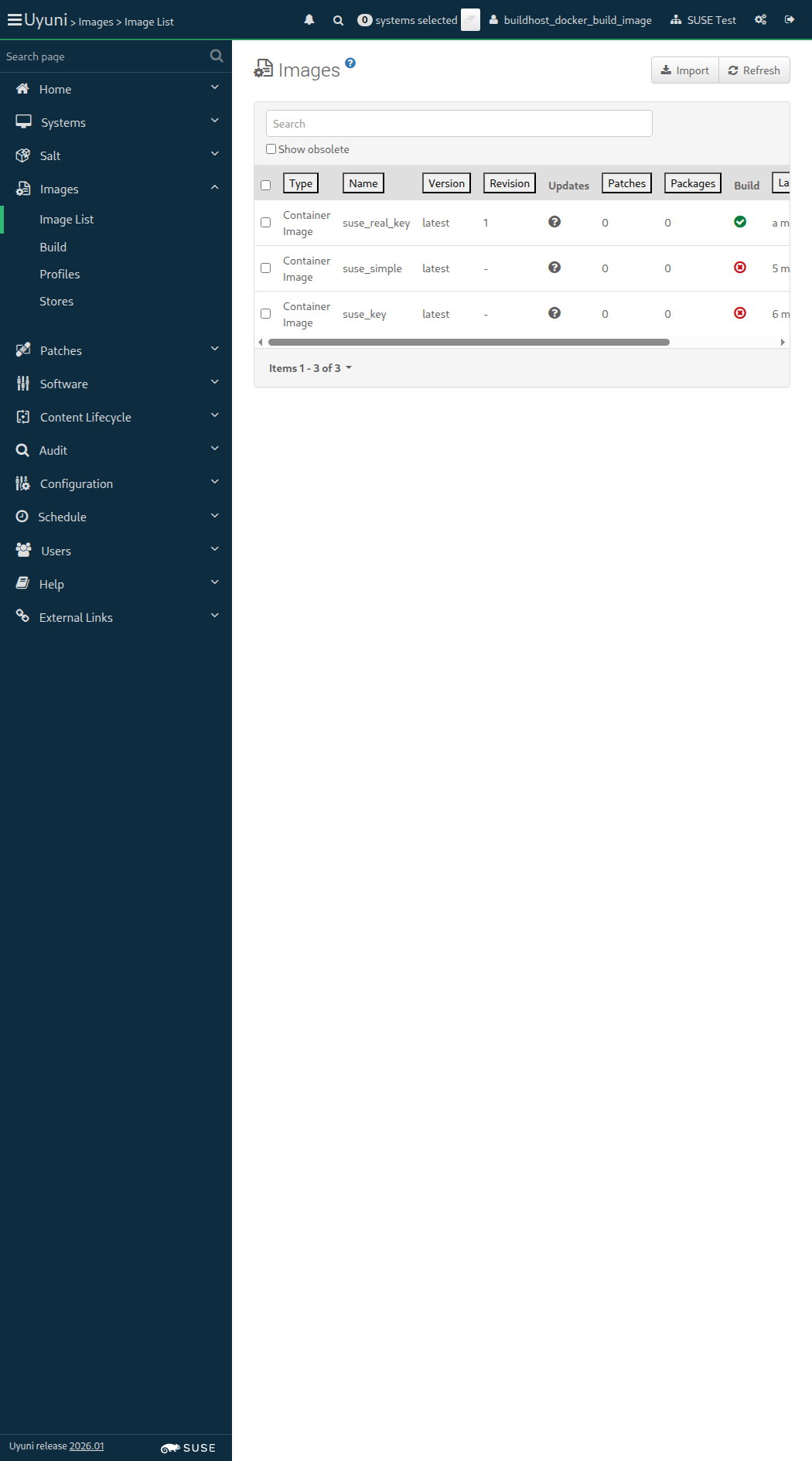
Screenshot +


List of images: [{"external"=>false, "name"=>"suse_key", "checksum"=>"", "obsolete"=>false, "id"=>1, "arch"=>"x86_64-redhat-linux", "type"=>"dockerfile", "version"=>"latest", "storeLabel"=>"galaxy-registry", "revision"=>0}, {"external"=>false, "name"=>"suse_simple", "checksum"=>"", "obsolete"=>false, "id"=>2, "arch"=>"x86_64-redhat-linux", "type"=>"dockerfile", "version"=>"latest", "storeLabel"=>"galaxy-registry", "revision"=>0}, {"external"=>false, "name"=>"suse_real_key", "checksum"=>"60bbc88afbb8e6cf9ec3753964c59fa901aed554f21d24c130ddd3f7814b4364", "obsolete"=>false, "id"=>3, "arch"=>"x86_64-redhat-linux", "type"=>"dockerfile", "version"=>"latest", "storeLabel"=>"galaxy-registry", "revision"=>1}, {"external"=>false, "name"=>"suse_key", "checksum"=>"", "obsolete"=>false, "id"=>4, "arch"=>"x86_64-redhat-linux", "type"=>"dockerfile", "version"=>"Latest_key-activation1", "storeLabel"=>"galaxy-registry", "revision"=>0}]
Image Details: {"outdatedPackages"=>0, "buildServerId"=>1000010003, "obsolete"=>false, "bugErrata"=>0, "installedPackages"=>0, "type"=>"dockerfile", "version"=>"Latest_key-activation1", "storeLabel"=>"galaxy-registry", "revision"=>0, "securityErrata"=>0, "buildStatus"=>"failed", "external"=>false, "profileLabel"=>"suse_key", "name"=>"suse_key", "checksum"=>"", "files"=>[], "id"=>4, "arch"=>"x86_64", "enhancementErrata"=>0}

Then the list of packages of image "suse_key" with version "Latest_key-activation1" is not empty 823ms Show Error +
                                            
the list of image packages is empty (ScriptError) ./features/step_definitions/docker_steps.rb:143:in `/^the list of packages of image "([^"]*)" with version "([^"]*)" is not empty$/' features/secondary/buildhost_docker_build_image.feature:105:in `the list of packages of image "suse_key" with version "Latest_key-activation1" is not empty'

14s 424ms Show Info +
21:47:12:000 - 21:47:13:000 | Current URL: https://uyuni-master-server.sumaci.aws/rhn/manager/cm/images
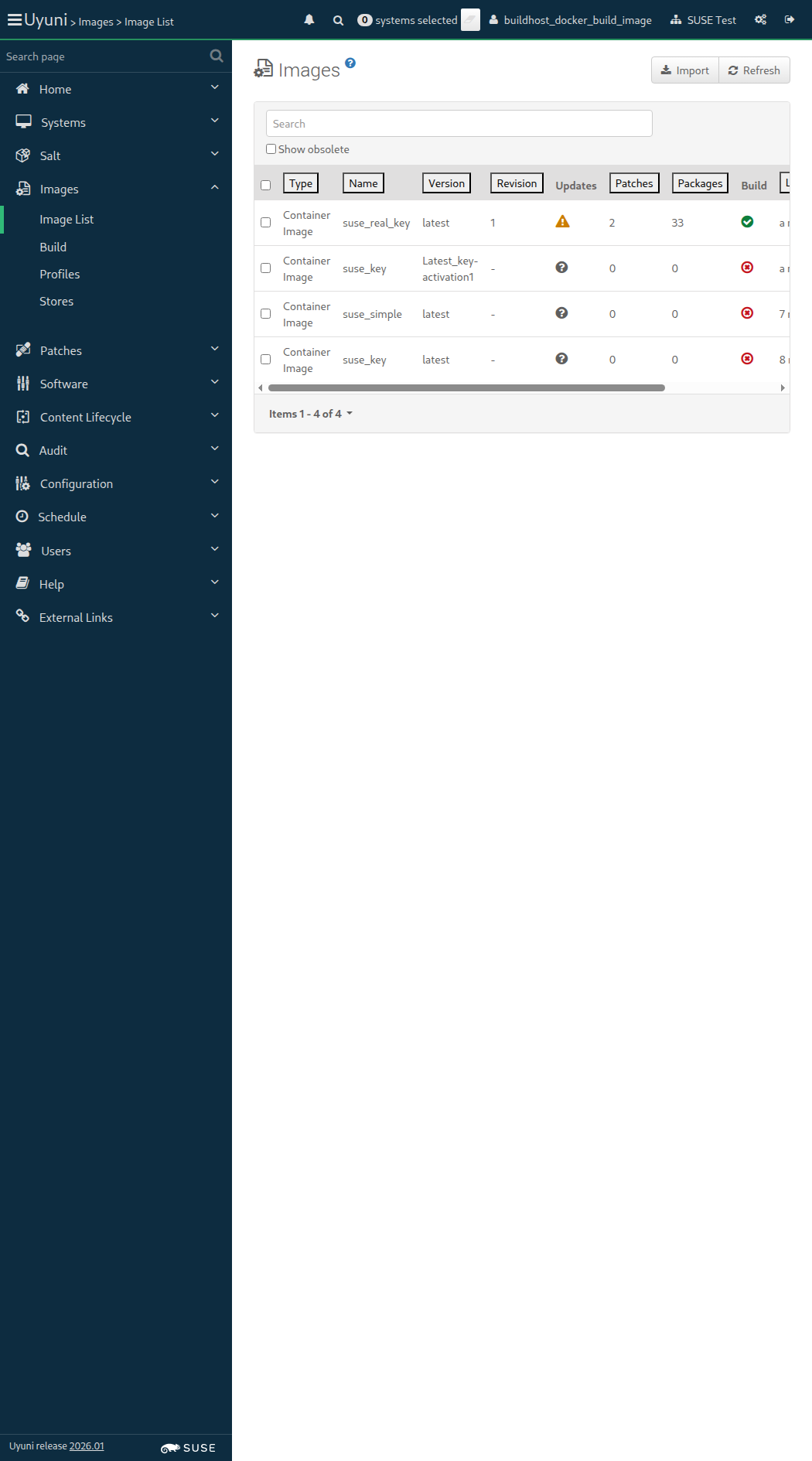
Screenshot +


List of images: [{"external"=>false, "name"=>"suse_key", "checksum"=>"", "obsolete"=>false, "id"=>1, "arch"=>"x86_64-redhat-linux", "type"=>"dockerfile", "version"=>"latest", "storeLabel"=>"galaxy-registry", "revision"=>0}, {"external"=>false, "name"=>"suse_simple", "checksum"=>"", "obsolete"=>false, "id"=>2, "arch"=>"x86_64-redhat-linux", "type"=>"dockerfile", "version"=>"latest", "storeLabel"=>"galaxy-registry", "revision"=>0}, {"external"=>false, "name"=>"suse_real_key", "checksum"=>"60bbc88afbb8e6cf9ec3753964c59fa901aed554f21d24c130ddd3f7814b4364", "obsolete"=>false, "id"=>3, "arch"=>"x86_64-redhat-linux", "type"=>"dockerfile", "version"=>"latest", "storeLabel"=>"galaxy-registry", "revision"=>1}, {"external"=>false, "name"=>"suse_key", "checksum"=>"", "obsolete"=>false, "id"=>4, "arch"=>"x86_64-redhat-linux", "type"=>"dockerfile", "version"=>"Latest_key-activation1", "storeLabel"=>"galaxy-registry", "revision"=>0}, {"external"=>false, "name"=>"suse_simple", "checksum"=>"", "obsolete"=>false, "id"=>5, "arch"=>"x86_64-redhat-linux", "type"=>"dockerfile", "version"=>"Latest_simple", "storeLabel"=>"galaxy-registry", "revision"=>0}]
Image Details: {"outdatedPackages"=>0, "buildServerId"=>1000010003, "obsolete"=>false, "bugErrata"=>0, "installedPackages"=>0, "type"=>"dockerfile", "version"=>"Latest_simple", "storeLabel"=>"galaxy-registry", "revision"=>0, "securityErrata"=>0, "buildStatus"=>"picked up", "external"=>false, "profileLabel"=>"suse_simple", "name"=>"suse_simple", "checksum"=>"", "files"=>[], "id"=>5, "arch"=>"x86_64", "enhancementErrata"=>0}
Image Details: {"outdatedPackages"=>0, "buildServerId"=>1000010003, "obsolete"=>false, "bugErrata"=>0, "installedPackages"=>0, "type"=>"dockerfile", "version"=>"Latest_simple", "storeLabel"=>"galaxy-registry", "revision"=>0, "securityErrata"=>0, "buildStatus"=>"failed", "external"=>false, "profileLabel"=>"suse_simple", "name"=>"suse_simple", "checksum"=>"", "files"=>[], "id"=>5, "arch"=>"x86_64", "enhancementErrata"=>0}

When I schedule the build of image "suse_simple" with version "Latest_simple" via API calls 728ms

And I wait at most 900 seconds until image "suse_simple" with version "Latest_simple" is built successfully via API 21s 855ms Show Error +
                                            
unknown error - image build failed. (SystemCallError) ./features/step_definitions/docker_steps.rb:55:in `block (2 levels) in (top (required))' ./features/support/commonlib.rb:106:in `block in repeat_until_timeout' ./features/support/commonlib.rb:95:in `repeat_until_timeout' ./features/step_definitions/docker_steps.rb:41:in `/^I wait at most (\d+) seconds until image "([^"]*)" with version "([^"]*)" is built successfully via API$/' features/secondary/buildhost_docker_build_image.feature:109:in `I wait at most 900 seconds until image "suse_simple" with version "Latest_simple" is built successfully via API'

And I wait at most 300 seconds until image "suse_simple" with version "Latest_simple" is inspected successfully via API 0s

When I wait until no Salt job is running on "build_host" 0s

14s 357ms Show Info +
21:47:27:000 - 21:47:50:000 | Current URL: https://uyuni-master-server.sumaci.aws/rhn/manager/cm/images
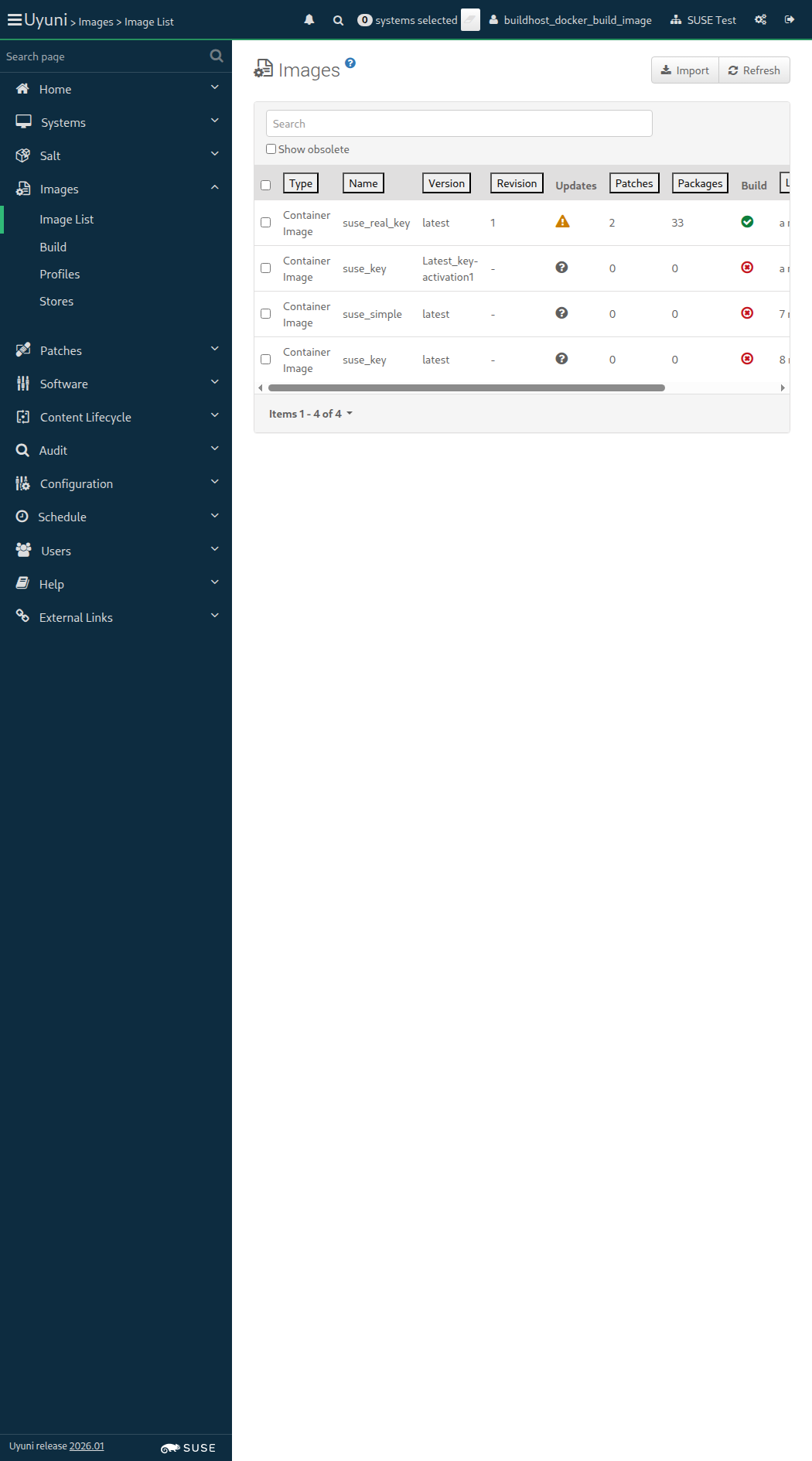
Screenshot +


List of images: [{"external"=>false, "name"=>"suse_key", "checksum"=>"", "obsolete"=>false, "id"=>1, "arch"=>"x86_64-redhat-linux", "type"=>"dockerfile", "version"=>"latest", "storeLabel"=>"galaxy-registry", "revision"=>0}, {"external"=>false, "name"=>"suse_simple", "checksum"=>"", "obsolete"=>false, "id"=>2, "arch"=>"x86_64-redhat-linux", "type"=>"dockerfile", "version"=>"latest", "storeLabel"=>"galaxy-registry", "revision"=>0}, {"external"=>false, "name"=>"suse_real_key", "checksum"=>"60bbc88afbb8e6cf9ec3753964c59fa901aed554f21d24c130ddd3f7814b4364", "obsolete"=>false, "id"=>3, "arch"=>"x86_64-redhat-linux", "type"=>"dockerfile", "version"=>"latest", "storeLabel"=>"galaxy-registry", "revision"=>1}, {"external"=>false, "name"=>"suse_key", "checksum"=>"", "obsolete"=>false, "id"=>4, "arch"=>"x86_64-redhat-linux", "type"=>"dockerfile", "version"=>"Latest_key-activation1", "storeLabel"=>"galaxy-registry", "revision"=>0}, {"external"=>false, "name"=>"suse_simple", "checksum"=>"", "obsolete"=>false, "id"=>5, "arch"=>"x86_64-redhat-linux", "type"=>"dockerfile", "version"=>"Latest_simple", "storeLabel"=>"galaxy-registry", "revision"=>0}]
Image Details: {"outdatedPackages"=>0, "buildServerId"=>1000010003, "obsolete"=>false, "bugErrata"=>0, "installedPackages"=>0, "type"=>"dockerfile", "version"=>"Latest_simple", "storeLabel"=>"galaxy-registry", "revision"=>0, "securityErrata"=>0, "buildStatus"=>"failed", "external"=>false, "profileLabel"=>"suse_simple", "name"=>"suse_simple", "checksum"=>"", "files"=>[], "id"=>5, "arch"=>"x86_64", "enhancementErrata"=>0}

Then the list of packages of image "suse_simple" with version "Latest_simple" is not empty 750ms Show Error +
                                            
the list of image packages is empty (ScriptError) ./features/step_definitions/docker_steps.rb:143:in `/^the list of packages of image "([^"]*)" with version "([^"]*)" is not empty$/' features/secondary/buildhost_docker_build_image.feature:115:in `the list of packages of image "suse_simple" with version "Latest_simple" is not empty'

14s 393ms Show Info +
21:48:04:000 - 21:48:05:000 | Current URL: https://uyuni-master-server.sumaci.aws/rhn/manager/cm/images
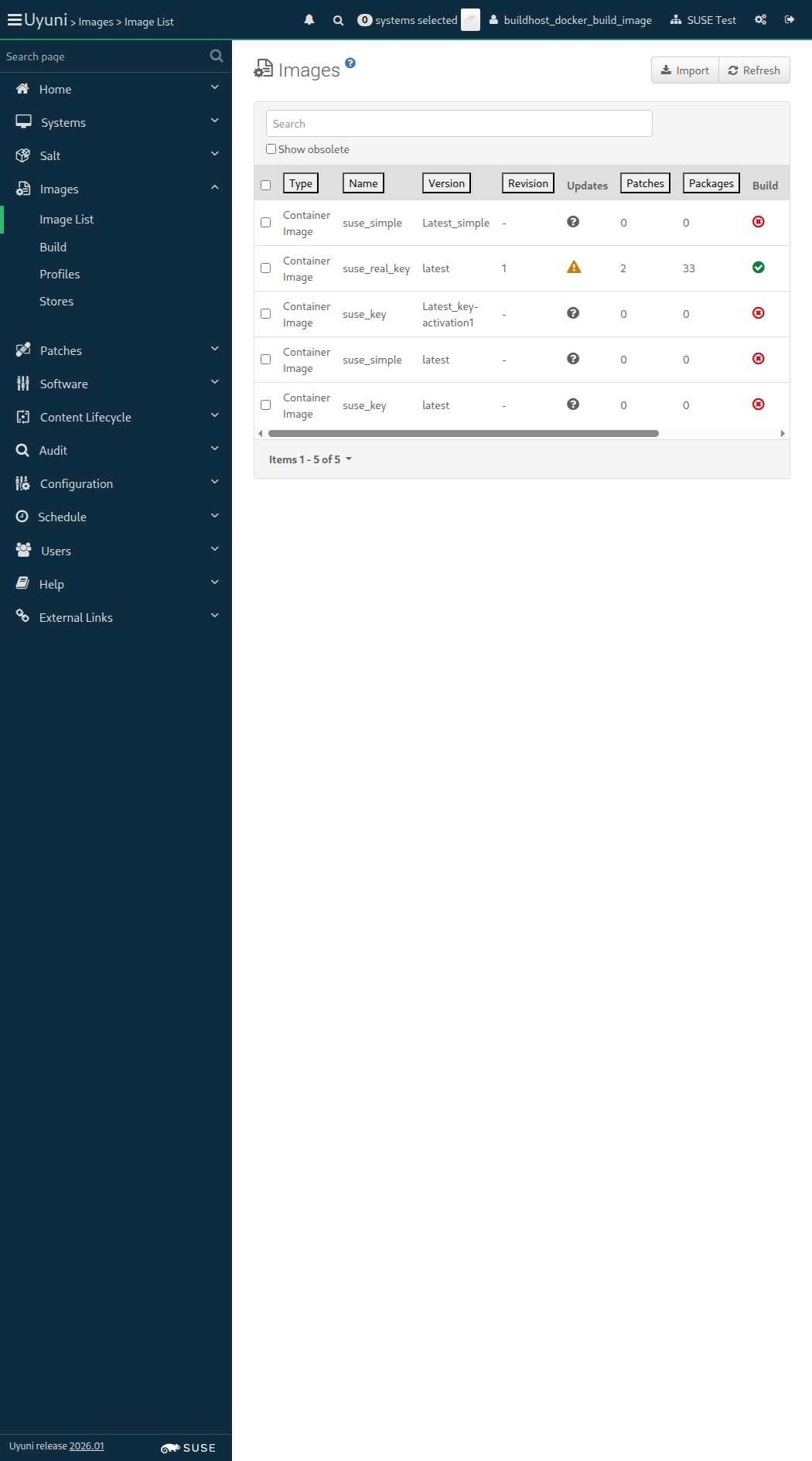
Screenshot +


When I delete the image "suse_key" with version "Latest_key-activation1" via API calls 923ms

Then the image "suse_simple" with version "Latest_key-activation1" doesn't exist via API calls 391ms

When I wait until no Salt job is running on "build_host" 2s 291ms

When I delete the image "suse_simple" with version "Latest_simple" via API calls 763ms

Then the image "suse_simple" with version "Latest_simple" doesn't exist via API calls 385ms

When I wait until no Salt job is running on "build_host" 1s 799ms

List of images: [{"external"=>false, "name"=>"suse_key", "checksum"=>"", "obsolete"=>false, "id"=>1, "arch"=>"x86_64-redhat-linux", "type"=>"dockerfile", "version"=>"latest", "storeLabel"=>"galaxy-registry", "revision"=>0}, {"external"=>false, "name"=>"suse_simple", "checksum"=>"", "obsolete"=>false, "id"=>2, "arch"=>"x86_64-redhat-linux", "type"=>"dockerfile", "version"=>"latest", "storeLabel"=>"galaxy-registry", "revision"=>0}, {"external"=>false, "name"=>"suse_real_key", "checksum"=>"60bbc88afbb8e6cf9ec3753964c59fa901aed554f21d24c130ddd3f7814b4364", "obsolete"=>false, "id"=>3, "arch"=>"x86_64-redhat-linux", "type"=>"dockerfile", "version"=>"latest", "storeLabel"=>"galaxy-registry", "revision"=>1}, {"external"=>false, "name"=>"suse_simple", "checksum"=>"", "obsolete"=>false, "id"=>6, "arch"=>"x86_64-redhat-linux", "type"=>"dockerfile", "version"=>"Latest_simple", "storeLabel"=>"galaxy-registry", "revision"=>0}]
Image Details: {"outdatedPackages"=>0, "buildServerId"=>1000010003, "obsolete"=>false, "bugErrata"=>0, "installedPackages"=>0, "type"=>"dockerfile", "version"=>"Latest_simple", "storeLabel"=>"galaxy-registry", "revision"=>0, "securityErrata"=>0, "buildStatus"=>"picked up", "external"=>false, "profileLabel"=>"suse_simple", "name"=>"suse_simple", "checksum"=>"", "files"=>[], "id"=>6, "arch"=>"x86_64", "enhancementErrata"=>0}
Image Details: {"outdatedPackages"=>0, "buildServerId"=>1000010003, "obsolete"=>false, "bugErrata"=>0, "installedPackages"=>0, "type"=>"dockerfile", "version"=>"Latest_simple", "storeLabel"=>"galaxy-registry", "revision"=>0, "securityErrata"=>0, "buildStatus"=>"failed", "external"=>false, "profileLabel"=>"suse_simple", "name"=>"suse_simple", "checksum"=>"", "files"=>[], "id"=>6, "arch"=>"x86_64", "enhancementErrata"=>0}

When I schedule the build of image "suse_simple" with version "Latest_simple" via API calls 636ms

And I wait at most 900 seconds until image "suse_simple" with version "Latest_simple" is built successfully via API 21s 649ms Show Error +
                                            
unknown error - image build failed. (SystemCallError) ./features/step_definitions/docker_steps.rb:55:in `block (2 levels) in (top (required))' ./features/support/commonlib.rb:106:in `block in repeat_until_timeout' ./features/support/commonlib.rb:95:in `repeat_until_timeout' ./features/step_definitions/docker_steps.rb:41:in `/^I wait at most (\d+) seconds until image "([^"]*)" with version "([^"]*)" is built successfully via API$/' features/secondary/buildhost_docker_build_image.feature:130:in `I wait at most 900 seconds until image "suse_simple" with version "Latest_simple" is built successfully via API'

And I wait at most 300 seconds until image "suse_simple" with version "Latest_simple" is inspected successfully via API 0s

When I wait until no Salt job is running on "build_host" 0s

14s 393ms Show Info +
21:48:26:000 - 21:48:48:000 | Current URL: https://uyuni-master-server.sumaci.aws/rhn/manager/cm/images
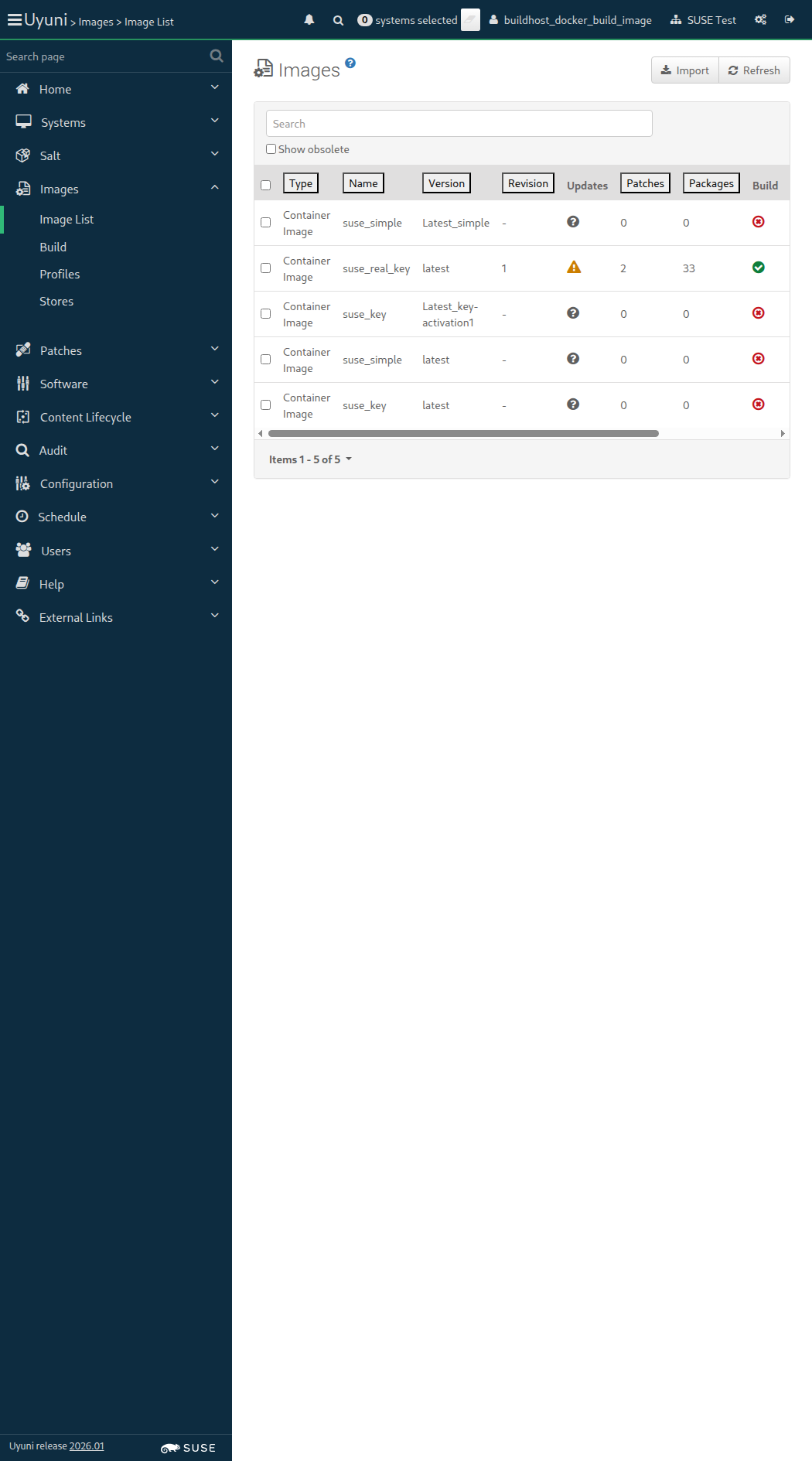
Screenshot +


List of images: [{"external"=>false, "name"=>"suse_key", "checksum"=>"", "obsolete"=>false, "id"=>1, "arch"=>"x86_64-redhat-linux", "type"=>"dockerfile", "version"=>"latest", "storeLabel"=>"galaxy-registry", "revision"=>0}, {"external"=>false, "name"=>"suse_simple", "checksum"=>"", "obsolete"=>false, "id"=>2, "arch"=>"x86_64-redhat-linux", "type"=>"dockerfile", "version"=>"latest", "storeLabel"=>"galaxy-registry", "revision"=>0}, {"external"=>false, "name"=>"suse_real_key", "checksum"=>"60bbc88afbb8e6cf9ec3753964c59fa901aed554f21d24c130ddd3f7814b4364", "obsolete"=>false, "id"=>3, "arch"=>"x86_64-redhat-linux", "type"=>"dockerfile", "version"=>"latest", "storeLabel"=>"galaxy-registry", "revision"=>1}, {"external"=>false, "name"=>"suse_simple", "checksum"=>"", "obsolete"=>false, "id"=>6, "arch"=>"x86_64-redhat-linux", "type"=>"dockerfile", "version"=>"Latest_simple", "storeLabel"=>"galaxy-registry", "revision"=>0}]
Image Details: {"outdatedPackages"=>0, "buildServerId"=>1000010003, "obsolete"=>false, "bugErrata"=>0, "installedPackages"=>0, "type"=>"dockerfile", "version"=>"Latest_simple", "storeLabel"=>"galaxy-registry", "revision"=>0, "securityErrata"=>0, "buildStatus"=>"failed", "external"=>false, "profileLabel"=>"suse_simple", "name"=>"suse_simple", "checksum"=>"", "files"=>[], "id"=>6, "arch"=>"x86_64", "enhancementErrata"=>0}

Then the list of packages of image "suse_simple" with version "Latest_simple" is not empty 796ms Show Error +
                                            
the list of image packages is empty (ScriptError) ./features/step_definitions/docker_steps.rb:143:in `/^the list of packages of image "([^"]*)" with version "([^"]*)" is not empty$/' features/secondary/buildhost_docker_build_image.feature:136:in `the list of packages of image "suse_simple" with version "Latest_simple" is not empty'

14s 364ms Show Info +
21:49:03:000 - 21:49:03:000 | Current URL: https://uyuni-master-server.sumaci.aws/rhn/manager/cm/images
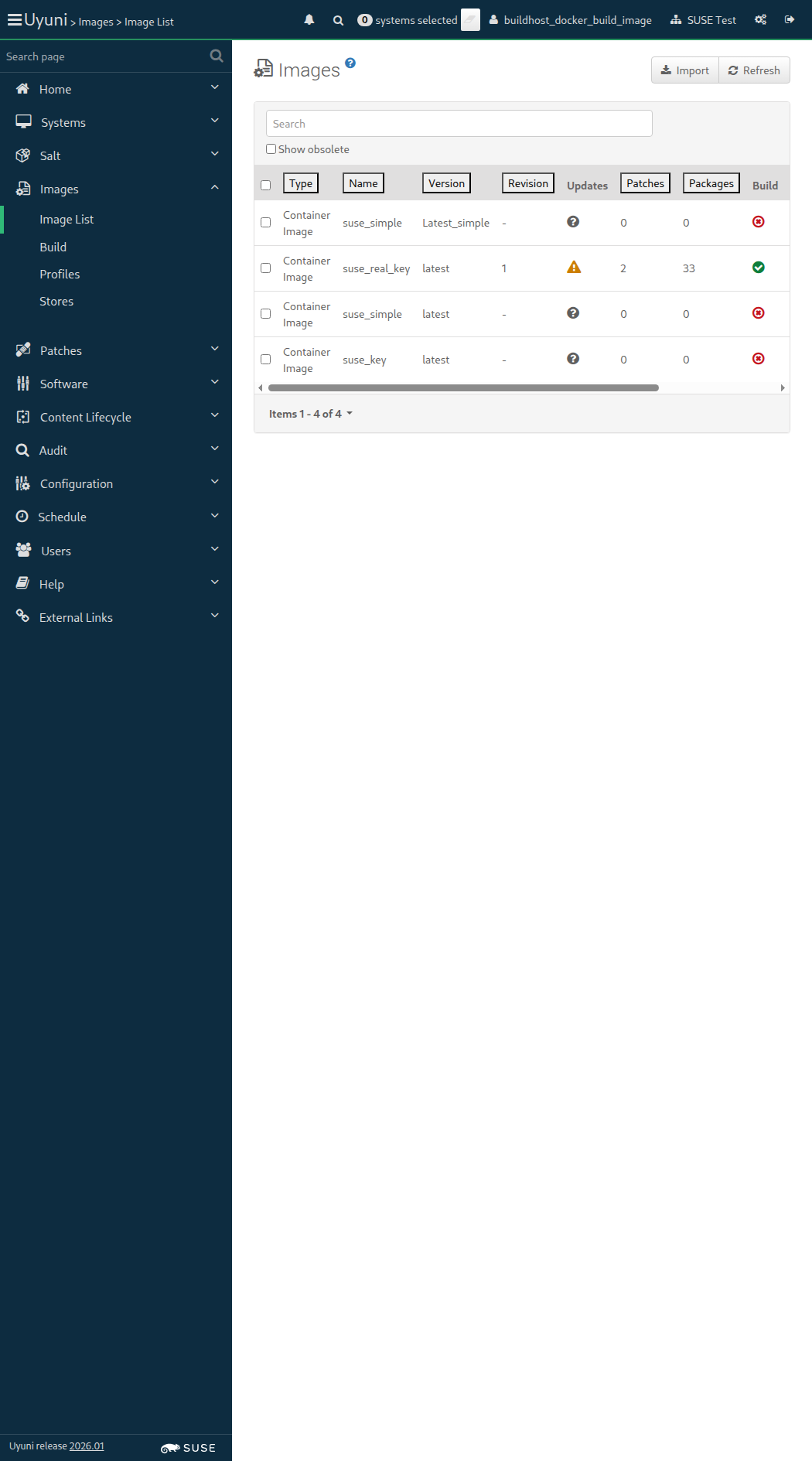
Screenshot +


List of images: [{"external"=>false, "name"=>"suse_key", "checksum"=>"", "obsolete"=>false, "id"=>1, "arch"=>"x86_64-redhat-linux", "type"=>"dockerfile", "version"=>"latest", "storeLabel"=>"galaxy-registry", "revision"=>0}, {"external"=>false, "name"=>"suse_simple", "checksum"=>"", "obsolete"=>false, "id"=>2, "arch"=>"x86_64-redhat-linux", "type"=>"dockerfile", "version"=>"latest", "storeLabel"=>"galaxy-registry", "revision"=>0}, {"external"=>false, "name"=>"suse_real_key", "checksum"=>"60bbc88afbb8e6cf9ec3753964c59fa901aed554f21d24c130ddd3f7814b4364", "obsolete"=>false, "id"=>3, "arch"=>"x86_64-redhat-linux", "type"=>"dockerfile", "version"=>"latest", "storeLabel"=>"galaxy-registry", "revision"=>1}, {"external"=>false, "name"=>"suse_simple", "checksum"=>"", "obsolete"=>false, "id"=>6, "arch"=>"x86_64-redhat-linux", "type"=>"dockerfile", "version"=>"Latest_simple", "storeLabel"=>"galaxy-registry", "revision"=>0}, {"external"=>false, "name"=>"suse_key", "checksum"=>"", "obsolete"=>false, "id"=>7, "arch"=>"x86_64-redhat-linux", "type"=>"dockerfile", "version"=>"Latest_key-activation1", "storeLabel"=>"galaxy-registry", "revision"=>0}]
Image Details: {"outdatedPackages"=>0, "buildServerId"=>1000010003, "obsolete"=>false, "bugErrata"=>0, "installedPackages"=>0, "type"=>"dockerfile", "version"=>"Latest_key-activation1", "storeLabel"=>"galaxy-registry", "revision"=>0, "securityErrata"=>0, "buildStatus"=>"picked up", "external"=>false, "profileLabel"=>"suse_key", "name"=>"suse_key", "checksum"=>"", "files"=>[], "id"=>7, "arch"=>"x86_64", "enhancementErrata"=>0}
Image Details: {"outdatedPackages"=>0, "buildServerId"=>1000010003, "obsolete"=>false, "bugErrata"=>0, "installedPackages"=>0, "type"=>"dockerfile", "version"=>"Latest_key-activation1", "storeLabel"=>"galaxy-registry", "revision"=>0, "securityErrata"=>0, "buildStatus"=>"failed", "external"=>false, "profileLabel"=>"suse_key", "name"=>"suse_key", "checksum"=>"", "files"=>[], "id"=>7, "arch"=>"x86_64", "enhancementErrata"=>0}

When I schedule the build of image "suse_key" with version "Latest_key-activation1" via API calls 937ms

And I wait at most 900 seconds until image "suse_key" with version "Latest_key-activation1" is built successfully via API 27s 458ms Show Error +
                                            
unknown error - image build failed. (SystemCallError) ./features/step_definitions/docker_steps.rb:55:in `block (2 levels) in (top (required))' ./features/support/commonlib.rb:106:in `block in repeat_until_timeout' ./features/support/commonlib.rb:95:in `repeat_until_timeout' ./features/step_definitions/docker_steps.rb:41:in `/^I wait at most (\d+) seconds until image "([^"]*)" with version "([^"]*)" is built successfully via API$/' features/secondary/buildhost_docker_build_image.feature:141:in `I wait at most 900 seconds until image "suse_key" with version "Latest_key-activation1" is built successfully via API'

And I wait at most 300 seconds until image "suse_key" with version "Latest_key-activation1" is inspected successfully via API 0s

When I wait until no Salt job is running on "build_host" 0s

14s 415ms Show Info +
21:49:18:000 - 21:49:46:000 | Current URL: https://uyuni-master-server.sumaci.aws/rhn/manager/cm/images
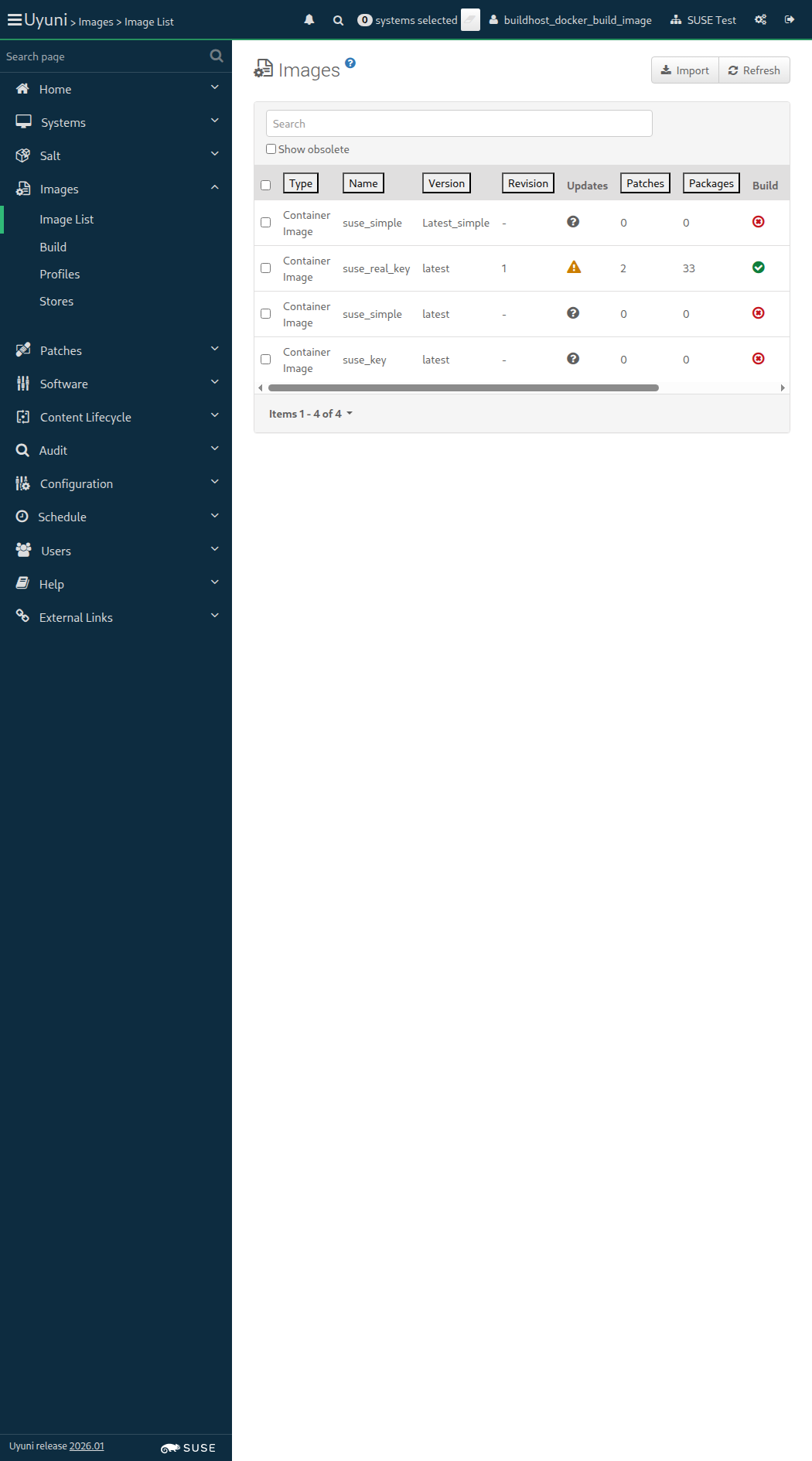
Screenshot +


List of images: [{"external"=>false, "name"=>"suse_key", "checksum"=>"", "obsolete"=>false, "id"=>1, "arch"=>"x86_64-redhat-linux", "type"=>"dockerfile", "version"=>"latest", "storeLabel"=>"galaxy-registry", "revision"=>0}, {"external"=>false, "name"=>"suse_simple", "checksum"=>"", "obsolete"=>false, "id"=>2, "arch"=>"x86_64-redhat-linux", "type"=>"dockerfile", "version"=>"latest", "storeLabel"=>"galaxy-registry", "revision"=>0}, {"external"=>false, "name"=>"suse_real_key", "checksum"=>"60bbc88afbb8e6cf9ec3753964c59fa901aed554f21d24c130ddd3f7814b4364", "obsolete"=>false, "id"=>3, "arch"=>"x86_64-redhat-linux", "type"=>"dockerfile", "version"=>"latest", "storeLabel"=>"galaxy-registry", "revision"=>1}, {"external"=>false, "name"=>"suse_simple", "checksum"=>"", "obsolete"=>false, "id"=>6, "arch"=>"x86_64-redhat-linux", "type"=>"dockerfile", "version"=>"Latest_simple", "storeLabel"=>"galaxy-registry", "revision"=>0}, {"external"=>false, "name"=>"suse_key", "checksum"=>"", "obsolete"=>false, "id"=>7, "arch"=>"x86_64-redhat-linux", "type"=>"dockerfile", "version"=>"Latest_key-activation1", "storeLabel"=>"galaxy-registry", "revision"=>0}]
Image Details: {"outdatedPackages"=>0, "buildServerId"=>1000010003, "obsolete"=>false, "bugErrata"=>0, "installedPackages"=>0, "type"=>"dockerfile", "version"=>"Latest_key-activation1", "storeLabel"=>"galaxy-registry", "revision"=>0, "securityErrata"=>0, "buildStatus"=>"failed", "external"=>false, "profileLabel"=>"suse_key", "name"=>"suse_key", "checksum"=>"", "files"=>[], "id"=>7, "arch"=>"x86_64", "enhancementErrata"=>0}

Then the list of packages of image "suse_key" with version "Latest_key-activation1" is not empty 831ms Show Error +
                                            
the list of image packages is empty (ScriptError) ./features/step_definitions/docker_steps.rb:143:in `/^the list of packages of image "([^"]*)" with version "([^"]*)" is not empty$/' features/secondary/buildhost_docker_build_image.feature:147:in `the list of packages of image "suse_key" with version "Latest_key-activation1" is not empty'

14s 339ms Show Info +
21:50:01:000 - 21:50:01:000 | Current URL: https://uyuni-master-server.sumaci.aws/rhn/manager/cm/images
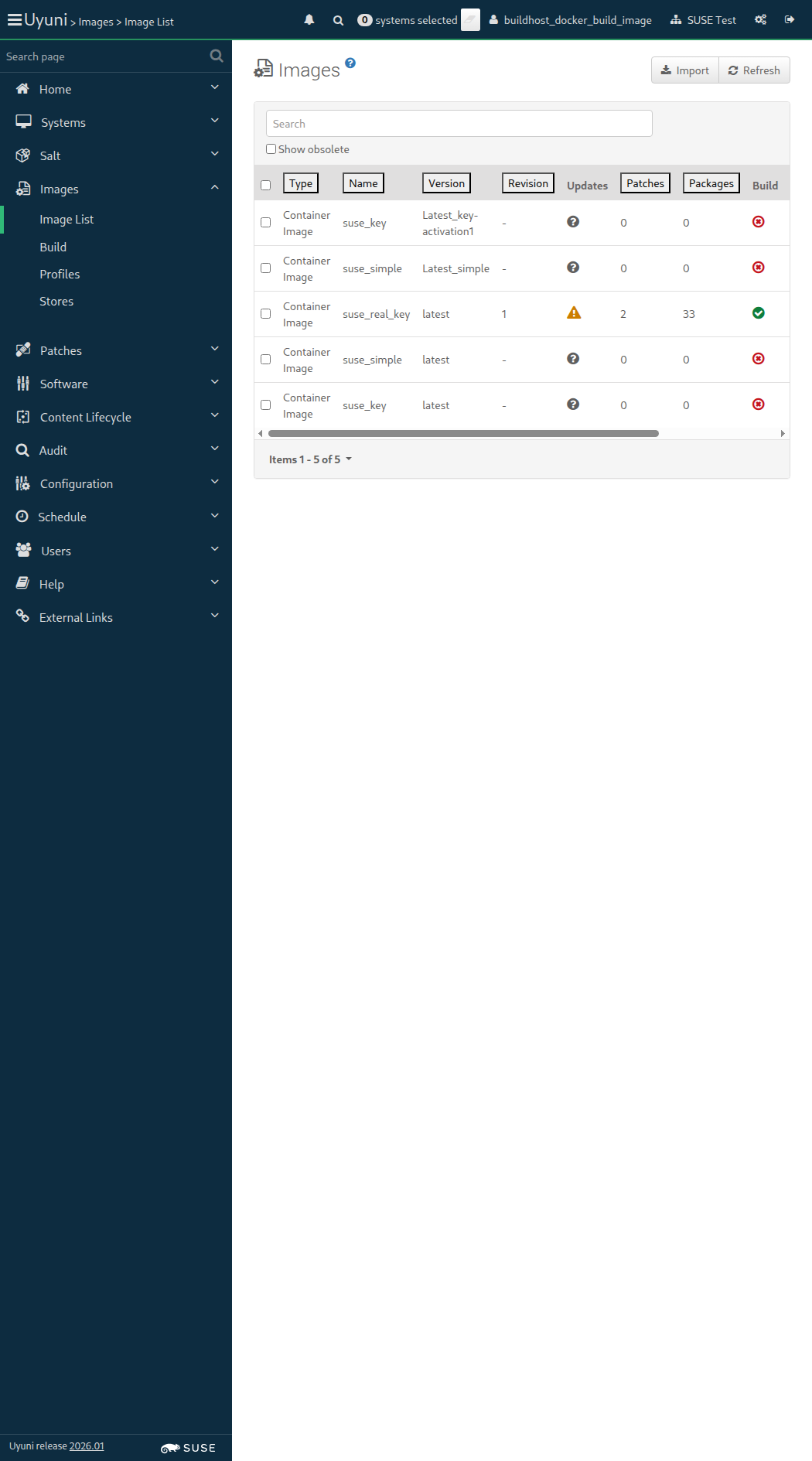
Screenshot +


List of images: [{"external"=>false, "name"=>"suse_key", "checksum"=>"", "obsolete"=>false, "id"=>1, "arch"=>"x86_64-redhat-linux", "type"=>"dockerfile", "version"=>"latest", "storeLabel"=>"galaxy-registry", "revision"=>0}, {"external"=>false, "name"=>"suse_simple", "checksum"=>"", "obsolete"=>false, "id"=>2, "arch"=>"x86_64-redhat-linux", "type"=>"dockerfile", "version"=>"latest", "storeLabel"=>"galaxy-registry", "revision"=>0}, {"external"=>false, "name"=>"suse_real_key", "checksum"=>"60bbc88afbb8e6cf9ec3753964c59fa901aed554f21d24c130ddd3f7814b4364", "obsolete"=>false, "id"=>3, "arch"=>"x86_64-redhat-linux", "type"=>"dockerfile", "version"=>"latest", "storeLabel"=>"galaxy-registry", "revision"=>1}, {"external"=>false, "name"=>"suse_simple", "checksum"=>"", "obsolete"=>false, "id"=>6, "arch"=>"x86_64-redhat-linux", "type"=>"dockerfile", "version"=>"Latest_simple", "storeLabel"=>"galaxy-registry", "revision"=>0}, {"external"=>false, "name"=>"suse_key", "checksum"=>"", "obsolete"=>false, "id"=>7, "arch"=>"x86_64-redhat-linux", "type"=>"dockerfile", "version"=>"Latest_key-activation1", "storeLabel"=>"galaxy-registry", "revision"=>0}, {"external"=>false, "name"=>"suse_real_key", "checksum"=>"", "obsolete"=>false, "id"=>8, "arch"=>"x86_64-redhat-linux", "type"=>"dockerfile", "version"=>"GUI_BUILT_IMAGE", "storeLabel"=>"galaxy-registry", "revision"=>0}]
Image Details: {"outdatedPackages"=>0, "buildServerId"=>1000010003, "obsolete"=>false, "bugErrata"=>0, "installedPackages"=>0, "type"=>"dockerfile", "inspectStatus"=>"picked up", "version"=>"GUI_BUILT_IMAGE", "storeLabel"=>"galaxy-registry", "revision"=>1, "securityErrata"=>0, "buildStatus"=>"completed", "external"=>false, "profileLabel"=>"suse_real_key", "name"=>"suse_real_key", "checksum"=>"", "files"=>[], "id"=>8, "arch"=>"x86_64", "enhancementErrata"=>0}
List of images: [{"external"=>false, "name"=>"suse_key", "checksum"=>"", "obsolete"=>false, "id"=>1, "arch"=>"x86_64-redhat-linux", "type"=>"dockerfile", "version"=>"latest", "storeLabel"=>"galaxy-registry", "revision"=>0}, {"external"=>false, "name"=>"suse_simple", "checksum"=>"", "obsolete"=>false, "id"=>2, "arch"=>"x86_64-redhat-linux", "type"=>"dockerfile", "version"=>"latest", "storeLabel"=>"galaxy-registry", "revision"=>0}, {"external"=>false, "name"=>"suse_real_key", "checksum"=>"60bbc88afbb8e6cf9ec3753964c59fa901aed554f21d24c130ddd3f7814b4364", "obsolete"=>false, "id"=>3, "arch"=>"x86_64-redhat-linux", "type"=>"dockerfile", "version"=>"latest", "storeLabel"=>"galaxy-registry", "revision"=>1}, {"external"=>false, "name"=>"suse_simple", "checksum"=>"", "obsolete"=>false, "id"=>6, "arch"=>"x86_64-redhat-linux", "type"=>"dockerfile", "version"=>"Latest_simple", "storeLabel"=>"galaxy-registry", "revision"=>0}, {"external"=>false, "name"=>"suse_key", "checksum"=>"", "obsolete"=>false, "id"=>7, "arch"=>"x86_64-redhat-linux", "type"=>"dockerfile", "version"=>"Latest_key-activation1", "storeLabel"=>"galaxy-registry", "revision"=>0}, {"external"=>false, "name"=>"suse_real_key", "checksum"=>"", "obsolete"=>false, "id"=>8, "arch"=>"x86_64-redhat-linux", "type"=>"dockerfile", "version"=>"GUI_BUILT_IMAGE", "storeLabel"=>"galaxy-registry", "revision"=>1}]
Image Details: {"outdatedPackages"=>0, "buildServerId"=>1000010003, "obsolete"=>false, "bugErrata"=>0, "installedPackages"=>0, "type"=>"dockerfile", "inspectStatus"=>"picked up", "version"=>"GUI_BUILT_IMAGE", "storeLabel"=>"galaxy-registry", "revision"=>1, "securityErrata"=>0, "buildStatus"=>"completed", "external"=>false, "profileLabel"=>"suse_real_key", "name"=>"suse_real_key", "checksum"=>"", "files"=>[], "id"=>8, "arch"=>"x86_64", "enhancementErrata"=>0}
Image Details: {"outdatedPackages"=>0, "buildServerId"=>1000010003, "obsolete"=>false, "bugErrata"=>0, "installedPackages"=>160, "type"=>"dockerfile", "inspectStatus"=>"completed", "version"=>"GUI_BUILT_IMAGE", "storeLabel"=>"galaxy-registry", "revision"=>1, "securityErrata"=>0, "buildStatus"=>"completed", "external"=>false, "profileLabel"=>"suse_real_key", "name"=>"suse_real_key", "checksum"=>"c34a70a94adaee621cf239182af4c1fef86bc4898cab97e6a9124d3ae1002cc5", "files"=>[], "id"=>8, "arch"=>"x86_64", "enhancementErrata"=>0}

When I follow the left menu "Images > Build" 76ms

And I select "suse_real_key" from "profileId" 1s 139ms

And I enter "GUI_BUILT_IMAGE" as "version" 618ms

And I select the hostname of "build_host" from "buildHostId" 1s 122ms

And I click on "submit-btn" 64ms

And I wait until no Salt job is running on "build_host" 2m 25s 948ms

Then I wait until I see "GUI_BUILT_IMAGE" text 101ms

And I wait at most 900 seconds until image "suse_real_key" with version "GUI_BUILT_IMAGE" is built successfully via API 5s 870ms

And I wait at most 300 seconds until image "suse_real_key" with version "GUI_BUILT_IMAGE" is inspected successfully via API 1m 16s 794ms

List of images: [{"external"=>false, "name"=>"suse_key", "checksum"=>"", "obsolete"=>false, "id"=>1, "arch"=>"x86_64-redhat-linux", "type"=>"dockerfile", "version"=>"latest", "storeLabel"=>"galaxy-registry", "revision"=>0}, {"external"=>false, "name"=>"suse_simple", "checksum"=>"", "obsolete"=>false, "id"=>2, "arch"=>"x86_64-redhat-linux", "type"=>"dockerfile", "version"=>"latest", "storeLabel"=>"galaxy-registry", "revision"=>0}, {"external"=>false, "name"=>"suse_real_key", "checksum"=>"60bbc88afbb8e6cf9ec3753964c59fa901aed554f21d24c130ddd3f7814b4364", "obsolete"=>false, "id"=>3, "arch"=>"x86_64-redhat-linux", "type"=>"dockerfile", "version"=>"latest", "storeLabel"=>"galaxy-registry", "revision"=>1}, {"external"=>false, "name"=>"suse_simple", "checksum"=>"", "obsolete"=>false, "id"=>6, "arch"=>"x86_64-redhat-linux", "type"=>"dockerfile", "version"=>"Latest_simple", "storeLabel"=>"galaxy-registry", "revision"=>0}, {"external"=>false, "name"=>"suse_key", "checksum"=>"", "obsolete"=>false, "id"=>7, "arch"=>"x86_64-redhat-linux", "type"=>"dockerfile", "version"=>"Latest_key-activation1", "storeLabel"=>"galaxy-registry", "revision"=>0}, {"external"=>false, "name"=>"suse_real_key", "checksum"=>"c34a70a94adaee621cf239182af4c1fef86bc4898cab97e6a9124d3ae1002cc5", "obsolete"=>false, "id"=>8, "arch"=>"x86_64-redhat-linux", "type"=>"dockerfile", "version"=>"GUI_BUILT_IMAGE", "storeLabel"=>"galaxy-registry", "revision"=>1}, {"external"=>false, "name"=>"suse_real_key", "checksum"=>"", "obsolete"=>false, "id"=>9, "arch"=>"x86_64-redhat-linux", "type"=>"dockerfile", "version"=>"GUI_DOCKERADMIN", "storeLabel"=>"galaxy-registry", "revision"=>0}]
Image Details: {"outdatedPackages"=>0, "buildServerId"=>1000010003, "obsolete"=>false, "bugErrata"=>0, "installedPackages"=>0, "type"=>"dockerfile", "inspectStatus"=>"picked up", "version"=>"GUI_DOCKERADMIN", "storeLabel"=>"galaxy-registry", "revision"=>1, "securityErrata"=>0, "buildStatus"=>"completed", "external"=>false, "profileLabel"=>"suse_real_key", "name"=>"suse_real_key", "checksum"=>"", "files"=>[], "id"=>9, "arch"=>"x86_64", "enhancementErrata"=>0}
List of images: [{"external"=>false, "name"=>"suse_key", "checksum"=>"", "obsolete"=>false, "id"=>1, "arch"=>"x86_64-redhat-linux", "type"=>"dockerfile", "version"=>"latest", "storeLabel"=>"galaxy-registry", "revision"=>0}, {"external"=>false, "name"=>"suse_simple", "checksum"=>"", "obsolete"=>false, "id"=>2, "arch"=>"x86_64-redhat-linux", "type"=>"dockerfile", "version"=>"latest", "storeLabel"=>"galaxy-registry", "revision"=>0}, {"external"=>false, "name"=>"suse_real_key", "checksum"=>"60bbc88afbb8e6cf9ec3753964c59fa901aed554f21d24c130ddd3f7814b4364", "obsolete"=>false, "id"=>3, "arch"=>"x86_64-redhat-linux", "type"=>"dockerfile", "version"=>"latest", "storeLabel"=>"galaxy-registry", "revision"=>1}, {"external"=>false, "name"=>"suse_simple", "checksum"=>"", "obsolete"=>false, "id"=>6, "arch"=>"x86_64-redhat-linux", "type"=>"dockerfile", "version"=>"Latest_simple", "storeLabel"=>"galaxy-registry", "revision"=>0}, {"external"=>false, "name"=>"suse_key", "checksum"=>"", "obsolete"=>false, "id"=>7, "arch"=>"x86_64-redhat-linux", "type"=>"dockerfile", "version"=>"Latest_key-activation1", "storeLabel"=>"galaxy-registry", "revision"=>0}, {"external"=>false, "name"=>"suse_real_key", "checksum"=>"c34a70a94adaee621cf239182af4c1fef86bc4898cab97e6a9124d3ae1002cc5", "obsolete"=>false, "id"=>8, "arch"=>"x86_64-redhat-linux", "type"=>"dockerfile", "version"=>"GUI_BUILT_IMAGE", "storeLabel"=>"galaxy-registry", "revision"=>1}, {"external"=>false, "name"=>"suse_real_key", "checksum"=>"", "obsolete"=>false, "id"=>9, "arch"=>"x86_64-redhat-linux", "type"=>"dockerfile", "version"=>"GUI_DOCKERADMIN", "storeLabel"=>"galaxy-registry", "revision"=>1}]
Image Details: {"outdatedPackages"=>0, "buildServerId"=>1000010003, "obsolete"=>false, "bugErrata"=>0, "installedPackages"=>0, "type"=>"dockerfile", "inspectStatus"=>"picked up", "version"=>"GUI_DOCKERADMIN", "storeLabel"=>"galaxy-registry", "revision"=>1, "securityErrata"=>0, "buildStatus"=>"completed", "external"=>false, "profileLabel"=>"suse_real_key", "name"=>"suse_real_key", "checksum"=>"", "files"=>[], "id"=>9, "arch"=>"x86_64", "enhancementErrata"=>0}
Image Details: {"outdatedPackages"=>0, "buildServerId"=>1000010003, "obsolete"=>false, "bugErrata"=>0, "installedPackages"=>160, "type"=>"dockerfile", "inspectStatus"=>"completed", "version"=>"GUI_DOCKERADMIN", "storeLabel"=>"galaxy-registry", "revision"=>1, "securityErrata"=>0, "buildStatus"=>"completed", "external"=>false, "profileLabel"=>"suse_real_key", "name"=>"suse_real_key", "checksum"=>"2bd86add484c1b6511220578f7ffbe737d884abf39685a87fc71b40549285d13", "files"=>[], "id"=>9, "arch"=>"x86_64", "enhancementErrata"=>0}

Given I am authorized as "docker" with password "docker" 1s 404ms

When I follow the left menu "Images > Build" 118ms

And I select "suse_real_key" from "profileId" 1s 118ms

And I enter "GUI_DOCKERADMIN" as "version" 496ms

And I select the hostname of "build_host" from "buildHostId" 1s 113ms

And I click on "submit-btn" 54ms

And I wait until no Salt job is running on "build_host" 2m 25s 961ms

Then I wait until I see "GUI_DOCKERADMIN" text 98ms

And I wait at most 900 seconds until image "suse_real_key" with version "GUI_DOCKERADMIN" is built successfully via API 5s 570ms

And I wait at most 300 seconds until image "suse_real_key" with version "GUI_DOCKERADMIN" is inspected successfully via API 1m 14s 135ms

When I follow the left menu "Audit > CVE Audit" 115ms

And I select "1999" from "cveIdentifierYear" 70ms

And I enter "9999" as "cveIdentifierId" 60ms

And I click on "Audit Images" 58ms

Then I should see a "No action required" text 543ms

When I follow the left menu "Audit > CVE Audit" 61ms

And I select "2012" from "cveIdentifierYear" 56ms

And I enter "2806" as "cveIdentifierId" 53ms

And I click on "Audit Images" 52ms

Then I should see a "The specified CVE number was not found" text 176ms

Given I am authorized as "admin" with password "admin" 1s 115ms

When I delete the image "suse_key" with version "latest" via API calls 1s 145ms

And I delete the image "suse_key" with version "Latest_key-activation1" via API calls 669ms

And I delete the image "suse_real_key" with version "latest" via API calls 682ms

And I delete the image "suse_real_key" with version "GUI_BUILT_IMAGE" via API calls 660ms

And I delete the image "suse_real_key" with version "GUI_DOCKERADMIN" via API calls 642ms

Given I am authorized as "admin" with password "admin" 400ms

When I delete the image "suse_simple" with version "latest" via API calls 1s 72ms

And I delete the image "suse_simple" with version "Latest_simple" via API calls 655ms

When I follow the left menu "Images > Profiles" 122ms

And I check "suse_key" in the list 469ms

And I check "suse_real_key" in the list 56ms

And I click on "Delete" 73ms

And I should see a "Are you sure you want to delete selected profiles?" text 75ms

And I click on the red confirmation button 70ms

And I wait until I see "Image profiles have been deleted" text 512ms

When I follow the left menu "Images > Profiles" 60ms

And I check "suse_simple" in the list 241ms

And I check "suse_real_simple" in the list 58ms

And I click on "Delete" 59ms

And I should see a "Are you sure you want to delete selected profiles?" text 72ms

And I click on the red confirmation button 56ms

And I wait until I see "Image profiles have been deleted" text 167ms

When I wait until no Salt job is running on "build_host" 2s 32ms

@skip_if_github_validation @build_host @scope_building_container_images @auth_registry
Feature:Build image with authenticated registry 1m 5s 377ms 6 2

Given I am authorized as "docker" with password "docker" 1s 503ms

AUTH_REGISTRY_CREDENTIALS: cucutest|cucusecret

When I follow the left menu "Images > Stores" 111ms

And I follow "Create" 277ms

And I enter "auth_registry" as "label" 91ms

And I check "useCredentials" 118ms

And I enter URI, username and password for registry 388ms

And I click on "create-btn" 61ms

Then I wait until I see "registry" text 56ms

GITPROFILES: https://github.com/uyuni-project/uyuni.git#:testsuite/features/profiles/temporary

When I follow the left menu "Images > Profiles" 72ms

And I follow "Create" 2s 323ms

And I enter "auth_registry_profile" as "label" 156ms

And I select "auth_registry" from "imageStore" 1s 120ms

And I select "1-SUSE-KEY-x86_64" from "activationKey" 1s 117ms

And I enter "Docker/authprofile" relative to profiles as "path" 982ms

And I click on "create-btn" 54ms

Then I wait until I see "auth_registry_profile" text 739ms

List of images: []
List of images: [{"external"=>false, "name"=>"auth_registry_profile", "checksum"=>"", "obsolete"=>false, "id"=>10, "arch"=>"x86_64-redhat-linux", "type"=>"dockerfile", "version"=>"latest", "storeLabel"=>"auth_registry", "revision"=>0}]
Image Details: {"outdatedPackages"=>0, "buildServerId"=>1000010003, "obsolete"=>false, "bugErrata"=>0, "installedPackages"=>0, "type"=>"dockerfile", "version"=>"latest", "storeLabel"=>"auth_registry", "revision"=>0, "securityErrata"=>0, "buildStatus"=>"picked up", "external"=>false, "profileLabel"=>"auth_registry_profile", "name"=>"auth_registry_profile", "checksum"=>"", "files"=>[], "id"=>10, "arch"=>"x86_64", "enhancementErrata"=>0}
Image Details: {"outdatedPackages"=>0, "buildServerId"=>1000010003, "obsolete"=>false, "bugErrata"=>0, "installedPackages"=>0, "type"=>"dockerfile", "version"=>"latest", "storeLabel"=>"auth_registry", "revision"=>0, "securityErrata"=>0, "buildStatus"=>"failed", "external"=>false, "profileLabel"=>"auth_registry_profile", "name"=>"auth_registry_profile", "checksum"=>"", "files"=>[], "id"=>10, "arch"=>"x86_64", "enhancementErrata"=>0}

When I follow the left menu "Images > Build" 65ms

And I select "auth_registry_profile" from "profileId" 1s 130ms

And I enter "latest" as "version" 422ms

And I select the hostname of "build_host" from "buildHostId" 1s 122ms

And I click on "submit-btn" 59ms

Then I wait until I see "auth_registry_profile" text 72ms

When I wait at most 900 seconds until image "auth_registry_profile" with version "latest" is built successfully via API 21s 264ms Show Error +
                                            
unknown error - image build failed. (SystemCallError) ./features/step_definitions/docker_steps.rb:55:in `block (2 levels) in (top (required))' ./features/support/commonlib.rb:106:in `block in repeat_until_timeout' ./features/support/commonlib.rb:95:in `repeat_until_timeout' ./features/step_definitions/docker_steps.rb:41:in `/^I wait at most (\d+) seconds until image "([^"]*)" with version "([^"]*)" is built successfully via API$/' features/secondary/buildhost_docker_auth_registry.feature:45:in `I wait at most 900 seconds until image "auth_registry_profile" with version "latest" is built successfully via API'

And I wait at most 300 seconds until image "auth_registry_profile" with version "latest" is inspected successfully via API 0s

And I wait until no Salt job is running on "build_host" 0s

And I refresh the page 0s

Then table row for "auth_registry_profile" should contain "1" 0s

13s 721ms Show Info +
21:58:25:000 - 21:58:49:000 | Current URL: https://uyuni-master-server.sumaci.aws/rhn/manager/cm/images
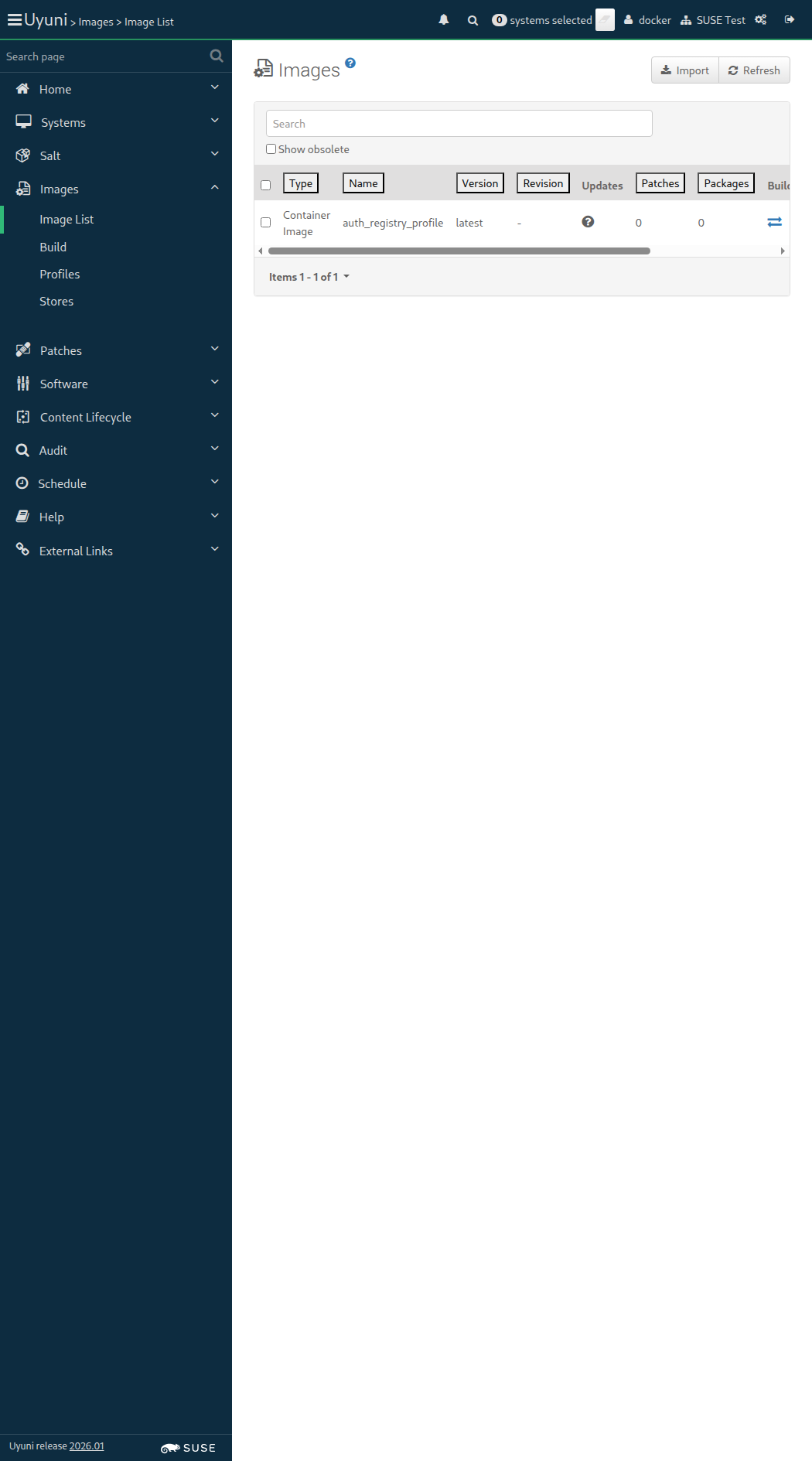
Screenshot +


List of images: [{"external"=>false, "name"=>"auth_registry_profile", "checksum"=>"", "obsolete"=>false, "id"=>10, "arch"=>"x86_64-redhat-linux", "type"=>"dockerfile", "version"=>"latest", "storeLabel"=>"auth_registry", "revision"=>0}]
Image Details: {"outdatedPackages"=>0, "buildServerId"=>1000010003, "obsolete"=>false, "bugErrata"=>0, "installedPackages"=>0, "type"=>"dockerfile", "version"=>"latest", "storeLabel"=>"auth_registry", "revision"=>0, "securityErrata"=>0, "buildStatus"=>"failed", "external"=>false, "profileLabel"=>"auth_registry_profile", "name"=>"auth_registry_profile", "checksum"=>"", "files"=>[], "id"=>10, "arch"=>"x86_64", "enhancementErrata"=>0}

And the list of packages of image "auth_registry_profile" with version "latest" is not empty 520ms Show Error +
                                            
the list of image packages is empty (ScriptError) ./features/step_definitions/docker_steps.rb:143:in `/^the list of packages of image "([^"]*)" with version "([^"]*)" is not empty$/' features/secondary/buildhost_docker_auth_registry.feature:53:in `the list of packages of image "auth_registry_profile" with version "latest" is not empty'

13s 692ms Show Info +
21:59:03:000 - 21:59:04:000 | Current URL: https://uyuni-master-server.sumaci.aws/rhn/manager/cm/images
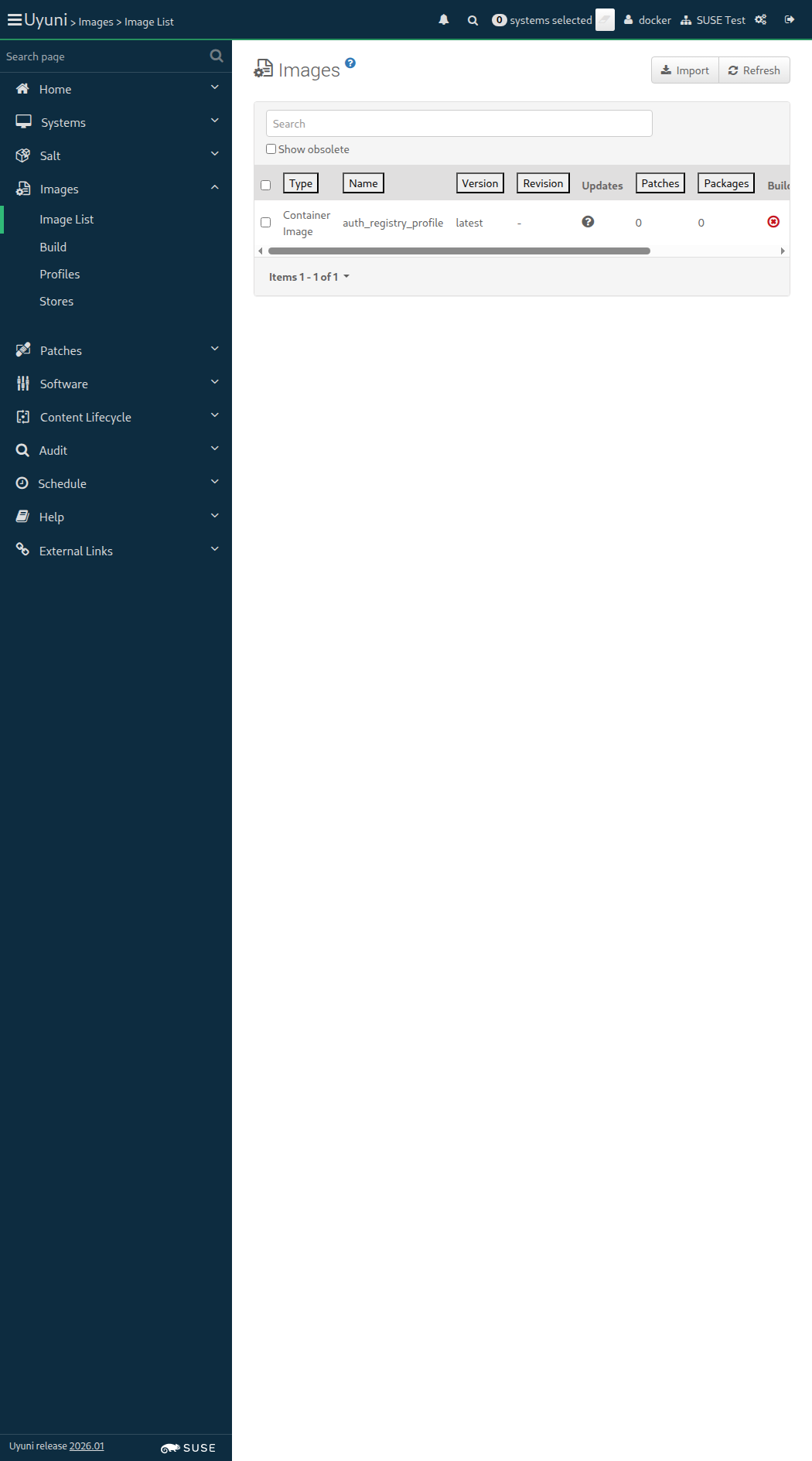
Screenshot +


When I follow the left menu "Images > Profiles" 77ms

And I check the row with the "auth_registry_profile" text 400ms

And I click on "Delete" 75ms

And I click on the red confirmation button 62ms

And I should see a "Image profile has been deleted." text 414ms

And I wait until no Salt job is running on "build_host" 2s 215ms

When I follow the left menu "Images > Stores" 61ms

And I check the row with the "auth_registry" text 70ms

And I click on "Delete" 62ms

And I click on the red confirmation button 56ms

And I should see a "Image store has been deleted." text 179ms

When I delete the image "auth_registry_profile" with version "latest" via API calls 451ms

Given I am authorized 1s 65ms

Given I navigate to the Systems overview page of this "sle_minion" 2s 402ms

When I follow "Hardware" 470ms

And I click on "Schedule Hardware Refresh" 766ms

Then I should see a "You have successfully scheduled a hardware profile refresh" text 115ms

When I wait until event "Hardware List Refresh scheduled" is completed 22s 22ms

And I wait until there is no Salt job calling the module "hardware.profileupdate" on "sle_minion" 2s 212ms

I should see kernel version: 6.18.2-1-default
IPv4 address: 172.16.3.8
IPv6 address: fe80::42d:a0ff:fe4e:c31

Given I am on the Systems overview page of this "sle_minion" 855ms

Then the hostname for "sle_minion" should be correct 90ms

And the kernel for "sle_minion" should be correct 502ms

And the OS version for "sle_minion" should be correct < 1ms

And the IPv4 address for "sle_minion" should be correct 83ms

And the IPv6 address for "sle_minion" should be correct 428ms

And the system ID for "sle_minion" should be correct 382ms

And the system name for "sle_minion" should be correct 81ms

And the uptime for "sle_minion" should be correct 419ms

And I should see a "UUID" text 79ms

And I should see a "Virtualization" text 91ms

And I should see a "Installed Products" text 79ms

And I should see a "Checked In" text 79ms

And I should see a "Registered" text 78ms

And I should see a "Contact Method" text 80ms

And I should see a "Auto Patch Update" text 82ms

And I should see a "Maintenance Schedule" text 80ms

And I should see a "Description" text 81ms

And I should see a "Location" text 79ms

Given I am on the Systems overview page of this "rhlike_minion" 855ms

When I follow "Hardware" 484ms

And I click on "Schedule Hardware Refresh" 914ms

Then I should see a "You have successfully scheduled a hardware profile refresh" text 116ms

When I wait until event "Hardware List Refresh scheduled" is completed 21s 953ms

And I wait until there is no Salt job calling the module "hardware.profileupdate" on "rhlike_minion" 1s 585ms

I should see kernel version: 4.18.0-553.el8_10.x86_64
IPv4 address: 172.16.3.10
IPv6 address: fe80::4b5:25ff:fe7e:f1ab

Given I am on the Systems overview page of this "rhlike_minion" 889ms

Then the hostname for "rhlike_minion" should be correct 93ms

And the kernel for "rhlike_minion" should be correct 266ms

And the OS version for "rhlike_minion" should be correct < 1ms

And the IPv4 address for "rhlike_minion" should be correct 86ms

And the IPv6 address for "rhlike_minion" should be correct 198ms

And the system ID for "rhlike_minion" should be correct 403ms

And the system name for "rhlike_minion" should be correct 84ms

And the uptime for "rhlike_minion" should be correct 197ms

And I should see a "UUID" text 78ms

And I should see a "Virtualization" text 89ms

And I should see a "Installed Products" text 78ms

And I should see a "Checked In" text 78ms

And I should see a "Registered" text 77ms

And I should see a "Contact Method" text 79ms

And I should see a "Auto Patch Update" text 80ms

And I should see a "Maintenance Schedule" text 78ms

And I should see a "Description" text 96ms

And I should see a "Location" text 82ms

Given I am on the Systems overview page of this "deblike_minion" 847ms

When I follow "Hardware" 485ms

And I click on "Schedule Hardware Refresh" 741ms

Then I should see a "You have successfully scheduled a hardware profile refresh" text 118ms

When I wait until event "Hardware List Refresh scheduled" is completed 21s 818ms

And I wait until there is no Salt job calling the module "hardware.profileupdate" on "deblike_minion" 2s 317ms

I should see kernel version: 6.14.0-1018-aws
IPv4 address: 172.16.3.11
IPv6 address: fe80::4bb:6bff:fe5d:af83

Given I am on the Systems overview page of this "deblike_minion" 825ms

Then the hostname for "deblike_minion" should be correct 88ms

And the kernel for "deblike_minion" should be correct 298ms

And the OS version for "deblike_minion" should be correct < 1ms

And the IPv4 address for "deblike_minion" should be correct 83ms

And the IPv6 address for "deblike_minion" should be correct 228ms

And the system ID for "deblike_minion" should be correct 369ms

And the system name for "deblike_minion" should be correct 80ms

And the uptime for "deblike_minion" should be correct 225ms

And I should see a "UUID" text 83ms

And I should see a "Virtualization" text 87ms

And I should see a "Installed Products" text 76ms

And I should see a "Checked In" text 77ms

And I should see a "Registered" text 77ms

And I should see a "Contact Method" text 80ms

And I should see a "Auto Patch Update" text 77ms

And I should see a "Maintenance Schedule" text 77ms

And I should see a "Description" text 77ms

And I should see a "Location" text 77ms

Given I am on the Systems overview page of this "ssh_minion" 866ms

When I follow "Hardware" 572ms

And I click on "Schedule Hardware Refresh" 793ms

Then I should see a "You have successfully scheduled a hardware profile refresh" text 119ms

And I wait until event "Hardware List Refresh scheduled" is completed 38s 565ms

I should see kernel version: 6.18.2-1-default
IPv4 address: 172.16.3.9
IPv6 address: fe80::416:31ff:fe64:aa3b

Given I am on the Systems overview page of this "ssh_minion" 900ms

Then the hostname for "ssh_minion" should be correct 93ms

And the kernel for "ssh_minion" should be correct 954ms

And the OS version for "ssh_minion" should be correct < 1ms

And the IPv4 address for "ssh_minion" should be correct 90ms

And the IPv6 address for "ssh_minion" should be correct 431ms

And the system ID for "ssh_minion" should be correct 394ms

And the system name for "ssh_minion" should be correct 85ms

And the uptime for "ssh_minion" should be correct 442ms

And I should see a "UUID" text 79ms

And I should see a "Virtualization" text 80ms

And I should see a "Installed Products" text 80ms

And I should see a "Checked In" text 79ms

And I should see a "Registered" text 82ms

And I should see a "Contact Method" text 81ms

And I should see a "Auto Patch Update" text 80ms

And I should see a "Maintenance Schedule" text 80ms

And I should see a "Description" text 81ms

And I should see a "Location" text 82ms

@scope_ssm @sle_minion @scope_visualization @new_issue @flaky
Feature:Manage a group of systems and the Systems Set Manager 11m 28s 195ms 17 5 2

Given I am authorized for the "Admin" section 1s 619ms

When I enable repository "test_repo_rpm_pool" on this "sle_minion" 809ms

And I refresh the metadata for "sle_minion" 842ms

And I install old package "andromeda-dummy-1.0" on this "sle_minion" 1s 790ms

And I install old package "virgo-dummy-1.0" on this "sle_minion" 1s 799ms

When I follow the left menu "Admin > Task Schedules" 132ms

And I follow "errata-cache-default" 1s 202ms

And I follow "errata-cache-bunch" 1s 300ms

And I click on "Single Run Schedule" 1s 538ms

Then I should see a "bunch was scheduled" text 274ms

And I wait until the table contains "FINISHED" or "SKIPPED" followed by "FINISHED" in its first rows 2s 44ms

When I follow the left menu "Patches > Patch List > Relevant" 209ms

Then I should see an update in the list 19ms

When I wait until I see "andromeda-dummy" text, refreshing the page 84ms

Then I should see a "andromeda-dummy-6789" link 11ms

When I enter "virgo-dummy" as the filtered synopsis 47ms

And I click on the filter button until page does contain "virgo-dummy-3456" text 10s 486ms

Then I should see a "virgo-dummy-3456" link 11ms

When I follow the left menu "Systems > System Groups" 111ms

And I follow "Create Group" 271ms

And I enter "new-systems-group" as "name" 64ms

And I click on "Create Group" 308ms

Then I should see a "Both name and description are required for System Groups." text 59ms

When I follow the left menu "Systems > System Groups" 61ms

And I follow "Create Group" 211ms

And I enter "My new group" as "description" 55ms

And I click on "Create Group" 297ms

Then I should see a "Both name and description are required for System Groups." text 56ms

When I follow the left menu "Systems > System Groups" 62ms

And I follow "Create Group" 261ms

And I enter "new-systems-group" as "name" 58ms

And I enter "My new group" as "description" 52ms

And I click on "Create Group" 413ms

Then I should see a "System group new-systems-group created." text 65ms

When I follow the left menu "Systems > System Groups" 61ms

And I follow "new-systems-group" 236ms

And I follow "Target Systems" 413ms

And I check the "sle_minion" client 59ms

And I click on "Add Systems" 1s 67ms

Then I should see a "1 systems were added to new-systems-group server group." text 97ms

When I click on "Add Selected to SSM" 399ms

Given I am on the Systems overview page of this "sle_minion" 867ms

When I follow "Groups" in the content area 70ms

Then I should see a "new-systems-group" text 70ms

When I follow the left menu "Systems > System Groups" 85ms

And I follow "new-systems-group" 303ms

And I follow first "Patches" 343ms

When I enter "virgo-dummy" as the filtered synopsis 45ms

And I click on the filter button until page does contain "virgo-dummy-3456" text 88ms

Then I should see a "virgo-dummy-3456" link 8ms

When I follow "virgo-dummy-3456" 363ms

And I follow first "Affected Systems" 292ms

And I check the "sle_minion" client 51ms

And I click on "Apply Patches" 477ms

And I click on "Confirm" 545ms

Then I should see a "Patch virgo-dummy-3456 has been scheduled for 1 system" text 92ms

And I am on the Systems overview page of this "sle_minion" 914ms

And I wait until event "Patch Update: virgo-dummy-3456 - Test update for virgo-dummy scheduled by admin" is completed 38s 331ms

When I follow the left menu "Systems > System Set Manager > Overview" 420ms

And I follow first "Patches" 276ms

When I enter "andromeda-dummy" as the filtered synopsis 62ms

And I click on the filter button 400ms

When I wait until I see "andromeda-dummy-6789" text, refreshing the page 63ms

Then I should see a "andromeda-dummy-6789" link 11ms

When I follow "andromeda-dummy-6789" 388ms

And I follow first "Affected Systems" 295ms

And I check the "sle_minion" client 74ms

And I click on "Apply Patches" 504ms

And I click on "Confirm" 547ms

Then I should see a "Patch andromeda-dummy-6789 has been scheduled for 1 system" text 90ms

And I am on the Systems overview page of this "sle_minion" 911ms

And I wait until event "Patch Update: andromeda-dummy-6789 - Test update for andromeda-dummy scheduled by admin" is completed 38s 362ms

When I follow the left menu "Systems > System Set Manager > Overview" 431ms

And I follow "Packages" 340ms

And I follow "Remove" 287ms

And I wait until I see "Package Removal" text, refreshing the page 64ms

And I enter "virgo-dummy" as the filtered package name 10s 3ms Show Error +
                                            
Unable to find css "input[placeholder='Filter by Package Name: ']" (Capybara::ElementNotFound) ./features/support/navigation_step_helper.rb:45:in `filter_by_package_name' ./features/step_definitions/navigation_steps.rb:925:in `/^I enter "([^"]*)" as the filtered package name$/' features/secondary/allcli_system_group.feature:113:in `I enter "virgo-dummy" as the filtered package name'

And I click on the filter button until page does contain "virgo-dummy-2.0-1.1" text 0s

And I check "virgo-dummy-2.0-1.1" in the list 0s

And I click on "Remove Packages" 0s

And I click on "Confirm" 0s

Then I should see a "Package removals are being scheduled, it may take several minutes for this to complete." text 0s

13s 444ms Show Info +
22:03:42:000 - 22:03:54:000 | Current URL: https://uyuni-master-server.sumaci.aws/rhn/ssm/PackageRemove.do
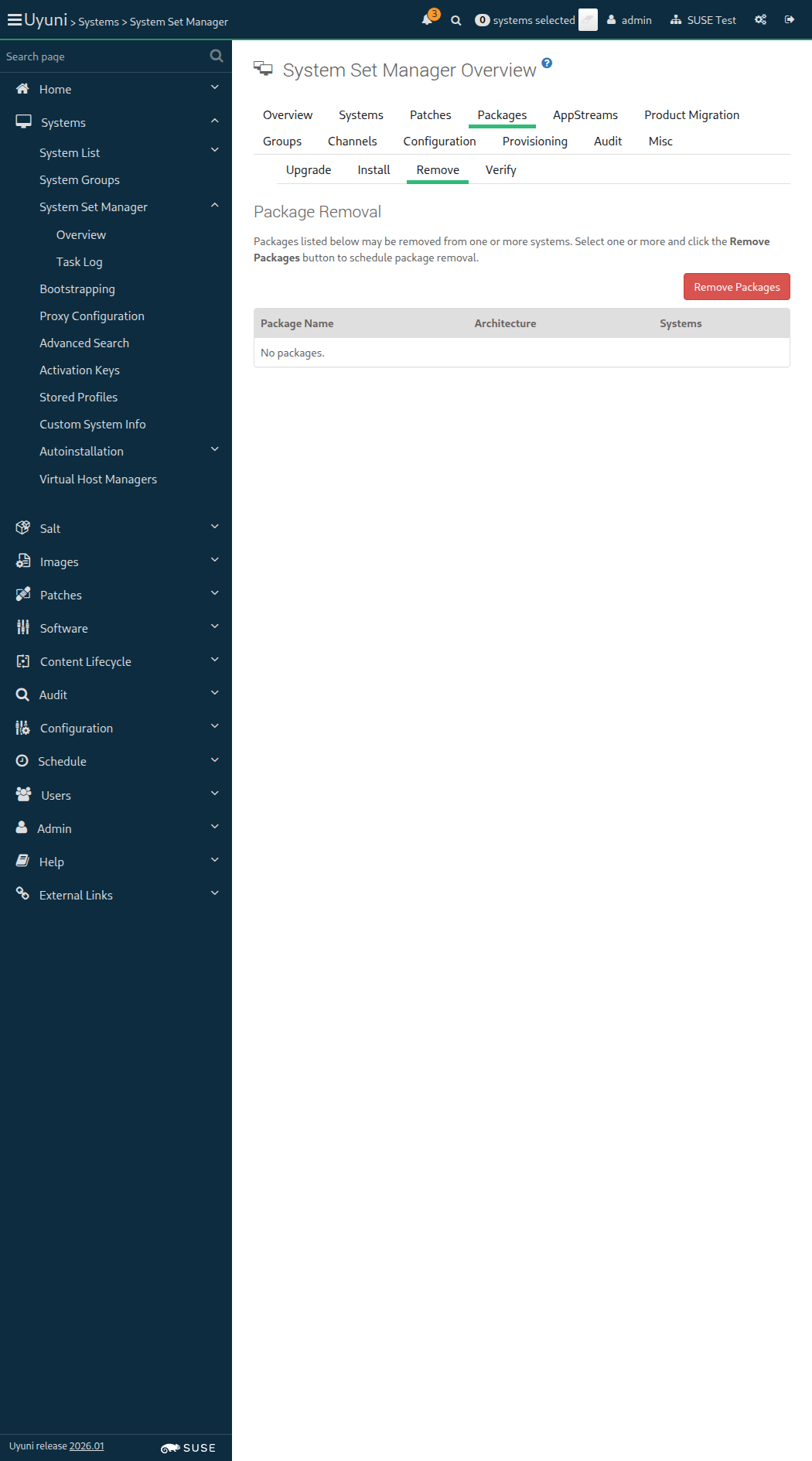
Screenshot +


When I follow the left menu "Systems > System Set Manager > Overview" 83ms

And I follow "Packages" 354ms

And I follow "Install" 290ms

And I wait until I see "Fake-RPM-SUSE-Channel" text, refreshing the page 4m 13s 76ms Show Error +
                                            
execution expired (Timeout::Error) ./features/support/commonlib.rb:95:in `repeat_until_timeout' ./features/step_definitions/navigation_steps.rb:59:in `/^I wait until I see "([^"]*)" (text|regex), refreshing the page$/' features/secondary/allcli_system_group.feature:126:in `I wait until I see "Fake-RPM-SUSE-Channel" text, refreshing the page'

Then I should see a "Fake-RPM-SUSE-Channel" text 0s

When I follow "Fake-RPM-SUSE-Channel" 0s

Then I should see a "virgo-dummy-2.0-1.1" text 0s

And I enter "virgo-dummy" as the filtered package name 0s

And I click on the filter button until page does contain "virgo-dummy-2.0-1.1" text 0s

When I check "virgo-dummy-2.0-1.1" in the list 0s

And I click on "Install Packages" 0s

And I click on "Confirm" 0s

Then I should see a "Package installations are being scheduled, it may take several minutes for this to complete." text 0s

The browser session could not be cleaned for unknown issue: invalid argument: invalid element id (Session info: chrome=144.0.7559.96)

When I follow the left menu "Systems > System Groups" 442ms Show Error +
                                            
undefined method `map' for nil (NoMethodError) ./features/step_definitions/navigation_steps.rb:594:in `/^I am authorized as "([^"]*)" with password "([^"]*)"$/' ./features/step_definitions/navigation_steps.rb:460:in `/^I am authorized for the "([^"]*)" section$/' ./features/step_definitions/navigation_steps.rb:420:in `rescue in block (2 levels) in (top (required))' ./features/step_definitions/navigation_steps.rb:413:in `block (2 levels) in (top (required))' ./features/step_definitions/navigation_steps.rb:406:in `each' ./features/step_definitions/navigation_steps.rb:406:in `each_with_index' ./features/step_definitions/navigation_steps.rb:406:in `/^I follow the left menu "([^"]*)"$/' features/secondary/allcli_system_group.feature:139:in `I follow the left menu "Systems ) System Groups"'

Then I should see a "System Groups" text 0s

When I follow "new-systems-group" 0s

And I follow "Target Systems" 0s

Then I should see a "The following are systems that may be added to this group." text 0s

When I check the "rhlike_minion" client 0s

And I click on "Add Systems" 0s

Then I should see a "1 systems were added to new-systems-group server group" text 0s

The browser session could not be cleaned because there is no browser available: undefined method `first' for an instance of String

When I follow the left menu "Systems > System Groups" 406ms Show Error +
                                            
undefined method `map' for nil (NoMethodError) ./features/step_definitions/navigation_steps.rb:594:in `/^I am authorized as "([^"]*)" with password "([^"]*)"$/' ./features/step_definitions/navigation_steps.rb:460:in `/^I am authorized for the "([^"]*)" section$/' ./features/step_definitions/navigation_steps.rb:420:in `rescue in block (2 levels) in (top (required))' ./features/step_definitions/navigation_steps.rb:413:in `block (2 levels) in (top (required))' ./features/step_definitions/navigation_steps.rb:406:in `each' ./features/step_definitions/navigation_steps.rb:406:in `each_with_index' ./features/step_definitions/navigation_steps.rb:406:in `/^I follow the left menu "([^"]*)"$/' features/secondary/allcli_system_group.feature:149:in `I follow the left menu "Systems ) System Groups"'

And I click on "Use in SSM" in row "new-systems-group" 0s

Then I should see a "Selected Systems List" text 0s

And I should see "rhlike_minion" as link 0s

And I should see "sle_minion" as link 0s

When I manually install the "locale" formula on the server 0s

When I synchronize all Salt dynamic modules on "sle_minion" 2s 516ms

When I follow the left menu "Systems > System Groups" 135ms

And I follow "new-systems-group" 334ms

And I follow "Formulas" 370ms

Then I should see a "Choose formulas:" text 60ms

And I should see a "General System Configuration" text 191ms

And the "locale" formula should be unchecked 10s 30ms

When I follow the left menu "Systems > System Groups" 60ms

Then I should see a "System Groups" text 66ms

When I follow "new-systems-group" 291ms

And I follow "States" 413ms

And I click on "Apply Highstate" 58ms

Then I should see a "Applying the highstate has been scheduled." text 441ms

When I follow "scheduled" 267ms

Then I should see a "Apply states (highstate)" text 54ms

And I should see a "Action Details" text 53ms

And I wait until I see "2 systems successfully completed this action." text, refreshing the page 4m 13s 47ms Show Error +
                                            
execution expired (Timeout::Error) ./features/support/commonlib.rb:95:in `repeat_until_timeout' ./features/step_definitions/navigation_steps.rb:59:in `/^I wait until I see "([^"]*)" (text|regex), refreshing the page$/' features/secondary/allcli_system_group.feature:182:in `I wait until I see "2 systems successfully completed this action." text, refreshing the page'

13s 115ms Show Info +
22:08:43:000 - 22:12:58:000 | Current URL: https://uyuni-master-server.sumaci.aws/rhn/schedule/ActionDetails.do?aid=329
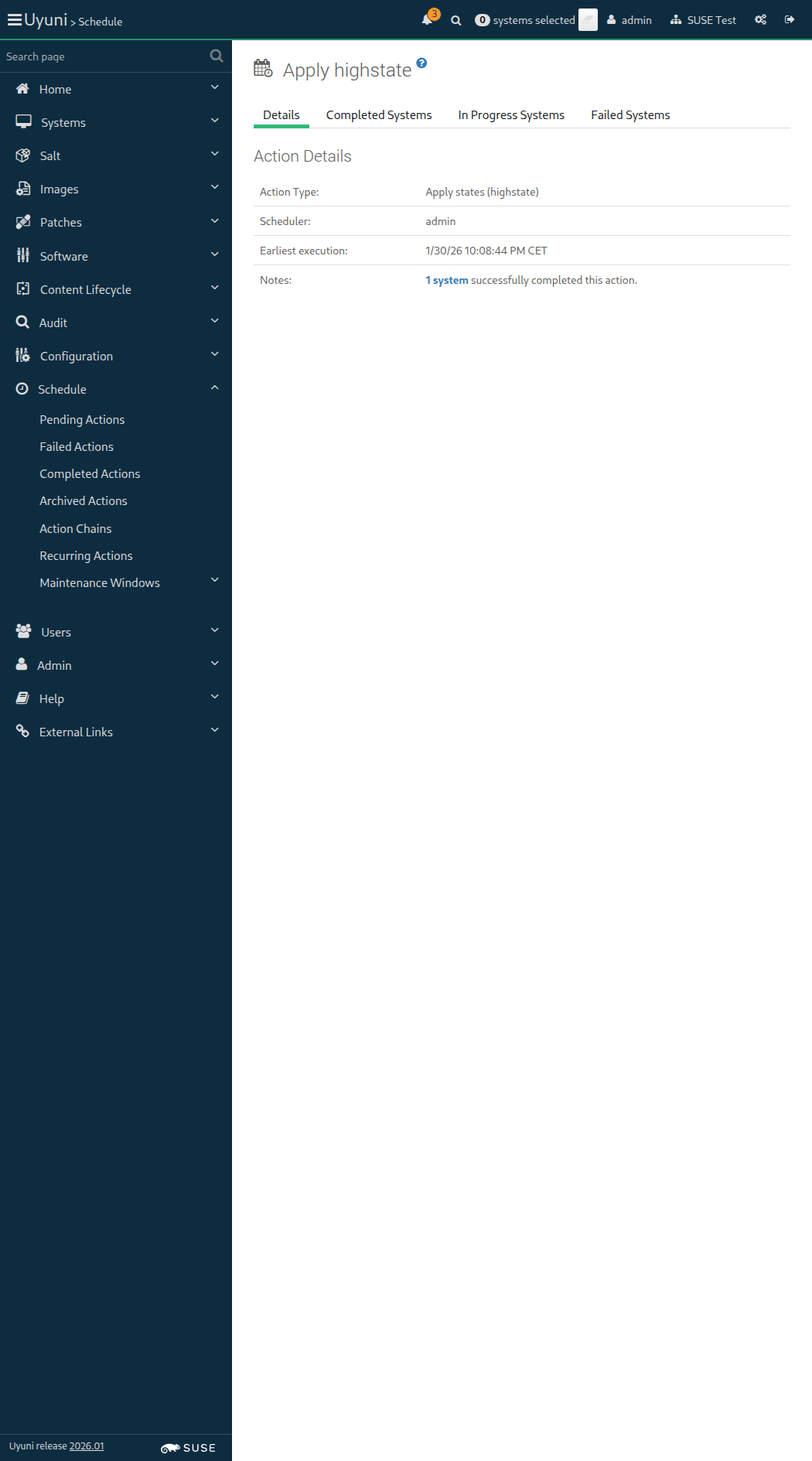
Screenshot +


Given I am on the Systems overview page of this "sle_minion" 833ms

When I follow "Groups" 396ms

And I check "new-systems-group" in the list 60ms

And I click on "Leave Groups" 955ms

Then I should see a "1 system groups removed." text 60ms

When I manually uninstall the "locale" formula from the server 0s

When I follow the left menu "Systems > System Groups" 71ms

When I follow "new-systems-group" in the content area 69ms

And I follow "Delete Group" in the content area 67ms

And I click on "Confirm Deletion" 625ms

Then I should see a "System group" text 67ms

And I should see a "new-systems-group" text 58ms

And I should see a "deleted" text 58ms

Search by hostname: uyuni-master-suse-minion
[{"last_boot"=>"2026-01-30T19:04:49Z", "name"=>"uyuni-master-suse-minion.sumaci.aws", "id"=>1000010023, "last_checkin"=>"2026-01-30T21:13:14Z"}]

When I clean the search index on the server 4s 791ms

When I disable repository "test_repo_rpm_pool" on this "sle_minion" without error control 786ms

And I refresh the metadata for "sle_minion" 1s 188ms

And I remove package "andromeda-dummy" from this "sle_minion" without error control 1s 518ms

And I remove package "virgo-dummy" from this "sle_minion" without error control 1s 511ms

Given I am authorized 2s 464ms

When I follow the left menu "Configuration > Channels" 1s 232ms

And I follow "Create Config Channel" 431ms

And I enter "Mixed Channel" as "cofName" 62ms

And I enter "mixedchannel" as "cofLabel" 56ms

And I enter "This is a configuration channel for different system types" as "cofDescription" 92ms

And I click on "Create Config Channel" 60ms

Then I should see a "Mixed Channel" text 62ms

When I follow the left menu "Configuration > Channels" 58ms

And I follow "Mixed Channel" 484ms

And I follow "Create Configuration File or Directory" 461ms

And I enter "/etc/s-mgr/config" as "cffPath" 65ms

And I enter "COLOR=white" in the editor 5ms

And I click on "Create Configuration File" 729ms

Then I should see a "Revision 1 of /etc/s-mgr/config from channel Mixed Channel" text 92ms

And file "/srv/susemanager/salt/manager_org_1/mixedchannel/init.sls" should exist on server 1s 209ms

And file "/srv/susemanager/salt/manager_org_1/mixedchannel/etc/s-mgr/config" should exist on server 754ms

When I am on the Systems overview page of this "sle_minion" 1s 137ms

And I follow "Configuration" in the content area 67ms

And I follow "Manage Configuration Channels" in the content area 64ms

And I follow first "Subscribe to Channels" in the content area 63ms

And I check "Mixed Channel" in the list 60ms

And I click on "Continue" 834ms

And I click on "Update Channel Rankings" 1s 135ms

Then I should see a "Channel Subscriptions successfully changed for" text 71ms

When I am on the Systems overview page of this "rhlike_minion" 1s 246ms

And I follow "Configuration" in the content area 69ms

And I follow "Manage Configuration Channels" in the content area 61ms

And I follow first "Subscribe to Channels" in the content area 58ms

And I check "Mixed Channel" in the list 51ms

And I click on "Continue" 889ms

And I click on "Update Channel Rankings" 1s 31ms

Then I should see a "Channel Subscriptions successfully changed for" text 71ms

When I am on the Systems overview page of this "deblike_minion" 1s 82ms

And I follow "Configuration" in the content area 60ms

And I follow "Manage Configuration Channels" in the content area 55ms

And I follow first "Subscribe to Channels" in the content area 54ms

And I check "Mixed Channel" in the list 50ms

And I click on "Continue" 836ms

And I click on "Update Channel Rankings" 1s 78ms

Then I should see a "Channel Subscriptions successfully changed for" text 76ms

When I am on the Systems overview page of this "ssh_minion" 1s 280ms

And I follow "Configuration" in the content area 66ms

And I follow "Manage Configuration Channels" in the content area 67ms

And I follow first "Subscribe to Channels" in the content area 63ms

And I check "Mixed Channel" in the list 51ms

And I click on "Continue" 763ms

And I click on "Update Channel Rankings" 1s 16ms

Then I should see a "Channel Subscriptions successfully changed for" text 72ms

When I follow the left menu "Configuration > Channels" 400ms

And I follow "Mixed Channel" 552ms

And I follow "Deploy all configuration files to all subscribed systems" 615ms

Then I should see a "/etc/s-mgr/config" link 11ms

When I click on "Deploy Files to Selected Systems" 945ms

Then I should see a "revision-deploys are being scheduled," text 65ms

And I should see a "0 revision-deploys overridden." text 62ms

When I wait until file "/etc/s-mgr/config" exists on "sle_minion" 2s 253ms

Then file "/etc/s-mgr/config" should contain "COLOR=white" on "sle_minion" 800ms

When I wait until file "/etc/s-mgr/config" exists on "rhlike_minion" 320ms

Then file "/etc/s-mgr/config" should contain "COLOR=white" on "rhlike_minion" 375ms

When I wait until file "/etc/s-mgr/config" exists on "deblike_minion" 968ms

Then file "/etc/s-mgr/config" should contain "COLOR=white" on "deblike_minion" 419ms

When I wait until file "/etc/s-mgr/config" exists on "ssh_minion" 6s 454ms

Then file "/etc/s-mgr/config" should contain "COLOR=white" on "ssh_minion" 893ms

Salt command: salt uyuni-master-suse-minion.sumaci.aws state.highstate

When I store "COLOR=blue" into file "/etc/s-mgr/config" on "sle_minion" 405ms

And I apply highstate on "sle_minion" 13s 447ms

Then file "/etc/s-mgr/config" should contain "COLOR=white" on "sle_minion" 1s 201ms

Salt command: salt uyuni-master-rhlike-minion.sumaci.aws state.highstate

When I store "COLOR=blue" into file "/etc/s-mgr/config" on "rhlike_minion" 292ms

And I apply highstate on "rhlike_minion" 7s 292ms

Then file "/etc/s-mgr/config" should contain "COLOR=white" on "rhlike_minion" 376ms

Salt command: salt uyuni-master-deblike-minion.sumaci.aws state.highstate

When I store "COLOR=blue" into file "/etc/s-mgr/config" on "deblike_minion" 465ms

And I apply highstate on "deblike_minion" 6s 676ms

Then file "/etc/s-mgr/config" should contain "COLOR=white" on "deblike_minion" 403ms

Salt command: mgr-salt-ssh uyuni-master-suse-sshminion.sumaci.aws state.highstate

When I store "COLOR=blue" into file "/etc/s-mgr/config" on "ssh_minion" 773ms

And I apply highstate on "ssh_minion" 31s 46ms

Then file "/etc/s-mgr/config" should contain "COLOR=white" on "ssh_minion" 924ms

When I follow the left menu "Configuration > Channels" 61ms

And I follow "Mixed Channel" 473ms

And I follow "Systems" in the content area 65ms

And I check the "rhlike_minion" client 63ms

And I click on "Unsubscribe systems" 685ms

Then I should see a "Successfully unsubscribed 1 system(s)." text 76ms

And I destroy "/etc/s-mgr" directory on "rhlike_minion" 295ms

When I follow the left menu "Configuration > Channels" 60ms

And I follow "Mixed Channel" 473ms

And I follow "Systems" in the content area 56ms

And I check the "deblike_minion" client 55ms

And I click on "Unsubscribe systems" 696ms

Then I should see a "Successfully unsubscribed 1 system(s)." text 68ms

And I destroy "/etc/s-mgr" directory on "deblike_minion" 945ms

When I follow the left menu "Configuration > Channels" 60ms

And I follow "Mixed Channel" 482ms

And I follow "Systems" in the content area 57ms

And I check the "ssh_minion" client 53ms

And I click on "Unsubscribe systems" 49ms

Then I should see a "Successfully unsubscribed 1 system(s)." text 74ms

And I destroy "/etc/s-mgr" directory on "ssh_minion" 464ms

When I am on the Systems overview page of this "sle_minion" 935ms

And I store "COLOR=red" into file "/etc/s-mgr/config" on "sle_minion" 719ms

And I follow "Configuration" in the content area 67ms

And I follow "Compare Files" in the content area 62ms

And I check "/etc/s-mgr/config" in the list 55ms

And I click on "Compare Files" 712ms

And I click on "Schedule Compare" 982ms

Then I should see a "1 files scheduled for comparison." text 73ms

When I wait until event "Show differences between profiled config files and deployed config files scheduled" is completed 2s 425ms

Then I should see a "Differences exist" link 19ms

When I follow "Differences exist" 424ms

Then I should see a "+COLOR=white" text 61ms

And I should see a "-COLOR=red" text 64ms

Then channel "mixedchannel" should exist 375ms

And channel "mixedchannel" should contain file "/etc/s-mgr/config" 383ms

And "sle_minion" should be subscribed to channel "mixedchannel" 370ms

When I store "COLOR=green" into file "/etc/s-mgr/config" on "sle_minion" 404ms

And I add file "/etc/s-mgr/other" containing "NAME=Dante" to channel "mixedchannel" 453ms

And I deploy all systems registered to channel "mixedchannel" 465ms

And I wait until file "/etc/s-mgr/other" exists on "sle_minion" 1s 904ms

Then file "/etc/s-mgr/config" should contain "COLOR=white" on "sle_minion" 855ms

And file "/etc/s-mgr/other" should contain "NAME=Dante" on "sle_minion" 826ms

When I unsubscribe "sle_minion" from configuration channel "mixedchannel" 788ms

Then "sle_minion" should not be subscribed to channel "mixedchannel" 371ms

When I follow the left menu "Systems > System List > All" 125ms

And I click on the clear SSM button 54ms

And I check the "sle_minion" client 376ms

And I follow the left menu "Systems > System Set Manager > Overview" 508ms

And I follow "config channel subscriptions" in the content area 64ms

And I check "Mixed Channel" in the list 65ms

And I click on "Continue" 572ms

And I click on "Apply Subscriptions" 896ms

And I click on "Confirm" 676ms

Then I should see a "Configuration channel subscriptions changed for 1 system successfully." text 58ms

When I follow the left menu "Configuration > Channels" 413ms

And I follow "Mixed Channel" 490ms

And I follow "Systems" in the content area 63ms

And I check the "sle_minion" client 52ms

And I click on "Unsubscribe systems" 55ms

Then I should see a "Successfully unsubscribed 1 system(s)." text 608ms

When I follow the left menu "Configuration > Channels" 61ms

And I follow "Mixed Channel" 425ms

And I follow "Delete Channel" 283ms

And I click on "Delete Config Channel" 549ms

Then file "/srv/susemanager/salt/manager_org_1/mixedchannel/init.sls" should not exist on server 1s 117ms

When I destroy "/etc/s-mgr" directory on "sle_minion" 772ms

@scope_changing_software_channels @scc_credentials
Feature:Channel subscription via SSM 5m 20s 388ms 14 5

Given I am authorized 1s 869ms

When I follow the left menu "Systems > System List > All" 0s

And I click on the clear SSM button 0s

And I check the "sle_minion" client 0s

And I should see "1" systems selected for SSM 0s

And I follow the left menu "Systems > System Set Manager > Overview" 0s

And I follow "channel memberships" in the content area 0s

Then I should see a "Base Channel" text 0s

And I should see a "Next" text 0s

When I select "Fake-Base-Channel-SUSE-like" from drop-down in table line with "SLE-Product-SLES15-SP7-Pool for x86_64" 0s

And I click on "Next" 0s

Then I should see a "Child Channels" text 0s

And I should see a "Fake-Base-Channel-SUSE-like" text 0s

And I should see a "1 system(s) to subscribe" text 0s

When I choose radio button "Subscribe" for child channel "Fake-Child-Channel-SUSE-like" 0s

And I click on "Next" 0s

Then I should see a "Channel Changes Overview" text 0s

And I should see a "1 system(s) to subscribe" text 0s

When I schedule action to 3 minutes from now 0s

And I click on "Confirm" 0s

And I remember when I scheduled an action 0s

Then I wait until I see "Channel Changes Actions" text 0s

And a table line should contain system "sle_minion", "Scheduled" 0s

When I follow the left menu "Systems > System List > All" 161ms

And I click on the clear SSM button 48ms

And I check the "sle_minion" client 469ms

And I should see "1" systems selected for SSM 195ms

And I follow the left menu "Systems > System Set Manager > Overview" 434ms

And I follow "channel memberships" in the content area 60ms

Then I should see a "Base Channel" text 68ms

And I should see a "Next" text 62ms

When I select "Fake-Base-Channel-SUSE-like" from drop-down in table line with "openSUSE Tumbleweed (x86_64)" 156ms

And I click on "Next" 57ms

Then I should see a "Child Channels" text 386ms

And I should see a "Fake-Base-Channel-SUSE-like" text 69ms

And I should see a "1 system(s) to subscribe" text 67ms

When I choose radio button "Subscribe" for child channel "Fake-Child-Channel-SUSE-like" 67ms

And I click on "Next" 57ms

Then I should see a "Channel Changes Overview" text 66ms

And I should see a "1 system(s) to subscribe" text 64ms

When I schedule action to 3 minutes from now 227ms

And I click on "Confirm" 86ms

And I remember when I scheduled an action < 1ms

Then I wait until I see "Channel Changes Actions" text 380ms

And a table line should contain system "sle_minion", "Scheduled" 20ms

Given I am on the Systems overview page of this "sle_minion" 0s

When I follow "Software" in the content area 0s

And I follow "Software Channels" in the content area 0s

And I wait until I do not see "Loading..." text 0s

Then radio button "SLE-Product-SLES15-SP7-Pool for x86_64" should be checked 0s

And I wait until I do not see "Loading..." text 0s

And I should see "SLE15-SP7-Installer-Updates for x86_64" as unchecked 0s

Given I am on the Systems overview page of this "sle_minion" 950ms

When I follow "Software" in the content area 72ms

And I follow "Software Channels" in the content area 64ms

And I wait until I do not see "Loading..." text 64ms

Then radio button "openSUSE Tumbleweed (x86_64)" should be checked 284ms

And I wait until I do not see "Loading..." text 409ms

And I should see "Uyuni Client Tools for openSUSE Tumbleweed (x86_64)" as unchecked 18ms

When I refresh the metadata for "sle_minion" 0s

Then channel "SLE-Product-SLES15-SP7-Pool for x86_64" should be enabled on "sle_minion" 0s

And channel "SLE15-SP7-Installer-Updates for x86_64" should be disabled on "sle_minion" 0s

When I refresh the metadata for "sle_minion" 1s 301ms

Then channel "openSUSE Tumbleweed (x86_64)" should be enabled on "sle_minion" 661ms

And channel "Uyuni Client Tools for openSUSE Tumbleweed (x86_64)" should be disabled on "sle_minion" 656ms

Given I am on the Systems overview page of this "sle_minion" 933ms

When I wait until event "Subscribe channels scheduled" is completed 1m 13s 194ms

Then I should see a "The client completed this action on" text 57ms

Given I am on the Systems overview page of this "sle_minion" 1s 18ms

When I follow "Software" in the content area 73ms

And I follow "Software Channels" in the content area 63ms

And I wait until I do not see "Loading..." text 63ms

Then radio button "Fake-Base-Channel-SUSE-like" should be checked 109ms

And I wait until I do not see "Loading..." text 486ms

And I should see "Fake-Child-Channel-SUSE-like" as checked 18ms

When I refresh the metadata for "sle_minion" 0s

Then "2" channels should be enabled on "sle_minion" 0s

And channel "Fake-Base-Channel-SUSE-like" should be enabled on "sle_minion" 0s

And channel "Fake-Child-Channel-SUSE-like" should be enabled on "sle_minion" 0s

When I refresh the metadata for "sle_minion" 1s 571ms

Then "2" channels should be enabled on "sle_minion" 701ms

And channel "Fake-Base-Channel-SUSE-like" should be enabled on "sle_minion" 677ms

And channel "Fake-Child-Channel-SUSE-like" should be enabled on "sle_minion" 664ms

When I follow the left menu "Systems > System List > All" 132ms

And I click on the clear SSM button 51ms

And I check the "rhlike_minion" client 469ms

Then I should see "1" systems selected for SSM 144ms

When I follow the left menu "Systems > System Set Manager > Overview" 451ms

And I follow "channel memberships" in the content area 62ms

And I select "System Default Base Channel" from drop-down in table line with "Fake-Base-Channel-RH-like" 270ms

And I click on "Next" 62ms

Then I should see a "Child Channels" text 285ms

And I should see a "Couldn't determine new base channel" text 60ms

And I should see a "1 system(s) incompatible" text 61ms

When I click on "Next" 58ms

Then I should see a "Channel Changes Overview" text 62ms

And I should see a "Couldn't determine new base channel" text 63ms

And I should see a "1 system(s) incompatible" text 73ms

When I click on "Confirm" 58ms

Then I should see a "Channel Changes Actions" text 284ms

And I should see a "Items 1 - 1 of 1" text 65ms

And a table line should contain system "rhlike_minion", "Could not determine system default channel" 20ms

And I click on the clear SSM button 47ms

Given I am on the Systems overview page of this "rhlike_minion" 913ms

When I follow "Software" in the content area 60ms

And I follow "Software Channels" in the content area 56ms

Then radio button "Fake-Base-Channel-RH-like" should be checked 269ms

When I follow the left menu "Systems > System List > All" 107ms

And I click on the clear SSM button 49ms

And I check the "deblike_minion" client 444ms

Then I should see "1" systems selected for SSM 141ms

When I follow the left menu "Systems > System Set Manager > Overview" 426ms

And I follow "channel memberships" in the content area 59ms

And I select "System Default Base Channel" from drop-down in table line with "Fake-Base-Channel-Debian-like" 221ms

And I click on "Next" 52ms

Then I should see a "Child Channels" text 271ms

And I should see a "Couldn't determine new base channel" text 63ms

And I should see a "1 system(s) incompatible" text 61ms

When I click on "Next" 55ms

Then I should see a "Channel Changes Overview" text 67ms

And I should see a "Couldn't determine new base channel" text 64ms

And I should see a "1 system(s) incompatible" text 68ms

When I click on "Confirm" 50ms

Then I should see a "Channel Changes Actions" text 274ms

And I should see a "Items 1 - 1 of 1" text 70ms

And a table line should contain system "deblike_minion", "Could not determine system default channel" 17ms

And I click on the clear SSM button 49ms

Given I am on the Systems overview page of this "deblike_minion" 929ms

When I follow "Software" in the content area 63ms

And I follow "Software Channels" in the content area 55ms

Then radio button "Fake-Base-Channel-Debian-like" should be checked 224ms

Given I am on the Systems overview page of this "sle_minion" 0s

When I follow "Software" in the content area 0s

And I follow "Software Channels" in the content area 0s

And I wait until I do not see "Loading..." text 0s

And I check radio button "SLE-Product-SLES15-SP7-Pool for x86_64" 0s

And I wait until I do not see "Loading..." text 0s

And I include the recommended child channels 0s

And I check "SLE-Module-DevTools15-SP7-Pool for x86_64" 0s

And I check "SLE-Module-Containers15-SP7-Pool for x86_64" 0s

And I check "Fake-RPM-SUSE-Channel" 0s

And I wait until I do not see "Loading..." text 0s

And I wait until I see "SLE15-SP7-Installer-Updates for x86_64" text 0s

And I wait until I do not see "Loading..." text 0s

And I include the recommended child channels 0s

And I check "SLE-Module-DevTools15-SP7-Pool for x86_64" 0s

And I check "Fake-RPM-SUSE-Channel" 0s

And I click on "Next" 0s

Then I should see a "Confirm Software Channel Change" text 0s

When I click on "Confirm" 0s

Then I should see a "Changing the channels has been scheduled." text 0s

When I follow "scheduled" in the content area 0s

And I wait until I see "1 system successfully completed this action." text, refreshing the page 0s

Then channel "SLE15-SP7-Installer-Updates for x86_64" should be disabled on "sle_minion" 0s

Given I am on the Systems overview page of this "sle_minion" 899ms

When I follow "Software" in the content area 61ms

And I follow "Software Channels" in the content area 67ms

And I wait until I do not see "Loading..." text 69ms

And I check radio button "openSUSE Tumbleweed (x86_64)" 10s 78ms

And I wait until I do not see "Loading..." text 579ms

And I check "Uyuni Client Tools for openSUSE Tumbleweed (x86_64) (Development)" 74ms

And I check "Fake-RPM-SUSE-Channel" 72ms

And I click on "Next" 59ms

Then I should see a "Confirm Software Channel Change" text 75ms

When I click on "Confirm" 73ms

Then I should see a "Changing the channels has been scheduled." text 295ms

When I follow "scheduled" in the content area 72ms

And I wait until I see "1 system successfully completed this action." text, refreshing the page 29s 928ms

Then channel "Uyuni Client Tools for openSUSE Tumbleweed (x86_64)" should be disabled on "sle_minion" 739ms

Given I am authorized 1s 968ms

Given I am on the Systems overview page of this "sle_minion" 0s

When I follow "Software" in the content area 0s

And I follow "Software Channels" in the content area 0s

And I wait until I do not see "Loading..." text 0s

And I check radio button "SLE-Product-SLES15-SP7-Pool for x86_64" 0s

And I wait until I do not see "Loading..." text 0s

Then I should see the child channel "SLE-Product-SLES15-SP7-Updates for x86_64" "selected" and "disabled" 0s

When I exclude the recommended child channels 0s

Then I should see the toggler "disabled" 0s

And I should see a "SLE-Module-Containers15-SP7-Pool for x86_64" text 0s

And I should see the child channel "SLE-Module-Containers15-SP7-Pool for x86_64" "unselected" 0s

When I select the child channel "SLE-Module-Containers15-SP7-Pool for x86_64" 0s

Then I should see the child channel "SLE-Module-Containers15-SP7-Pool for x86_64" "selected" 0s

When I click on the "disabled" toggler 0s

Then I should see the child channel "SLE-Module-Server-Applications15-SP7-Pool for x86_64" "selected" 0s

Given I am on the Systems overview page of this "sle_minion" 1s 595ms

When I follow "Software" in the content area 68ms

And I follow "Software Channels" in the content area 63ms

And I wait for child channels to appear 201ms

And I check radio button "(none, disable service)" 10s 70ms

And I wait for child channels to appear 224ms

And I check radio button "openSUSE Tumbleweed (x86_64)" 10s 83ms

Then I should see the child channel "Uyuni Client Tools for openSUSE Tumbleweed (x86_64)" "unselected" and "disabled" 10s 117ms

When I select the child channel "Uyuni Client Tools for openSUSE Tumbleweed (x86_64)" 10s 172ms

Then I should see the child channel "Uyuni Client Tools for openSUSE Tumbleweed (x86_64)" "selected" 108ms

When I follow the left menu "Systems > System List > All" 0s

And I check the "sle_minion" client 0s

Then I should see "1" systems selected for SSM 0s

When I follow the left menu "Systems > System Set Manager > Overview" 0s

And I follow "channel memberships" in the content area 0s

Then I should see a "Base Channel" text 0s

And I should see a "Next" text 0s

And I should see a table line with "SLE-Product-SLES15-SP7-Pool for x86_64", "1" 0s

When I select "System Default Base Channel" from drop-down in table line with "SLE-Product-SLES15-SP7-Pool for x86_64" 0s

And I click on "Next" 0s

Then I should see the toggler "disabled" 0s

And I should see a "SLE-Module-Basesystem15-SP7-Pool for x86_64" text 0s

And I should see "No change" "selected" for the "SLE-Module-Basesystem15-SP7-Pool for x86_64" channel 0s

When I click on the "disabled" toggler 0s

Then I should see "Subscribe" "selected" for the "SLE-Module-Basesystem15-SP7-Pool for x86_64" channel 0s

And I should see "No change" "unselected" for the "SLE-Module-Basesystem15-SP7-Pool for x86_64" channel 0s

When I follow the left menu "Systems > System List > All" 130ms

And I check the "sle_minion" client 503ms

Then I should see "1" systems selected for SSM 114ms

When I follow the left menu "Systems > System Set Manager > Overview" 419ms

And I follow "channel memberships" in the content area 72ms

Then I should see a "Base Channel" text 65ms

And I should see a "Next" text 65ms

When I select "No Change" from drop-down in table line with "openSUSE Tumbleweed (x86_64)" 82ms

And I click on "Next" 57ms

Then I should see the toggler "disabled" 376ms

When I enable repository "test_repo_rpm_pool" on this "rhlike_minion" 299ms

When I install package "virgo-dummy-1.0" on this "rhlike_minion" 1s 713ms

When I remove package "andromeda-dummy" from this "rhlike_minion" 1s 485ms

When I refresh packages list via spacecmd on "rhlike_minion" 3s 557ms

And I wait until refresh package list on "rhlike_minion" is finished 14s 421ms

Then spacecmd should show packages "virgo-dummy-1.0" installed on "rhlike_minion" 2s 244ms

Given I am authorized for the "Admin" section 1s 594ms

Warning: Radio button 'Fake-Base-Channel-RH-like' is already checked

Given I am on the Systems overview page of this "rhlike_minion" 1s 342ms

When I follow "Software" in the content area 66ms

And I follow "Software Channels" in the content area 63ms

And I wait until I do not see "Loading..." text 73ms

And I check radio button "Fake-Base-Channel-RH-like" 194ms

And I wait until I do not see "Loading..." text 425ms

And I click on "Next" 54ms

Then I should see a "Confirm Software Channel Change" text 62ms

When I click on "Confirm" 76ms

Then I should see a "Changing the channels has been scheduled." text 294ms

And I wait until event "Subscribe channels scheduled" is completed 18s 771ms

When I follow "Software" in the content area 59ms

And I follow "List / Remove" in the content area 64ms

And I enter "virgo-dummy" as the filtered package name 147ms

And I click on the filter button until page does contain "virgo-dummy" text 11s 130ms

When I follow the left menu "Admin > Task Schedules" 122ms

And I follow "errata-cache-default" 1s 206ms

And I follow "errata-cache-bunch" 1s 279ms

And I click on "Single Run Schedule" 1s 292ms

Then I should see a "bunch was scheduled" text 267ms

And I wait until the table contains "FINISHED" or "SKIPPED" followed by "FINISHED" in its first rows 2s 268ms

Given I am on the Systems overview page of this "rhlike_minion" 811ms

When I follow "Software" in the content area 72ms

And I follow "Patches" in the content area 64ms

When I check "virgo-dummy-3456" in the list 63ms

And I click on "Apply Patches" 627ms

And I click on "Confirm" 836ms

Then I should see a "1 patch update has been scheduled for" text 77ms

And I wait for "virgo-dummy-2.0-1.1" to be installed on "rhlike_minion" 9s 469ms

When I follow "Software" in the content area 64ms

And I follow "Install" 450ms

And I check "andromeda-dummy" in the list 55ms

And I click on "Install Packages" 640ms

And I click on "Confirm" 611ms

Then I should see a "1 package install has been scheduled for" text 67ms

And I wait until event "Package Install/Upgrade scheduled" is completed 21s 857ms

When I follow "Software" in the content area 76ms

And I follow "List / Remove" 645ms

And I enter "andromeda" as the filtered package name 124ms

And I click on the filter button 832ms

And I check "andromeda-dummy" in the list 59ms

And I enter "virgo-dummy" as the filtered package name 41ms

And I click on the filter button 126ms

And I check "virgo-dummy" in the list 54ms

And I click on "Remove Packages" 630ms

And I click on "Confirm" 679ms

Then I should see a "2 package removals have been scheduled" text 69ms

And I wait until event "Package Removal scheduled" is completed 21s 837ms

And I disable repository "test_repo_rpm_pool" on this "rhlike_minion" 302ms

In order to monitor Uyuni server
As an authorized user
I want to enable Prometheus exporters

Given I am authorized 1s 758ms

Given I am on the Systems overview page of this "rhlike_minion" 1s 548ms

When I follow "Formulas" in the content area 75ms

Then I should see a "Choose formulas:" text 63ms

And I should see a "Monitoring" text 277ms

When I check the "prometheus-exporters" formula 75ms

And I click on "Save" 64ms

And I wait until I see "Formula saved" text 708ms

When I follow "Formulas" in the content area 62ms

And I follow "Prometheus Exporters" in the content area 302ms

And I click on "Expand All Sections" 259ms

Then I should see a "Enable and configure Prometheus exporters for managed systems." text 112ms

When I check "node" exporter 43ms

And I check "apache" exporter 82ms

And I check "postgres" exporter 104ms

And I click on "Save" 65ms

Then I should see a "Formula saved" text 1s 15ms

When I enable the repositories "tools_update_repo tools_pool_repo" on this "rhlike_minion" without error control 669ms

When I follow "States" in the content area 77ms

And I click on "Apply Highstate" 58ms

Then I should see a "Applying the highstate has been scheduled." text 297ms

And I wait until event "Apply highstate scheduled" is completed 38s 531ms

@skip_if_github_validation
Scenario:
Wait for service
712ms 3

When I wait until "node" exporter service is active on "rhlike_minion" 326ms

And I wait until "apache" exporter service is active on "rhlike_minion" 195ms

And I wait until "postgres" exporter service is active on "rhlike_minion" 190ms

When I visit "Prometheus node exporter" endpoint of this "rhlike_minion" 188ms

And I visit "Prometheus apache exporter" endpoint of this "rhlike_minion" 194ms

And I visit "Prometheus postgres exporter" endpoint of this "rhlike_minion" 206ms

When I follow "Formulas" in the content area 79ms

And I uncheck the "prometheus-exporters" formula 215ms

And I click on "Save" 62ms

Then I wait until I see "Formula saved" text 993ms

When I follow "States" in the content area 77ms

And I click on "Apply Highstate" 63ms

Then I should see a "Applying the highstate has been scheduled." text 318ms

And I wait until event "Apply highstate scheduled" is completed 22s 18ms

When I disable the repositories "tools_update_repo tools_pool_repo" on this "rhlike_minion" without error control 309ms

When I enable repository "test_repo_rpm_pool" on this "ssh_minion" 786ms

When I refresh the metadata for "ssh_minion" 966ms

And I install old package "virgo-dummy-1.0" on this "ssh_minion" without error control 1s 249ms

When I remove package "andromeda-dummy" from this "ssh_minion" without error control 802ms

And I refresh the metadata for "ssh_minion" 823ms

And I refresh packages list via spacecmd on "ssh_minion" 2s 560ms

And I wait until refresh package list on "ssh_minion" is finished 21s 378ms

When I refresh packages list via spacecmd on "ssh_minion" 2s 286ms

And I wait until refresh package list on "ssh_minion" is finished 21s 352ms

Then spacecmd should show packages "virgo-dummy-1.0" installed on "ssh_minion" 2s 343ms

And I wait until package "andromeda-dummy-2.0-1.1" is removed from "ssh_minion" via spacecmd 3s 341ms

Given I am authorized for the "Admin" section 1s 849ms

Given I am on the Systems overview page of this "ssh_minion" 1s 378ms

When I follow "Software" in the content area 72ms

And I follow "List / Remove" in the content area 62ms

And I enter "virgo-dummy" as the filtered package name 121ms

And I click on the filter button until page does contain "virgo-dummy" text 11s 90ms

When I follow the left menu "Admin > Task Schedules" 120ms

And I follow "errata-cache-default" 1s 212ms

And I follow "errata-cache-bunch" 572ms

And I click on "Single Run Schedule" 1s 262ms

Then I should see a "bunch was scheduled" text 274ms

When I wait until the table contains "FINISHED" or "SKIPPED" followed by "FINISHED" in its first rows 2s 69ms

Given I am on the Systems overview page of this "ssh_minion" 908ms

When I follow "Software" in the content area 72ms

And I follow "Patches" in the content area 63ms

And I enter "virgo" as the filtered synopsis 47ms

And I click on the filter button 10s 155ms

And I check "virgo-dummy-3456" in the list 61ms

And I check "allowVendorChange" 74ms

And I click on "Apply Patches" 616ms

And I click on "Confirm" 670ms

Then I should see a "1 patch update has been scheduled for" text 73ms

When I wait for "virgo-dummy-2.0-1.1" to be installed on "ssh_minion" 28s 706ms

Then vendor change should be enabled for package actions on "ssh_minion" 1s 106ms

Given I am on the Systems overview page of this "ssh_minion" 994ms

When I follow "Software" in the content area 76ms

And I follow "Packages" 431ms

And I follow "Install" 545ms

And I enter "andromeda" as the filtered package name 94ms

And I click on the filter button 606ms

And I check "andromeda-dummy-2.0-1.1" in the list 54ms

And I click on "Install Packages" 585ms

And I click on "Confirm" 687ms

Then I should see a "1 package install has been scheduled" text 63ms

When I wait for "andromeda-dummy-2.0-1.1" to be installed on "ssh_minion" 44s 12ms

Then vendor change should be enabled for package actions on "ssh_minion" 1s 140ms

When I disable repository "test_repo_rpm_pool" on this "ssh_minion" 443ms

When I remove package "virgo-dummy" from this "ssh_minion" without error control 1s 266ms

And I refresh the metadata for "ssh_minion" 917ms

And I refresh packages list via spacecmd on "ssh_minion" 2s 727ms

And I wait until refresh package list on "ssh_minion" is finished 35s 752ms

When I remove package "andromeda-dummy" from this "ssh_minion" without error control 1s 306ms

And I refresh the metadata for "ssh_minion" 898ms

And I refresh packages list via spacecmd on "ssh_minion" 2s 182ms

And I wait until refresh package list on "ssh_minion" is finished 21s 422ms

Given I am authorized for the "Admin" section 439ms

When I deploy testing playbooks and inventory files to "ssh_minion" 2s 326ms

Given I am on the Systems overview page of this "ssh_minion" 0s

When I follow "Software" in the content area 0s

And I follow "Software Channels" in the content area 0s

And I check "SLE-Module-Python3-15-SP7-Pool for x86_64" by label 0s

And I click on "Next" 0s

And I click on "Confirm" 0s

And I wait until I see "Changing the channels has been scheduled." text 0s

And I follow "scheduled" 0s

And I wait until I see "1 system successfully completed this action" text, refreshing the page 0s

Given I am on the Systems overview page of this "ssh_minion" 881ms

When I follow "Properties" in the content area 70ms

And I check "ansible_control_node" 80ms

And I click on "Update Properties" 1s 211ms

Then I wait until I see "Ansible Control Node type has been applied." text 89ms

Given I am on the Systems overview page of this "ssh_minion" 1s 144ms

When I follow "States" in the content area 68ms

And I click on "Apply Highstate" 58ms

And I wait until event "Apply highstate scheduled" is completed 1m 28s 218ms

Then "ansible" should be installed on "ssh_minion" 490ms

Given I am on the Systems overview page of this "ssh_minion" 891ms

When I follow "Ansible" in the content area 78ms

Then I should see a "Ansible Control Node Configuration" text 64ms

Given I am on the Systems overview page of this "ssh_minion" 948ms

When I follow "Ansible" in the content area 59ms

Then I should see a "Ansible Control Node Configuration" text 59ms

And I enter "/srv/playbooks/" as "new_playbook_path_input" 166ms

And I click on "new_playbook_path_save" 56ms

And I enter "/srv/playbooks/orion_dummy/hosts" as "new_inventory_path_input" 97ms

And I click on "new_inventory_path_save" 60ms

Given I am on the Systems overview page of this "ssh_minion" 917ms

When I follow "Ansible" in the content area 62ms

And I follow "Inventories" in the content area 65ms

And I wait until I see "/srv/playbooks/orion_dummy/hosts" text 242ms

And I click on "/srv/playbooks/orion_dummy/hosts" 56ms

Then I wait until I see "myself" text 20s 472ms

Given I am on the Systems overview page of this "ssh_minion" 957ms

When I follow "Ansible" in the content area 77ms

And I follow "Playbooks" in the content area 64ms

And I wait until I see "/srv/playbooks" text 243ms

And I click on "/srv/playbooks" 56ms

Then I wait until I see "/srv/playbooks/orion_dummy/playbook_orion_dummy.yml" text 9s 532ms

Given I am on the Systems overview page of this "ssh_minion" 861ms

When I follow "Ansible" in the content area 61ms

And I follow "Playbooks" in the content area 54ms

And I wait until I see "/srv/playbooks" text 147ms

And I click on "/srv/playbooks" 48ms

And I wait until I see "/srv/playbooks/orion_dummy/playbook_orion_dummy.yml" text 8s 803ms

And I click on "orion_dummy/playbook_orion_dummy.yml" 59ms

And I wait until I see "Playbook Content" text 5s 883ms

And I select "/srv/playbooks/orion_dummy/hosts" from "inventory-path-select" 1s 134ms

And I click on "Schedule" 73ms

Then I should see a "Playbook execution has been scheduled" text 243ms

And I wait until event "Execute playbook 'playbook_orion_dummy.yml' scheduled" is completed 38s 564ms

And file "/tmp/file.txt" should exist on "ssh_minion" 768ms

Given I am on the Systems overview page of this "ssh_minion" 877ms

When I follow "Properties" in the content area 77ms

And I uncheck "ansible_control_node" 10s 83ms

And I click on "Update Properties" 1s 139ms

Then I should see a "System properties changed" text 99ms

And I remove package "orion-dummy" from this "ssh_minion" without error control 1s 735ms

And I remove "/tmp/file.txt" from "ssh_minion" 460ms

Given I am on the Systems overview page of this "ssh_minion" 0s

When I follow "Software" in the content area 0s

And I follow "Software Channels" in the content area 0s

And I uncheck "SLE-Module-Python3-15-SP7-Pool for x86_64" by label 0s

And I click on "Next" 0s

And I click on "Confirm" 0s

And I wait until I see "Changing the channels has been scheduled." text 0s

And I follow "scheduled" 0s

And I wait until I see "1 system successfully completed this action" text, refreshing the page 0s

Given I am on the Systems overview page of this "ssh_minion" 841ms

When I follow "Properties" in the content area 80ms

And I uncheck "ansible_control_node" 10s 41ms

And I click on "Update Properties" 774ms

Given I am on the Systems overview page of this "ssh_minion" 958ms

When I follow "States" in the content area 66ms

And I click on "Apply Highstate" 60ms

And I wait until event "Apply highstate scheduled" is completed 55s 176ms

In order to monitor Uyuni server
As an authorized user
I want to enable Prometheus exporters

Given I am authorized 1s 631ms

Given I am on the Systems overview page of this "deblike_minion" 1s 711ms

When I follow "Formulas" in the content area 74ms

Then I should see a "Choose formulas:" text 65ms

And I should see a "Monitoring" text 285ms

When I check the "prometheus-exporters" formula 77ms

And I click on "Save" 76ms

And I wait until I see "Formula saved" text 715ms

When I follow "Formulas" in the content area 68ms

And I follow "Prometheus Exporters" in the content area 267ms

And I click on "Expand All Sections" 233ms

Then I should see a "Enable and configure Prometheus exporters for managed systems." text 117ms

When I check "node" exporter 43ms

And I check "apache" exporter 82ms

And I check "postgres" exporter 81ms

And I click on "Save" 64ms

Then I should see a "Formula saved" text 1s 35ms

When I enable the repositories "tools_update_repo tools_pool_repo" on this "deblike_minion" without error control 1s 384ms

When I follow "States" in the content area 69ms

And I click on "Apply Highstate" 70ms

Then I should see a "Applying the highstate has been scheduled." text 424ms

And I wait until event "Apply highstate scheduled" is completed 55s 211ms

@skip_if_github_validation
Scenario:
Wait for services
891ms 3

When I wait until "node" exporter service is active on "deblike_minion" 465ms

And I wait until "apache" exporter service is active on "deblike_minion" 216ms

And I wait until "postgres" exporter service is active on "deblike_minion" 209ms

And I visit "Prometheus node exporter" endpoint of this "deblike_minion" 212ms

And I visit "Prometheus apache exporter" endpoint of this "deblike_minion" 208ms

And I visit "Prometheus postgres exporter" endpoint of this "deblike_minion" 215ms

When I follow "Formulas" in the content area 78ms

And I uncheck the "prometheus-exporters" formula 250ms

And I click on "Save" 63ms

Then I wait until I see "Formula saved" text 1s 100ms

When I follow "States" in the content area 70ms

And I click on "Apply Highstate" 57ms

Then I should see a "Applying the highstate has been scheduled." text 428ms

And I wait until event "Apply highstate scheduled" is completed 21s 903ms

When I disable the repositories "tools_update_repo tools_pool_repo" on this "deblike_minion" without error control 919ms

When I enable repository "test_repo_deb_pool" on this "deblike_minion" 206ms

And I run "apt update" on "deblike_minion" 918ms

And I remove package "orion-dummy" from this "deblike_minion" 265ms

And I install old package "virgo-dummy=1.0" on this "deblike_minion" 267ms

When I refresh packages list via spacecmd on "deblike_minion" 2s 628ms

And I wait until refresh package list on "deblike_minion" is finished 7s 184ms

Then spacecmd should show packages "virgo-dummy-1.0" installed on "deblike_minion" 2s 325ms

Given I am authorized for the "Admin" section 1s 734ms

When I follow the left menu "Admin > Task Schedules" 125ms

And I follow "errata-cache-default" 1s 242ms

And I follow "errata-cache-bunch" 1s 322ms

Then I click on "Single Run Schedule" 1s 304ms

And I should see a "bunch was scheduled" text 285ms

Then I wait until the table contains "FINISHED" or "SKIPPED" followed by "FINISHED" in its first rows 31s 921ms

When I follow the left menu "Admin > Organizations" 82ms

And I follow first "SUSE Test" 299ms

And I follow first "Configuration" 286ms

And I check "staging_content_enabled" 41ms

And I click on "Update Organization" 458ms

Then I should see a "was successfully updated." text 67ms

Given I am on the Systems overview page of this "deblike_minion" 910ms

And I follow "Software" in the content area 71ms

And I follow "Packages" in the content area 63ms

And I follow "Install" in the content area 64ms

And I enter "orion-dummy-1.1-X" as the filtered package name 60ms

And I click on the filter button 621ms

When I check "orion-dummy-1.1-X" in the list 57ms

And I click on "Install Packages" 624ms

And I pick 3 minutes from now as schedule time 85ms

And I click on "Confirm" 707ms

Then I should see a "1 package install has been scheduled for" text 67ms

And I wait until the package "orion-dummy_1.1" has been cached on this "deblike_minion" 1m 51s 427ms

And I wait for "orion-dummy-1.1" to be installed on "deblike_minion" 1m 8s 18ms

When I follow "Software" in the content area 69ms

And I follow "Patches" in the content area 68ms

And I enter "virgo" as the filtered synopsis 10s 10ms Show Error +
                                            
Unable to find css "input[placeholder='Filter by Synopsis: ']" (Capybara::ElementNotFound) ./features/step_definitions/navigation_steps.rb:935:in `/^I enter "([^"]*)" as the filtered synopsis$/' features/secondary/min_deblike_salt_install_with_staging.feature:66:in `I enter "virgo" as the filtered synopsis'

And I click on the filter button 0s

And I check "3456-1" in the list 0s

And I click on "Apply Patches" 0s

And I pick 3 minutes from now as schedule time 0s

And I click on "Confirm" 0s

Then I should see a "1 patch update has been scheduled for" text 0s

And I wait until the package "virgo-dummy_2.0" has been cached on this "deblike_minion" 0s

And I wait for "virgo-dummy-2.0" to be installed on "deblike_minion" 0s

13s 572ms Show Info +
22:40:07:000 - 22:40:18:000 | Current URL: https://uyuni-master-server.sumaci.aws/rhn/systems/details/ErrataList.do?sid=1000010009&
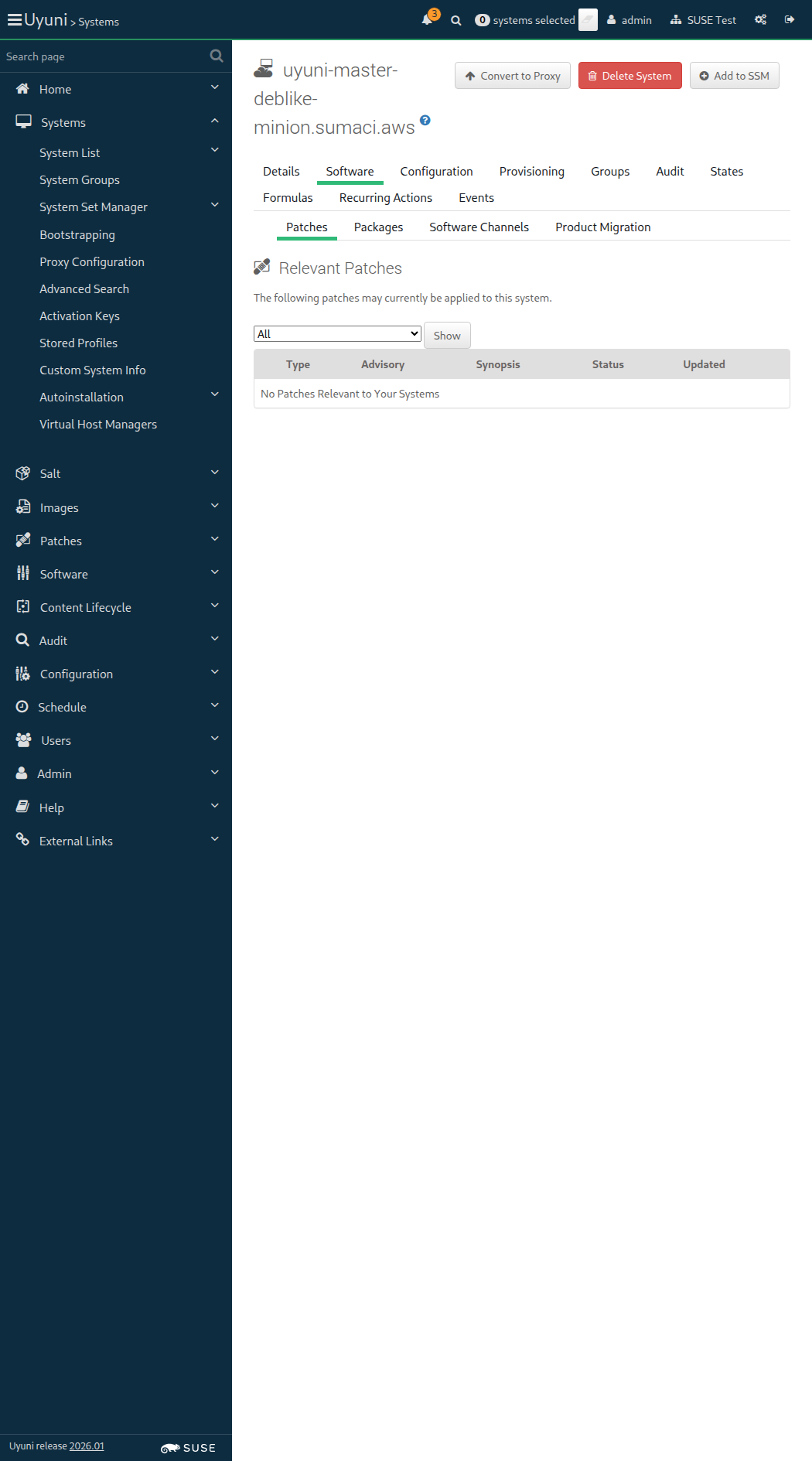
Screenshot +


And I remove package "orion-dummy" from this "deblike_minion" 1s 91ms

And I remove package "virgo-dummy" from this "deblike_minion" 353ms

And I disable repository "test_repo_deb_pool" on this "deblike_minion" 212ms

And I run "apt update" on "deblike_minion" 1s 12ms

When I enable repository "test_repo_deb_pool" on this "deblike_minion" 213ms

OUT: Ign:1 http://mirror.sumaci.aws/repositories/systemsmanagement:/Uyuni:/Test-Packages:/Pool/deb InRelease Get:2 http://mirror.sumaci.aws/repositories/systemsmanagement:/Uyuni:/Test-Packages:/Pool/deb Release [1,026 B] Get:3 http://mirror.sumaci.aws/repositories/systemsmanagement:/Uyuni:/Test-Packages:/Pool/deb Release.gpg [481 B] Ign:4 https://uyuni-master-proxy.sumaci.aws:443/rhn/manager/download fake-base-channel-debian-like/ InRelease Hit:5 https://uyuni-master-proxy.sumaci.aws:443/rhn/manager/download fake-base-channel-debian-like/ Release Ign:6 https://uyuni-master-proxy.sumaci.aws:443/rhn/manager/download fake-base-channel-debian-like/ Release.gpg Get:7 http://mirror.sumaci.aws/repositories/systemsmanagement:/Uyuni:/Test-Packages:/Pool/deb Packages [785 B] Fetched 2,292 B in 0s (5,693 B/s) Reading package lists... Building dependency tree... Reading state information... 2 packages can be upgraded. Run 'apt list --upgradable' to see them. WARNING: apt does not have a stable CLI interface. Use with caution in scripts.

When I run "apt update" on "deblike_minion" with logging 913ms

And I install old package "virgo-dummy=1.0" on this "deblike_minion" 2s 38ms

When I remove package "andromeda-dummy" from this "deblike_minion" 357ms

Given I am authorized 1s 750ms

Given I am on the Systems overview page of this "deblike_minion" 1s 702ms

When I follow "Software" in the content area 75ms

And I click on "Update Package List" 1s 162ms

And I follow "Events" in the content area 68ms

And I wait until I do not see "Package List Refresh scheduled" text, refreshing the page 24s 318ms

And I wait until package "virgo-dummy" is installed on "deblike_minion" via spacecmd 2s 648ms

And I wait until package "andromeda-dummy" is removed from "deblike_minion" via spacecmd 3s 374ms

When I follow "Software" in the content area 60ms

And I follow "Patches" in the content area 64ms

When I check "3456-1" in the list 10s 1ms Show Error +
                                            
Unable to find xpath "//table/tbody/tr[.//td[contains(.,'3456-1')]]//input[@type='checkbox']" (Capybara::ElementNotFound) ./features/support/navigation_step_helper.rb:32:in `toggle_checkbox_in_list' ./features/support/navigation_step_helper.rb:10:in `toggle_checkbox_in_package_list' ./features/step_definitions/navigation_steps.rb:1007:in `/^I (check|uncheck) "([^"]*)"(| last version) in the list$/' features/secondary/min_deblike_salt_install_package_and_patch.feature:34:in `I check "3456-1" in the list'

And I click on "Apply Patches" 0s

And I click on "Confirm" 0s

Then I should see a "1 patch update has been scheduled for" text 0s

And I wait for "virgo-dummy-2.0" to be installed on "deblike_minion" 0s

13s 667ms Show Info +
22:41:17:000 - 22:41:28:000 | Current URL: https://uyuni-master-server.sumaci.aws/rhn/systems/details/ErrataList.do?sid=1000010009&
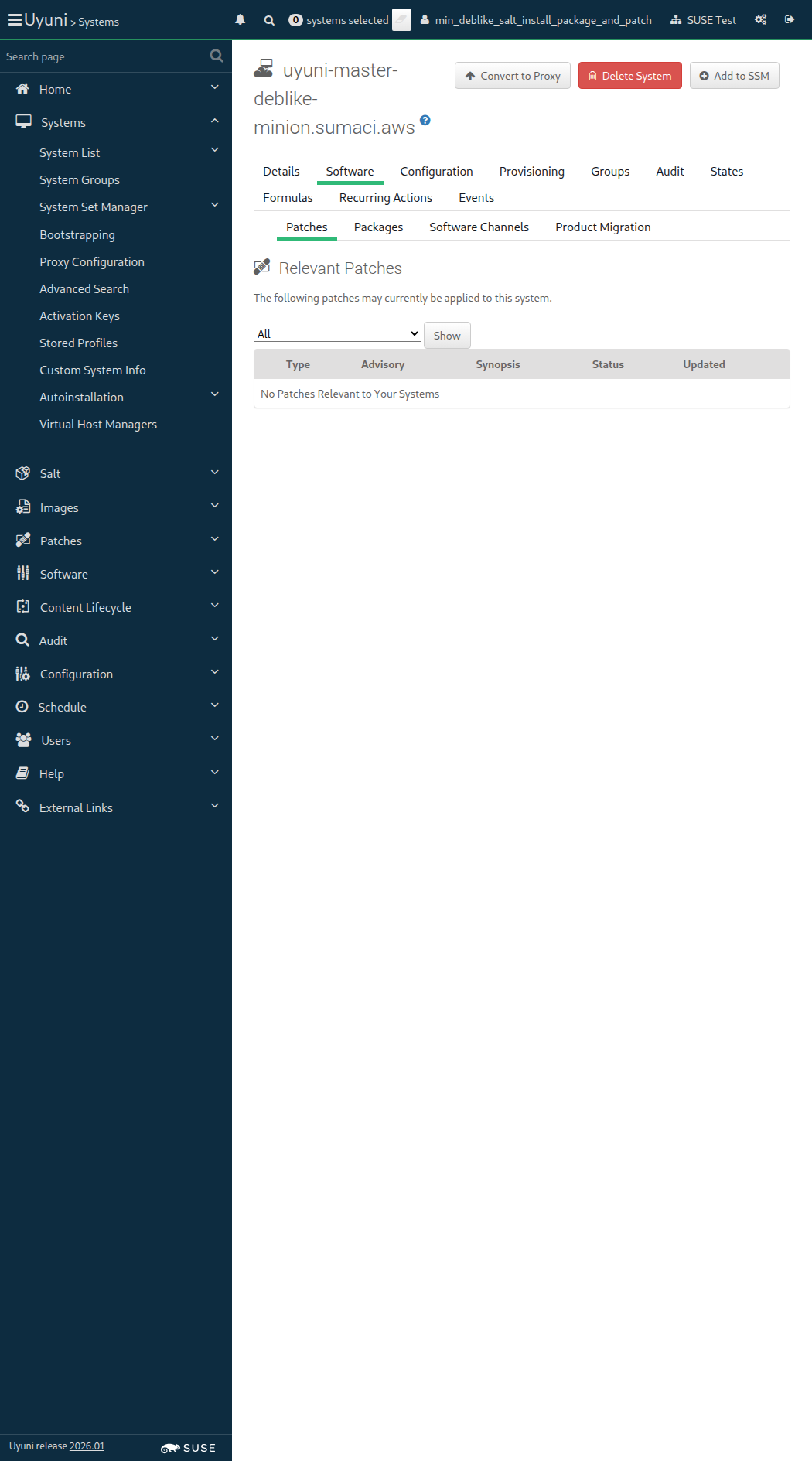
Screenshot +


When I follow "Software" in the content area 0s

And I follow "Install" 0s

And I check "andromeda-dummy-2.0" in the list 0s

And I click on "Install Packages" 0s

And I click on "Confirm" 0s

And I should see a "1 package install has been scheduled for" text 0s

When I wait until event "Package Install/Upgrade scheduled" is completed 0s

Then Deb package "andromeda-dummy" with version "2.0" should be installed on "deblike_minion" 0s

When I follow "Software" in the content area 69ms

And I follow "Install" 564ms

And I check "andromeda-dummy-2.0" in the list 60ms

And I click on "Install Packages" 645ms

And I click on "Confirm" 656ms

And I should see a "1 package install has been scheduled for" text 70ms

When I wait until event "Package Install/Upgrade scheduled" is completed 21s 923ms

Then Deb package "andromeda-dummy" with version "2.0" should be installed on "deblike_minion" 960ms

When I disable repository "test_repo_deb_pool" on this "deblike_minion" 212ms

When I remove package "virgo-dummy" from this "deblike_minion" 347ms

OUT: Ign:1 https://uyuni-master-proxy.sumaci.aws:443/rhn/manager/download fake-base-channel-debian-like/ InRelease Hit:2 https://uyuni-master-proxy.sumaci.aws:443/rhn/manager/download fake-base-channel-debian-like/ Release Ign:3 https://uyuni-master-proxy.sumaci.aws:443/rhn/manager/download fake-base-channel-debian-like/ Release.gpg Reading package lists... Building dependency tree... Reading state information... 1 package can be upgraded. Run 'apt list --upgradable' to see it. WARNING: apt does not have a stable CLI interface. Use with caution in scripts.

When I remove package "andromeda-dummy" from this "deblike_minion" 351ms

And I run "apt update" on "deblike_minion" with logging 1s 66ms

@skip_if_github_validation @sle_minion @scope_onboarding
Feature:Negative tests for bootstrapping normal minions 21s 222ms 5

In order to register only valid minions
As an authorized user
I want to avoid registration with invalid input parameters

Given I am authorized 1s 773ms

The hostname of sle_minion is uyuni-master-suse-minion.sumaci.aws

When I follow the left menu "Systems > Bootstrapping" 125ms

Then I should see a "Bootstrap Minions" text 67ms

When I enter the hostname of "sle_minion" as "hostname" 141ms

And I enter "22" as "port" 54ms

And I enter "root" as "user" 54ms

And I enter "linux" as "password" 53ms

And I click on "Bootstrap" 62ms

And I wait until I see "A salt key for this host" text 257ms

Then I should not see a "GenericSaltError" text 62ms

And I should see a "seems to already exist, please check!" text 64ms

When I follow the left menu "Systems > Bootstrapping" 66ms

Then I should see a "Bootstrap Minions" text 64ms

When I enter "not-existing-name" as "hostname" 81ms

And I enter "22" as "port" 46ms

And I enter "root" as "user" 73ms

And I enter "linux" as "password" 53ms

And I click on "Bootstrap" 53ms

And I wait until I see "An error has occurred during salt execution: unable to establish ssh connection." text 2s 349ms

Then I should see a "Details" button 17ms

When I click on "Details" 68ms

And I wait at most 10 seconds until I see modal containing "Error Details" text 11ms

Then I should see a "Standard Error" text 66ms

And I should see "Could not resolve hostname not-existing-name: Name or service not known" in the stderr textarea 15ms

When I close the modal dialog 53ms

The hostname of localhost is uyuni-master-controller.sumaci.aws

When I follow the left menu "Systems > Bootstrapping" 56ms

Then I should see a "Bootstrap Minions" text 73ms

When I enter the hostname of "localhost" as "hostname" 126ms

And I enter "22" as "port" 49ms

And I enter "FRANZ" as "user" 57ms

And I enter "KAFKA" as "password" 56ms

And I click on "Bootstrap" 56ms

And I wait until I see "An error has occurred during salt execution: unable to establish ssh connection." text 11s 866ms

Then I should see a "Details" button 15ms

When I click on "Details" 58ms

And I wait at most 10 seconds until I see modal containing "Error Details" text 7ms

Then I should see a "Standard Error" text 69ms

And I should see "Permission denied (publickey" or "Password authentication failed" in the stderr textarea 12ms

When I close the modal dialog 44ms

The hostname of localhost is uyuni-master-controller.sumaci.aws

When I follow the left menu "Systems > Bootstrapping" 59ms

Then I should see a "Bootstrap Minions" text 66ms

When I enter the hostname of "localhost" as "hostname" 117ms

And I enter "11" as "port" 47ms

And I enter "root" as "user" 50ms

And I enter "linux" as "password" 54ms

And I click on "Bootstrap" 53ms

And I wait until I see "An error has occurred during salt execution: unable to establish ssh connection." text 2s 275ms

Then I should see a "Details" button 13ms

When I click on "Details" 58ms

And I wait at most 10 seconds until I see modal containing "Error Details" text 8ms

Then I should see a "Standard Error" text 69ms

And I should see "port 11: Connection refused" or "port 11: Network is unreachable" in the stderr textarea 12ms

When I close the modal dialog 45ms

@skip_if_github_validation @scope_formulas @new_issue
Feature:Use salt formulas 4m 39s 94ms 20 2

In order to use simple forms to apply changes to minions
As an authorized user
I want to be able to install and use salt formulas

Given I am authorized 1s 785ms

When I manually install the "locale" formula on the server 0s

When I synchronize all Salt dynamic modules on "sle_minion" 3s 145ms

When I follow the left menu "Salt > Formula Catalog" 133ms

Then I should see a "locale" text in the content area 254ms

Given I am on the Systems overview page of this "sle_minion" 868ms

When I follow "Formulas" in the content area 74ms

Then I should see a "Choose formulas:" text 60ms

And I should see a "General System Configuration" text 277ms

And I should see a "Locale" text 84ms

When I check the "locale" formula 76ms

And I click on "Save" 67ms

And I wait until I see "Formula saved." text 705ms

Then the "locale" formula should be checked 10s 40ms

When I follow "Formulas" in the content area 57ms

And I follow first "Locale" in the content area 231ms

And I click on "Expand All Sections" 172ms

And I select "Etc/GMT-5" in timezone name field 57ms

And I select "French" in language field 45ms

And I select "French (Canada)" in keyboard layout field 45ms

And I click on "Save Formula" 63ms

Then I should see a "Formula saved" text 695ms

When I refresh the pillar data 2s 506ms

Then the pillar data for "formulas" should be "- locale" on "sle_minion" 1s 613ms

And the pillar data for "timezone:name" should be "Etc/GMT-5" on "sle_minion" 1s 600ms

And the pillar data for "keyboard_and_language:keyboard_layout" should be "French (Canada)" on "sle_minion" 1s 589ms

And the pillar data for "keyboard_and_language:language" should be "French" on "sle_minion" 1s 598ms

Then the pillar data for "formulas" should be empty on "ssh_minion" 7s 880ms

And the pillar data for "timezone" should be empty on "ssh_minion" 7s 126ms

And the pillar data for "keyboard_and_language" should be empty on "ssh_minion" 7s 51ms

Given I am on the Systems overview page of this "sle_minion" 896ms

And I follow "States" in the content area 69ms

Then I should see the toggler "disabled" 11ms

When I click on the "disabled" toggler 46ms

And I click on "Apply Highstate" 62ms

Then I should see a "Applying the highstate has been scheduled." text 340ms

And I wait at most 300 seconds until event "Apply highstate in test-mode scheduled" is completed 38s 473ms

When I enable repository "sle_update_repo" on this "sle_minion" without error control 776ms

And I follow "States" in the content area 77ms

And I click on "Apply Highstate" 61ms

Then I should see a "Applying the highstate has been scheduled." text 445ms

When I wait until event "Apply highstate scheduled" is completed 38s 714ms

Then the timezone on "sle_minion" should be "+05" 726ms

And the keymap on "sle_minion" should be "ca" 411ms

And the language on "sle_minion" should be "fr_FR.UTF-8" 828ms

And I disable repository "sle_update_repo" on this "sle_minion" without error control 456ms

When I follow "Formulas" in the content area 77ms

And I follow first "Locale" in the content area 275ms

And I click on "Clear values" and confirm alert box 274ms

And I click on "Save Formula" 65ms

Then I should see a "Formula saved" text 573ms

When I refresh the pillar data 2s 477ms

Then the pillar data for "formulas" should be "- locale" on "sle_minion" 1s 609ms

And the pillar data for "timezone:name" should be "CET" on "sle_minion" 1s 632ms

And the pillar data for "keyboard_and_language:keyboard_layout" should be "English (US)" on "sle_minion" 1s 609ms

And the pillar data for "keyboard_and_language:language" should be "English (US)" on "sle_minion" 1s 591ms

And I follow "States" in the content area 69ms

And I click on "Apply Highstate" 62ms

Then I should see a "Applying the highstate has been scheduled." text 423ms

When I wait until event "Apply highstate scheduled" is completed 38s 590ms

Then the timezone on "sle_minion" should be "CET" 749ms

And the keymap on "sle_minion" should be "us" 404ms

And the language on "sle_minion" should be "en_US.UTF-8" 829ms

When I follow "Formulas" in the content area 80ms

Then I should see a "Choose formulas:" text 59ms

And I should see a "General System Configuration" text 294ms

And I should see a "Locale" text 88ms

When I uncheck the "locale" formula 74ms

And I click on "Save" 64ms

And I wait until I see "Formula saved." text 611ms

Then the "locale" formula should be unchecked 10s 23ms

When I refresh the pillar data 2s 408ms

Then the pillar data for "formulas" should be empty on "sle_minion" 1s 616ms

And the pillar data for "timezone" should be empty on "sle_minion" 1s 599ms

And the pillar data for "keyboard_and_language" should be empty on "sle_minion" 1s 603ms

When I follow the left menu "Systems > System Groups" 76ms

When I follow "Create Group" 269ms

And I enter "locale-formula-group" as "name" 77ms

And I enter "Test group with locale formula added" as "description" 76ms

And I click on "Create Group" 59ms

Then I should see a "System group locale-formula-group created." text 67ms

When I follow "Formulas" in the content area 70ms

Then I should see a "Choose formulas:" text 56ms

And I should see a "General System Configuration" text 177ms

And I should see a "Locale" text 88ms

When I check the "locale" formula 69ms

And I click on "Save" 72ms

And I wait until I see "Formula saved." text 458ms

And I follow "Target" 432ms

And I check the "sle_minion" client 61ms

And I click on "Add Systems" 1s 68ms

Then I should see a "1 systems were added to locale-formula-group server group." text 94ms

When I refresh the pillar data 2s 179ms

Then the pillar data for "formulas" should be "- locale" on "sle_minion" 1s 598ms

And the pillar data for "timezone:name" should be "CET" on "sle_minion" 1s 589ms

And the pillar data for "keyboard_and_language:keyboard_layout" should be "English (US)" on "sle_minion" 1s 592ms

And the pillar data for "keyboard_and_language:language" should be "English (US)" on "sle_minion" 1s 593ms

Then the pillar data for "formulas" should be empty on "ssh_minion" 7s 503ms

And the pillar data for "timezone" should be empty on "ssh_minion" 7s 27ms

And the pillar data for "keyboard_and_language" should be empty on "ssh_minion" 7s 132ms

When I follow the left menu "Systems > System Groups" 63ms

And I follow "locale-formula-group" in the content area 81ms

And I follow "Delete Group" in the content area 60ms

When I click on "Confirm Deletion" 1s 80ms

Then I should see a "System group" text 59ms

And I should see a "locale-formula-group" text 59ms

And I should see a "deleted" text 54ms

Given I am on the Systems overview page of this "sle_minion" 956ms

And I follow "States" in the content area 68ms

And I click on "Apply Highstate" 60ms

Then I should see a "Applying the highstate has been scheduled." text 416ms

When I wait until event "Apply highstate scheduled" is completed 38s 362ms

Then the timezone on "sle_minion" should be "CET" 761ms

And the keymap on "sle_minion" should be "us" 423ms

And the language on "sle_minion" should be "en_US.UTF-8" 871ms

When I manually uninstall the "locale" formula from the server 0s

In order to use forms to apply changes to minions
As an authorized user
I want to be able to install and use Salt formulas

Given I am authorized 1s 586ms

When I install "form.yml" to custom formula metadata directory "testform" 3s 131ms

And I install "metadata.yml" to custom formula metadata directory "testform" 2s 448ms

When I follow the left menu "Salt > Formula Catalog" 128ms

And I enter "testform" as the filtered formula name 86ms

Then I should see a "testform" text 65ms

When I follow the left menu "Systems > System Groups" 110ms

When I follow "Create Group" 260ms

And I enter "test-formula-group" as "name" 64ms

And I enter "Test group with testform formula added" as "description" 76ms

And I click on "Create Group" 449ms

Then I should see a "System group test-formula-group created." text 67ms

When I follow "Formulas" in the content area 69ms

Then I should see a "Choose formulas:" text 60ms

And I should see a "General System Configuration" text 281ms

And I should see a "Testform" text 92ms

When I check the "testform" formula 77ms

And I click on "Save" 63ms

And I wait until I see "Formula saved." text 465ms

And I follow "Target Systems" 462ms

And I check the "sle_minion" client 60ms

And I click on "Add Systems" 1s 53ms

Then I should see a "1 systems were added to test-formula-group server group." text 107ms

When I refresh the pillar data 2s 225ms

Then the pillar data for "testing:str" should be "" on "sle_minion" 1s 612ms

And the pillar data for "testing:str_def" should be "defvalue" on "sle_minion" 1s 600ms

And the pillar data for "testing:str_or_null" should be "None" on "sle_minion" 1s 594ms

And the pillar data for "testing" should not contain "str_opt" on "sle_minion" 1s 599ms

And the pillar data for "testing:num" should be "" on "sle_minion" 1s 580ms

And the pillar data for "testing:num_def" should be "0" on "sle_minion" 1s 593ms

And the pillar data for "testing:num_or_null" should be "None" on "sle_minion" 1s 608ms

And the pillar data for "testing" should not contain "num_opt" on "sle_minion" 1s 612ms

And the pillar data for "testing:pw" should be "" on "sle_minion" 1s 584ms

And the pillar data for "testing:pw_or_null" should be "None" on "sle_minion" 1s 601ms

And the pillar data for "testing" should not contain "pw_opt" on "sle_minion" 1s 597ms

And the pillar data for "testing:list_of_strings" should contain "def_item1" on "sle_minion" 1s 601ms

And the pillar data for "testing:list_of_strings" should contain "def_item2" on "sle_minion" 1s 601ms

And the pillar data for "testing:dict_of_strings:name1" should be "def_value1" on "sle_minion" 1s 618ms

And the pillar data for "testing:dict_of_strings:name2" should be "def_value2" on "sle_minion" 1s 612ms

And the pillar data for "testing:list_of_dicts:0:name" should be "def_user" on "sle_minion" 1s 575ms

And the pillar data for "testing:list_of_dicts:0:password" should be "secret1" on "sle_minion" 1s 591ms

And the pillar data for "testing:list_of_dicts:0" should not contain "full_name" on "sle_minion" 1s 639ms

And the pillar data for "testing:dict_of_dicts:def_user:name" should be "root" on "sle_minion" 1s 599ms

And the pillar data for "testing:dict_of_dicts:def_user:password" should be "secret2" on "sle_minion" 1s 582ms

And the pillar data for "testing:dict_of_dicts:def_user:full_name" should be "None" on "sle_minion" 1s 600ms

And the pillar data for "testing:recursive_dict_of_dicts:def_gr1:group_name" should be "default group 1" on "sle_minion" 1s 601ms

And the pillar data for "testing:recursive_dict_of_dicts:def_gr1:entries:def_entry1:entry_name" should be "default entry 1" on "sle_minion" 1s 587ms

And the pillar data for "testing:recursive_dict_of_dicts:def_gr1:entries:def_entry1:entry_desc" should be "some text" on "sle_minion" 1s 605ms

When I follow the left menu "Systems > System Groups" 62ms

When I follow "test-formula-group" in the content area 70ms

And I follow "Formulas" in the content area 72ms

And I follow first "Testform" in the content area 241ms

And I click on "Expand All Sections" 234ms

And I enter "text1" as "testing#str" 109ms

And I enter "text2" as "testing#str_def" 125ms

And I enter "text3" as "testing#str_or_null" 82ms

And I enter "text4" as "testing#str_opt" 86ms

And I enter "1" as "testing#num" 57ms

And I enter "2" as "testing#num_def" 67ms

And I enter "3" as "testing#num_or_null" 75ms

And I enter "4" as "testing#num_opt" 59ms

And I enter "pw1" as "testing#pw" 92ms

And I enter "pw2" as "testing#pw_or_null" 89ms

And I enter "pw3" as "testing#pw_opt" 77ms

And I click on "Save Formula" 96ms

Then I should see a "Formula saved" text 716ms

When I wait for "1" seconds 1s

Then the pillar data for "testing:str" should be "text1" on "sle_minion" 1s 594ms

And the pillar data for "testing:str_def" should be "text2" on "sle_minion" 1s 588ms

And the pillar data for "testing:str_or_null" should be "text3" on "sle_minion" 1s 603ms

And the pillar data for "testing:str_opt" should be "text4" on "sle_minion" 1s 580ms

And the pillar data for "testing:num" should be "1" on "sle_minion" 1s 593ms

And the pillar data for "testing:num_def" should be "2" on "sle_minion" 1s 595ms

And the pillar data for "testing:num_or_null" should be "3" on "sle_minion" 1s 603ms

And the pillar data for "testing:num_opt" should be "4" on "sle_minion" 1s 611ms

And the pillar data for "testing:pw" should be "pw1" on "sle_minion" 1s 577ms

And the pillar data for "testing:pw_or_null" should be "pw2" on "sle_minion" 1s 590ms

And the pillar data for "testing:pw_opt" should be "pw3" on "sle_minion" 1s 601ms

When I follow the left menu "Systems > System Groups" 83ms

When I follow "test-formula-group" in the content area 69ms

And I follow "Formulas" in the content area 63ms

And I follow first "Testform" in the content area 284ms

And I click on "Clear values" and confirm alert box 290ms

And I click on "Save Formula" 64ms

Then I should see a "Formula saved" text 637ms

When I wait for "1" seconds 1s

Then the pillar data for "testing:str" should be "" on "sle_minion" 1s 613ms

And the pillar data for "testing:str_def" should be "defvalue" on "sle_minion" 1s 589ms

And the pillar data for "testing:str_or_null" should be "None" on "sle_minion" 1s 584ms

And the pillar data for "testing" should not contain "str_opt" on "sle_minion" 1s 607ms

And the pillar data for "testing:num" should be "" on "sle_minion" 1s 594ms

And the pillar data for "testing:num_def" should be "0" on "sle_minion" 1s 578ms

And the pillar data for "testing:num_or_null" should be "None" on "sle_minion" 1s 613ms

And the pillar data for "testing" should not contain "num_opt" on "sle_minion" 1s 579ms

And the pillar data for "testing:pw" should be "" on "sle_minion" 1s 605ms

And the pillar data for "testing:pw_or_null" should be "None" on "sle_minion" 1s 617ms

And the pillar data for "testing" should not contain "pw_opt" on "sle_minion" 1s 575ms

And the pillar data for "testing:list_of_strings" should contain "def_item1" on "sle_minion" 1s 587ms

And the pillar data for "testing:list_of_strings" should contain "def_item2" on "sle_minion" 1s 605ms

And the pillar data for "testing:dict_of_strings:name1" should be "def_value1" on "sle_minion" 1s 628ms

And the pillar data for "testing:dict_of_strings:name2" should be "def_value2" on "sle_minion" 1s 575ms

And the pillar data for "testing:list_of_dicts:0:name" should be "def_user" on "sle_minion" 1s 577ms

And the pillar data for "testing:list_of_dicts:0:password" should be "secret1" on "sle_minion" 1s 576ms

And the pillar data for "testing:list_of_dicts:0" should not contain "full_name" on "sle_minion" 1s 582ms

And the pillar data for "testing:dict_of_dicts:def_user:name" should be "root" on "sle_minion" 1s 596ms

And the pillar data for "testing:dict_of_dicts:def_user:password" should be "secret2" on "sle_minion" 1s 616ms

And the pillar data for "testing:dict_of_dicts:def_user:full_name" should be "None" on "sle_minion" 1s 585ms

And the pillar data for "testing:recursive_dict_of_dicts:def_gr1:group_name" should be "default group 1" on "sle_minion" 1s 601ms

And the pillar data for "testing:recursive_dict_of_dicts:def_gr1:entries:def_entry1:entry_name" should be "default entry 1" on "sle_minion" 1s 602ms

And the pillar data for "testing:recursive_dict_of_dicts:def_gr1:entries:def_entry1:entry_desc" should be "some text" on "sle_minion" 1s 606ms

When I follow the left menu "Systems > System Groups" 62ms

When I follow "test-formula-group" in the content area 56ms

And I follow "Formulas" in the content area 70ms

And I follow first "Testform" in the content area 211ms

And I click on "Expand All Sections" 244ms

And I enter "text1" as "testing#str" 90ms

And I enter "1" as "testing#num" 66ms

And I enter "2" as "testing#num_def" 71ms

And I enter "pw1" as "testing#pw" 97ms

And I click on "Save Formula" 99ms

Then I should see a "Formula saved" text 706ms

When I wait for "1" seconds 1s

Then the pillar data for "testing:str" should be "text1" on "sle_minion" 1s 624ms

And the pillar data for "testing:str_def" should be "defvalue" on "sle_minion" 1s 588ms

And the pillar data for "testing:str_or_null" should be "None" on "sle_minion" 1s 592ms

And the pillar data for "testing" should not contain "str_opt" on "sle_minion" 1s 588ms

And the pillar data for "testing:num" should be "1" on "sle_minion" 1s 582ms

And the pillar data for "testing:num_def" should be "2" on "sle_minion" 1s 598ms

And the pillar data for "testing:num_or_null" should be "None" on "sle_minion" 1s 584ms

And the pillar data for "testing" should not contain "num_opt" on "sle_minion" 1s 595ms

And the pillar data for "testing:pw" should be "pw1" on "sle_minion" 1s 585ms

And the pillar data for "testing:pw_or_null" should be "None" on "sle_minion" 1s 614ms

And the pillar data for "testing" should not contain "pw_opt" on "sle_minion" 1s 620ms

Given I am on the Systems overview page of this "sle_minion" 1s 38ms

When I follow "Formulas" in the content area 75ms

And I follow first "Testform" in the content area 241ms

And I click on "Save Formula" 245ms

Then I should see a "Formula saved" text 621ms

And the pillar data for "testing:str" should be "text1" on "sle_minion" 1s 638ms

And the pillar data for "testing:str_def" should be "defvalue" on "sle_minion" 1s 625ms

And the pillar data for "testing:str_or_null" should be "None" on "sle_minion" 1s 596ms

And the pillar data for "testing" should not contain "str_opt" on "sle_minion" 1s 599ms

And the pillar data for "testing:num" should be "1" on "sle_minion" 1s 617ms

And the pillar data for "testing:num_def" should be "2" on "sle_minion" 1s 571ms

And the pillar data for "testing:num_or_null" should be "None" on "sle_minion" 1s 652ms

And the pillar data for "testing" should not contain "num_opt" on "sle_minion" 1s 652ms

And the pillar data for "testing:pw" should be "pw1" on "sle_minion" 1s 650ms

And the pillar data for "testing:pw_or_null" should be "None" on "sle_minion" 1s 647ms

And the pillar data for "testing" should not contain "pw_opt" on "sle_minion" 1s 636ms

When I follow "Formulas" in the content area 60ms

And I follow first "Testform" in the content area 150ms

And I click on "Expand All Sections" 244ms

And I enter "min_text1" as "testing#str" 164ms

And I enter "min_text2" as "testing#str_def" 152ms

And I enter "min_text3" as "testing#str_or_null" 103ms

And I enter "min_text4" as "testing#str_opt" 102ms

And I enter "101" as "testing#num" 74ms

And I enter "102" as "testing#num_def" 78ms

And I enter "103" as "testing#num_or_null" 68ms

And I enter "104" as "testing#num_opt" 71ms

And I enter "min_pw1" as "testing#pw" 120ms

And I enter "min_pw2" as "testing#pw_or_null" 94ms

And I enter "min_pw3" as "testing#pw_opt" 105ms

And I click on "Save Formula" 71ms

Then I should see a "Formula saved" text 688ms

When I wait for "1" seconds 1s

Then the pillar data for "testing:str" should be "min_text1" on "sle_minion" 1s 582ms

And the pillar data for "testing:str_def" should be "min_text2" on "sle_minion" 1s 591ms

And the pillar data for "testing:str_or_null" should be "min_text3" on "sle_minion" 1s 587ms

And the pillar data for "testing:str_opt" should be "min_text4" on "sle_minion" 1s 600ms

And the pillar data for "testing:num" should be "101" on "sle_minion" 1s 589ms

And the pillar data for "testing:num_def" should be "102" on "sle_minion" 1s 595ms

And the pillar data for "testing:num_or_null" should be "103" on "sle_minion" 1s 599ms

And the pillar data for "testing:num_opt" should be "104" on "sle_minion" 1s 617ms

And the pillar data for "testing:pw" should be "min_pw1" on "sle_minion" 1s 586ms

And the pillar data for "testing:pw_or_null" should be "min_pw2" on "sle_minion" 1s 599ms

And the pillar data for "testing:pw_opt" should be "min_pw3" on "sle_minion" 1s 588ms

When I follow "Formulas" in the content area 77ms

And I follow first "Testform" in the content area 172ms

And I click on "Clear values" and confirm alert box 295ms

And I click on "Save Formula" 64ms

Then I should see a "Formula saved" text 541ms

When I wait for "1" seconds 1s

Then the pillar data for "testing:str" should be "text1" on "sle_minion" 1s 589ms

And the pillar data for "testing:str_def" should be "defvalue" on "sle_minion" 1s 597ms

And the pillar data for "testing:str_or_null" should be "None" on "sle_minion" 1s 620ms

And the pillar data for "testing" should not contain "str_opt" on "sle_minion" 1s 596ms

And the pillar data for "testing:num" should be "1" on "sle_minion" 1s 590ms

And the pillar data for "testing:num_def" should be "2" on "sle_minion" 1s 595ms

And the pillar data for "testing:num_or_null" should be "None" on "sle_minion" 1s 573ms

And the pillar data for "testing" should not contain "num_opt" on "sle_minion" 1s 591ms

And the pillar data for "testing:pw" should be "pw1" on "sle_minion" 1s 603ms

And the pillar data for "testing:pw_or_null" should be "None" on "sle_minion" 1s 611ms

And the pillar data for "testing" should not contain "pw_opt" on "sle_minion" 1s 642ms

When I follow "Formulas" in the content area 59ms

And I uncheck the "testform" formula 236ms

And I click on "Save" 77ms

And I wait until I see "Formula saved." text 728ms

Then the "testform" formula should be unchecked 10s 29ms

When I follow the left menu "Systems > System Groups" 79ms

And I follow "test-formula-group" in the content area 78ms

And I follow "Delete Group" in the content area 66ms

When I click on "Confirm Deletion" 1s 81ms

Then I should see a "System group" text 59ms

Then I should see a "test-formula-group" text 59ms

And I should see a "deleted" text 53ms

And I wait until there is no pillar refresh salt job active 3s 441ms

Then the pillar data for "testing" should be empty on "sle_minion" 1s 612ms

@skip_if_github_validation @scope_openscap @test_issue
Feature:OpenSCAP audit of Salt minion 1m 20s 68ms 5 7 3

In order to audit a Salt minion
As an authorized user
I want to run an OpenSCAP scan on it

Given I am authorized for the "Admin" section 1s 755ms

And I am on the Systems overview page of this "sle_minion" 1s 444ms

When I enable repository "os_pool_repo" on this "sle_minion" without error control 767ms

When I refresh the metadata for "sle_minion" 851ms

And I install OpenSCAP dependencies on "sle_minion" 664ms Show Error +
                                            
FAIL: zypper --non-interactive install -y openscap-utils openscap-content scap-security-guide returned status code = 104. Output: Loading repository data... Reading installed packages... 'openscap-content' not found in package names. Trying capabilities. 'openscap-utils' not found in package names. Trying capabilities. 'scap-security-guide' not found in package names. Trying capabilities. (ScriptError) ./features/support/remote_node.rb:169:in `run_local' ./features/support/remote_node.rb:117:in `run' ./features/step_definitions/command_steps.rb:993:in `/^I install packages? "([^"]*)" on this "([^"]*)"((?: without error control)?)$/' ./features/step_definitions/command_steps.rb:971:in `/^I (install|remove) OpenSCAP dependencies (on|from) "([^"]*)"$/' features/secondary/min_salt_openscap_audit.feature:23:in `I install OpenSCAP dependencies on "sle_minion"'

And I follow "Software" in the content area 0s

And I click on "Update Package List" 0s

And I wait until event "Package List Refresh" is completed 0s

13s 684ms Show Info +
22:51:16:000 - 22:51:18:000 | Current URL: https://uyuni-master-server.sumaci.aws/rhn/systems/details/Overview.do?sid=1000010023
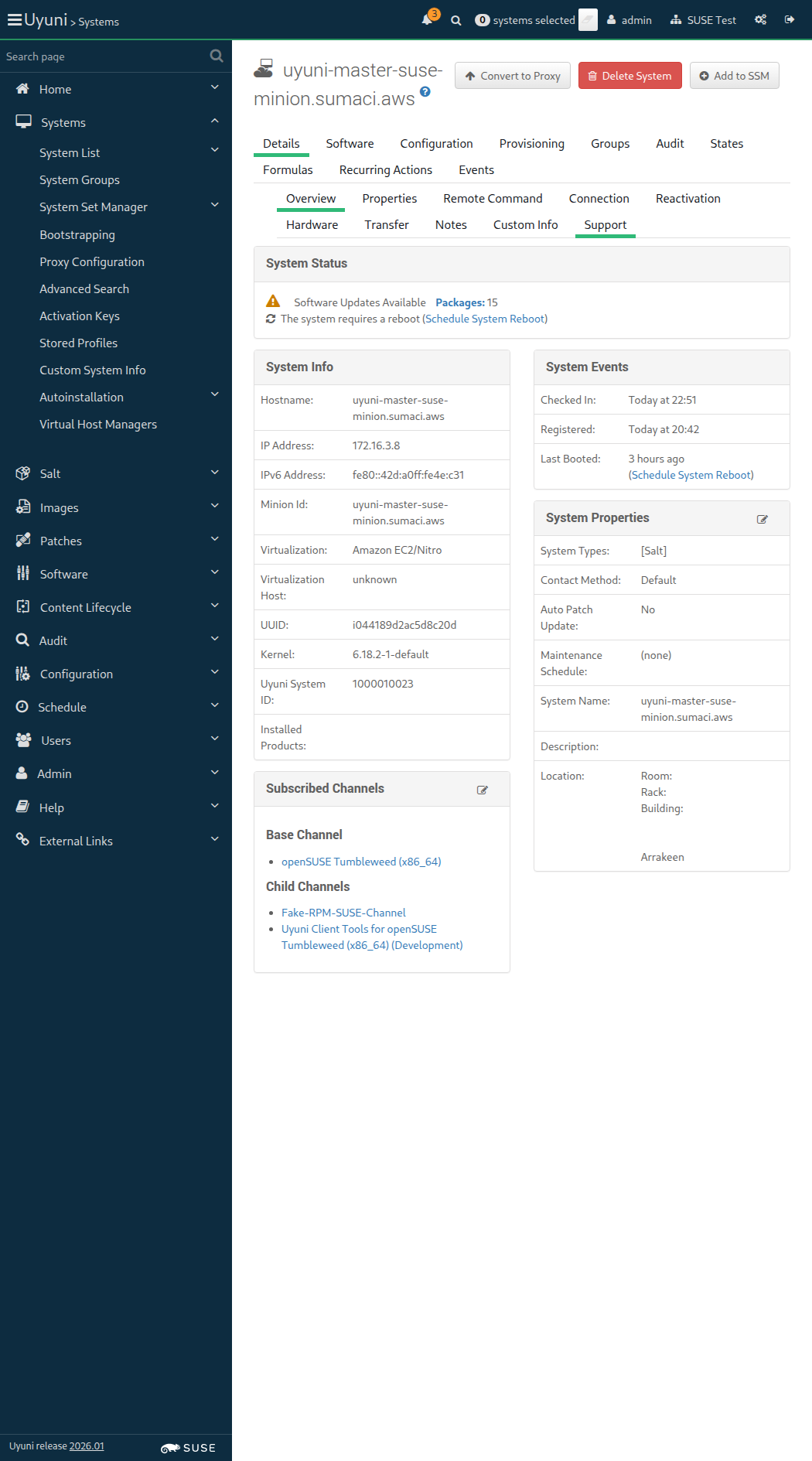
Screenshot +


When I follow "Audit" in the content area 0s

And I follow "OpenSCAP" in the content area 0s

And I follow "Schedule" in the content area 0s

And I wait at most 30 seconds until I do not see "This system does not yet have OpenSCAP scan capability." text, refreshing the page 0s

And I enter "--profile standard" as "params" 0s

And I enter "/usr/share/xml/scap/ssg/content/ssg-sle15-ds.xml" as "path" 0s

And I click on "Schedule" 0s

Then I should see a "XCCDF scan has been scheduled" text 0s

And I wait at most 500 seconds until event "OpenSCAP xccdf scanning" is completed 0s

When I follow "Audit" in the content area 66ms

And I follow "OpenSCAP" in the content area 60ms

And I follow "Schedule" in the content area 74ms

And I wait at most 30 seconds until I do not see "This system does not yet have OpenSCAP scan capability." text, refreshing the page 33s 50ms Show Error +
                                            
execution expired (Timeout::Error) ./features/support/commonlib.rb:95:in `repeat_until_timeout' ./features/step_definitions/navigation_steps.rb:69:in `/^I wait at most (\d+) seconds until I do not see "([^"]*)" text, refreshing the page$/' features/secondary/min_salt_openscap_audit.feature:45:in `I wait at most 30 seconds until I do not see "This system does not yet have OpenSCAP scan capability." text, refreshing the page'

And I enter "--profile standard" as "params" 0s

And I enter "/usr/share/xml/scap/ssg/content/ssg-opensuse-ds.xml" as "path" 0s

And I click on "Schedule" 0s

Then I should see a "XCCDF scan has been scheduled" text 0s

And I wait at most 500 seconds until event "OpenSCAP xccdf scanning" is completed 0s

When I follow "Audit" in the content area 0s

And I follow "OpenSCAP" in the content area 0s

And I follow "xccdf_org.open-scap_testresult" 0s

Then I should see a "Details of XCCDF Scan" text 0s

And I should see a "profile standard" text 0s

And I should see a "XCCDF Rule Results" text 0s

When I enter "pass" as the filtered XCCDF result type 0s

And I click on the filter button 0s

Then I should see a "xccdf_org.ssgproject.content_rule_service_httpd_disabled" link 0s

When I follow "Audit" in the content area 57ms Show Error +
                                            
undefined method `map' for true (NoMethodError) ./features/support/commonlib.rb:198:in `click_link_and_wait' ./features/step_definitions/navigation_steps.rb:339:in `/^I follow "([^"]*)"$/' ./features/step_definitions/navigation_steps.rb:361:in `block (2 levels) in (top (required))' ./features/step_definitions/navigation_steps.rb:360:in `/^I follow "([^"]*)" in the (.+)$/' features/secondary/min_salt_openscap_audit.feature:66:in `I follow "Audit" in the content area'

And I follow "OpenSCAP" in the content area 0s

And I follow "xccdf_org.open-scap_testresult" 0s

Then I should see a "Details of XCCDF Scan" text 0s

And I should see a "profile standard" text 0s

And I should see a "XCCDF Rule Results" text 0s

When I enter "pass" as the filtered XCCDF result type 0s

And I click on the filter button 0s

Then I should see a "xccdf_org.ssgproject.content_rule_file_permissions_etc_passwd" link 0s

When I follow "Audit" in the content area 0s

And I follow "OpenSCAP" in the content area 0s

And I follow "Schedule" in the content area 0s

And I wait at most 30 seconds until I do not see "This system does not yet have OpenSCAP scan capability." text, refreshing the page 0s

And I enter "--profile standard" as "params" 0s

And I enter "/usr/share/xml/scap/ssg/content/ssg-sle15-ds.xml" as "path" 0s

And I click on "Schedule" 0s

Then I should see a "XCCDF scan has been scheduled" text 0s

When I wait for the OpenSCAP audit to finish 0s

When I follow "Audit" in the content area 9ms Show Error +
                                            
undefined method `map' for true (NoMethodError) ./features/support/commonlib.rb:198:in `click_link_and_wait' ./features/step_definitions/navigation_steps.rb:339:in `/^I follow "([^"]*)"$/' ./features/step_definitions/navigation_steps.rb:361:in `block (2 levels) in (top (required))' ./features/step_definitions/navigation_steps.rb:360:in `/^I follow "([^"]*)" in the (.+)$/' features/secondary/min_salt_openscap_audit.feature:90:in `I follow "Audit" in the content area'

And I follow "OpenSCAP" in the content area 0s

And I follow "Schedule" in the content area 0s

And I wait at most 30 seconds until I do not see "This system does not yet have OpenSCAP scan capability." text, refreshing the page 0s

And I enter "--profile standard" as "params" 0s

And I enter "/usr/share/xml/scap/ssg/content/ssg-opensuse-ds.xml" as "path" 0s

And I click on "Schedule" 0s

Then I should see a "XCCDF scan has been scheduled" text 0s

When I wait for the OpenSCAP audit to finish 0s

When I follow "Audit" in the content area 9ms Show Error +
                                            
undefined method `map' for true (NoMethodError) ./features/support/commonlib.rb:198:in `click_link_and_wait' ./features/step_definitions/navigation_steps.rb:339:in `/^I follow "([^"]*)"$/' ./features/step_definitions/navigation_steps.rb:361:in `block (2 levels) in (top (required))' ./features/step_definitions/navigation_steps.rb:360:in `/^I follow "([^"]*)" in the (.+)$/' features/secondary/min_salt_openscap_audit.feature:101:in `I follow "Audit" in the content area'

And I follow "OpenSCAP" in the content area 0s

And I follow "List Scans" in the content area 0s

And I click on "Select All" 0s

And I click on "Compare" 0s

Then I should see a "XCCDF Rule Results" text 0s

And I should see a "None" text 0s

The browser session could not be cleaned because there is no browser available: undefined method `first' for an instance of String

When I follow the left menu "Admin > Organizations" 420ms Show Error +
                                            
undefined method `map' for nil (NoMethodError) ./features/step_definitions/navigation_steps.rb:594:in `/^I am authorized as "([^"]*)" with password "([^"]*)"$/' ./features/step_definitions/navigation_steps.rb:460:in `/^I am authorized for the "([^"]*)" section$/' ./features/step_definitions/navigation_steps.rb:420:in `rescue in block (2 levels) in (top (required))' ./features/step_definitions/navigation_steps.rb:413:in `block (2 levels) in (top (required))' ./features/step_definitions/navigation_steps.rb:406:in `each' ./features/step_definitions/navigation_steps.rb:406:in `each_with_index' ./features/step_definitions/navigation_steps.rb:406:in `/^I follow the left menu "([^"]*)"$/' features/secondary/min_salt_openscap_audit.feature:110:in `I follow the left menu "Admin ) Organizations"'

When I follow "SUSE Test" in the content area 0s

And I follow "Configuration" in the content area 0s

And I enter "0" as "scap_retention_period" 0s

And I click on "Update Organization" 0s

Then I should see a "Organization SUSE Test was successfully updated." text 0s

Given I am on the Systems overview page of this "sle_minion" 891ms

When I follow "Audit" in the content area 76ms

And I follow "OpenSCAP" in the content area 62ms

And I follow "List Scans" in the content area 65ms

And I click on "Select All" 10s 14ms Show Error +
                                            
Unable to find button "Select All" that is not disabled (Capybara::ElementNotFound) ./features/support/commonlib.rb:184:in `click_button_and_wait' ./features/step_definitions/navigation_steps.rb:293:in `/^I click on "([^"]*)"$/' features/secondary/min_salt_openscap_audit.feature:122:in `I click on "Select All"'

And I click on "Remove" 0s

And I click on "Confirm" 0s

Then I should see a "2 SCAP Scan(s) deleted. 0 SCAP Scan(s) retained" text 0s

13s 675ms Show Info +
22:52:17:000 - 22:52:30:000 | Current URL: https://uyuni-master-server.sumaci.aws/rhn/systems/details/audit/ListScap.do?sid=1000010023&
Screenshot +


When I follow the left menu "Admin > Organizations" 116ms

When I follow "SUSE Test" in the content area 65ms

And I follow "Configuration" in the content area 62ms

And I enter "90" as "scap_retention_period" 50ms

And I click on "Update Organization" 449ms

Then I should see a "Organization SUSE Test was successfully updated." text 62ms

When I remove OpenSCAP dependencies from "sle_minion" 1s 116ms

When I disable repository "os_pool_repo" on this "sle_minion" without error control 445ms

Given I am authorized 1s 791ms

Given I am on the Systems overview page of this "sle_minion" 1s 561ms

When I follow "States" in the content area 68ms

And I install a user-defined state for "sle_minion" on the server 4s 70ms

And I follow "Highstate" in the content area 68ms

And I click on "Show full highstate output" 268ms

And I wait for "6" seconds 6s

Then I should see a "user_defined_state" or "running as PID" text in element "highstate" 45ms

When I schedule a highstate for "sle_minion" via API 680ms

And I wait until event "Apply highstate scheduled" is completed 22s 38ms

Then file "/tmp/test_user_defined_state" should exist on "sle_minion" 767ms

When I follow "States" in the content area 75ms

And I uninstall the user-defined state from the server 1s 124ms

And I uninstall the managed file from "sle_minion" 418ms

And I follow "Highstate" in the content area 78ms

And I click on "Show full highstate output" 294ms

And I wait for "6" seconds 6s

Then I should not see a "user_defined_state" text in element "highstate" 10s 14ms

In order to validate the completeness of minion registration
I want to see minion details and installed packages

Given I am authorized 1s 750ms

Given I am on the Systems overview page of this "sle_minion" 1s 444ms

Then I should see a "[Salt]" text 85ms

When I follow "Software" in the content area 74ms

And I follow "List / Remove" 722ms

Then I should see a "aaa_base" text 124ms

When I follow "Details" in the content area 67ms

And I follow "Hardware" in the content area 63ms

And I click on "Schedule Hardware Refresh" 786ms

Then I should see a "You have successfully scheduled a hardware profile refresh" text 114ms

When I wait until event "Hardware List Refresh scheduled" is completed 22s 76ms

And I wait until there is no Salt job calling the module "hardware.profileupdate" on "sle_minion" 2s 268ms

When I follow "Details" in the content area 74ms

And I follow "Hardware" in the content area 77ms

And I click on "Update Properties" 588ms

Then I should see a "Networking properties updated." text 117ms

@sle_minion @scope_configuration_channels
Feature:Configuration state channels 1m 31s 770ms 17

In order to configure systems through Salt
I want to be able to use the state channels

Given I am authorized 1s 728ms

When I follow the left menu "Configuration > Channels" 776ms

And I follow "Create State Channel" 324ms

Then I should see a "New Config State Channel" text 55ms

When I enter "My State Channel" as "cofName" 65ms

And I enter "statechannel" as "cofLabel" 55ms

And I enter "This is a state channel" as "cofDescription" 62ms

And I enter "touch /root/foobar:\n cmd.run:\n - creates: /root/foobar" in the editor 4ms

And I click on "Create Config State Channel" 663ms

Then I should see a "State Channel" text 64ms

And I should see a "Channel Properties" text 60ms

And I should see a "Channel Information" text 64ms

And I should see a "Configuration Actions" text 60ms

When I am on the Systems overview page of this "sle_minion" 879ms

And I follow "Configuration" in the content area 69ms

And I follow "Manage Configuration Channels" in the content area 65ms

And I follow first "Subscribe to Channels" in the content area 60ms

And I check "My State Channel" in the list 59ms

And I click on "Continue" 649ms

And I click on "Update Channel Rankings" 790ms

Then I should see a "Channel Subscriptions successfully changed for" text 70ms

When I follow the left menu "Configuration > Channels" 361ms

And I follow "My State Channel" 429ms

Then I should see a "1 system subscribed" text 64ms

When I follow "View/Edit 'init.sls' File" 373ms

Then I should see a "Revision 1 of /init.sls from channel My State Channel" text 75ms

And I should see a "File Contents" text 72ms

And I should see a "touch /root/foobar:" text 70ms

When I am on the Systems overview page of this "sle_minion" 869ms

And I follow "States" in the content area 67ms

And I follow "Configuration Channels" in the content area 60ms

Then I should see a "Execute States" button 251ms

When I click on "Execute States" 51ms

Then I should see a "Applying the config channels has been scheduled" text 263ms

When I wait until event "Apply states [custom] scheduled" is completed 21s 828ms

And I wait until file "/root/foobar" exists on "sle_minion" 775ms

When I follow the left menu "Configuration > Channels" 346ms

And I follow "My State Channel" 466ms

And I follow "View/Edit 'init.sls' File" 393ms

When I follow "Delete" 337ms

And I click on "Delete Configuration Revision" 606ms

Then I should see a "Cannot delete the only revision for the init.sls file" text 79ms

And I should see a "Revision 1 of /init.sls from channel My State Channel" text 75ms

When I follow the left menu "Configuration > Channels" 63ms

And I follow "My State Channel" 465ms

And I follow "Delete Channel" 296ms

Then I should see a "Are you sure you want to delete this config channel?" text 53ms

When I click on "Delete Config Channel" 58ms

Then I should see a "Channel 'My State Channel' has been deleted." text 51ms

And I remove "/root/foobar" from "sle_minion" 413ms

When I follow the left menu "Configuration > Channels" 59ms

And I follow "Create State Channel" 268ms

Then I should see a "New Config State Channel" text 56ms

When I enter "My State Channel" as "cofName" 69ms

And I enter "statechannel" as "cofLabel" 57ms

And I enter "This is a state channel" as "cofDescription" 64ms

And I enter "touch /root/statechannel:\n cmd.run:\n - creates: /root/statechannel" in the editor 5ms

And I click on "Create Config State Channel" 658ms

Then I should see a "State Channel" text 62ms

And I should see a "Channel Properties" text 60ms

And I should see a "Channel Information" text 63ms

And I should see a "Configuration Actions" text 58ms

When I follow the left menu "Configuration > Channels" 79ms

And I follow "Create State Channel" 271ms

Then I should see a "New Config State Channel" text 53ms

When I enter "My State Channel" as "cofName" 59ms

And I enter "statechannel2" as "cofLabel" 55ms

And I enter "This is a state channel" as "cofDescription" 62ms

And I enter "touch /root/statechannel2:\n cmd.run:\n - creates: /root/statechannel2" in the editor 3ms

And I click on "Create Config State Channel" 53ms

Then I should see a "State Channel" text 667ms

And I should see a "Channel Properties" text 59ms

And I should see a "Channel Information" text 58ms

And I should see a "Configuration Actions" text 59ms

When I create channel "statechannel3" from spacecmd of type "state" 1s 500ms

And I follow the left menu "Configuration > Channels" 60ms

Then I should see a "statechannel3" text 76ms

When I update init.sls from spacecmd with content "touch /tmp/statechannel3:\n cmd.run:\n - creates: /tmp/statechannel3" for channel "statechannel3" 2s 481ms

And I get "/init.sls" file details for channel "statechannel3" via spacecmd 1s 282ms

Then I should see "Revision: 2" in the output < 1ms

When I update init.sls from spacecmd with content "touch /root/statechannel3:\n cmd.run:\n - creates: /root/statechannel3" for channel "statechannel3" and revision "100" 2s 456ms

And I get "/init.sls" file details for channel "statechannel3" via spacecmd 1s 260ms

Then I should see "Revision: 100" in the output < 1ms

When I am on the Systems overview page of this "sle_minion" 864ms

And I follow "States" in the content area 76ms

And I follow "Configuration Channels" in the content area 66ms

And I click on "Search" in element "search-row" 69ms

Then I should see a "My State Channel" text 167ms

And I should see a "statechannel" text 69ms

And I should see a "statechannel2" text 70ms

When I check "statechannel-cbox" 85ms

And I check "statechannel2-cbox" 79ms

And I click on "Save Changes" 64ms

And I wait until I see "Edit Channel Ranks" text 58ms

Then I should see a "My State Channel (statechannel)" text 59ms

And I should see a "My State Channel (statechannel2)" text 57ms

When I click on "Confirm" 78ms

Then I should see a "State assignments have been saved." text 251ms

When I follow "States" in the content area 56ms

And I follow "Configuration Channels" in the content area 56ms

And I click on "Search" in element "search-row" 57ms

And I wait until I see "Execute States" text 64ms

And I click on "Execute States" 79ms

Then I should see a "Applying the config channels has been scheduled" text 272ms

And I wait until event "Apply states [custom] scheduled" is completed 21s 980ms

And I wait until file "/root/statechannel" exists on "sle_minion" 746ms

And I wait until file "/root/statechannel2" exists on "sle_minion" 427ms

When I follow "States" in the content area 65ms

And I follow "Configuration Channels" in the content area 57ms

Then I should see a "My State Channel" text 258ms

And I should see a "statechannel3" text 64ms

When I check "statechannel3-cbox" 85ms

And I click on "Save Changes" 66ms

And I wait until I see "Edit Channel Ranks" text 62ms

And I should see a "My State Channel (statechannel)" text 59ms

And I should see a "My State Channel (statechannel2)" text 60ms

And I should see a "statechannel3 (statechannel3)" text 57ms

When I click on "Confirm" 53ms

Then I should see a "State assignments have been saved." text 261ms

When I schedule apply configchannels for "sle_minion" 2s 593ms

And I wait until file "/root/statechannel3" exists on "sle_minion" 8s 84ms

When I follow the left menu "Configuration > Channels" 341ms

And I follow first "My State Channel" 448ms

And I follow "Delete Channel" 290ms

Then I should see a "Are you sure you want to delete this config channel?" text 53ms

When I click on "Delete Config Channel" 57ms

Then I should see a "Channel 'My State Channel' has been deleted." text 593ms

When I remove "/root/statechannel" from "sle_minion" 406ms

When I follow the left menu "Configuration > Channels" 61ms

And I follow first "My State Channel" 506ms

And I follow "Delete Channel" 275ms

Then I should see a "Are you sure you want to delete this config channel?" text 52ms

When I click on "Delete Config Channel" 480ms

Then I should see a "Channel 'My State Channel' has been deleted." text 59ms

When I remove "/root/statechannel2" from "sle_minion" 427ms

When I follow the left menu "Configuration > Channels" 60ms

And I follow first "statechannel3" 536ms

And I follow "Delete Channel" 346ms

Then I should see a "Are you sure you want to delete this config channel?" text 52ms

When I click on "Delete Config Channel" 525ms

Then I should see a "Channel 'statechannel3' has been deleted." text 50ms

When I remove "/root/statechannel3" from "sle_minion" 416ms

When I create state channel "statechannel1" via API 360ms

And I call configchannel.get_file_revision() with file "/init.sls", revision "1" and channel "statechannel1" via API 327ms

Then I should get file contents "" < 1ms

When I create state channel "statechannel2" containing "touch /root/foobar:\n cmd.run:\n - creates: /root/foobar" via API 347ms

And I call configchannel.get_file_revision() with file "/init.sls", revision "1" and channel "statechannel2" via API 318ms

Then I should get file contents "touch /root/foobar:\n cmd.run:\n - creates: /root/foobar" < 1ms

Then I delete channel "statechannel1" via API without error control 325ms

And I delete channel "statechannel2" via API without error control 326ms

When I enable repository "test_repo_rpm_pool" on this "sle_minion" 474ms

And I refresh the metadata for "sle_minion" 885ms

And I install old package "milkyway-dummy-1.0" on this "sle_minion" without error control 1s 583ms

When I refresh packages list via spacecmd on "sle_minion" 2s 593ms

And I wait until refresh package list on "sle_minion" is finished 9s 860ms

Then spacecmd should show packages "milkyway-dummy-1.0" installed on "sle_minion" 2s 397ms

Given I am authorized for the "Admin" section 1s 685ms

Given I am on the Systems overview page of this "sle_minion" 1s 294ms

When I follow "Software" in the content area 72ms

And I follow "List / Remove" in the content area 64ms

And I enter "milkyway-dummy" as the filtered package name 186ms

And I click on the filter button until page does contain "milkyway-dummy-1.0" text 11s 149ms

And I follow the left menu "Admin > Task Schedules" 121ms

And I follow "errata-cache-default" 1s 214ms

And I follow "errata-cache-bunch" 387ms

And I click on "Single Run Schedule" 1s 245ms

Then I should see a "bunch was scheduled" text 277ms

When I wait until the table contains "FINISHED" or "SKIPPED" followed by "FINISHED" in its first rows 12s 109ms

Given I am on the Systems overview page of this "sle_minion" 822ms

When I follow "Software" in the content area 69ms

And I follow "List / Remove" 1s 63ms

And I enter "milkyway-dummy" as the filtered package name 153ms

And I click on the filter button 818ms

Then I should see a "milkyway-dummy" text 72ms

When I remove package "milkyway-dummy" from this "sle_minion" 1s 779ms

And I click on the filter button until page does not contain "milkyway-dummy" text 16s 420ms

When I follow "Software" in the content area 69ms

And I follow "List / Remove" 681ms

And I enter "milkyway-dummy" as the filtered package name 147ms

And I click on the filter button 857ms

Then I should not see a "milkyway-dummy" text 68ms

When I install package "milkyway-dummy" on this "sle_minion" 1s 971ms

And I click on the filter button until page does not contain "milkyway-dummy" text 10s 88ms

When I disable repository "test_repo_rpm_pool" on this "sle_minion" 848ms

And I remove package "milkyway-dummy" from this "sle_minion" without error control 1s 525ms

And I refresh the metadata for "sle_minion" 778ms

In order to monitor Uyuni server
As an authorized user
I want to enable Prometheus exporters

Given I am authorized 1s 749ms

Given I am on the Systems overview page of this "sle_minion" 1s 584ms

When I follow "Formulas" in the content area 66ms

And I should see a "Choose formulas:" text 59ms

And I should see a "Monitoring" text 188ms

And I check the "prometheus" formula 77ms

And I check the "prometheus-exporters" formula 69ms

And I click on "Save" 62ms

Then I wait until I see "Formula saved" text 707ms

When I follow "Formulas" in the content area 58ms

And I follow "Prometheus" in the content area 259ms

And I click on "Expand All Sections" 232ms

And I enter "admin" as "Username" 112ms

And I enter "admin" as "Password" 93ms

And I click on "Save Formula" 77ms

Then I should see a "Formula saved" text 717ms

When I follow "Formulas" in the content area 63ms

And I follow "Prometheus Exporters" in the content area 277ms

And I click on "Expand All Sections" 175ms

And I should see a "Enable and configure Prometheus exporters for managed systems." text 98ms

And I check "node" exporter 42ms

And I check "apache" exporter 80ms

And I check "postgres" exporter 80ms

And I click on "Save" 61ms

Then I should see a "Formula saved" text 1s 54ms

Event Details: Failed to apply state(s): highstate ---------- ID: sync_states Function: saltutil.sync_states Name: sync_states Result: true Comment: No updates to sync Started: 22:58:02.075374 Duration: 227.327 SLS: util.syncstates Changed: {} ---------- ID: mgr_absent_ca_package Function: pkg.removed Name: rhn-org-trusted-ssl-cert Result: true Comment: All specified packages are already absent Started: 22:58:07.795916 Duration: 12.057 SLS: certs Changed: {} ---------- ID: mgr_ca_cert Function: file.managed Name: /etc/pki/trust/anchors/RHN-ORG-TRUSTED-SSL-CERT Result: true Comment: File /etc/pki/trust/anchors/RHN-ORG-TRUSTED-SSL-CERT is in the correct state Started: 22:58:07.811182 Duration: 44.633 SLS: certs Changed: {} ---------- ID: update-ca-certificates Function: cmd.run Name: /usr/sbin/update-ca-certificates Result: true Comment: State was not run because none of the onchanges reqs changed Started: 22:58:07.857277 Duration: 0.007 SLS: certs Changed: {} ---------- ID: mgr_proxy_ca_cert_symlink Function: file.symlink Name: /usr/share/rhn/RHN-ORG-TRUSTED-SSL-CERT Result: true Comment: onlyif condition is false Started: 22:58:07.857410 Duration: 818.062 SLS: certs Changed: {} ---------- ID: mgr_deploy_tools_uyuni_key Function: file.managed Name: /etc/pki/rpm-gpg/uyuni-tools-gpg-pubkey-0d20833e.key Result: true Comment: File /etc/pki/rpm-gpg/uyuni-tools-gpg-pubkey-0d20833e.key is in the correct state Started: 22:58:08.675636 Duration: 45.421 SLS: channels.gpg-keys Changed: {} ---------- ID: mgr_deploy_suse_addon_key Function: file.managed Name: /etc/pki/rpm-gpg/suse-addon-97a636db0bad8ecc.key Result: true Comment: File /etc/pki/rpm-gpg/suse-addon-97a636db0bad8ecc.key is in the correct state Started: 22:58:08.721270 Duration: 45.731 SLS: channels.gpg-keys Changed: {} ---------- ID: mgr_deploy_suse16_gpg_key Function: file.managed Name: /etc/pki/rpm-gpg/suse16-gpg-pubkey-09d9ea69.key Result: true Comment: File /etc/pki/rpm-gpg/suse16-gpg-pubkey-09d9ea69.key is in the correct state Started: 22:58:08.767204 Duration: 41.238 SLS: channels.gpg-keys Changed: {} ---------- ID: file_///etc/pki/rpm-gpg/uyuni-tools-gpg-pubkey-0d20833e.key Function: mgrcompat.module_run Name: pkg.add_repo_key Result: true Comment: Module function pkg.add_repo_key executed Started: 22:58:08.808654 Duration: 28.614 SLS: channels.gpg-keys Changed: ret: true ---------- ID: file_///usr/lib/rpm/gnupg/keys/gpg-pubkey-29b700a4-62b07e22.asc Function: mgrcompat.module_run Name: pkg.add_repo_key Result: true Comment: Module function pkg.add_repo_key executed Started: 22:58:08.837422 Duration: 30.078 SLS: channels.gpg-keys Changed: ret: true ---------- ID: mgrchannels_repo Function: file.managed Name: /etc/zypp/repos.d/susemanager:channels.repo Result: true Comment: File /etc/zypp/repos.d/susemanager:channels.repo is in the correct state Started: 22:58:08.867844 Duration: 153.98 SLS: channels Changed: {} ---------- ID: pkg_installed Function: pkg.installed Name: pkg_installed Result: true Comment: No packages to install provided Started: 22:58:09.022624 Duration: 0.759 SLS: packages.packages_d4e1a37398bb8a66c26bc971697cc87c Changed: {} ---------- ID: pkg_removed Function: pkg.removed Name: pkg_removed Result: true Comment: All specified packages are already absent Started: 22:58:09.023593 Duration: 11.591 SLS: packages.packages_d4e1a37398bb8a66c26bc971697cc87c Changed: {} ---------- ID: pkg_latest Function: pkg.latest Name: pkg_latest Result: true Comment: No packages to install provided Started: 22:58:09.035484 Duration: 0.646 SLS: packages.packages_d4e1a37398bb8a66c26bc971697cc87c Changed: {} ---------- ID: os_not_supported Function: test.fail_without_changes Name: OS not supported! Result: false Comment: Failure! Started: 22:58:09.036216 Duration: 0.88 SLS: prometheus Changed: {} ---------- ID: exporter_exporter Function: service.dead Name: prometheus-exporter_exporter Result: true Comment: The named service prometheus-exporter_exporter is not available Started: 22:58:09.037206 Duration: 21.551 SLS: prometheus-exporters Changed: {} ---------- ID: node_exporter Function: pkg.installed Name: golang-github-prometheus-node_exporter Result: true Comment: 1 targeted package was installed/updated. Started: 22:58:09.058911 Duration: 4026.2 SLS: prometheus-exporters Changed: golang-github-prometheus-node_exporter: old: '' new: 1.10.2-1.1 system-user-prometheus: old: '' new: 1.0.0-1.15 ---------- ID: node_exporter Function: file.managed Name: /etc/sysconfig/prometheus-node_exporter Result: true Comment: File /etc/sysconfig/prometheus-node_exporter updated Started: 22:58:13.089225 Duration: 134.246 SLS: prometheus-exporters Changed: diff: "--- \n+++ \n@@ -1,11 +1,9 @@\n-## Path: Network/Monitors/Prometheus/node_exporter\n-## Description: Prometheus node exporter startup parameters\n\ -## Type: string\n-## Default: ''\n+## Path: Applications/NodeExporter\n+## Description: Prometheus exporter for machine metrics\n\ +## Type: string()\n+## Default: \"\"\n+## ServiceRestart: prometheus-node_exporter\n #\n-# Additional arguments for the node_exporter.\n\ -# Please call: /usr/bin/node_exporter --help\n-# for a full list of possible options. \n-# Note: Please keep the list on one line, of possible.\n+#\ \ Arguments for running prometheus-node_exporter\n #\n-ARGS=''\n+ARGS=--collector.systemd --web.listen-address=:9100\n" ---------- ID: node_exporter Function: service.running Name: prometheus-node_exporter Result: true Comment: Service prometheus-node_exporter has been enabled, and is running Started: 22:58:18.226146 Duration: 506.996 SLS: prometheus-exporters Changed: prometheus-node_exporter: true ---------- ID: apache_exporter Function: pkg.installed Name: golang-github-lusitaniae-apache_exporter Result: true Comment: 1 targeted package was installed/updated. Started: 22:58:18.735833 Duration: 2742.872 SLS: prometheus-exporters Changed: golang-github-lusitaniae-apache_exporter: old: '' new: 1.0.10-3.1 ---------- ID: apache_exporter Function: file.managed Name: /etc/sysconfig/prometheus-apache_exporter Result: true Comment: File /etc/sysconfig/prometheus-apache_exporter updated Started: 22:58:21.483182 Duration: 93.825 SLS: prometheus-exporters Changed: diff: New file mode: '0644' ---------- ID: apache_exporter Function: service.running Name: prometheus-apache_exporter Result: true Comment: Service prometheus-apache_exporter has been enabled, and is running Started: 22:58:26.698712 Duration: 571.526 SLS: prometheus-exporters Changed: prometheus-apache_exporter: true ---------- ID: postgres_exporter Function: pkg.installed Name: prometheus-postgres_exporter Result: true Comment: 1 targeted package was installed/updated. Started: 22:58:27.272063 Duration: 2752.296 SLS: prometheus-exporters Changed: prometheus-postgres_exporter: old: '' new: 0.10.1-4.5 ---------- ID: postgres_exporter Function: file.managed Name: /etc/systemd/system/prometheus-postgres_exporter.service.d/60-suse-salt-formula.conf Result: true Comment: File /etc/systemd/system/prometheus-postgres_exporter.service.d/60-suse-salt-formula.conf updated Started: 22:58:30.028858 Duration: 108.024 SLS: prometheus-exporters Changed: diff: New file mode: '0644' ---------- ID: postgres_exporter Function: file.managed Name: /etc/postgres_exporter/pg_passwd Result: true Comment: File /etc/postgres_exporter/pg_passwd updated Started: 22:58:30.137224 Duration: 91.789 SLS: prometheus-exporters Changed: diff: New file user: prometheus ---------- ID: postgres_exporter Function: module.run Name: service.systemctl_reload Result: true Comment: Module function service.systemctl_reload executed Started: 22:58:30.230850 Duration: 381.469 SLS: prometheus-exporters Changed: ret: true ---------- ID: postgres_exporter Function: service.running Name: prometheus-postgres_exporter Result: true Comment: Service prometheus-postgres_exporter has been enabled, and is running Started: 22:58:35.476906 Duration: 584.277 SLS: prometheus-exporters Changed: prometheus-postgres_exporter: true ---------- ID: disable_spacewalksd Function: service.dead Name: rhnsd Result: true Comment: The named service rhnsd is not available Started: 22:58:36.061351 Duration: 13.074 SLS: services.salt-minion Changed: {} ---------- ID: disable_spacewalk-update-status Function: service.dead Name: spacewalk-update-status Result: true Comment: The named service spacewalk-update-status is not available Started: 22:58:36.074620 Duration: 14.427 SLS: services.salt-minion Changed: {} ---------- ID: disable_osad Function: service.dead Name: osad Result: true Comment: The named service osad is not available Started: 22:58:36.089247 Duration: 12.764 SLS: services.salt-minion Changed: {} ---------- ID: remove_traditional_stack_all Function: pkg.removed Name: remove_traditional_stack_all Result: true Comment: All specified packages are already absent Started: 22:58:36.103588 Duration: 11.748 SLS: services.salt-minion Changed: {} ---------- ID: remove_traditional_stack Function: pkg.removed Name: remove_traditional_stack Result: true Comment: All specified packages are already absent Started: 22:58:36.115472 Duration: 264.58 SLS: services.salt-minion Changed: {} ---------- ID: /etc/sysconfig/rhn/systemid Function: file.managed Name: /etc/sysconfig/rhn/systemid Result: true Comment: File /etc/sysconfig/rhn/systemid exists with proper permissions. No changes made. Started: 22:58:36.380204 Duration: 1.543 SLS: services.salt-minion Changed: {} ---------- ID: mgr_salt_minion_inst Function: pkg.installed Name: venv-salt-minion Result: true Comment: All specified packages are already installed Started: 22:58:36.382276 Duration: 16.987 SLS: services.salt-minion Changed: {} ---------- ID: /etc/venv-salt-minion/minion.d/susemanager.conf Function: file.managed Name: /etc/venv-salt-minion/minion.d/susemanager.conf Result: true Comment: File /etc/venv-salt-minion/minion.d/susemanager.conf is in the correct state Started: 22:58:36.399500 Duration: 159.928 SLS: services.salt-minion Changed: {} ---------- ID: mgr_salt_minion_run Function: service.running Name: venv-salt-minion Result: true Comment: The service venv-salt-minion is already running Started: 22:58:36.559563 Duration: 37.138 SLS: services.salt-minion Changed: {}

When I follow "States" in the content area 73ms

And I click on "Apply Highstate" 59ms

Then I should see a "Applying the highstate has been scheduled." text 426ms

And I wait until event "Apply highstate scheduled" is completed 58s 461ms Show Error +
                                            
unknown error - Event failed (SystemCallError) ./features/step_definitions/navigation_steps.rb:96:in `block (2 levels) in (top (required))' ./features/support/commonlib.rb:106:in `block in repeat_until_timeout' ./features/support/commonlib.rb:95:in `repeat_until_timeout' ./features/step_definitions/navigation_steps.rb:88:in `/^I wait at most (\d+) seconds until the event is completed, refreshing the page$/' ./features/step_definitions/common_steps.rb:157:in `/^I wait (\d+) seconds until the event is picked up and (\d+) seconds until the event "([^"]*)" is completed$/' ./features/step_definitions/common_steps.rb:174:in `/^I wait at most (\d+) seconds until event "([^"]*)" is completed$/' ./features/step_definitions/common_steps.rb:151:in `/^I wait until event "([^"]*)" is completed$/' features/secondary/min_monitoring.feature:51:in `I wait until event "Apply highstate scheduled" is completed'

13s 651ms Show Info +
22:57:55:000 - 22:58:55:000 | Current URL: https://uyuni-master-server.sumaci.aws/rhn/systems/details/history/Event.do?sid=1000010023&aid=403
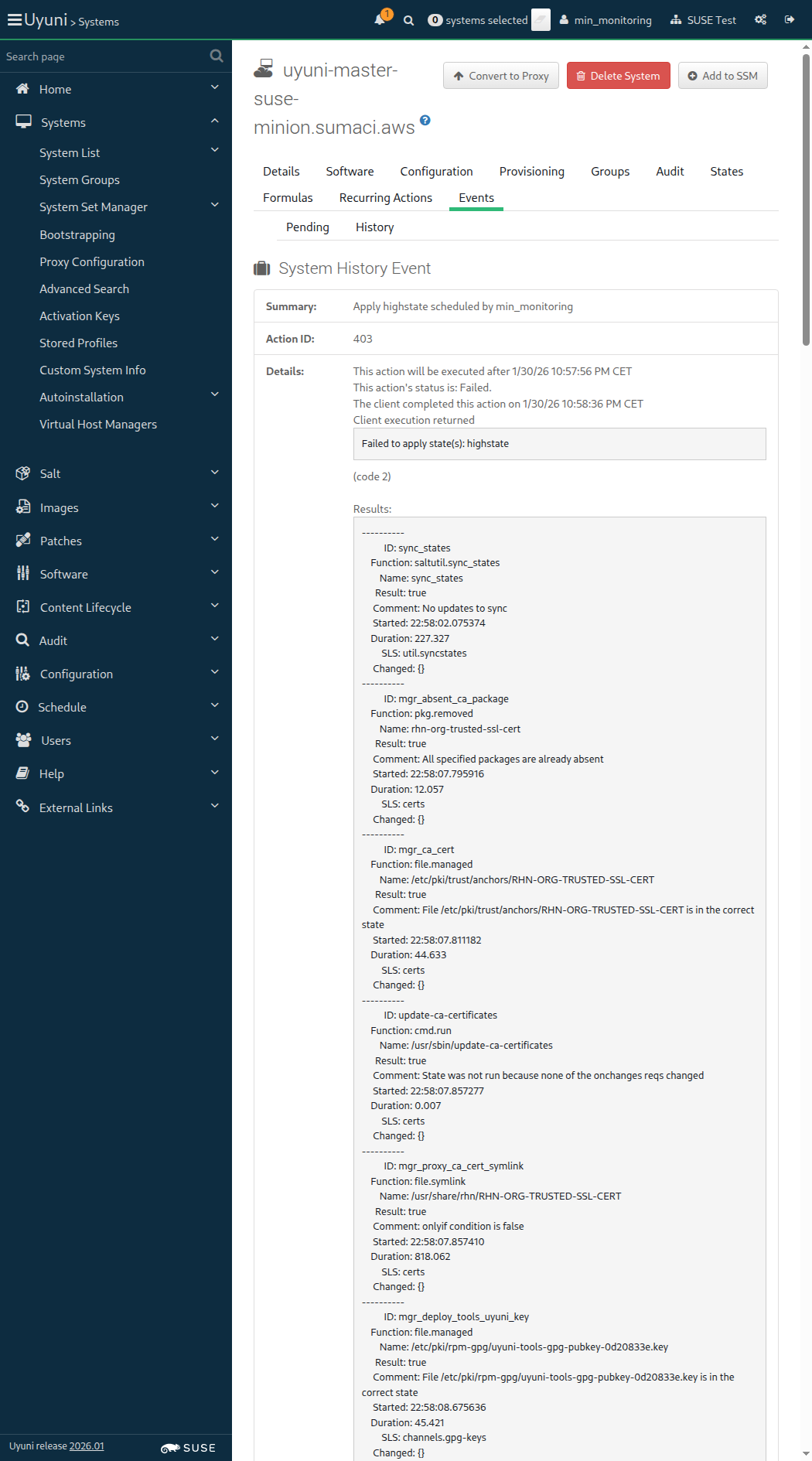
Screenshot +


When I wait until "prometheus" service is active on "sle_minion" 4m 10s Show Error +
                                            
execution expired (Timeout::Error) ./features/support/commonlib.rb:95:in `repeat_until_timeout' ./features/support/remote_node.rb:202:in `run_until_ok' ./features/step_definitions/command_steps.rb:299:in `/^I wait until "([^"]*)" service is active on "([^"]*)"$/' features/secondary/min_monitoring.feature:54:in `I wait until "prometheus" service is active on "sle_minion"'

And I wait until "node" exporter service is active on "sle_minion" 0s

And I wait until "apache" exporter service is active on "sle_minion" 0s

And I wait until "postgres" exporter service is active on "sle_minion" 0s

14s 103ms Show Info +
22:59:09:000 - 23:03:19:000 | Current URL: https://uyuni-master-server.sumaci.aws/rhn/systems/details/history/Event.do?sid=1000010023&aid=403
Screenshot +


When I visit "Prometheus" endpoint of this "sle_minion" 4m 10s Show Error +
                                            
execution expired (Timeout::Error) ./features/support/commonlib.rb:95:in `repeat_until_timeout' ./features/support/remote_node.rb:202:in `run_until_ok' ./features/step_definitions/navigation_steps.rb:1168:in `/^I visit "([^"]*)" endpoint of this "([^"]*)"$/' features/secondary/min_monitoring.feature:60:in `I visit "Prometheus" endpoint of this "sle_minion"'

And I visit "Prometheus node exporter" endpoint of this "sle_minion" 0s

And I visit "Prometheus apache exporter" endpoint of this "sle_minion" 0s

And I visit "Prometheus postgres exporter" endpoint of this "sle_minion" 0s

13s 842ms Show Info +
23:03:33:000 - 23:07:43:000 | Current URL: https://uyuni-master-server.sumaci.aws/rhn/systems/details/history/Event.do?sid=1000010023&aid=403
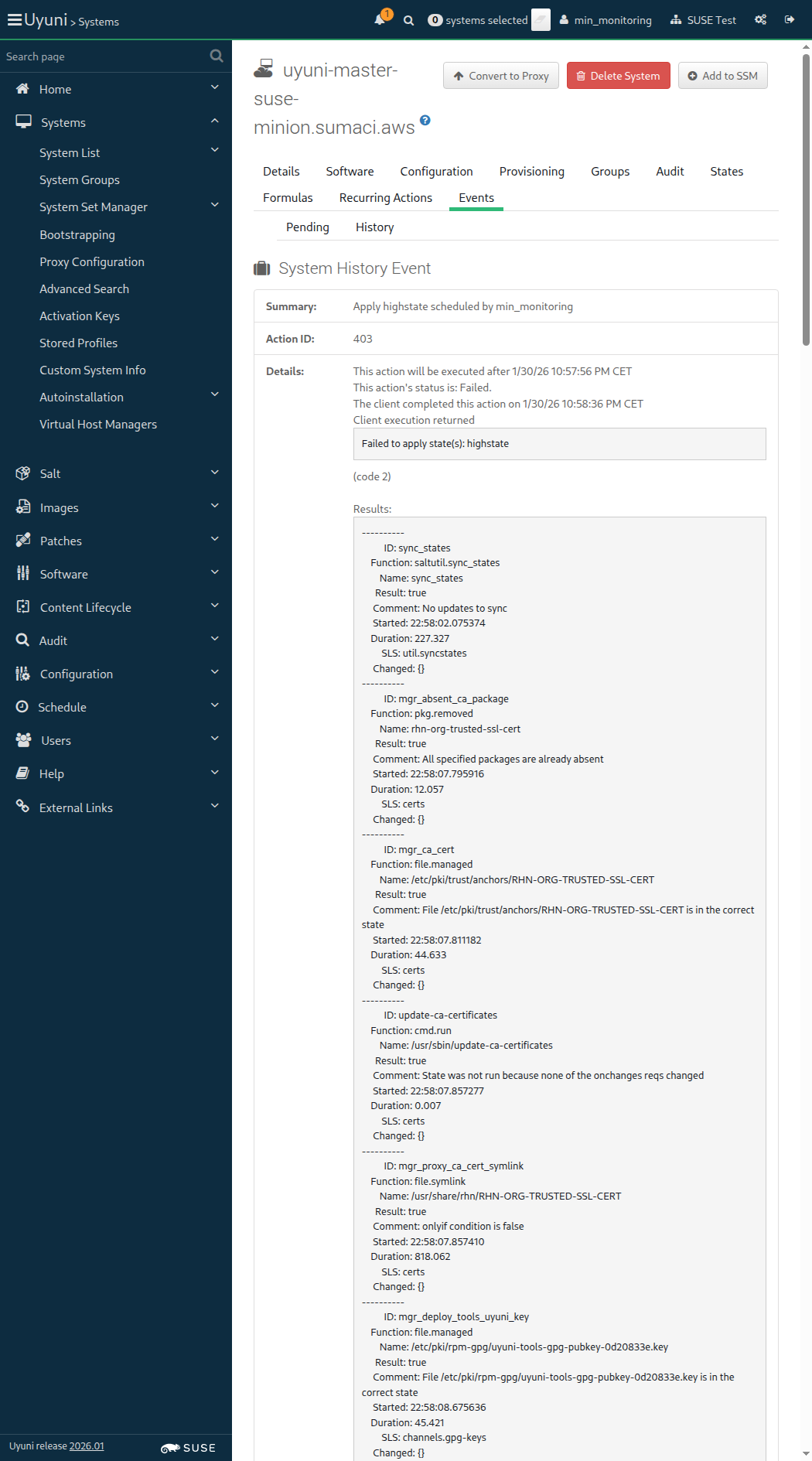
Screenshot +


When I follow "Formulas" in the content area 76ms

And I uncheck the "prometheus" formula 287ms

And I uncheck the "prometheus-exporters" formula 69ms

And I click on "Save" 61ms

Then I wait until I see "Formula saved" text 1s 101ms

And I follow "States" in the content area 70ms

And I click on "Apply Highstate" 58ms

Then I should see a "Applying the highstate has been scheduled." text 526ms

And I wait until event "Apply highstate scheduled" is completed 39s 60ms

As a systems administrator
In order to manage organization's access to SUSE Customer Service
I want to create, edit, and delete its credentials

Given I am authorized for the "Admin" section 0s

When I follow the left menu "Admin > Setup Wizard > Organization Credentials" 0s

And I ask to add new credentials 0s

And I enter "SCC user" as "edit-user" 0s

And I enter "SCC password" as "edit-password" 0s

And I click on "Save" 0s

Then I should see a "SCC user" text 0s

And the credentials for "SCC user" should be invalid 0s

When I follow the left menu "Admin > Setup Wizard > Organization Credentials" 0s

And I make the credentials for "SCC user" primary 0s

Then the credentials for "SCC user" should be primary 0s

When I follow the left menu "Admin > Setup Wizard > Organization Credentials" 0s

And I view the subscription list for "SCC user" 0s

And I wait until I see "No subscriptions available" text 0s

And I click on "Close" 0s

Given I am authorized for the "Admin" section 0s

When I follow the left menu "Admin > Setup Wizard > Organization Credentials" 0s

And I ask to add new credentials 0s

And I enter "invalidname" as "edit-user" 0s

And I enter "invalidpw" as "edit-password" 0s

And I click on "Save" 0s

Then the credentials for "invalidname" should be invalid 0s

When I ask to add new credentials 0s

And I enter "invalidname" as "edit-user" 0s

And I enter "invalidpw" as "edit-password" 0s

And I click on "Save" 0s

Then I should see a "Credentials with this username already exist" text 0s

When I click on "Cancel" 0s

Then the credentials for "invalidname" should be invalid 0s

Given I am authorized for the "Admin" section 0s

When I follow the left menu "Admin > Setup Wizard > Organization Credentials" 0s

And I ask to edit the credentials for "invalidname" 0s

And I enter "SCC user" as "edit-user" 0s

And I enter "geekogeeko" as "edit-password" 0s

And I click on "Save" 0s

Then I should see a "Credentials with this username already exist" text 0s

When I enter "invalidgeeko" as "edit-user" 0s

And I click on "Save" 0s

Then I should see a "invalidgeeko" text 0s

And the credentials for "invalidgeeko" should be invalid 0s

When I follow the left menu "Admin > Setup Wizard > Organization Credentials" 0s

And I wait for the trash icon to appear for "SCC user" 0s

And I ask to delete the credentials for "SCC user" 0s

And I click on "Delete" in "Are you sure you want to delete these credentials?" modal 0s

Then I wait until I do not see "SCC user" text 0s

When I wait for the trash icon to appear for "invalidgeeko" 0s

And I ask to delete the credentials for "invalidgeeko" 0s

And I click on "Delete" in "Are you sure you want to delete these credentials?" modal 0s

Then I wait until I do not see "invalidgeeko" text 0s

Given I am authorized 1s 897ms

When I follow the left menu "Patches > Patch List > All" 187ms

And I enter "dummy" as the filtered synopsis 45ms

And I click on the filter button 645ms

And I follow "perseus-dummy-7891" 446ms

Then I should see a "perseus-dummy-7891 - Security Advisory" text 72ms

And I should see a "CVE-1999-12345" link 11ms

And I should see a "CVE-1999-99781" link 10ms

When I refresh the metadata for "sle_minion" 1s 99ms

Then I should have 'reference.*id="CVE-1999-12345' in the patch metadata for "sle_minion" 837ms

And I should have 'reference.*id="CVE-1999-99781' in the patch metadata for "sle_minion" 855ms

And I should have 'reference.*http://cve.mitre.org/cgi-bin/cvename.cgi?name=CVE-1999-12345' in the patch metadata for "sle_minion" 837ms

And I should have 'reference.*http://cve.mitre.org/cgi-bin/cvename.cgi?name=CVE-1999-99781' in the patch metadata for "sle_minion" 840ms

When I follow the left menu "Patches > Advanced Search" 61ms

When I enter "CVE-1999-12345" as "search_string" in the content area 76ms

And I click on "Search" 59ms

Then I should see a "Advanced Search" text 82ms

And I should see a "perseus-dummy-7891" link in the content area 21ms

Given I am authorized for the "Admin" section 1s 981ms

When I enable repository "test_repo_rpm_pool" on this "sle_minion" 458ms

And I refresh the metadata for "sle_minion" 792ms

And I install old package "andromeda-dummy-1.0" on this "sle_minion" 1s 513ms

And I install old package "virgo-dummy-1.0" on this "sle_minion" 1s 566ms

When I follow the left menu "Admin > Task Schedules" 120ms

And I follow "errata-cache-default" 1s 220ms

And I follow "errata-cache-bunch" 1s 266ms

And I click on "Single Run Schedule" 1s 281ms

Then I should see a "bunch was scheduled" text 274ms

And I wait until the table contains "FINISHED" or "SKIPPED" followed by "FINISHED" in its first rows 1m 53s 703ms

When I follow the left menu "Patches > Patch List > Relevant" 248ms

Then I should see an update in the list 20ms

When I wait until I see "andromeda-dummy" text, refreshing the page 93ms

Then I should see a "andromeda-dummy-6789" link 11ms

When I enter "virgo-dummy" as the filtered synopsis 53ms

And I click on the filter button 382ms

And I wait until I see "virgo-dummy" text 66ms

Then I should see a "virgo-dummy-3456" link 11ms

When I follow the left menu "Patches > Patch List > Relevant" 66ms

And I follow "andromeda-dummy-6789" 466ms

Then I should see a "andromeda-dummy-6789 - Bug Fix Advisory" text 66ms

And I should see a "Test update for andromeda-dummy" text 66ms

And I should see a "Fake-RPM-SUSE-Channel" link 10ms

And I should see a "reboot_suggested" text 62ms

When I follow the left menu "Patches > Patch List > Relevant" 67ms

And I follow "andromeda-dummy-6789" 439ms

And I follow "Packages" 751ms

Then I should see a "Fake-RPM-SUSE-Channel" link 8ms

And I should see a "sha512:19940cc4a9f0d38a038a4455b0f1cf1290c4a4296b27f5a62f4aae60585ac6e2677e88c3c3127d487116ed8d9b1787379e23aafac46bc14408864926bedee693" text 56ms

And I should see a "andromeda-dummy-2.0-1.1-noarch" link 13ms

Given I am on the Systems overview page of this "sle_minion" 947ms

When I follow "Software" in the content area 72ms

And I follow "Patches" in the content area 64ms

Then I should see a "Relevant Patches" text 78ms

When I enter "dummy" as the filtered synopsis 36ms

And I click on the filter button 10s 78ms

Then I should see a "Test update for andromeda-dummy" text 75ms

And I should see a "Test update for virgo-dummy" text 76ms

Search by hostname: uyuni-master-suse-minion
[{"last_boot"=>"2026-01-30T19:04:49Z", "name"=>"uyuni-master-suse-minion.sumaci.aws", "id"=>1000010023, "last_checkin"=>"2026-01-30T22:09:17Z"}]

When I clean the search index on the server 5s 724ms

When I disable repository "test_repo_rpm_pool" on this "sle_minion" without error control 785ms

And I refresh the metadata for "sle_minion" 894ms

And I remove package "andromeda-dummy" from this "sle_minion" without error control 1s 455ms

And I remove package "virgo-dummy" from this "sle_minion" without error control 1s 439ms

@sle_minion @susemanager @scope_project_lotus @flaky
Feature:Project Lotus < 1ms 12

In order to manage Program Temporary Fixes (PTFs)
As an authorized user
I want to be able to install and remove them through the WebUI

When I follow the left menu "Software > Manage > Channels" 0s

And I follow "Create Channel" 0s

And I enter "Custom Channel for SLES15SP7 PTFs" as "Channel Name" 0s

And I enter "sles15sp7-ptfs" as "Channel Label" 0s

And I select the parent channel for the "sle_minion" from "Parent Channel" 0s

And I enter "Custom channel for PTFs" as "Channel Summary" 0s

And I uncheck "gpg_check" 0s

And I click on "Create Channel" 0s

Then I should see a "Custom Channel for SLES15SP7 PTFs" text 0s

When I follow the left menu "Software > Manage > Repositories" 0s

And I follow "Create Repository" 0s

And I enter "sles15sp7_ptf_repo" as "label" 0s

And I enter "http://updates.suse.de/download/PTF/Release/A127499/SLES/15.4/x86_64/ptf/" as "url" 0s

And I uncheck "metadataSigned" 0s

And I click on "Create Repository" 0s

Then I should see a "Repository created successfully" text 0s

When I follow the left menu "Software > Manage > Channels" 0s

And I follow "Custom Channel for SLES15SP7 PTFs" 0s

And I follow "Repositories" in the content area 0s

And I select the "sles15sp7_ptf_repo" repo 0s

And I click on "Save Repositories" 0s

Then I should see a "repository information was successfully updated" text 0s

When I follow the left menu "Software > Manage > Channels" 0s

And I follow "Custom Channel for SLES15SP7 PTFs" 0s

And I follow "Repositories" in the content area 0s

And I follow "Sync" 0s

Then I should see a "Repository sync is running" text 0s

When I wait until the channel "sles15sp7-ptfs" has been synced 0s

Given I am on the Systems overview page of this "sle_minion" 0s

When I follow "Software" in the content area 0s

And I follow "Software Channels" in the content area 0s

And I wait until I do not see "Loading..." text 0s

And I check radio button "SLE-Product-SLES15-SP7-Pool for x86_64" 0s

And I wait until I do not see "Loading..." text 0s

Then radio button "SLE-Product-SLES15-SP7-Pool for x86_64" should be checked 0s

And I wait until I do not see "Loading..." text 0s

And I check "Custom Channel for SLES15SP7 PTFs" 0s

And I click on "Next" 0s

Then I should see a "Confirm Software Channel Change" text 0s

And I click on "Confirm" 0s

Then I should see a "Changing the channels has been scheduled." text 0s

When I follow "scheduled" in the content area 0s

And I wait until I see "1 system successfully completed this action." text, refreshing the page 0s

Then channel "Custom Channel for SLES15SP7 PTFs" should be enabled on "sle_minion" 0s

Given I am on the Systems overview page of this "sle_minion" 0s

When I follow "Software" in the content area 0s

And I follow "PTFs" in the content area 0s

And I follow "Install" in the content area 0s

And I check "ptf-24894-3-0" in the list 0s

And I click on "Install PTFs" 0s

And I click on "Confirm" 0s

Then I should see a "The action has been scheduled" text 0s

And I wait until event "Package Install/Upgrade scheduled" is completed 0s

Given I am on the Systems overview page of this "sle_minion" 0s

When I follow "Software" in the content area 0s

And I follow "PTFs" in the content area 0s

And I follow "List / Remove" in the content area 0s

And I check "ptf-24894-3-0" in the list 0s

And I click on "Remove PTFs" 0s

And I click on "Confirm" 0s

Then I should see a "The action has been scheduled" text 0s

And I wait until event "Package Removal scheduled" is completed 0s

Given I am on the Systems overview page of this "sle_minion" 0s

When I follow "Software" in the content area 0s

And I follow "Packages" in the content area 0s

And I follow "Install" in the content area 0s

And I enter "ptf-24894-3-0" as the filtered package name 0s

And I click on the filter button 0s

And I check "ptf-24894-3-0" in the list 0s

And I click on "Install Packages" 0s

And I click on "Confirm" 0s

Then I should see a "1 package install has been scheduled for" text 0s

And I wait until event "Package Install/Upgrade scheduled" is completed 0s

Given I am on the Systems overview page of this "sle_minion" 0s

When I follow "Software" in the content area 0s

And I follow "Packages" in the content area 0s

And I follow "List / Remove" in the content area 0s

And I enter "ptf-24894-3-0" as the filtered package name 0s

And I click on the filter button 0s

And I check "ptf-24894-3-0" in the list 0s

And I click on "Remove Packages" 0s

And I click on "Confirm" 0s

Then I should see a "1 package removal has been scheduled for" text 0s

And I wait until event "Package Removal scheduled" is completed 0s

When I follow the left menu "Software > Manage > Channels" 0s

And I follow "Custom Channel for SLES15SP7 PTFs" 0s

And I follow "Delete Channel" 0s

And I check "unsubscribeSystems" 0s

And I click on "Delete Channel" 0s

Then I should see a "Channel Custom Channel for SLES15SP7 PTFs has been deleted" text 0s

When I follow the left menu "Software > Manage > Repositories" 0s

And I follow "sles15sp7_ptf_repo" 0s

And I follow "Delete Repository" 0s

And I click on "Delete Repository" 0s

Then I should see a "Repository deleted successfully" text 0s

@skip_if_github_validation @skip_if_cloud @skip_if_containerized_server
Feature:Reconfigure the server's hostname < 1ms 20

As admin user
In order to change the server's hostname
I want to use the tool spacewalk-hostname-rename.

Given I am authorized for the "Admin" section 0s

When I change the server's short hostname from hosts and hostname files 0s

And I reboot the server through SSH 0s

And I run spacewalk-hostname-rename command on the server 0s

When I copy server's keys to the proxy 0s

And I configure the proxy 0s

Then I should see "proxy" via spacecmd 0s

When I restart the "venv-salt-minion" service on "proxy" 0s

Then service "venv-salt-minion" is active on "proxy" 0s

When I restart the "salt-broker" service on "proxy" 0s

Then service "salt-broker" is active on "proxy" 0s

When I apply highstate on "sle_minion" 0s

When I apply highstate on "rhlike_minion" 0s

When I apply highstate on "deblike_minion" 0s

When I apply highstate on "build_host" 0s

When I check all certificates after renaming the server hostname 0s

Given I am on the Systems overview page of this "sle_minion" 0s

When I follow "Details" in the content area 0s

And I follow "Remote Command" in the content area 0s

And I enter as remote command this script in #!/bin/bash date 0s

And I click on "Schedule" 0s

And I follow "Events" in the content area 0s

And I follow "Pending" in the content area 0s

And I wait at most 180 seconds until I do not see "Remote Command on" text, refreshing the page 0s

And I follow "History" in the content area 0s

And I wait until I see the event "Remote Command on" completed during last minute, refreshing the page 0s

When I change back the server's hostname 0s

And I run spacewalk-hostname-rename command on the server 0s

When I copy server's keys to the proxy 0s

And I configure the proxy 0s

Then I should see "proxy" via spacecmd 0s

When I restart the "venv-salt-minion" service on "proxy" 0s

Then service "venv-salt-minion" is active on "proxy" 0s

When I restart the "salt-broker" service on "proxy" 0s

Then service "salt-broker" is active on "proxy" 0s

When I apply highstate on "sle_minion" 0s

When I apply highstate on "rhlike_minion" 0s

When I apply highstate on "deblike_minion" 0s

When I apply highstate on "build_host" 0s

When I check all certificates after renaming the server hostname 0s

In order for the server to behave correctly after a reboot
I want to be sure that there is no wrong SELinux label

Then files on container volumes should all have the proper SELinux label 0s

When I execute spacewalk-debug on the server 40s 402ms

Then the tomcat logs should not contain errors 925ms

Then the salt event log on server should contain no failures 5s 578ms Show Error +
                                            
Found 23 failures in salt event log: # Failure 2 , _stamp: 2026-01-30T20:24:35.752787 { "__id__": "pkg_installed", "__run_num__": 11, "__sls__": "packages.pkginstall", "changes": {}, "comment": "An error was encountered while installing package(s): Zypper command failure: Running as unit: run-p14271-i14272.scope; invocation ID: 947b5f5ea6cb40cca4d0c87d5a25c815Loading repository data...\nReading installed packages...\nResolving package dependencies...\n\nProblem: 1: nothing provides 'python3-defusedxml' needed by the to be installed python3-rhnlib-5.2.1-2.3.uyuni.noarch\n Solution 1: do not install mgr-push-5.2.1-2.3.uyuni.noarch\n Solution 2: break python3-rhnlib-5.2.1-2.3.uyuni.noarch by ignoring some of its dependencies\n\nChoose from above solutions by number or cancel [1/2/c/d/?] (c): c", "duration": 1981.154, "name": "pkg_installed", "result": false, "start_time": "21:24:33.762281" } # Failure 3 , _stamp: 2026-01-30T20:39:34.629345 { "__id__": "mgr_buildimage", "__run_num__": 1, "__sls__": "images.docker", "changes": {}, "comment": "Module function docker.build threw an exception. Exception: Build failed for https://github.com/uyuni-project/uyuni.git#:testsuite/features/profiles/temporary/docker_profiles/cloud_aws/Docker. Error(s) follow:\n\nmanifest for ip-172-16-1-175.eu-central-1.compute.internal/suse/sle15:15.7 not found: manifest unknown: manifest unknown", "duration": 15959.489, "name": "docker.build", "result": false, "start_time": "21:39:18.624173" } # Failure 4 , _stamp: 2026-01-30T20:39:34.629345 { "__id__": "mgr_pushimage", "__run_num__": 2, "__sls__": "images.docker", "changes": {}, "comment": "One or more requisite failed: images.docker.mgr_buildimage", "duration": 0.007, "name": "docker.push", "result": false, "start_time": "21:39:34.584866" } # Failure 5 , _stamp: 2026-01-30T20:39:34.629345 { "__id__": "mgr_registries_logout", "__run_num__": 3, "__sls__": "images.docker", "changes": {}, "comment": "One or more requisite failed: images.docker.mgr_pushimage", "duration": 0.004, "name": "docker.logout", "result": false, "start_time": "21:39:34.585191" } # Failure 6 , _stamp: 2026-01-30T20:40:44.872010 { "__id__": "mgr_buildimage", "__run_num__": 1, "__sls__": "images.docker", "changes": {}, "comment": "Module function docker.build threw an exception. Exception: Build failed for https://github.com/uyuni-project/uyuni.git#:testsuite/features/profiles/temporary/docker_profiles/cloud_aws/Docker. Error(s) follow:\n\nmanifest for ip-172-16-1-175.eu-central-1.compute.internal/suse/sle15:15.7 not found: manifest unknown: manifest unknown", "duration": 14996.246, "name": "docker.build", "result": false, "start_time": "21:40:29.840929" } # Failure 7 , _stamp: 2026-01-30T20:40:44.872010 { "__id__": "mgr_pushimage", "__run_num__": 2, "__sls__": "images.docker", "changes": {}, "comment": "One or more requisite failed: images.docker.mgr_buildimage", "duration": 0.006, "name": "docker.push", "result": false, "start_time": "21:40:44.838086" } # Failure 8 , _stamp: 2026-01-30T20:40:44.872010 { "__id__": "mgr_registries_logout", "__run_num__": 3, "__sls__": "images.docker", "changes": {}, "comment": "One or more requisite failed: images.docker.mgr_pushimage", "duration": 0.004, "name": "docker.logout", "result": false, "start_time": "21:40:44.838364" } # Failure 9 , _stamp: 2026-01-30T20:46:48.833287 { "__id__": "mgr_buildimage", "__run_num__": 1, "__sls__": "images.docker", "changes": {}, "comment": "Module function docker.build threw an exception. Exception: Build failed for https://github.com/uyuni-project/uyuni.git#:testsuite/features/profiles/temporary/docker_profiles/cloud_aws/Docker. Error(s) follow:\n\nmanifest for ip-172-16-1-175.eu-central-1.compute.internal/suse/sle15:15.7 not found: manifest unknown: manifest unknown", "duration": 14124.613, "name": "docker.build", "result": false, "start_time": "21:46:34.657597" } # Failure 10 , _stamp: 2026-01-30T20:46:48.833287 { "__id__": "mgr_pushimage", "__run_num__": 2, "__sls__": "images.docker", "changes": {}, "comment": "One or more requisite failed: images.docker.mgr_buildimage", "duration": 0.005, "name": "docker.push", "result": false, "start_time": "21:46:48.782952" } # Failure 11 , _stamp: 2026-01-30T20:46:48.833287 { "__id__": "mgr_registries_logout", "__run_num__": 3, "__sls__": "images.docker", "changes": {}, "comment": "One or more requisite failed: images.docker.mgr_pushimage", "duration": 0.004, "name": "docker.logout", "result": false, "start_time": "21:46:48.783234" } # Failure 12 , _stamp: 2026-01-30T20:47:44.853992 { "__id__": "mgr_buildimage", "__run_num__": 1, "__sls__": "images.docker", "changes": {}, "comment": "Module function docker.build threw an exception. Exception: Build failed for https://github.com/uyuni-project/uyuni.git#:testsuite/features/profiles/temporary/docker_profiles/cloud_aws/Docker. Error(s) follow:\n\nmanifest for ip-172-16-1-175.eu-central-1.compute.internal/suse/sle15:15.7 not found: manifest unknown: manifest unknown", "duration": 15394.042, "name": "docker.build", "result": false, "start_time": "21:47:29.429187" } # Failure 13 , _stamp: 2026-01-30T20:47:44.853992 { "__id__": "mgr_pushimage", "__run_num__": 2, "__sls__": "images.docker", "changes": {}, "comment": "One or more requisite failed: images.docker.mgr_buildimage", "duration": 0.005, "name": "docker.push", "result": false, "start_time": "21:47:44.823693" } # Failure 14 , _stamp: 2026-01-30T20:47:44.853992 { "__id__": "mgr_registries_logout", "__run_num__": 3, "__sls__": "images.docker", "changes": {}, "comment": "One or more requisite failed: images.docker.mgr_pushimage", "duration": 0.004, "name": "docker.logout", "result": false, "start_time": "21:47:44.824074" } # Failure 15 , _stamp: 2026-01-30T20:48:44.079970 { "__id__": "mgr_buildimage", "__run_num__": 1, "__sls__": "images.docker", "changes": {}, "comment": "Module function docker.build threw an exception. Exception: Build failed for https://github.com/uyuni-project/uyuni.git#:testsuite/features/profiles/temporary/docker_profiles/cloud_aws/Docker. Error(s) follow:\n\nmanifest for ip-172-16-1-175.eu-central-1.compute.internal/suse/sle15:15.7 not found: manifest unknown: manifest unknown", "duration": 16012.698, "name": "docker.build", "result": false, "start_time": "21:48:28.029813" } # Failure 16 , _stamp: 2026-01-30T20:48:44.079970 { "__id__": "mgr_pushimage", "__run_num__": 2, "__sls__": "images.docker", "changes": {}, "comment": "One or more requisite failed: images.docker.mgr_buildimage", "duration": 0.006, "name": "docker.push", "result": false, "start_time": "21:48:44.042999" } # Failure 17 , _stamp: 2026-01-30T20:48:44.079970 { "__id__": "mgr_registries_logout", "__run_num__": 3, "__sls__": "images.docker", "changes": {}, "comment": "One or more requisite failed: images.docker.mgr_pushimage", "duration": 0.006, "name": "docker.logout", "result": false, "start_time": "21:48:44.043724" } # Failure 18 , _stamp: 2026-01-30T20:49:37.021795 { "__id__": "mgr_buildimage", "__run_num__": 1, "__sls__": "images.docker", "changes": {}, "comment": "Module function docker.build threw an exception. Exception: Build failed for https://github.com/uyuni-project/uyuni.git#:testsuite/features/profiles/temporary/docker_profiles/cloud_aws/Docker. Error(s) follow:\n\nmanifest for ip-172-16-1-175.eu-central-1.compute.internal/suse/sle15:15.7 not found: manifest unknown: manifest unknown", "duration": 16414.753, "name": "docker.build", "result": false, "start_time": "21:49:20.574731" } # Failure 19 , _stamp: 2026-01-30T20:49:37.021795 { "__id__": "mgr_pushimage", "__run_num__": 2, "__sls__": "images.docker", "changes": {}, "comment": "One or more requisite failed: images.docker.mgr_buildimage", "duration": 0.005, "name": "docker.push", "result": false, "start_time": "21:49:36.989956" } # Failure 20 , _stamp: 2026-01-30T20:49:37.021795 { "__id__": "mgr_registries_logout", "__run_num__": 3, "__sls__": "images.docker", "changes": {}, "comment": "One or more requisite failed: images.docker.mgr_pushimage", "duration": 0.004, "name": "docker.logout", "result": false, "start_time": "21:49:36.990233" } # Failure 21 , _stamp: 2026-01-30T20:58:45.740810 { "__id__": "mgr_buildimage", "__run_num__": 1, "__sls__": "images.docker", "changes": {}, "comment": "Module function docker.build threw an exception. Exception: Build failed for https://github.com/uyuni-project/uyuni.git#:testsuite/features/profiles/temporary/docker_profiles/cloud_aws/Docker/authprofile. Error(s) follow:\n\nHead \"https://ip-172-16-1-175.eu-central-1.compute.internal:5000/v2/cucutest/systemsmanagement/uyuni/master/docker/containers/uyuni-master-testsuite/manifests/latest\": no basic auth credentials", "duration": 15131.529, "name": "docker.build", "result": false, "start_time": "21:58:30.574715" } # Failure 22 , _stamp: 2026-01-30T20:58:45.740810 { "__id__": "mgr_pushimage", "__run_num__": 2, "__sls__": "images.docker", "changes": {}, "comment": "One or more requisite failed: images.docker.mgr_buildimage", "duration": 0.006, "name": "docker.push", "result": false, "start_time": "21:58:45.706732" } # Failure 23 , _stamp: 2026-01-30T20:58:45.740810 { "__id__": "mgr_registries_logout", "__run_num__": 3, "__sls__": "images.docker", "changes": {}, "comment": "One or more requisite failed: images.docker.mgr_pushimage", "duration": 0.004, "name": "docker.logout", "result": false, "start_time": "21:58:45.707009" } # Failure 24 , _stamp: 2026-01-30T21:58:36.605119 { "__id__": "os_not_supported", "__run_num__": 14, "__sls__": "prometheus", "changes": {}, "comment": "Failure!", "duration": 0.88, "name": "OS not supported!", "result": false, "start_time": "22:58:09.036216" } (ScriptError) ./features/step_definitions/salt_steps.rb:526:in `/^the salt event log on server should contain no failures$/' features/finishing/srv_debug.feature:15:in `the salt event log on server should contain no failures'

Then the taskomatic logs should not contain errors 954ms

Then the log messages should not contain out of memory errors 792ms

Then the word "scc.suse.com" does not occur more than 100 times in "/var/log/rhn/rhn_web_ui.log" on "server" 0s

Then the word "scc.suse.com" does not occur more than 50 times in "/var/log/rhn/rhn_taskomatic_daemon.log" on "server" 0s